The Vector Converter

The Vector Converter

ダウンロード: App Store
ロゴ: The Vector Converter

ベクターコンバーター:モバイルクリエイター向けプロフェッショナルファイル変換

AI、EPS、CDRファイルをSVG、PDF、PNGに即座に変換します。モバイルワークフローとプロフェッショナルデザインツールのギャップを15秒未満で埋めます。

開発元

Float Tech, LLC

カテゴリ

Utilities

ダウンロード

169K+

ユーザー評価

4.7/5

評価数

800

対応言語

23

あなたのワークフローを可視化

このインターフェースを利用する 169K+ 人のユーザー.

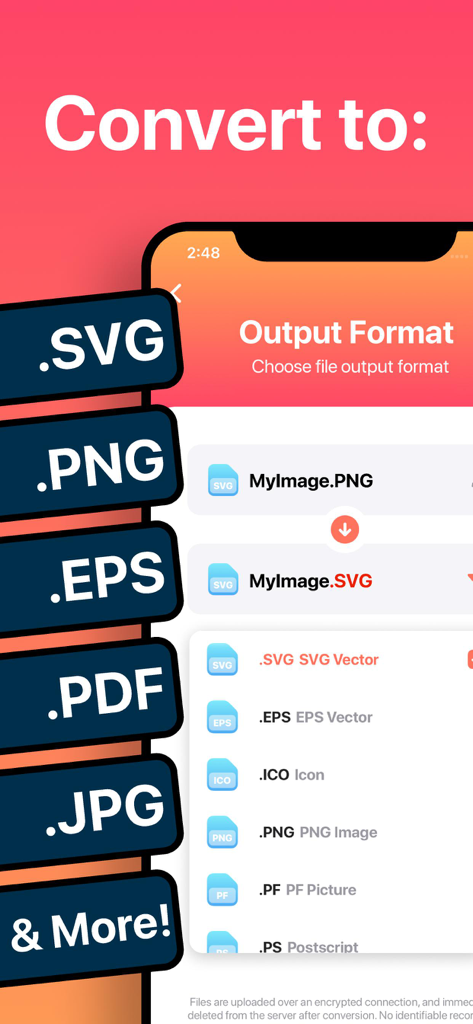
SVGやEPSのようなベクターフォーマットに画像を変換するオプションを表示するモバイルアプリのインターフェース

SVGやEPSのようなベクターフォーマットに画像を変換するオプションを表示するモバイルアプリのインターフェース

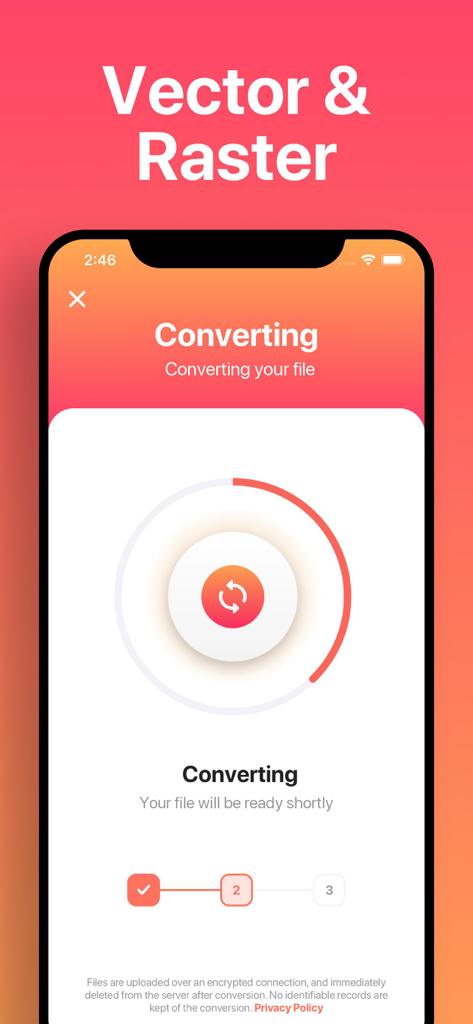
ラスターからベクターフォーマットへのファイル変換の進行状況を示すスマートフォンの画面。

ラスターからベクターフォーマットへのファイル変換の進行状況を示すスマートフォンの画面。

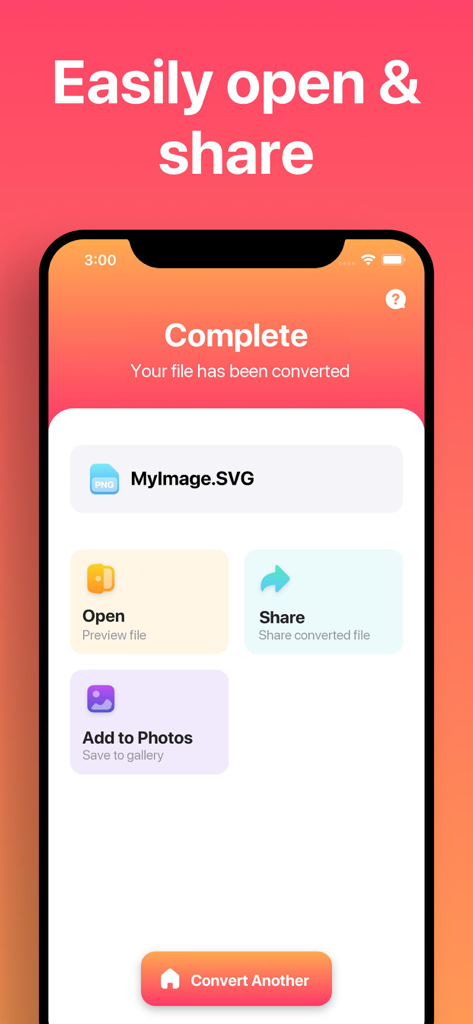
SVGへのファイル変換が完了し、写真に開く、共有する、または保存するオプションが表示されているベクターコンバーターアプリの画面

SVGへのファイル変換が完了し、写真に開く、共有する、または保存するオプションが表示されているベクターコンバーターアプリの画面

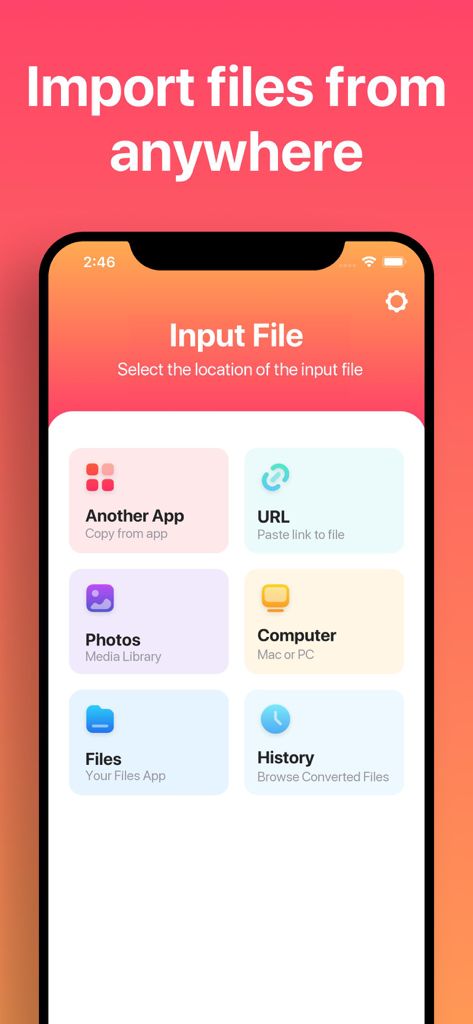
URL、写真、コンピュータを含むさまざまなファイルインポートオプションを表示するベクターコンバーターアプリのインターフェース。

URL、写真、コンピュータを含むさまざまなファイルインポートオプションを表示するベクターコンバーターアプリのインターフェース。

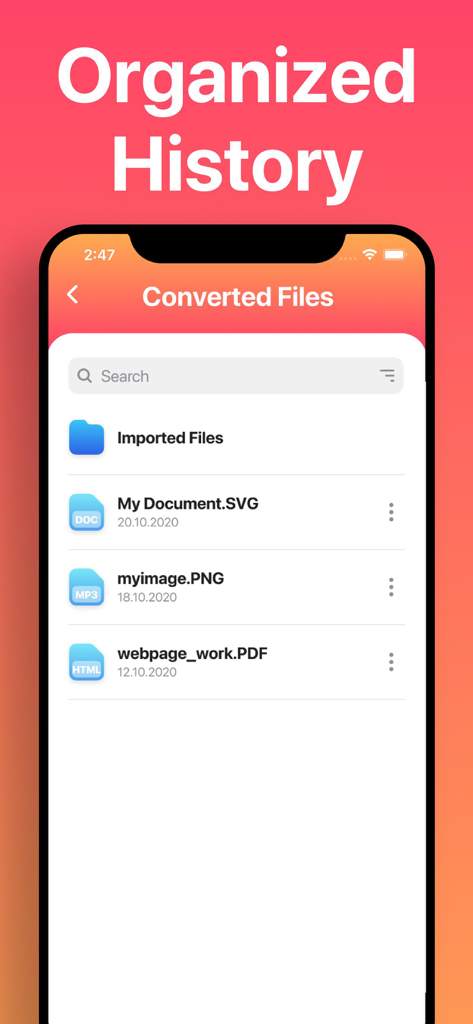
整理された履歴」というヘッダーの下に、SVG、PNG、PDF形式を含む変換済みファイルのリストが表示されているモバイルアプリの画面。

整理された履歴」というヘッダーの下に、SVG、PNG、PDF形式を含む変換済みファイルのリストが表示されているモバイルアプリの画面。

プログレードの変換を指先で

このアプリを際立たせるツール、 169K+ 人のユーザーが選択.

🔄

ユニバーサルフォーマットサポート

AIやCDRからSVGやDXFまで、数多くの複雑なフォーマットを即座に変換し、Procreate、Canva、Cricutなどのツールとシームレスに連携できます。

超高速パフォーマンス

ほとんどの変換は15秒未満です。安全なクラウドまたはインスタントローカル処理を使用して、待つことなくプロジェクトを進めましょう。

📲

モバイルワークフロー最適化

iPadおよびiPhoneパワーユーザーに最適です。ファイルをMacにAirDropしたり、iCloudに保存したり、お気に入りのデザインアプリで結果を直接開いたりできます。

レビュー分析

ユーザーレビューの分析.

感情スコア

18%
ネガティブ

概要

This app receives predominantly negative feedback, with many users expressing severe dissatisfaction. While a few users find it easy to use and effective for basic conversions, the vast majority report critical issues with output quality, such as degraded images, empty files, incorrect colors, or distortion. Numerous complaints also highlight a problematic subscription model, including unexpected charges, the absence of a true free trial, and difficulties canceling. Users frequently describe the core conversion functionality as non-existent or unreliable, leading to accusations of the app being a "scam" and a "waste of money."

主なテーマ

Output Quality(25)
Conversion Reliability(20)
Subscription & Billing(17)
Value for Money(11)
Ease of Use(8)
Saving & Export(4)

アプリについて

について知っておくべきこと The Vector Converter.

説明

Easily convert your files to nearly any vector or image format! 1. Select your input file 2. Choose your output format ( SVG, PNG, EPS, PDF etc. ) 3. Convert! It will only take a few seconds. 4. Save your file, or open it in your favorite app! Here are the output formats you can choose from: SVG, EPS, ICO, PNG, PS, JPG, BMP, TIFF, WEBP, DXF, PSD, PDF You can convert from dozens of input formats, here are some of the most popular formats we support converting from: AI, EPS, SVGZ, CDR, OTF, TTF, PDF, DWG, JPG, PNG, EPS, HEIC, SVG and many more! Save, Share or Open your converted files in your favorite apps immediately. You can even browse your previously converted files with our in-app file browser. After conversion, you can immediately AirDrop your files right to your Mac or another device. Conversions usually take less than 15 seconds! Conversion is done on a secure cloud server, which makes conversion easier, faster and much more battery-friendly. You must have an internet connection to use this app. Files are immediately deleted from the server after conversion. While the files are immediately deleted after conversion or cancellation, you should be aware that by using this app, you agree that your files will be sent over to internet from the app to the conversion server. We've also recently added support for local conversions for many popular conversion types. These conversions don't require a server, and are usually done almost instantly! We are continuing to add support for more local conversions with each update. This app includes an optional auto-renewable subscription (Premium Pass): Premium Pass beings with a free trial period, then an auto-renewable monthly subscription when trial ends. Payment will be charged to your Apple account at confirmation of purchase and will automatically renew (at the duration/price selected) unless auto-renew is turned off at least 24 hrs before the end of the current period. Account will be charged for renewal within 24-hours prior to the end of the current period. Current subscription may not be cancelled during the active subscription period; however, you can manage your subscription and/or turn off auto-renewal by visiting your Apple Account Settings after purchase. Any unused portion of the free initial period will be forfeited when you purchase a subscription. Privacy Policy: https://float.support/the-vector-converter/privacy Terms of Use: https://float.support/the-vector-converter/terms

最新バージョン

26.0.2

サイズ

41.9 MB

リリース日

2015年3月20日

クリエイティブワークフローを効率化しませんか?

数秒でファイルを変換する169,000人以上のデザイナーやメーカーに参加しましょう。今すぐベクターコンバーターをダウンロードして、ファイル形式に足かせをされることはもうありません。

ダウンロード: App Store
おすすめ

類似アプリ

似た機能とユーザー体験を持つアプリ

App information, icons, screenshots, and descriptions displayed on this page are sourced from the Apple App Store and are the property of their respective developers. Download estimates and rankings are based on MWM's proprietary models and may not reflect actual figures. This page is provided for informational and analytical purposes only.

Believe this page infringes your intellectual property? File a dispute