Water Polo Scoreboard

Water Polo Scoreboard

ダウンロード: App Store
ロゴ: Water Polo Scoreboard

ウォーターポロ スコアボード:プロフェッショナルなゲーム管理をシンプルに

スコア、ファウル、ショットクロックを正確に追跡するための、コーチとボランティア向けオールインワンツール — プールの熱気の中で活躍するために設計されました。

ダウンロード: App Store

開発元

NAOYA ONO

カテゴリ

Sports

ダウンロード

800

ユーザー評価

1.0/5

評価数

0

対応言語

2

試合当日の準備

このインターフェースを利用する 800 人のユーザー.

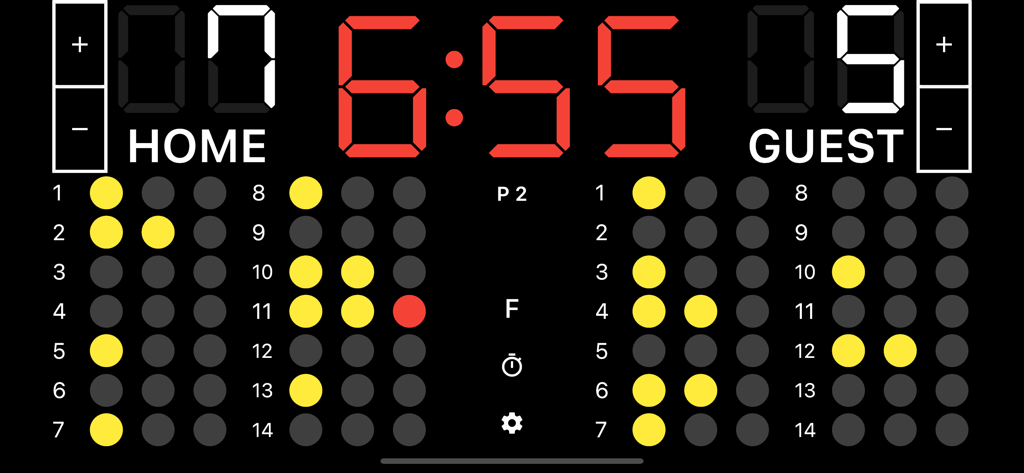
デジタルウォーターポロスコアボードアプリのインターフェース。6時55分のゲームタイマー、チームスコア7対5、個々のプレイヤーのファウル追跡ドットが表示されています。

デジタルウォーターポロスコアボードアプリのインターフェース。6時55分のゲームタイマー、チームスコア7対5、個々のプレイヤーのファウル追跡ドットが表示されています。

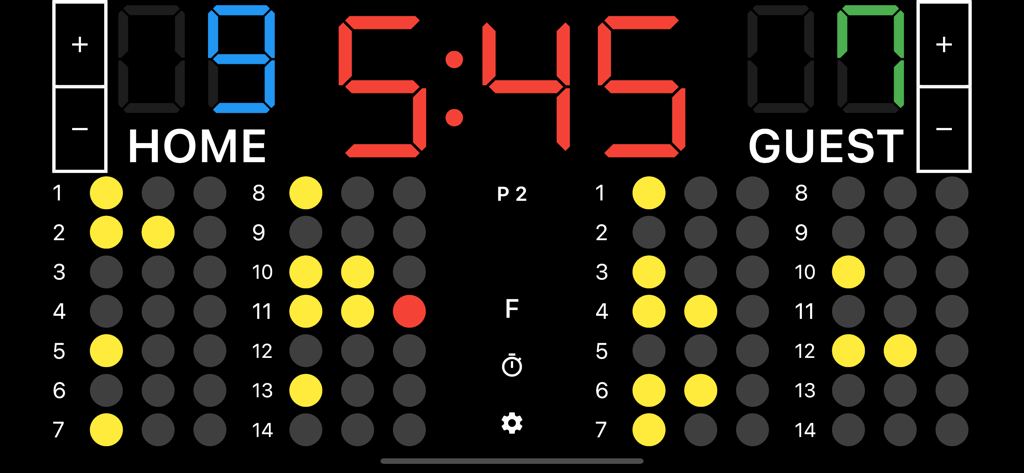
デジタルウォーターポロスコアボードインターフェース。チームスコア、ゲームクロック、プレイヤーファウル追跡が表示されています。

デジタルウォーターポロスコアボードインターフェース。チームスコア、ゲームクロック、プレイヤーファウル追跡が表示されています。

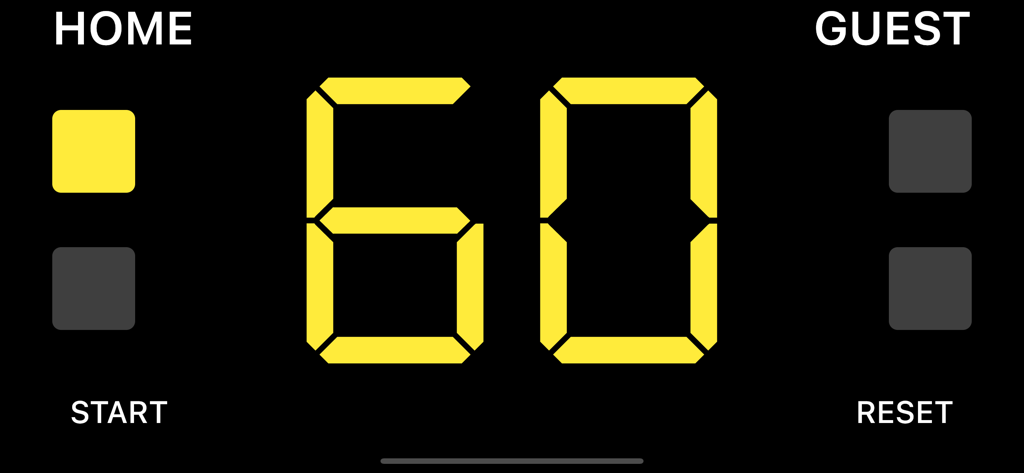
ウォーターポロスコアボードアプリのホームチームとゲストチーム向けの60秒デジタルタイムアウ ஆகியவற்றைக் குறிக்கும் டைமர்.

ウォーターポロスコアボードアプリのホームチームとゲストチーム向けの60秒デジタルタイムアウ ஆகியவற்றைக் குறிக்கும் டைமர்.

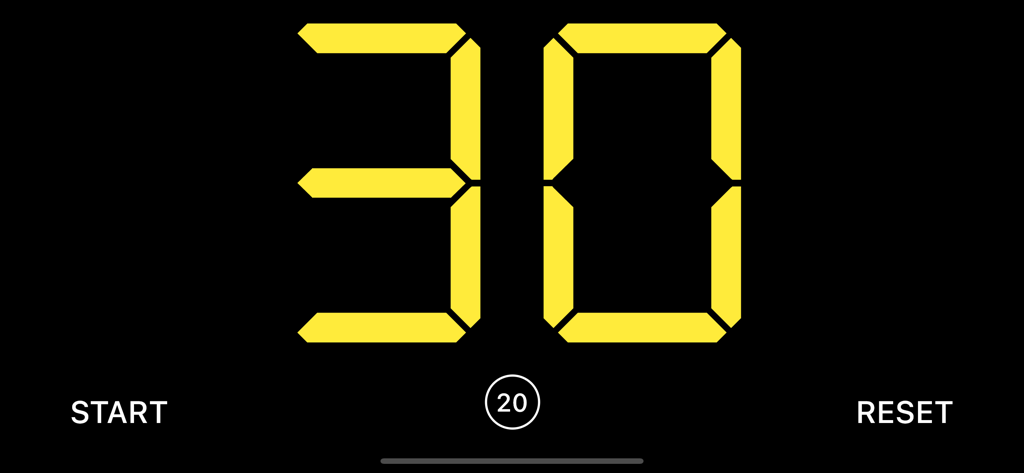
ウォーターポロゲーム向けのデジタル30秒ショットクロックインターフェース

ウォーターポロゲーム向けのデジタル30秒ショットクロックインターフェース

プロフェッショナルな採点をシンプルに

このアプリを際立たせるツール、 800 人のユーザーが選択.

⏱️

統合ショットクロック

公式試合規則に準拠した内蔵の30秒タイマーとゲームクロックでペースを維持しましょう。

🟥

正確なファウル追跡

プレイヤーの退場を簡単に管理できます。高強度のゲームプレイ中の精度を確保するために、フルスクリーンのファウルモードを使用してください。

📋

ボランティア向けに構築

経験豊富なプロのようにテーブルを運営できる、学習曲線ゼロのインターフェースです。

📋

ボランティア向けに構築

経験豊富なプロのようにテーブルを運営できる、学習曲線ゼロのインターフェースです。

アプリについて

について知っておくべきこと Water Polo Scoreboard.

説明

A scoreboard app specialized for water polo. It is easy to use, and allows you to set team names and register fouls. ●Basic Functions 1. Team name Tap “HOME or “GUEST” on the screen to enter the team name. 2. Adding and subtracting points You can add or subtract points by tapping the button next to the score. You can also add points by tapping the score. 3. Period Tap the “P” button in the middle of the screen to go to the next period. 4. Foul Tap the player who fouled to count the number of fouls. If your device is too small to tap a player, tap the "F" button on the center of the screen to display the fouls in full screen, making it easier to register the fouls. 5. Game timer Tap the time to start the timer. If you want to stop it, tap it again. 6. Timeout timer Swipe the scoreboard to either left or right to display it. Tap the time or the "Start" button at the bottom of the screen to start the timer. Tap again to stop the timer. 7. Shot clock (30 second timer) Swipe the scoreboard to either left or right to display it. Tap the time or the "Start" button at the bottom of the screen to start the timer. Tap again to stop the timer. 8. Reset Tap the cog icon at the bottom center of the screen to display the menu, where you can reset the score and timer.

最新バージョン

1.3.3

サイズ

35.5 MB

リリース日

2021年12月19日

プロのようにゲームを運営する準備はできましたか?

iPadまたはiPhoneをプロ仕様のテーブルオフィシャルステーションに変えましょう。全国のコーチやボランティアの仲間入りをして、自信を持ってすべてのショットクロック、ファウル、ピリオドを管理しましょう。

ダウンロード: App Store

App information, icons, screenshots, and descriptions displayed on this page are sourced from the Apple App Store and are the property of their respective developers. Download estimates and rankings are based on MWM's proprietary models and may not reflect actual figures. This page is provided for informational and analytical purposes only.

Believe this page infringes your intellectual property? File a dispute