ZCleaner -Best iPhone Cleaner

ZCleaner -Best iPhone Cleaner


ダウンロード: App Store
ロゴ: ZCleaner -Best iPhone Cleaner

ZCleaner:iPhoneのストレージを解放し、数秒で整理

「ストレージ容量がほとんどありません」の警告に終止符を。重複写真を楽々削除、高画質を維持したまま大容量動画を圧縮、プライベートな思い出を安全なボルトに保管しましょう。

ダウンロード: App Store

開発元

Innovana Techlabs Limited

カテゴリ

Utilities

ダウンロード

1K+

ユーザー評価

5.0/5

評価数

0

対応言語

11

ZCleanerの内部を覗いてみましょう

このインターフェースを利用する 1K+ 人のユーザー.

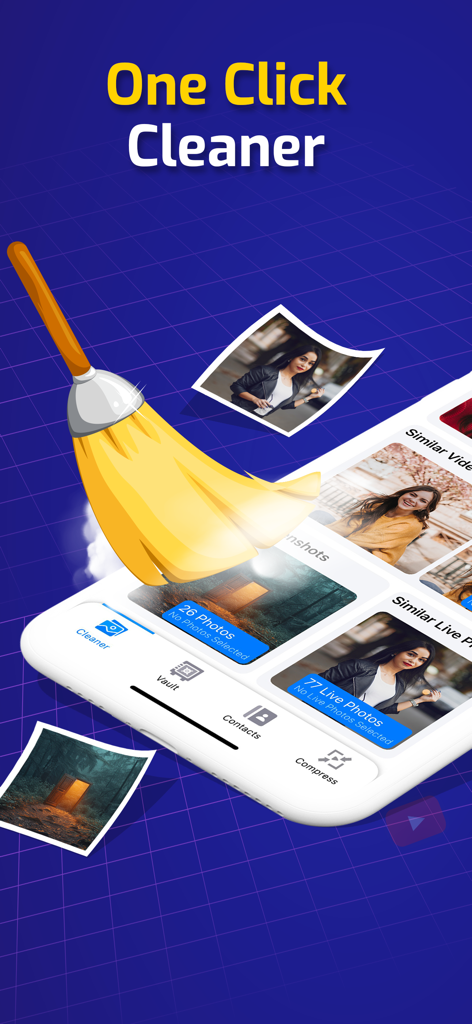
ZCleanerアプリのインターフェース、ほうきで写真が掃き除かれている様子と「ワンクリッククリーナー」のテキストが表示されています

ZCleanerアプリのインターフェース、ほうきで写真が掃き除かれている様子と「ワンクリッククリーナー」のテキストが表示されています

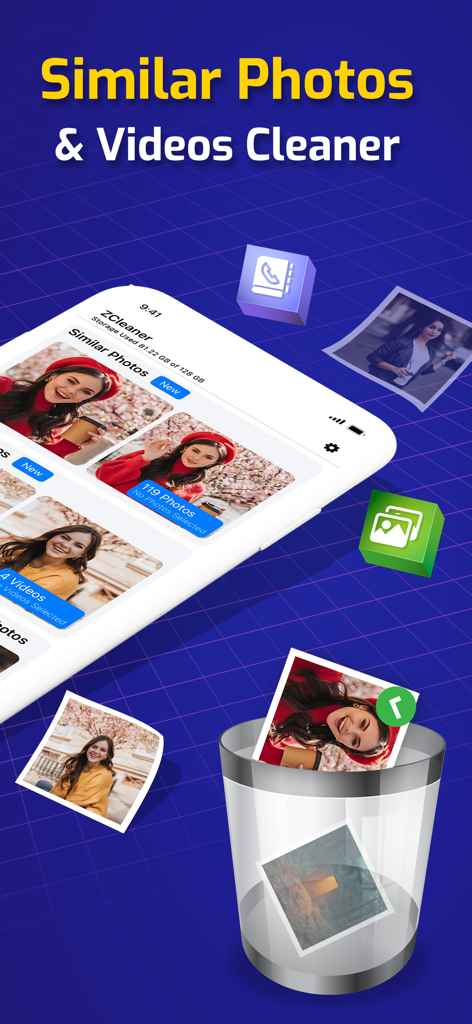
ZCleanerアプリのインターフェース、類似写真と動画のクリーニング機能がゴミ箱アイコンと共に表示されています

ZCleanerアプリのインターフェース、類似写真と動画のクリーニング機能がゴミ箱アイコンと共に表示されています

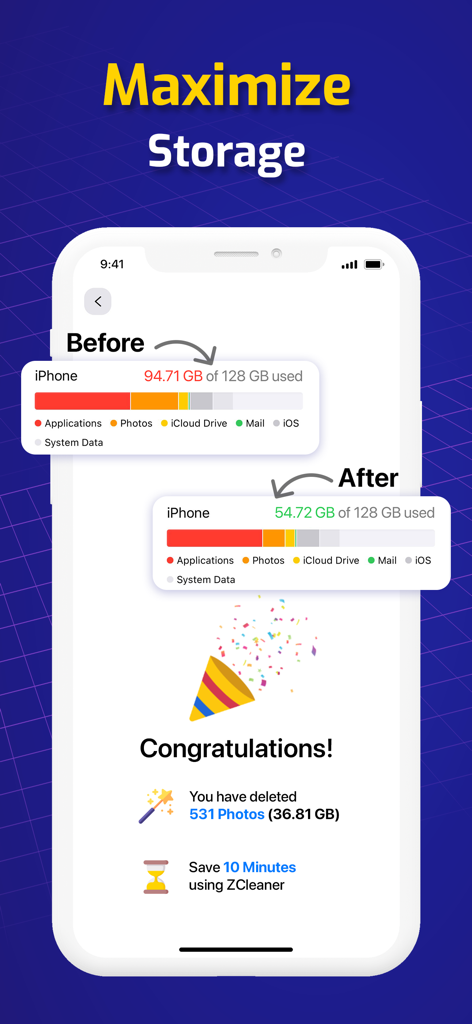
ZCleanerアプリ、iPhoneで写真削除後に回収されたストレージが表示されています

ZCleanerアプリ、iPhoneで写真削除後に回収されたストレージが表示されています

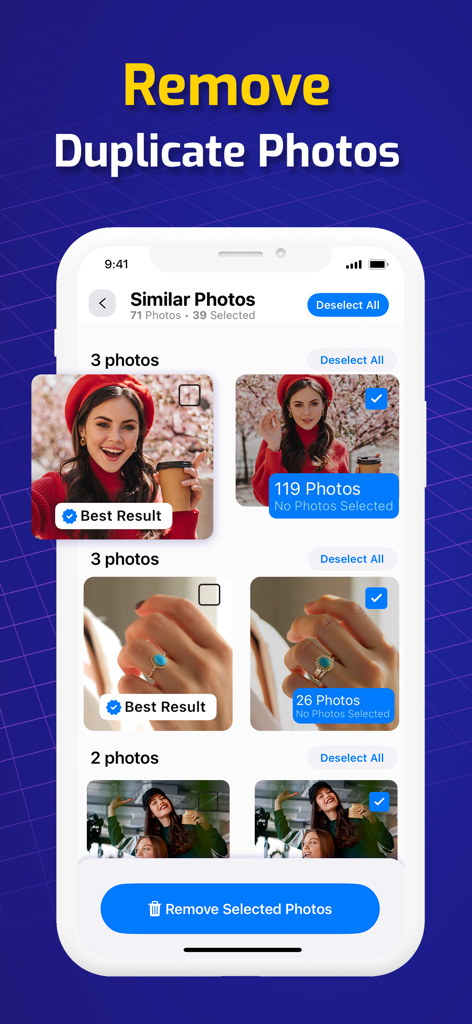
ZCleanerアプリのインターフェース、iPhoneでの類似写真削除機能が表示されています

ZCleanerアプリのインターフェース、iPhoneでの類似写真削除機能が表示されています

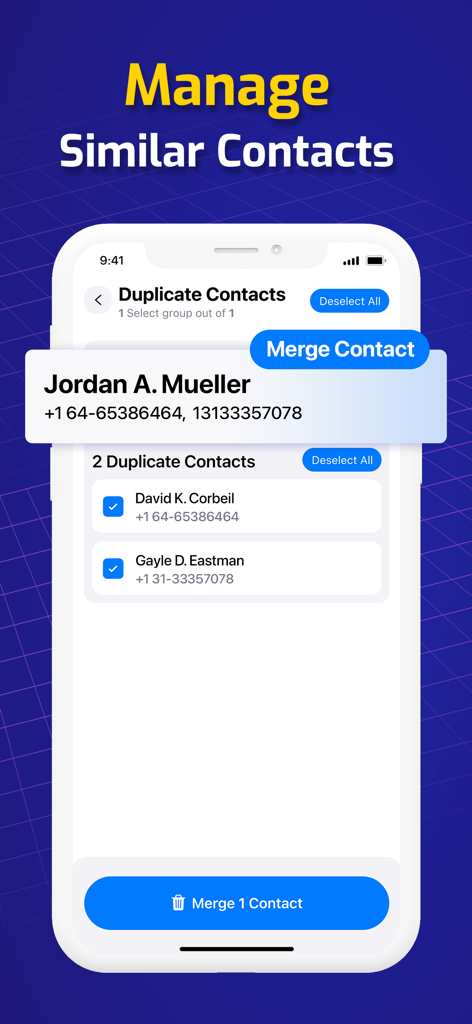
ZCleanerアプリのインターフェース、iPhoneでの類似・重複連絡先の管理とマージ機能

ZCleanerアプリのインターフェース、iPhoneでの類似・重複連絡先の管理とマージ機能

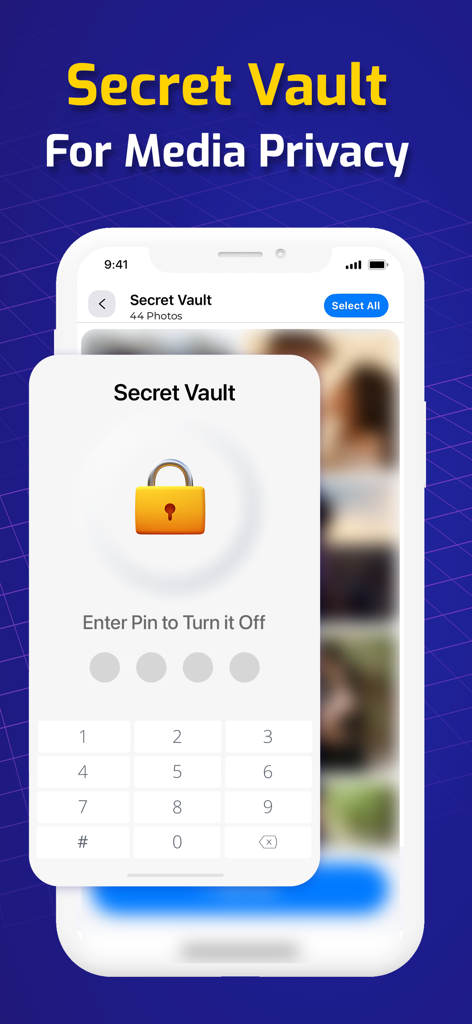
ZCleanerアプリのシークレットボルト画面、プライベートメディア保護のためのPINコード入力が表示されています

ZCleanerアプリのシークレットボルト画面、プライベートメディア保護のためのPINコード入力が表示されています

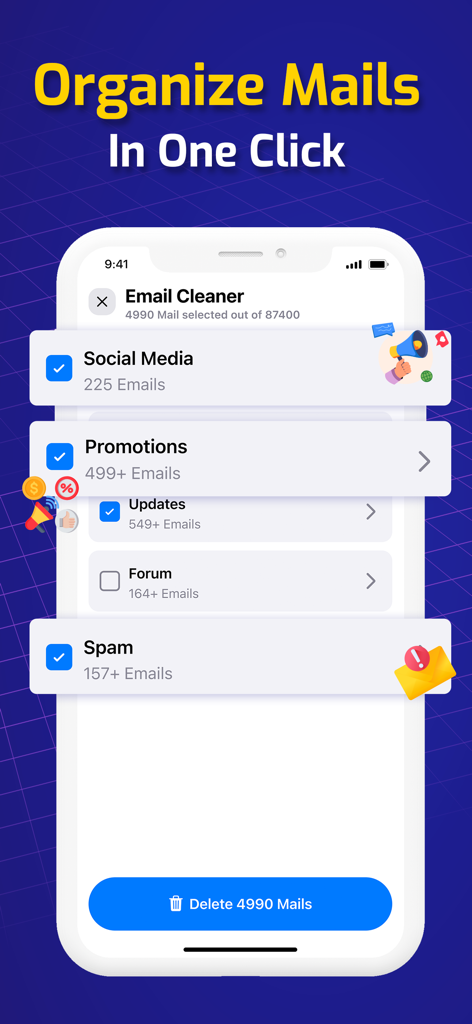
iPhone画面、ZCleanerのメールクリーニングインターフェース、ソーシャルメディアやスパムの一括削除オプションが表示されています

iPhone画面、ZCleanerのメールクリーニングインターフェース、ソーシャルメディアやスパムの一括削除オプションが表示されています

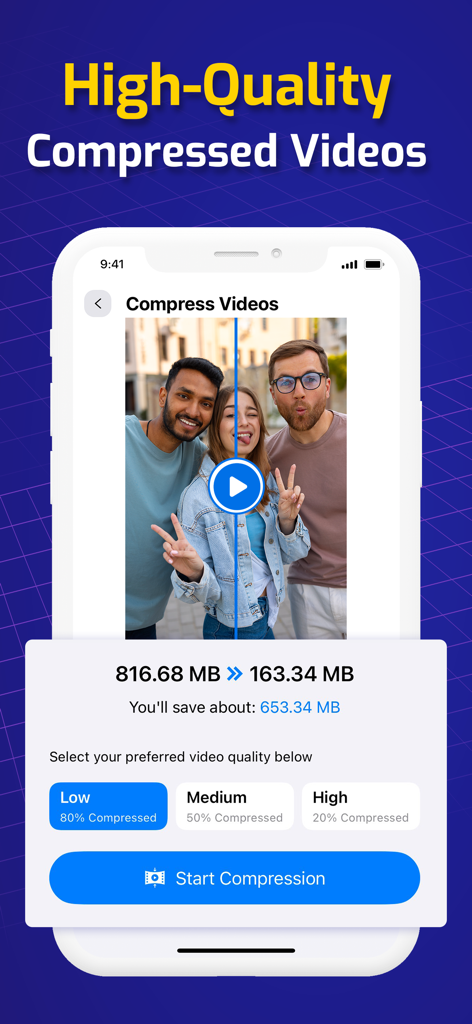
iPhoneアプリのインターフェース、ストレージスペースを節約するための動画圧縮設定が表示されています

iPhoneアプリのインターフェース、ストレージスペースを節約するための動画圧縮設定が表示されています

ストレージ管理をやめ、思い出作りに集中

このアプリを際立たせるツール、 1K+ 人のユーザーが選択.

📸

瞬時に重複写真をクリーンアップ

高度なAIが類似写真、ぼやけた写真、古いスクリーンショットを特定し、ワンタップでギガバイト単位のスペースを回復させます。

💾

ロスレス動画圧縮

お気に入りの鮮明な品質を維持しながら、大容量の4KおよびHD動画を圧縮し、大量のストレージスペースを節約します。

🛡️

プライベートデジタルボルト

最も機密性の高い写真やプライベートなドキュメントを、メインのカメラロールから離れた、隠されたパスワード保護スペースに安全に保管します。

アプリについて

について知っておくべきこと ZCleaner -Best iPhone Cleaner.

説明

ZCleaner is the tool you need for removing similar photos that take up huge storage space on your iPhone. It’s an all-in-one tool that optimizes your iPhone experience by keeping it clutter-free and organized. ZCleaner helps you find and clean similar media files, unwanted screenshots, and even compress large video files with its advanced Cleaner, saving valuable storage space. It also assists you in efficiently handling your contact library by merging duplicates and identifying incomplete contacts. ZCleaner also includes a powerful Media Compression Tool, which reduces the size of videos without compromising quality, helping you free up even more storage on your device. This feature ensures your media library stays organized and efficient. Additionally, ZCleaner provides a personal secret vault where you can keep private photos & videos safe and hidden. ZCleaner brings you a personal guide with tips for manually cleaning and decluttering your iPhone. Common Problems Faced by iPhone Users: - Inability to delete multiple contacts at the same time - The dreaded “Storage almost full” notification - Confusion about how to manually clean your device ZCleaner is the solution to all your device optimization problems! Key Features: - Advanced Cleaner : Identify all similar media, large files, and screenshots, and clean them with just a single click to recover tons of space. - Media Compression Tool : Compress large videos to save storage while maintaining high quality. - Similar Photos : Deletes all similar photos from your library. - Similar Videos : Deletes all similar videos from your library. - Similar Live Photos : Find and remove every similar live photo in your Photos folder. - Screenshots : Identifies unwanted screenshots and deletes them to free up space. - Contact Cleaner : Manage multiple contacts, merge duplicates, and remove incomplete contacts in one click. - Secret Vault : Keep your private photos, videos, and contacts hidden in your personal vault. - Tips & Tricks : Learn manual tips to improve your iPhone’s performance and battery life. Premium Features ZCleaner is available for free download, but some premium features are accessible with a small in-app purchase: - Ad-Free Experience - Unlimited Cleaning of Similar Photos & Videos - More Storage & Enhanced Privacy - Media Compression for Large Files With a small in-app purchase, you can enjoy a more secure iPhone and organize your media library by cleaning and compressing similar files and screenshots. Note: - Similar files, compressed files, and screenshots on your device won’t be deleted automatically. You decide what to keep or remove. - The application needs permission to access your photo album and contacts to scan, clean, and compress files. ZCleaner Subscription **You may cancel your subscription at any time** Subscription to ZCleaner gives you access to all the premium tools needed to optimize your iPhone. Payment is charged to your iTunes Account upon confirmation of purchase. Subscriptions auto-renew unless canceled at least 24 hours before the end of the current period. Manage auto-renewal settings in your iTunes Account. **Manage your subscription directly from your iPhone** Subscriptions can be managed by the user and auto-renewal can be turned off by going to the Account Settings: - Open the Settings app. - Tap your name. - Tap Subscriptions. - Tap the subscription that you want to manage. Privacy policy: https://www.innovanatechlabs.com/zcleaner/privacy-policy/ Terms of use: https://www.innovanatechlabs.com/terms-of-use/

最新バージョン

1.22.0

サイズ

63.1 MB

リリース日

2020年7月13日

整理されたiPhoneの準備はできましたか?

「ストレージがいっぱいです」の警告を心配するのはもうやめましょう。数千人のユーザーのように、ワンタップでギガバイト単位のスペースを確保し、思い出を整理しましょう。

ダウンロード: App Store

App information, icons, screenshots, and descriptions displayed on this page are sourced from the Apple App Store and are the property of their respective developers. Download estimates and rankings are based on MWM's proprietary models and may not reflect actual figures. This page is provided for informational and analytical purposes only.

Believe this page infringes your intellectual property? File a dispute