AI PDF Editor, Easy PDF Suite

AI PDF Editor, Easy PDF Suite

다운로드: App Store
로고: AI PDF Editor, Easy PDF Suite

AI PDF 편집기, 간편한 PDF 모음: 스마트하고 빠르며 전문적인 문서 관리

iPhone을 데스크톱급 PDF 작업 공간으로 바꾸세요. 이동 중인 워크플로우를 위해 설계된 고급 AI 기반 도구를 사용하여 텍스트 편집, 형식 변환 및 파일 보안을 즉시 처리하세요.

다운로드: App Store

개발사

Geeta Viradiya

카테고리

Reference

다운로드

600

사용자 평점

1.0/5

총 평가 수

0

지원 언어

1

손끝에서 펼쳐지는 정밀함

이 인터페이스를 사용하는 600 명의 사용자.

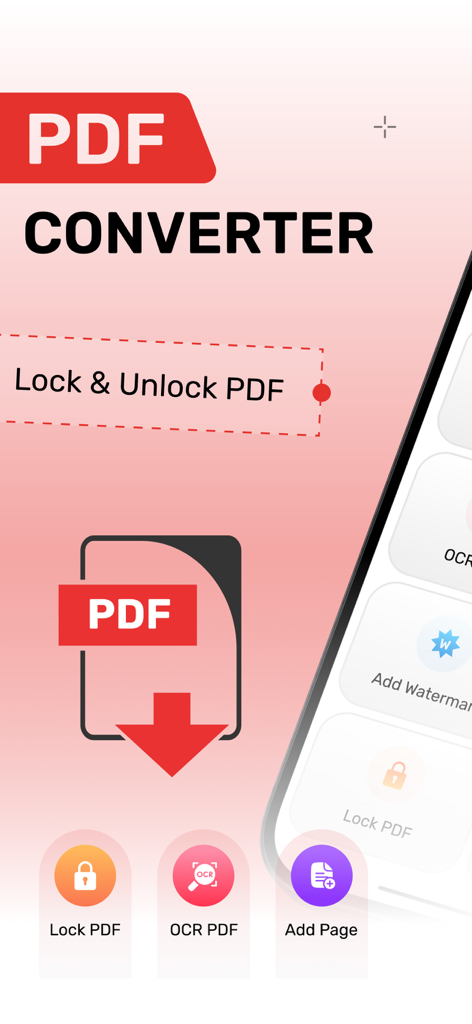
AI PDF 편집기 인터페이스가 잠금, 잠금 해제 및 OCR 문서 도구를 보여줍니다.

AI PDF 편집기 인터페이스가 잠금, 잠금 해제 및 OCR 문서 도구를 보여줍니다.

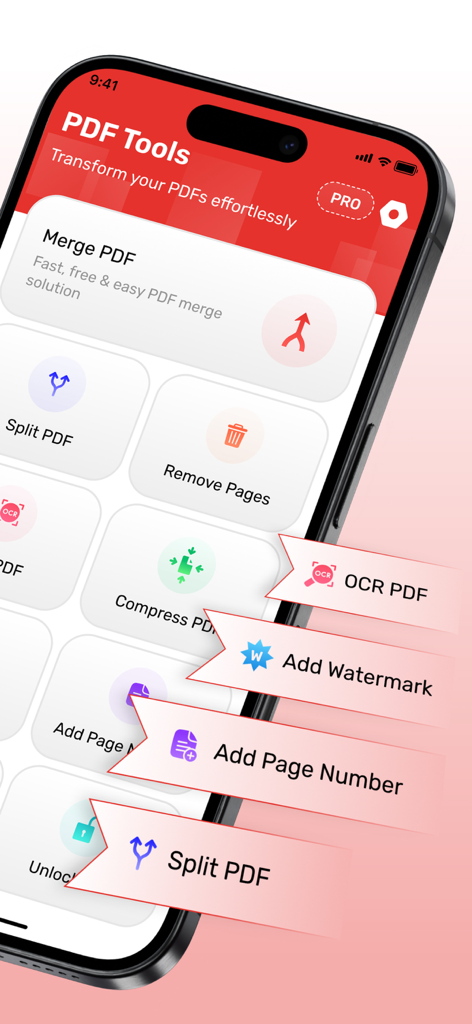
병합, 분할, OCR과 같은 도구를 보여주는 AI PDF 편집기의 모바일 인터페이스

병합, 분할, OCR과 같은 도구를 보여주는 AI PDF 편집기의 모바일 인터페이스

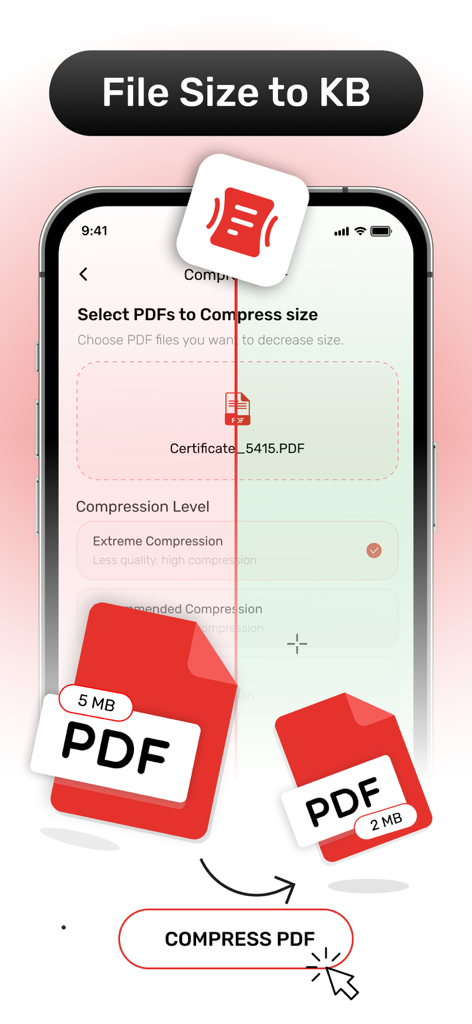
파일 크기를 줄이기 위해 PDF 압축 도구를 보여주는 모바일 앱 화면

파일 크기를 줄이기 위해 PDF 압축 도구를 보여주는 모바일 앱 화면

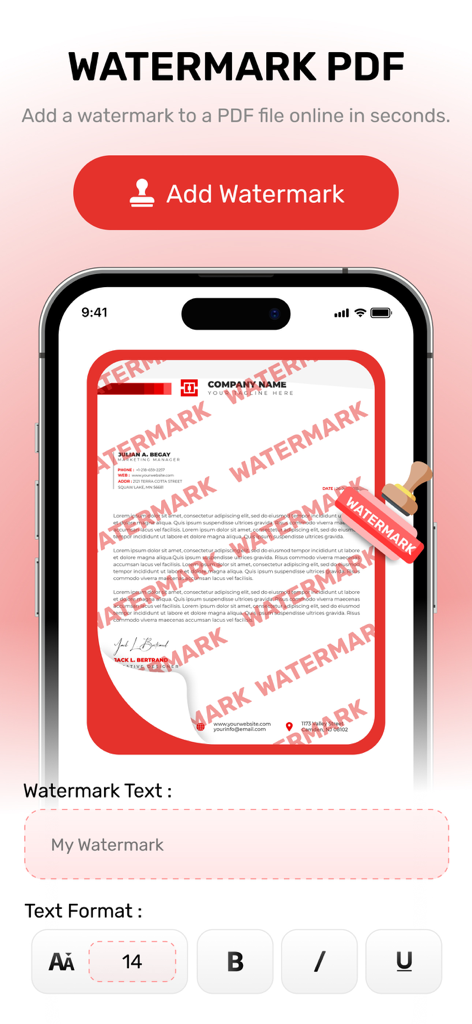
문서에 텍스트 오버레이를 추가하기 위한 AI PDF 편집기 앱의 워터마크 기능이 표시된 스마트폰 화면

문서에 텍스트 오버레이를 추가하기 위한 AI PDF 편집기 앱의 워터마크 기능이 표시된 스마트폰 화면

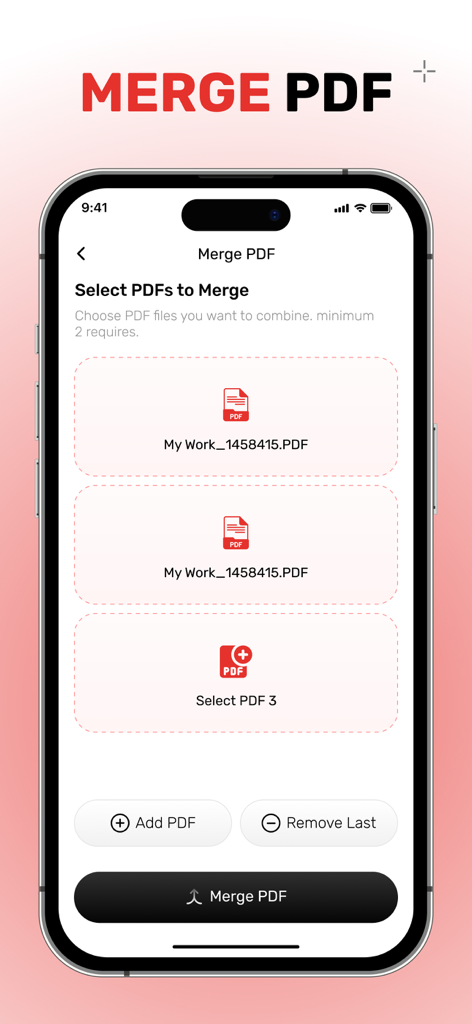
AI PDF 편집기에서 여러 PDF 문서를 병합하는 iPhone 앱 화면

AI PDF 편집기에서 여러 PDF 문서를 병합하는 iPhone 앱 화면

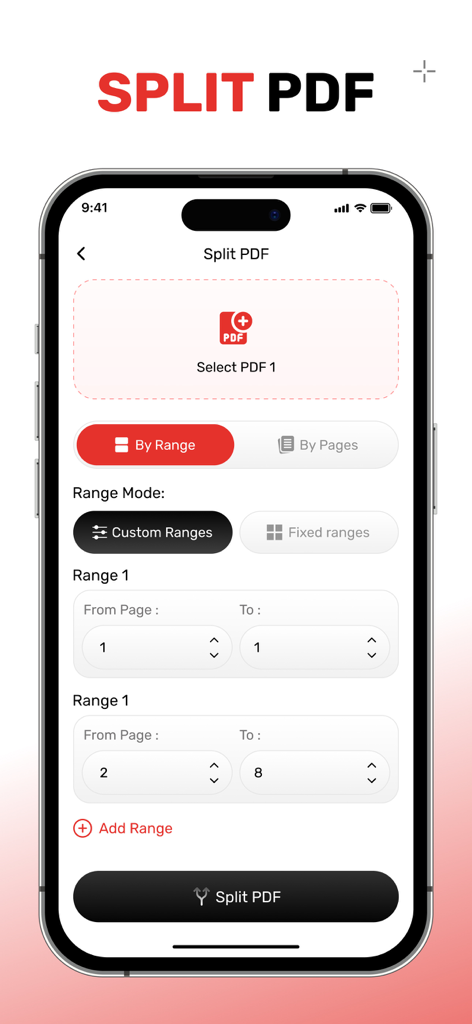
AI PDF 편집기 모바일 앱에서 사용자 지정 페이지 범위 선택을 보여주는 PDF 분할 도구 인터페이스

AI PDF 편집기 모바일 앱에서 사용자 지정 페이지 범위 선택을 보여주는 PDF 분할 도구 인터페이스

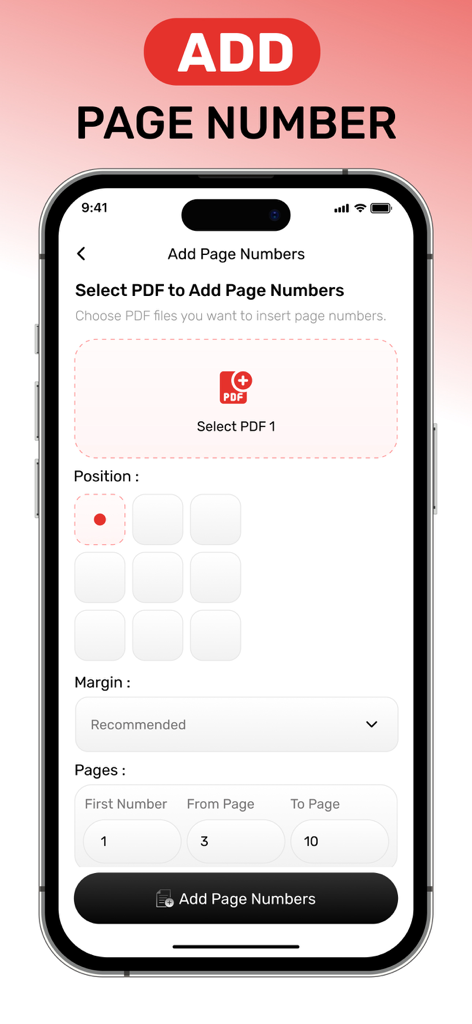
문서에 페이지 번호를 추가하는 설정을 보여주는 AI PDF 편집기 앱의 인터페이스

문서에 페이지 번호를 추가하는 설정을 보여주는 AI PDF 편집기 앱의 인터페이스

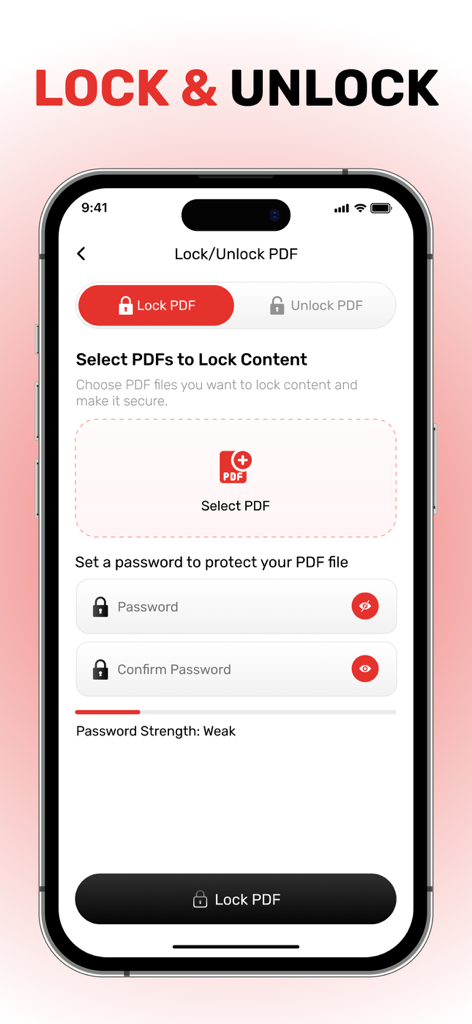
PDF 문서를 잠그기 위한 암호 보호 설정을 보여주는 AI PDF 편집기 앱 인터페이스.

PDF 문서를 잠그기 위한 암호 보호 설정을 보여주는 AI PDF 편집기 앱 인터페이스.

AI로 문서를 마스터하세요

이 앱을 돋보이게 하는 도구, 600 명의 사용자가 선택.

🪄

스마트 AI 기반 편집

텍스트, 이미지, 링크를 즉시 편집하세요. AI가 복잡한 서식을 처리하므로 번거로운 수동 작업 없이 이동 중에 문서를 수정할 수 있습니다.

🔄

완벽한 형식 변환

원본 레이아웃을 100% 그대로 유지하면서 PDF를 편집 가능한 Word, Excel 또는 PowerPoint 파일로 변환하세요. 더 이상 데이터를 다시 입력할 필요가 없습니다.

🛡️

안전하고 전문적인 마무리

보고서 병합, 파일 분할, 워터마크 및 암호를 사용하여 민감한 데이터를 보호하세요. 몇 초 안에 고객에게 제공할 수 있는 문서를 만드세요.

앱 소개

에 대해 알아야 할 모든 것 AI PDF Editor, Easy PDF Suite.

설명

All of the tools you require to work with PDFs in one location. You have access to all the tools you need to use PDFs. With a few clicks, you can combine, divide, compress, rotate, convert, unlock, and watermark PDFs. Transform the way you manage and edit PDFs on your iPhone with advanced AI tools! AI PDF Editor, PDF Tools: TPDF is a powerful iOS app designed to streamline your PDF editing experience. Whether you're looking to edit text, annotate, convert, or organize your PDF documents, this app uses cutting-edge AI technology to make the process easier and faster than ever before. Key Features: * AI-Powered PDF Editing: Edit text, images, and links in your PDF documents with ease using AI-powered smart tools. * PDF to Word/Excel/PowerPoint: Quickly convert PDFs to editable Word, Excel, or PowerPoint formats without losing any formatting. * PDF Merging and Splitting: Combine multiple PDFs into one or split a large PDF into smaller, more manageable files. * Secure Your Files: Add password protection or watermark your PDFs to ensure your documents are kept secure. Why Choose TPDF? With its user-friendly interface and AI-powered tools, TPDF makes it possible to handle all your PDF-related tasks from one app. Whether you're editing for work, school, or personal use, TPDF offers unmatched versatility and efficiency. Download AI PDF Editor, PDF Tools: TPDF now and take control of your PDF documents with the future of AI-powered editing! AI PDF Editor, PDF Tools: TPDF offers you 2 unique plans. Subscribe to have unlimited access to premium version of the app. One Week - $6.99 One Year - $44.99 * Subscription payments will be charged to your iTunes account at confirmation of your purchase and upon commencement of each renewal term. Subscription with a free trial period will automatically renew to a paid subscription. You can cancel your subscription or free trial in the iTunes settings at least 24-hours before the end of the free trial period. The cancellation will take effect the day after the last day of the current subscription period and you will be downgraded to the free service. More Details : https://appsatgeetaviradiya.blogspot.com/2025/02/geeta-viradiyas-privacy-policy.html https://appsatgeetaviradiya.blogspot.com/2025/02/geeta-viradiyas-terms-of-use.html

최신 버전

2.0

크기

49.2 MB

출시일

2025년 3월 25일

AI의 힘으로 PDF를 마스터할 준비가 되셨나요?

이동 중에 문서를 편집, 변환 및 보안하는 수천 명의 바쁜 전문가 및 학생들과 함께하세요. 궁극의 모바일 워크플로우를 경험하세요. 오늘 TPDF를 다운로드하세요.

다운로드: App Store

App information, icons, screenshots, and descriptions displayed on this page are sourced from the Apple App Store and are the property of their respective developers. Download estimates and rankings are based on MWM's proprietary models and may not reflect actual figures. This page is provided for informational and analytical purposes only.

Believe this page infringes your intellectual property? File a dispute