Audio Elements: Sound Editor

Audio Elements: Sound Editor


다운로드: App Store
로고: Audio Elements: Sound Editor

Audio Elements: 전문 멀티트랙 스튜디오 & 오디오 편집기

스튜디오급 정밀도로 녹음, 믹싱, 마스터링하세요. 실시간 효과부터 고급 멀티트랙 편집까지, 어디에 있든 음악과 팟캐스트를 생생하게 구현하세요.

개발사

Kushum Mijar

카테고리

Music

다운로드

15K+

사용자 평점

4.3/5

총 평가 수

0

지원 언어

1

주머니 속 스튜디오 파워

이 인터페이스를 사용하는 15K+ 명의 사용자.

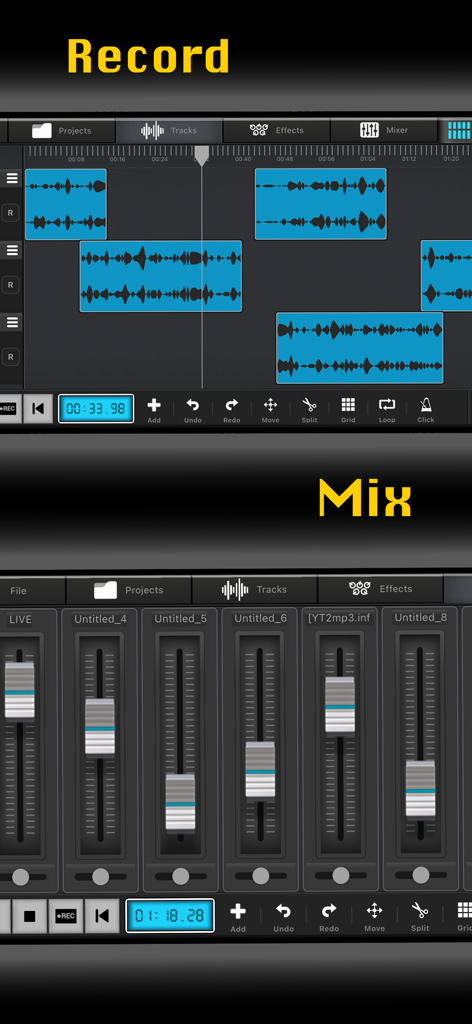
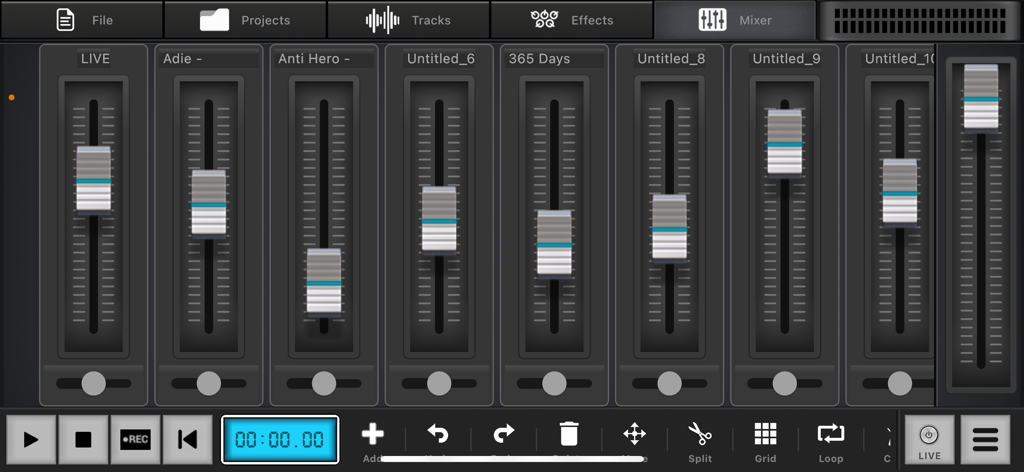
멀티트랙 녹음 및 전문 오디오 믹서 컨트롤을 보여주는 Audio Elements 앱의 인터페이스

멀티트랙 녹음 및 전문 오디오 믹서 컨트롤을 보여주는 Audio Elements 앱의 인터페이스

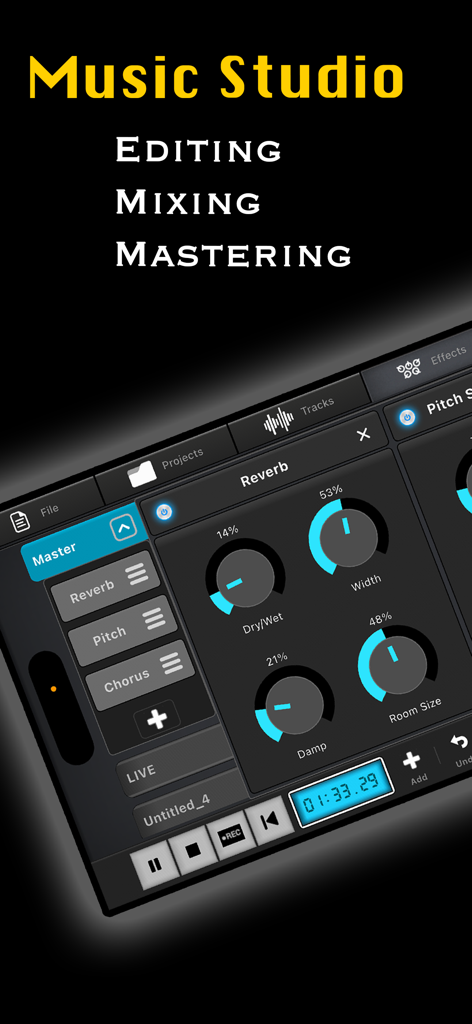
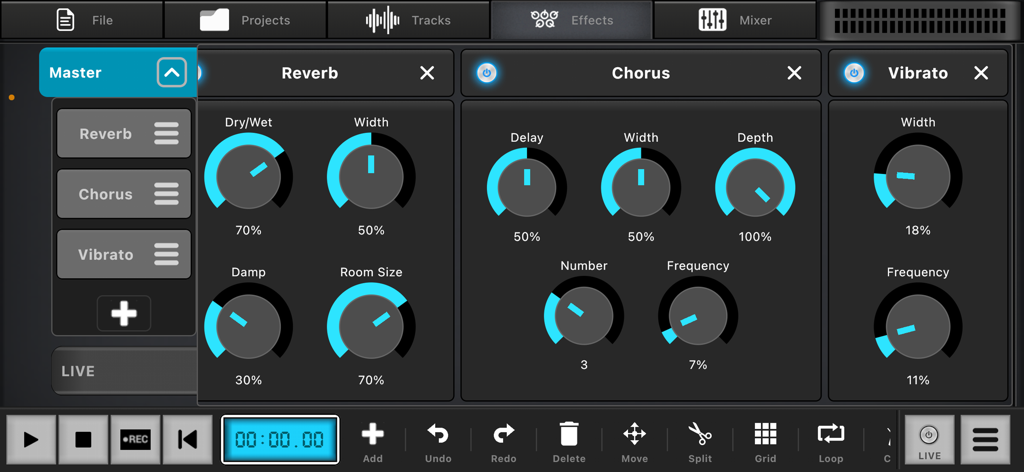
오디오 제작을 위한 전문 리버브 효과 및 믹싱 컨트롤을 보여주는 Audio Elements의 모바일 인터페이스

오디오 제작을 위한 전문 리버브 효과 및 믹싱 컨트롤을 보여주는 Audio Elements의 모바일 인터페이스

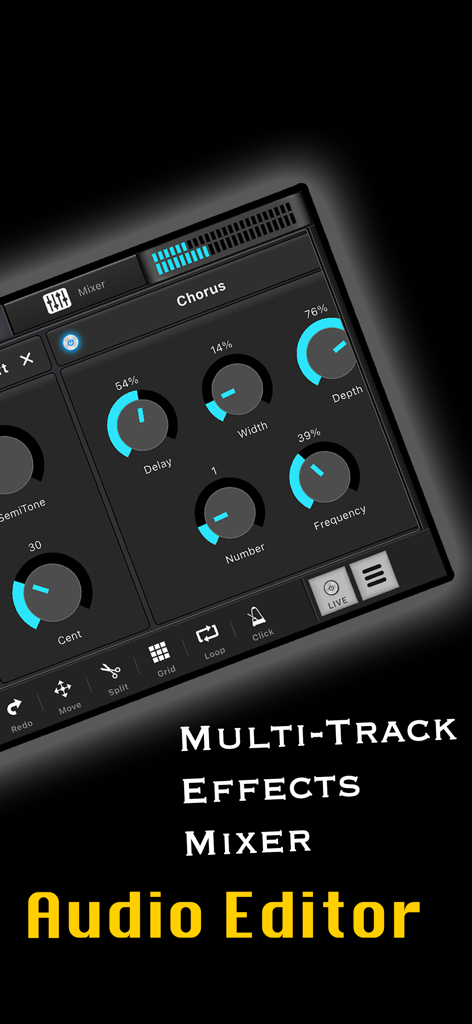
Audio Elements 앱의 코러스 오디오 효과 설정 및 멀티트랙 믹서 인터페이스

Audio Elements 앱의 코러스 오디오 효과 설정 및 멀티트랙 믹서 인터페이스

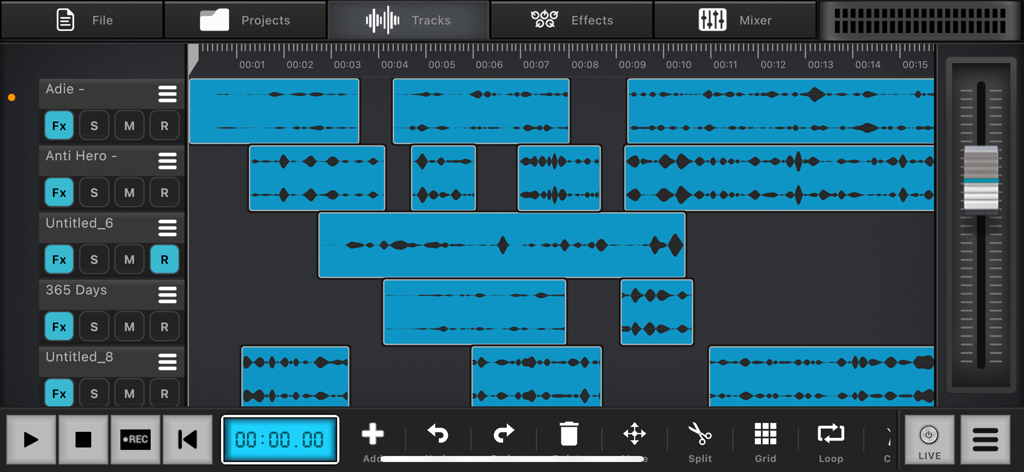
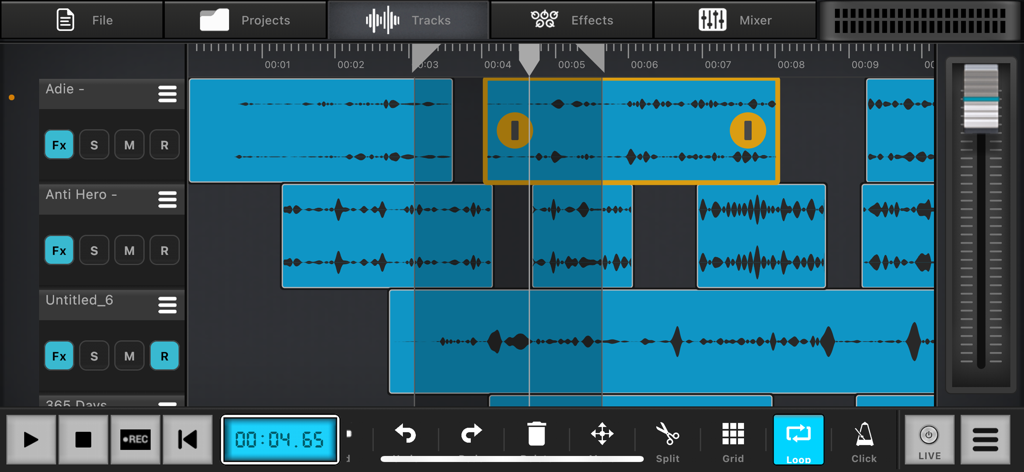
파형 및 스튜디오 컨트롤이 있는 멀티트랙 오디오 편집 인터페이스

파형 및 스튜디오 컨트롤이 있는 멀티트랙 오디오 편집 인터페이스

수직 볼륨 페이더 및 트랜스포트 컨트롤이 있는 전문 멀티트랙 오디오 믹서 인터페이스

수직 볼륨 페이더 및 트랜스포트 컨트롤이 있는 전문 멀티트랙 오디오 믹서 인터페이스

조절 가능한 컨트롤 다이얼이 있는 리버브, 코러스, 비브라토와 같은 실시간 효과를 보여주는 Audio Elements Sound Editor의 인터페이스

조절 가능한 컨트롤 다이얼이 있는 리버브, 코러스, 비브라토와 같은 실시간 효과를 보여주는 Audio Elements Sound Editor의 인터페이스

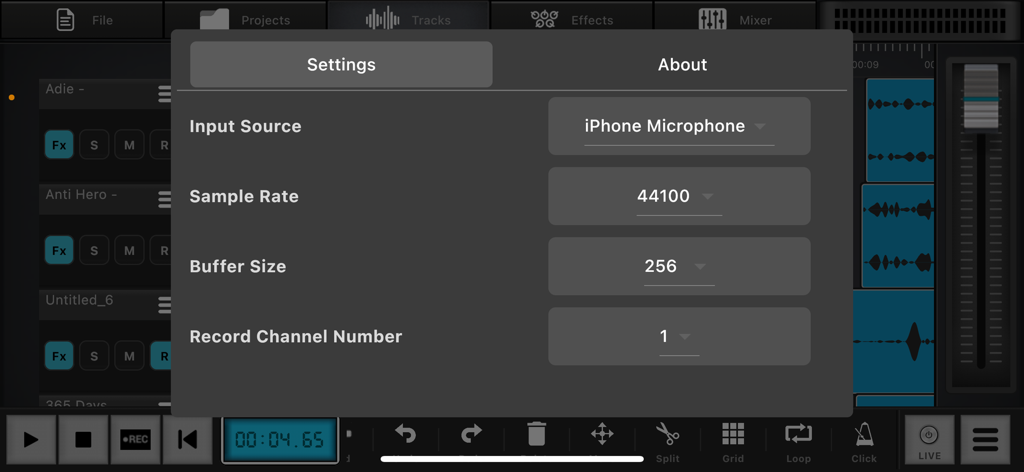
Audio Elements에서 샘플링 속도 및 버퍼 크기 옵션을 보여주는 오디오 녹음 설정 인터페이스

Audio Elements에서 샘플링 속도 및 버퍼 크기 옵션을 보여주는 오디오 녹음 설정 인터페이스

Audio Elements 앱의 파형 및 스튜디오 컨트롤이 있는 전문 멀티트랙 오디오 편집 인터페이스.

Audio Elements 앱의 파형 및 스튜디오 컨트롤이 있는 전문 멀티트랙 오디오 편집 인터페이스.

나만의 모바일 오디오 스튜디오

이 앱을 돋보이게 하는 도구, 15K+ 명의 사용자가 선택.

🎚️

정밀한 멀티트랙 편집

비파괴 타임라인으로 보컬, 악기, 샘플을 레이어링하여 복잡한 편곡을 간단하고 직관적으로 만드세요.

🎙️

프로급 실시간 효과

전문적인 리버브, EQ, 컴프레션을 실시간으로 적용하세요. 모든 녹음이 방송 준비가 되었는지 실시간으로 사운드를 모니터링하세요.

🚀

고급 내보내기 & 믹싱

패닝, 게인, 고음질 내보내기로 완벽하게 제어하세요. 세션을 저장하고 WAV 또는 MP3로 내보내 모든 플랫폼에서 사용할 수 있습니다.

앱 소개

에 대해 알아야 할 모든 것 Audio Elements: Sound Editor.

설명

Audio Elements – Pro Audio Editor & Music Studio, Create, record, mix, and master your audio like a pro — all from your phone. Audio Element is a complete multi-track audio editor and real-time effect processor designed for musicians, podcasters, voice artists, and audio creators. Key Features **Multi-Track Recording & Editing** Record multiple tracks with precision. Cut, split, loop, copy, paste, deactivate, and move audio clips freely across the timeline. **Real-Time Audio Effects & Live Monitoring** Apply effects live and hear instant feedback — ideal for creating announcement-style vocals or live audio experiences. **Advanced Mixing Tools** Control your mix with panning, gain, mute, solo, and unlimited undo/redo options for non-destructive editing. **Professional-Grade Effects** Includes essential and creative audio FX: * Reverb, Echo, Delay * Multiband EQ, Compressor, Gain Boost * Chorus, Vibrato, Stereo Widen * Pitch Shift, Time Stretch * High-pass, Low-pass Filters **Project Management and Export** * Save and reopen full project sessions * Export audio as MP3, WAV, or M4A * Select bitrate and export specific timeline ranges * Import audio from local storage **Precision Audio Tools** * Built-in metronome * Looping and time navigation * Audio device selection * Adjustable buffer size and multiple sample rates for low-latency performance Why Choose Audio Elements? Whether you're recording a song, mixing voiceovers, producing podcasts, or editing sound effects, Audio Element gives you professional studio control in a portable format. Download Now Start creating, editing, and mixing today — with Audio Elements, your studio is always with you.

최신 버전

1.0.18

크기

50.1 MB

출시일

2024년 8월 14일

사운드를 마스터할 준비가 되셨나요?

영감을 전문급 오디오로 바꾸는 수천 명의 모바일 크리에이터와 함께하세요. 지금 Audio Elements를 다운로드하고 스튜디오를 주머니에 넣으세요.

다운로드: App Store

App information, icons, screenshots, and descriptions displayed on this page are sourced from the Apple App Store and are the property of their respective developers. Download estimates and rankings are based on MWM's proprietary models and may not reflect actual figures. This page is provided for informational and analytical purposes only.

Believe this page infringes your intellectual property? File a dispute