Audio Kit

Audio Kit

다운로드: App Store
로고: Audio Kit

Audio Kit: 오디오 엔지니어링 및 사운드 분석을 위한 전문가 수준 도구

실시간 FFT 스펙트럼 분석기, 오실로스코프, 보정된 SPL 측정기, 멀티 모드 신호 생성기로 현대 오디오 전문가를 위한 정밀함을 손끝에서 경험하세요.

다운로드: App Store

개발사

Sinusoid Pty Ltd

카테고리

Music

다운로드

170K+

사용자 평점

4.3/5

총 평가 수

0

지원 언어

1

한눈에 보는 정밀함

이 인터페이스를 사용하는 170K+ 명의 사용자.

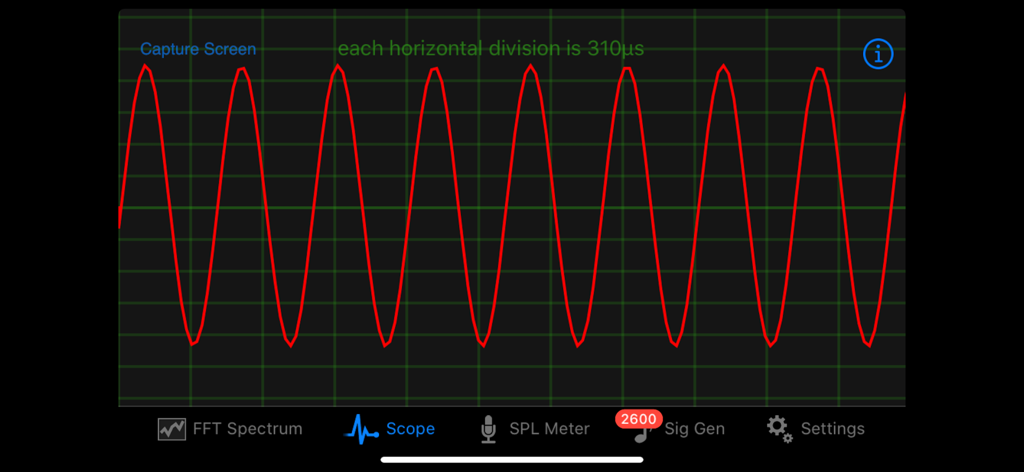
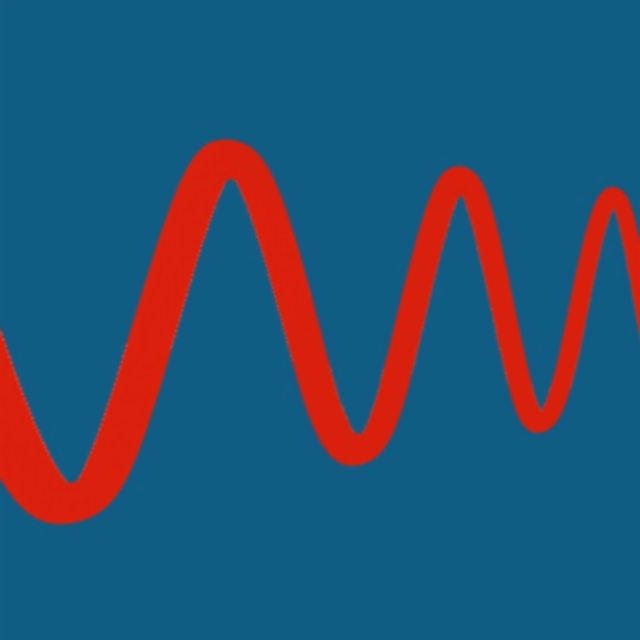
Audio Kit 앱 오실로스코프가 빨간색 사인파 파형을 표시하고 있습니다

Audio Kit 앱 오실로스코프가 빨간색 사인파 파형을 표시하고 있습니다

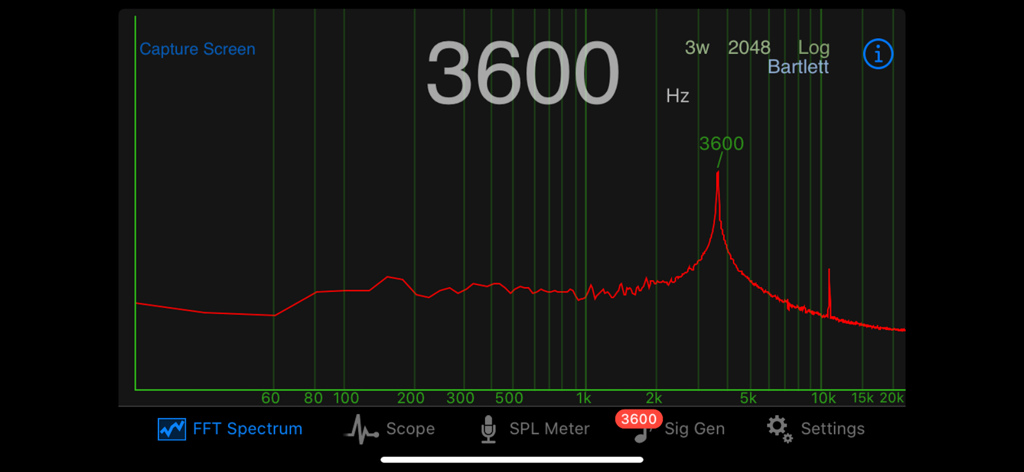
Audio Kit FFT 스펙트럼 분석기가 로그 스케일에서 3600Hz의 주파수 피크를 표시하고 있습니다.

Audio Kit FFT 스펙트럼 분석기가 로그 스케일에서 3600Hz의 주파수 피크를 표시하고 있습니다.

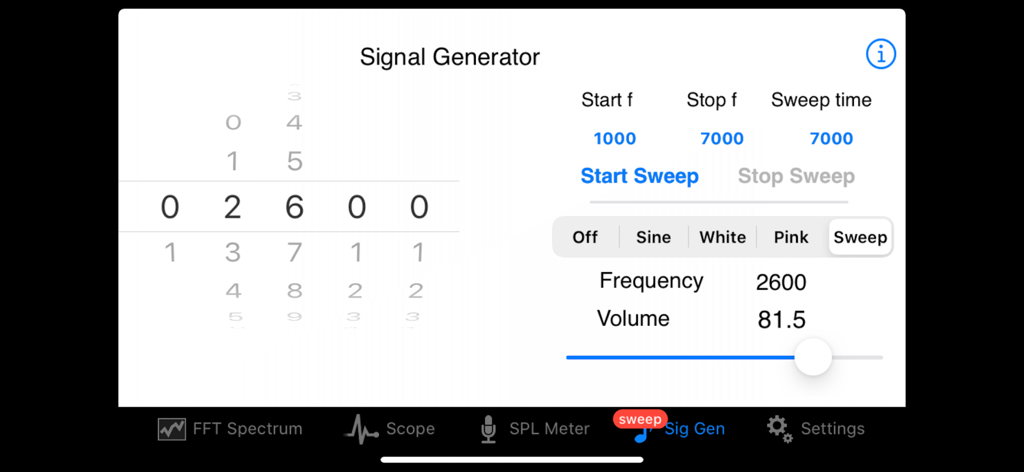
Audio Kit 신호 생성기 인터페이스가 주파수 스윕 설정을 보여줍니다

Audio Kit 신호 생성기 인터페이스가 주파수 스윕 설정을 보여줍니다

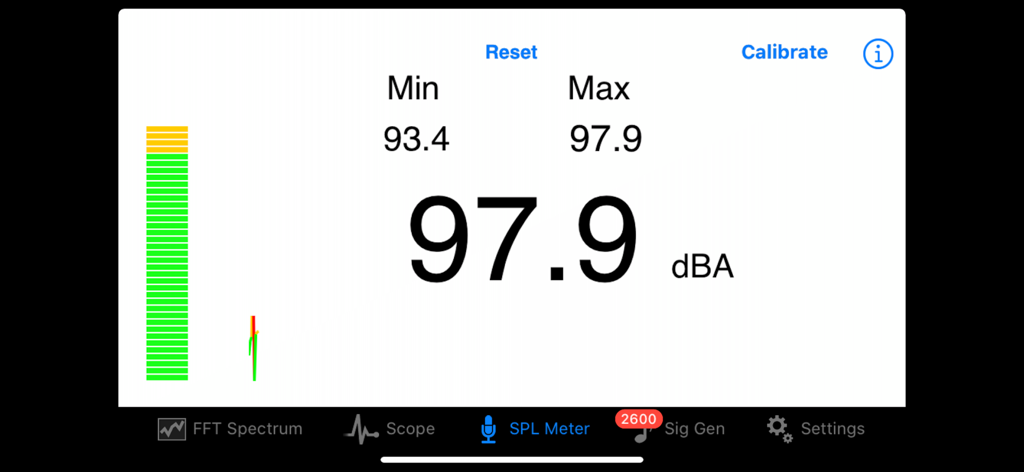
Audio Kit 앱 인터페이스가 전문적인 사운드 분석을 위해 실시간 데시벨 수준 판독값을 표시하는 SPL 측정기를 보여줍니다.

Audio Kit 앱 인터페이스가 전문적인 사운드 분석을 위해 실시간 데시벨 수준 판독값을 표시하는 SPL 측정기를 보여줍니다.

주머니 속 전문가 수준의 오디오 분석

이 앱을 돋보이게 하는 도구, 170K+ 명의 사용자가 선택.

📊

정밀한 스펙트럼 분석

최대 8192의 FFT 크기와 정확한 피크 감지를 통해 실시간으로 주파수를 시각화하여 완벽한 음향 튜닝을 제공합니다.

🔊

보정된 SPL 측정

A-가중치 및 피크 추적 기능을 사용하여 음압 수준을 측정하여 최적의 볼륨 및 규정 준수를 보장합니다.

〰️

전문 신호 생성

1Hz 정확도로 사인파, 백색 잡음, 분홍색 잡음을 생성하여 시스템 응답을 테스트하고 오디오 경로의 문제를 해결합니다.

앱 소개

에 대해 알아야 할 모든 것 Audio Kit.

설명

Audio Kit is a collection of four tools which are essential for those working in audio, sound and music. A real time Spectrum Analyser, a Scope to display waveforms, an SPL (Sound Pressure Level) Meter, and a Signal Generator producing sine waves, white noise and pink noise. Sweep generation with In App Purchase. 
 -View a real time spectrum of audio with the Spectrum Analyser and identify peak frequencies precisely 
-View the actual waveform of the audio signal with the Scope 
-An SPL Meter provides measurement of sound levels using an A-weighting 
-The Signal Generator provides a sine wave output up to 20,000Hz in 1 Hz steps, along with noise generators for white and pink noise. Sweep generation with In App Purchase ** Spectrum
 ** FFT (Fast Fourier Transform) is used to calculate the frequencies in the Spectrum Analyser and these are displayed in real time. The frequency is displayed in either logarithmic or linear scale. Three FFT sizes of 8192, 4096 and 2048 are selectable, giving fine resolution of frequencies. Interpolation gives resolution to within 1Hz. 
6 different FFT window function types can be selected - Hamming, Hann, Rectangular, Bartlett, Triangular and Blackman. 
 Number of FFT windows can be selected from 1 through 4. The strongest frequency is displayed both above the peak, and optionally, in a large number display in the center of the screen. The large number display can be quickly switched on or off by double tapping the screen.
 There is a screen capture facility in the Spectrum Analyser allowing you to save the spectra for future reference along with details of the FFT parameters, time and date.
 A single tap freezes the screen. Other features such as screen capture and double tap to toggle large number display still work during the freeze. This feature can be turned off in preferences if it’s not desired.
 ** Scope ** The display of the Scope can be adjusted easily using pinch gestures in both horizontal and vertical directions. Zero crossing detection of the waveform provides a smooth display and can be set to either positive or negative direction zero crossing. 

There is a screen capture facility in the Scope allowing you to save waveforms for future reference.
 ** SPL Meter ** 
The SPL Meter continuously displays the sound pressure level using an A-weighting, and has resettable minimum and maximum displays also. SPL Meter can be calibrated against a reference standard or meter. SPL Meter has a continuous ticker style trace of the SPL over time.
 ** Signal Generator ** 
 The Signal Generator has 3 different output types: - Sine wave - White noise - Pink noise 
The output of the Signal Generator can be viewed on the other parts of the App.
 The sine wave frequency selected using picker wheels allows for accurate control of frequency to within 1Hz. Volume for the sine wave and noise signals is continuously adjustable.

 With an In App Purpose one can add a sine wave sweep generator functionality to the Signal Generator. The sweep generator can sweep increasing and decreasing frequencies, and using either a linear or log sweep rate. **Settings
 ** All of the user preferences in each of the above applications can be made persistent between restarts of the App. All parts of the App have direct access to a help document. Audio Kit - essential for those working in audio, sound and music.

최신 버전

2.3

크기

1.9 MB

출시일

2010년 6월 18일

정밀 분석. 전문가 수준의 결과.

170,000명 이상의 오디오 엔지니어 및 프로듀서와 함께하세요. 실시간 스펙트럼 분석, SPL 측정, 파형 모니터링을 위한 필수 도구 세트를 iPhone에 장착하세요.

다운로드: App Store

App information, icons, screenshots, and descriptions displayed on this page are sourced from the Apple App Store and are the property of their respective developers. Download estimates and rankings are based on MWM's proprietary models and may not reflect actual figures. This page is provided for informational and analytical purposes only.

Believe this page infringes your intellectual property? File a dispute