Avast Secureline VPN Proxy

Avast Secureline VPN Proxy


다운로드: App Store다운로드: Google Play
로고: Avast Secureline VPN Proxy
Avast Secureline VPN Proxy: 개인 정보 보호와 속도를 위한 궁극의 보호막

Avast를 신뢰하여 개인 데이터를 보호하는 4억 3,500만 명 이상의 사용자와 함께하세요. 공용 Wi-Fi를 보호하고, 익명으로 브라우징하고, iOS용 가장 간단한 원탭 VPN으로 무제한 액세스를 즐기세요.

개발사

AVAST Software s.r.o

카테고리

Utilities

다운로드

3M+

사용자 평점

4.6/5

총 평가 수

47K+

지원 언어

29

작동 중인 개인 정보 보호

이 인터페이스를 사용하는 3M+ 명의 사용자.

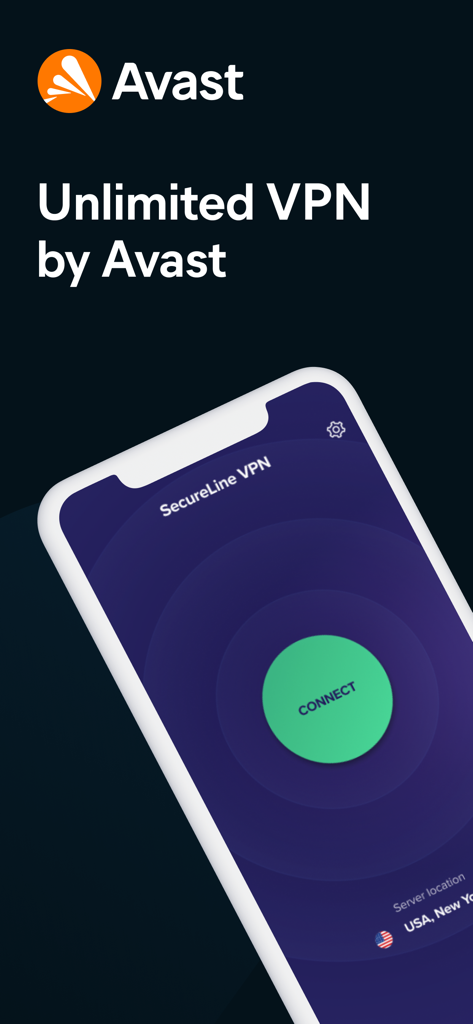
녹색 연결 버튼이 있는 모바일 휴대폰의 Avast Secureline VPN 앱 인터페이스

녹색 연결 버튼이 있는 모바일 휴대폰의 Avast Secureline VPN 앱 인터페이스

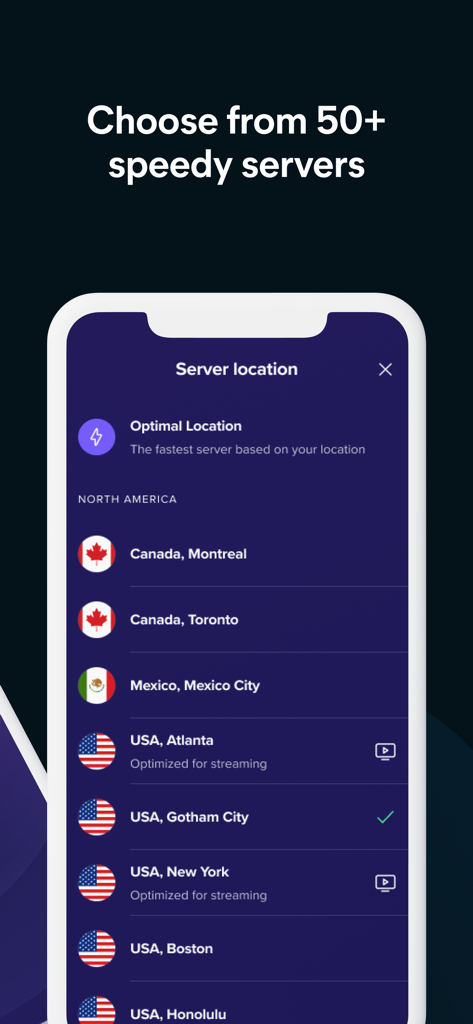
스트리밍에 최적화된 북미 서버 위치 목록을 보여주는 Avast Secureline VPN 앱 인터페이스

스트리밍에 최적화된 북미 서버 위치 목록을 보여주는 Avast Secureline VPN 앱 인터페이스

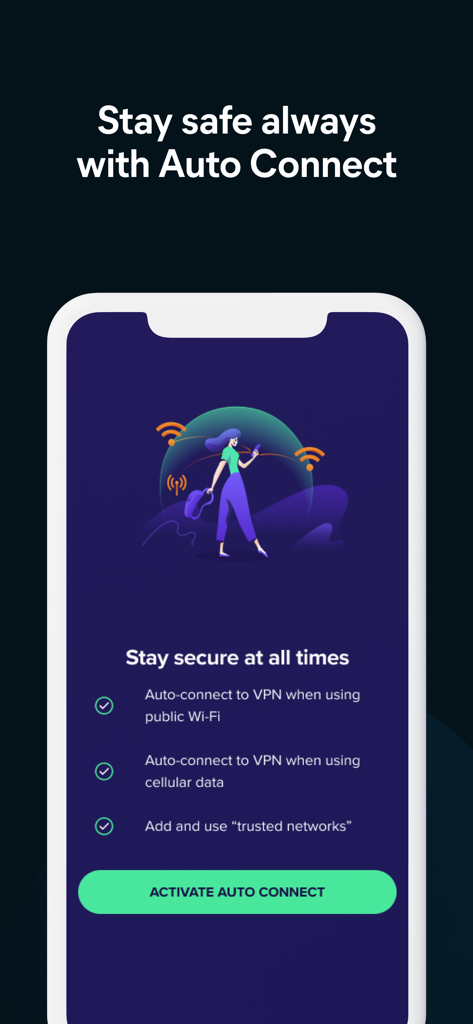
공용 Wi-Fi 및 셀룰러 데이터 보호를 위한 자동 연결 기능을 보여주는 Avast Secureline VPN 앱 인터페이스

공용 Wi-Fi 및 셀룰러 데이터 보호를 위한 자동 연결 기능을 보여주는 Avast Secureline VPN 앱 인터페이스

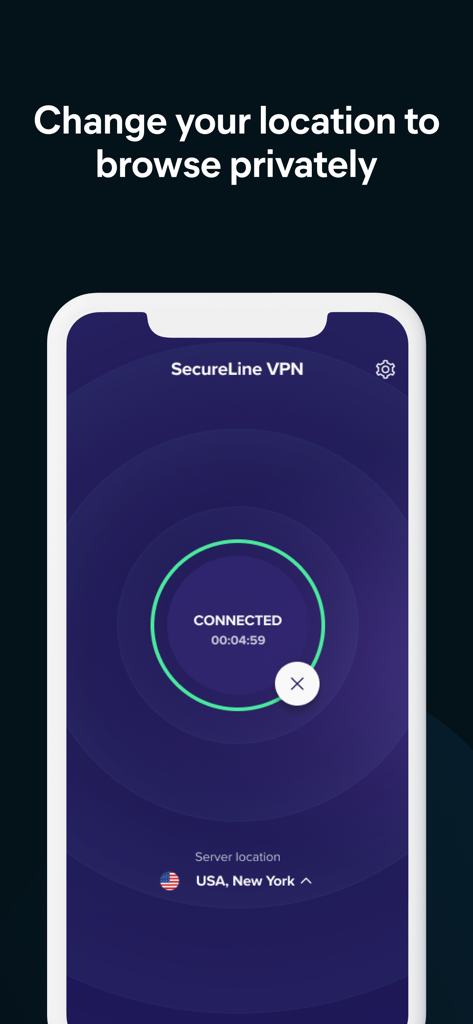
미국 뉴욕 서버 위치에 연결된 상태를 보여주는 Avast SecureLine VPN 인터페이스

미국 뉴욕 서버 위치에 연결된 상태를 보여주는 Avast SecureLine VPN 인터페이스

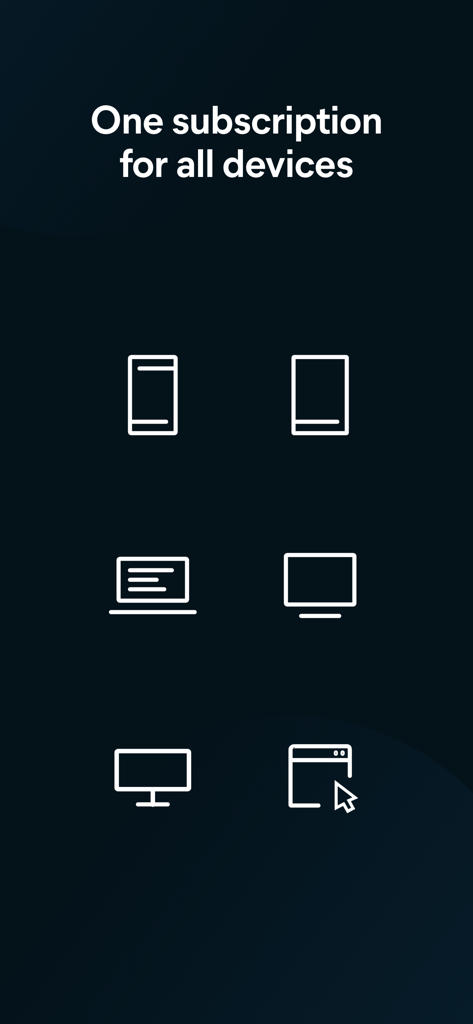
모든 장치에 대한 Avast VPN 단일 구독

모든 장치에 대한 Avast VPN 단일 구독

개인 정보 보호 메시지와 브랜드 로고가 있는 Avast Secureline VPN 스플래시 화면

개인 정보 보호 메시지와 브랜드 로고가 있는 Avast Secureline VPN 스플래시 화면

현대 전문가를 위한 은행 수준의 개인 정보 보호

이 앱을 돋보이게 하는 도구, 3M+ 명의 사용자가 선택.

🛡️

군사 등급 암호화

해커가 은행 및 개인 정보를 훔치는 것을 방지하는 안전한 '터널'로 공용 Wi-Fi에서 민감한 데이터를 보호하세요.

즉각적인 원탭 연결

설정하고 잊어버리세요. 빠르고 안정적인 서버와 자동 재연결 기능으로 아이폰 속도를 늦추지 않고 항상 보호받을 수 있습니다.

🌍

전 세계 비공개 액세스

IP 주소를 마스킹하고 전 세계 58개 위치를 통해 연결하여 익명으로 브라우징하고 여행 중 좋아하는 콘텐츠에 액세스하세요.

리뷰 분석

사용자 리뷰 인사이트.

감정 점수

30%
부정적

요약

User feedback for this mobile app is largely negative, with a significant number of users expressing frustration over connection issues, slow speeds, and frequent disconnections. Many complaints specifically target version 7.0.0 and subsequent updates, which removed the popular "trusted network" feature and introduced bugs like IPsec connection problems and compatibility issues on older iPhones. Additionally, users report difficulties accessing geo-restricted content and receiving inadequate customer support, often limited to AI interactions. Conversely, a smaller subset of users praise the app for its fast and stable connections, robust security features, and user-friendly interface.

주요 테마

Ease of Use(3)
Connection Reliability(2)
Geo-Restrictions & Content Access(1)
Security & Privacy(1)
App Bugs & Updates(1)

앱 소개

에 대해 알아야 할 모든 것 Avast Secureline VPN Proxy.

설명

Avast Secureline VPN Proxy is the fastest and simplest VPN for iPhone to stay safe and completely private when accessing your favorite apps and websites, wherever you are. 100% unlimited! Avast protects 435 million people worldwide, making it number one on the market. Protect your device too. WHY IS AVAST SECURELINE THE BEST VPN? ■ Fast and Reliable: Large coverage of servers worldwide ensures the fastest service ■ Unlimited: Use as much as you want without any limitations ■ Simple: Start using with one-button activation ■ Trusted: Join over 435 million users who trust Avast ■ Change Your Location: Connect to servers in 36 countries around the world ■ Uninterrupted Connection: Reconnect automatically when switching from data to Wi-Fi ■ World-class Customer Service: Get fast and reliable support WHY SHOULD YOU USE AVAST SECURELINE VPN? ■ Encrypt your connection on unsecured public Wi-Fi Our private encryption VPN ‘tunnel’ prevents hackers from stealing your data via public/open Wi-Fi hotspots. Secure your Wi-Fi and privacy with our highly secure VPN service. ■ Private, anonymous browsing Browse websites anonymously and get private access. Your Internet connection will appear to originate from a different location. Use it to hide and anonymize your banking logins, chats, emails and payments. ■ Choose your location It also comes with other advantages such as choosing your location and staying anonymous. If you travel and need access from different locations, you can use Secureline VPN to connect to servers around the world (e.g. in the UK and USA) to access more online content, browse websites anonymously and get private access. Connect to servers through 58 popular locations in 36 countries around the world. HOW DOES A VPN WORK? Avast Secureline is a VPN service that protects you from data theft by using a virtual encryption shield ‘tunnel’ to secure your public/open Wi-Fi connections. Once secured, your communications are impossible to spy on. SUBSCRIPTIONS * Length of subscription: one month; six months and one year. * Trial: One year license goes with 7 days of free trial that you can cancel anytime without being charged 24h before end of trial. * Payment will be charged to iTunes Account at confirmation of purchase. * Subscription automatically renews unless auto-renew is turned off at least 24-hours before the end of the current period. * Account will be charged for renewal within 24-hours prior to the end of the current period, and identify the cost of the renewal. * Subscriptions may be managed by the user and auto-renewal may be turned off by going to the user’s Account Settings after purchase. * Any unused portion of a free trial period, if offered, will be forfeited when the user purchases a subscription to that publication, where applicable Find more info at https://www.avast.com/secureline-vpn#ios Privacy Policy available at https://www.avast.com/privacy-policy Terms and Conditions info at https://www.avast.com/eula

최신 버전

6.9.1

크기

76.6 MB

출시일

2014년 1월 23일

4억 3,500만 명의 사용자와 함께 연결을 보호하세요

공용 Wi-Fi에서 개인 데이터를 위험에 맡기지 마세요. 아이폰을 위한 가장 빠르고 간단한 보호 기능을 이용하고 완전한 익명으로 브라우징하세요. 지금 7일 무료 체험을 시작하세요.

다운로드: App Store다운로드: Google Play
FAQ

자주 묻는 질문

에 대해 알아야 할 모든 것 Avast Secureline VPN Proxy

Avast Secureline VPN Proxy는 무엇인가요?

Avast Secureline VPN Proxy는 iPhone용의 빠르고 간단한 VPN 서비스입니다. 연결을 암호화하여 앱과 웹사이트에 액세스할 때 사용자의 안전과 개인 정보를 강화합니다.

Avast Secureline VPN은 내 개인 정보를 어떻게 보호하나요?

Avast Secureline VPN은 암호화된 가상 보안 '터널'을 생성하여 개인 정보를 보호합니다. 이는 공용/개방형 Wi-Fi 연결을 안전하게 보호하고, 해커가 데이터를 훔치는 것을 방지하며, 개인적이고 익명적인 브라우징을 가능하게 합니다.

Avast Secureline VPN을 사용하여 가상 위치를 변경할 수 있나요?

예, Avast Secureline VPN을 사용하면 가상 위치를 변경할 수 있습니다. 전 세계 100개 이상의 서버에 연결을 제공하여 더 많은 온라인 콘텐츠에 액세스하고 익명으로 브라우징할 수 있습니다.

Avast Secureline VPN은 무료 평가판을 제공하나요?

예, Avast Secureline VPN은 1년 라이선스 구독 시 7일 무료 평가판을 제공합니다. 사용자는 평가 기간 종료 24시간 전까지 언제든지 무료로 취소할 수 있습니다.

Avast Secureline VPN은 몇 개의 서버 위치를 제공하나요?

Avast Secureline VPN은 전 세계 100개 이상의 위치를 통해 연결을 제공합니다. 사용자는 스트리밍에 최적화된 옵션을 포함하여 50개 이상의 빠른 서버 중에서 선택할 수 있습니다.

Avast Secureline VPN은 자동으로 연결되나요?

예, Avast Secureline VPN은 자동 연결 기능을 제공합니다. 사용자가 데이터와 Wi-Fi 간에 전환할 때, 그리고 공용 Wi-Fi 또는 셀룰러 데이터에 대해 VPN을 자동으로 다시 연결합니다.

하나의 Avast Secureline VPN 구독으로 여러 장치를 사용할 수 있나요?

예, 하나의 Avast Secureline VPN 구독으로 여러 장치를 사용할 수 있습니다. 이를 통해 사용자는 단일 계획으로 휴대폰, 태블릿, 컴퓨터를 포함한 다양한 개인 장치를 보호할 수 있습니다.

Avast Secureline VPN은 신뢰할 수 있고 믿을 만한 서비스인가요?

예, Avast Secureline VPN은 신뢰할 수 있고 믿을 만한 서비스입니다. 전 세계 수백만 명의 사용자가 Avast를 신뢰하고 있으며, Avast는 전 세계 4억 3,500만 명 이상의 사람들이 믿고 있습니다.

Avast Secureline VPN에 어떻게 연결하나요?

사용자는 간단한 버튼 하나로 활성화하여 Avast Secureline VPN에 연결합니다. 앱의 메인 인터페이스에는 VPN 서비스를 시작하기 위한 눈에 띄는 'CONNECT' 버튼이 있습니다.

Avast Secureline VPN 구독을 어떻게 관리하나요?

사용자는 구매 후 계정 설정에서 Avast Secureline VPN 구독을 관리하고 자동 갱신을 해제할 수 있습니다. 이 옵션은 App Store 내에서 직접 사용할 수 있습니다.

App information, icons, screenshots, and descriptions displayed on this page are sourced from the Apple App Store and are the property of their respective developers. Download estimates and rankings are based on MWM's proprietary models and may not reflect actual figures. This page is provided for informational and analytical purposes only.

Believe this page infringes your intellectual property? File a dispute