Bass Enhancer

Bass Enhancer

다운로드: App Store
로고: Bass Enhancer

Bass Enhancer: 모바일 프로듀서를 위한 전문가급 하모닉 새츄레이션

스튜디오급 AUv3 프로세싱으로 밋밋한 저음을 깊고 생생한 베이스로 변환하세요. 스마트폰부터 클럽 시스템까지 어떤 스피커에서도 트랙을 뚫고 나오게 하는 풍부한 하모닉스를 생성합니다.

다운로드: App Store

개발사

RRS, OOO

카테고리

Music

다운로드

21K+

사용자 평점

4.6/5

총 평가 수

0

지원 언어

1

저음을 마스터하세요

이 인터페이스를 사용하는 21K+ 명의 사용자.

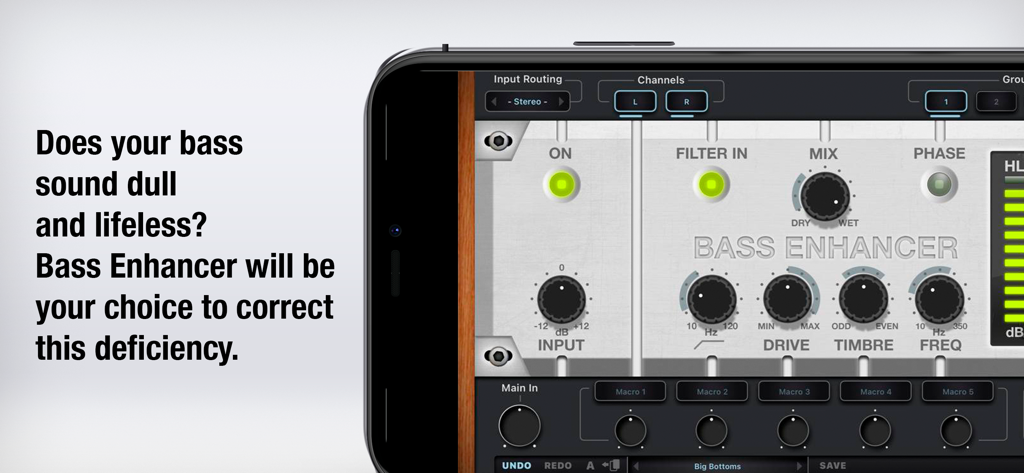
음악 프로덕션을 위한 전문 오디오 컨트롤을 보여주는 스마트폰 화면의 Bass Enhancer AUv3 플러그인 인터페이스

음악 프로덕션을 위한 전문 오디오 컨트롤을 보여주는 스마트폰 화면의 Bass Enhancer AUv3 플러그인 인터페이스

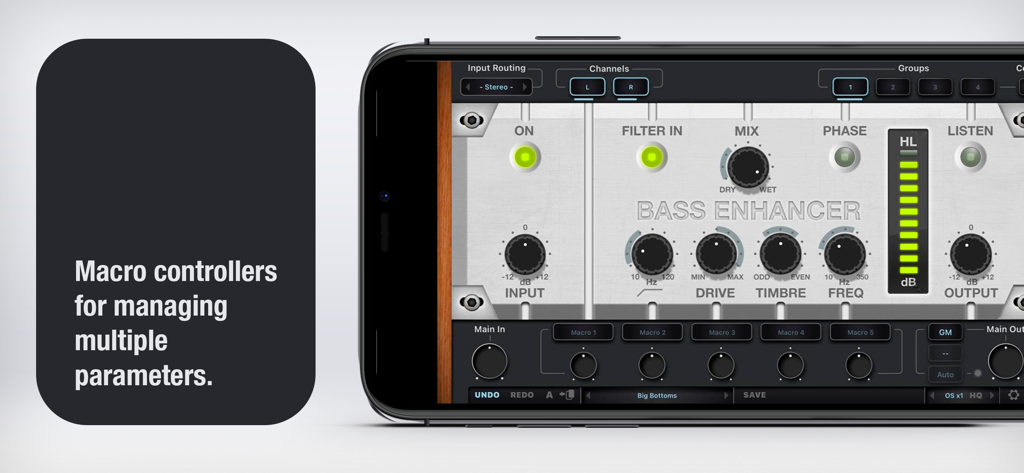
매크로 컨트롤러와 오디오 처리 노브를 스마트폰에 보여주는 Bass Enhancer 앱의 인터페이스

매크로 컨트롤러와 오디오 처리 노브를 스마트폰에 보여주는 Bass Enhancer 앱의 인터페이스

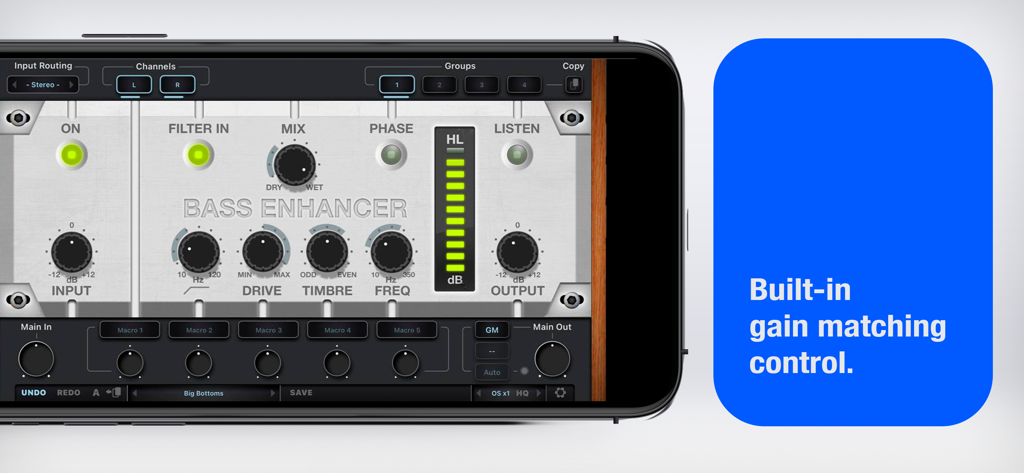
내장 게인 매칭 제어 기능을 강조하는 Bass Enhancer 모바일 앱 인터페이스

내장 게인 매칭 제어 기능을 강조하는 Bass Enhancer 모바일 앱 인터페이스

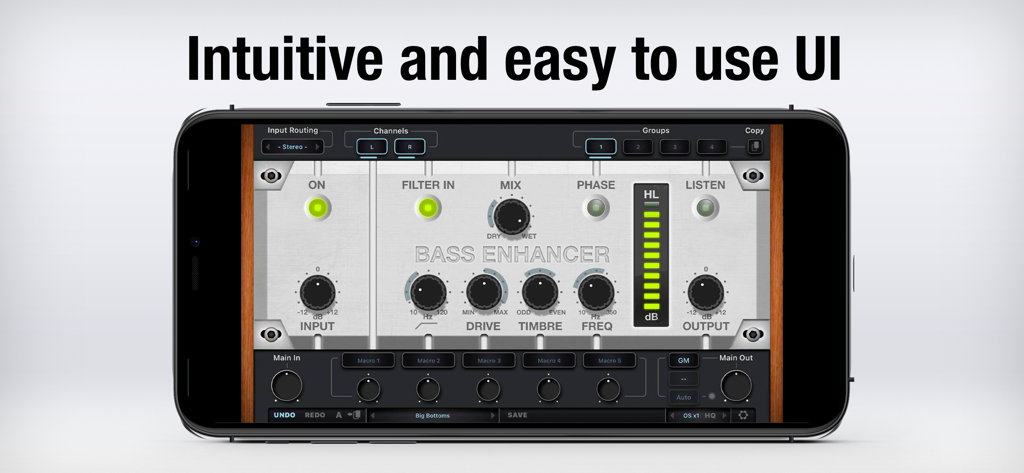
스마트폰 화면에 표시된 Bass Enhancer AUv3 플러그인의 사용자 인터페이스

스마트폰 화면에 표시된 Bass Enhancer AUv3 플러그인의 사용자 인터페이스

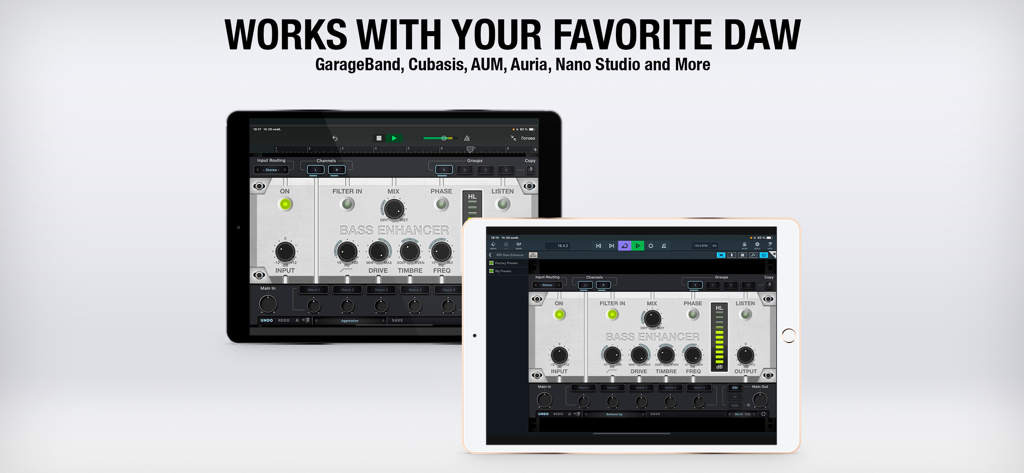
GarageBand 및 Cubasis와 같은 주요 모바일 DAW와의 호환성을 보여주는 두 개의 iPad에서 표시되는 Bass Enhancer AUv3 플러그인 인터페이스

GarageBand 및 Cubasis와 같은 주요 모바일 DAW와의 호환성을 보여주는 두 개의 iPad에서 표시되는 Bass Enhancer AUv3 플러그인 인터페이스

모바일 믹스를 위한 스튜디오급 저음

이 앱을 돋보이게 하는 도구, 21K+ 명의 사용자가 선택.

🔊

하모닉 베이스 새츄레이션

풍부한 하모닉스를 생성하여 베이스 사운드를 더 깊고 따뜻하며 믹스에서 더 또렷하게 만들어 단순한 EQ를 넘어서세요.

📱

소형 스피커 최적화

808 및 서브 베이스가 고급 헤드폰부터 스마트폰 스피커 및 휴대용 기기까지 모든 기기에서 들리도록 하세요.

🎚️

전문가용 DSP 워크플로우

8배 업샘플링, 내장 게인 매칭, GarageBand 및 Cubasis를 위한 원활한 AUv3 통합으로 데스크톱 품질의 프로세싱을 경험하세요.

앱 소개

에 대해 알아야 할 모든 것 Bass Enhancer.

설명

Bass Enhancer AUv3 plug-in — comes as time-limited Demo-version for you to try. It gives you 5 minutes of Free play time. (You can reload the Bass Enhancer AUv3 plug-in as many times as you want, thereby you get the Demo period again and again.) Unlimited version of Bass Enhancer AUv3 plug-in comes as In-App Purchase. Does your bass sound dull and lifeless? Red Rock Sound Bass Enhancer will be your choice to correct this deficiency. Bass Enhancer designed for saturation harmonics of low-frequency, it creates the effect of lower, deeper frequencies. This effect can not be created with simple equalization. Features: • ON switch — allows the user to bypass the Bass Enhancer for before/after comparisons; • LEVEL — control knob for the Level of the Input Signal; • INPUT meter — lets You monitor the output level before Bass Enhancer processing; • TIMBRE — sets the balance between Odd and Even harmonics; • FREQ — this knob simply controls where the process begins in frequency domain (for example, with a setting of 85 Hz, all frequencies below 85 Hz will have Harmonics generated by the system); • LISTEN — mute the Mix signal and Listen to the Bass signal created by Bass Enhancer; • MIX — sets the amount of Bass Enhancer enhancement added to the original signal; • H.meter — the Level meter for the Harmonics that are created; • OUTPUT meter — lets You monitor the output level after Bass Enhancer processing; • Undo/Redo; • A/B comparison; • 2x/4x/8x Upsampling; • Macro controllers; • Built-in Gain Match; • Scalable GUI. To use Bass Enhancer as a plug-in, you need an AUv3-compatible host app like GarageBand, Auria, AUM, Cubasis and more — Bass Enhancer will appear in the list of Audio Unit extensions for effect plug-ins in the host app.

최신 버전

3.0.3

크기

16.1 MB

출시일

2020년 4월 18일

모바일 스튜디오에 전문가급 저음을 더하세요

밋밋한 믹싱에 만족하지 마세요. iPad 및 iPhone 프로덕션 워크플로우에 깊고 풍부한 하모닉 베이스와 스튜디오급 정밀도를 제공하는 AUv3 플러그인을 다운로드하세요.

다운로드: App Store

App information, icons, screenshots, and descriptions displayed on this page are sourced from the Apple App Store and are the property of their respective developers. Download estimates and rankings are based on MWM's proprietary models and may not reflect actual figures. This page is provided for informational and analytical purposes only.

Believe this page infringes your intellectual property? File a dispute