BT Basketball Scoreboard

BT Basketball Scoreboard


다운로드: App Store다운로드: Google Play
로고: BT Basketball Scoreboard
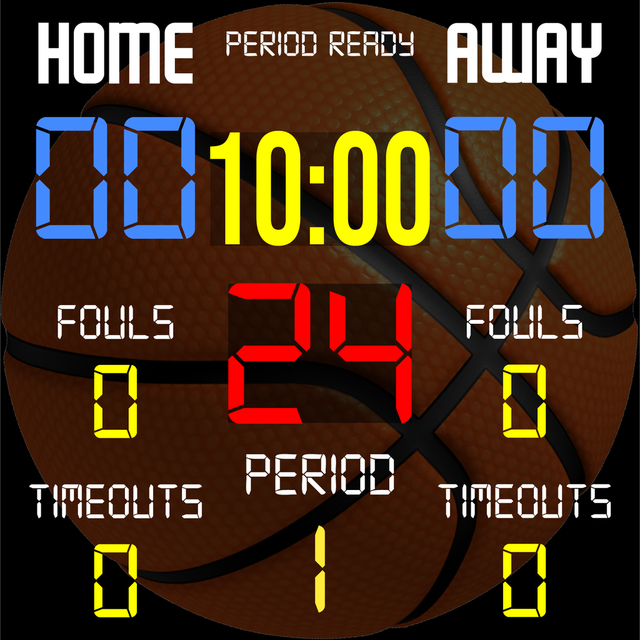
BT 농구 스코어보드: 모든 화면을 전문 경기장 디스플레이로 전환

코치와 리그 디렉터를 위한 올인원 스코어링 솔루션입니다. 비싼 하드웨어 없이도 엘리트 수준의 제어, 사용자 정의 가능한 규칙, 원활한 원격 관리를 경험하세요.

개발사

The Basketball Temple LLC

카테고리

Sports

다운로드

34K+

사용자 평점

4.3/5

총 평가 수

0

지원 언어

1

코트 위의 완벽함

이 인터페이스를 사용하는 34K+ 명의 사용자.

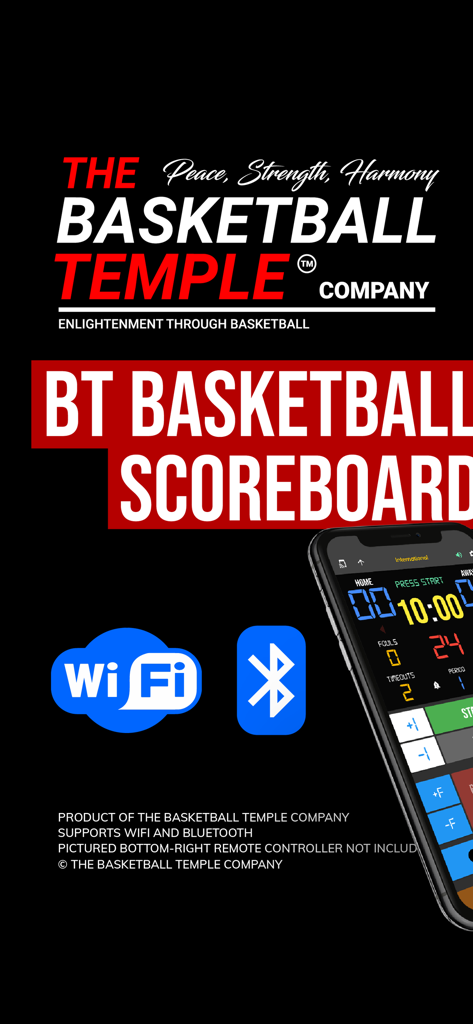
BT 농구 스코어보드 앱이 WiFi 및 블루투스 연결 아이콘과 스마트폰 인터페이스를 보여줍니다.

BT 농구 스코어보드 앱이 WiFi 및 블루투스 연결 아이콘과 스마트폰 인터페이스를 보여줍니다.

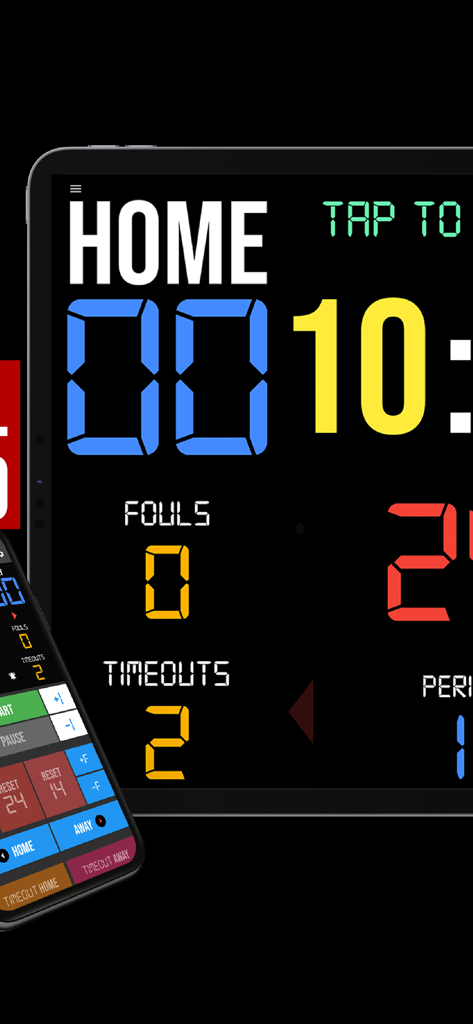
스마트폰 원격 컨트롤러 인터페이스가 있는 태블릿의 디지털 농구 스코어보드 앱

스마트폰 원격 컨트롤러 인터페이스가 있는 태블릿의 디지털 농구 스코어보드 앱

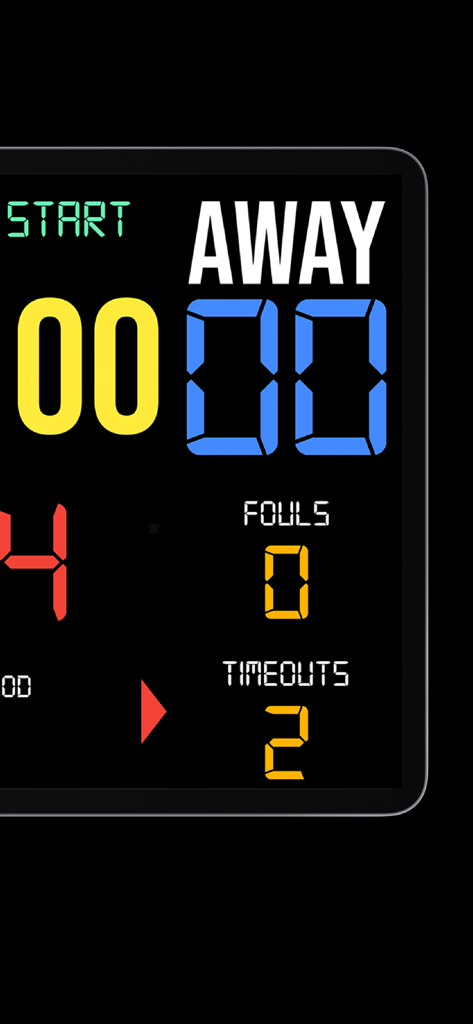
원정팀 점수와 파울을 표시하는 디지털 농구 스코어보드 인터페이스

원정팀 점수와 파울을 표시하는 디지털 농구 스코어보드 인터페이스

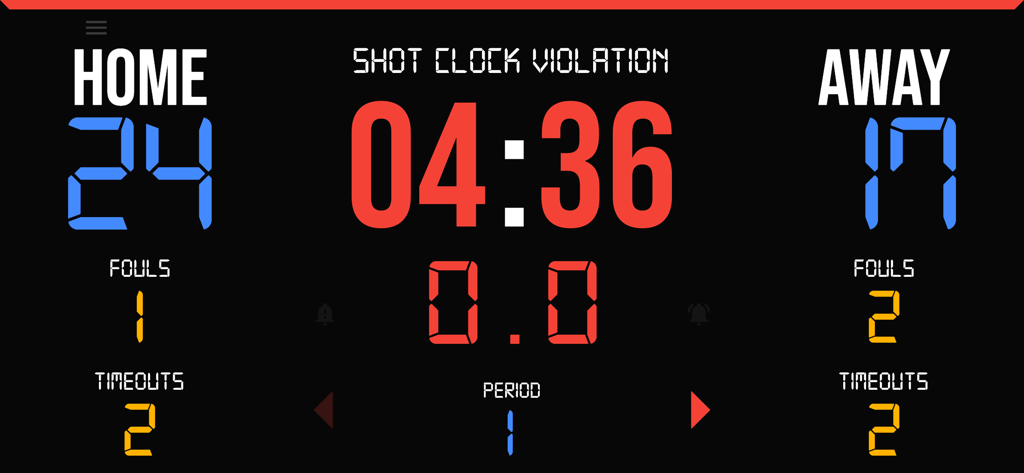
점수, 파울, 타임아웃 및 샷 클락 위반을 보여주는 디지털 농구 스코어보드

점수, 파울, 타임아웃 및 샷 클락 위반을 보여주는 디지털 농구 스코어보드

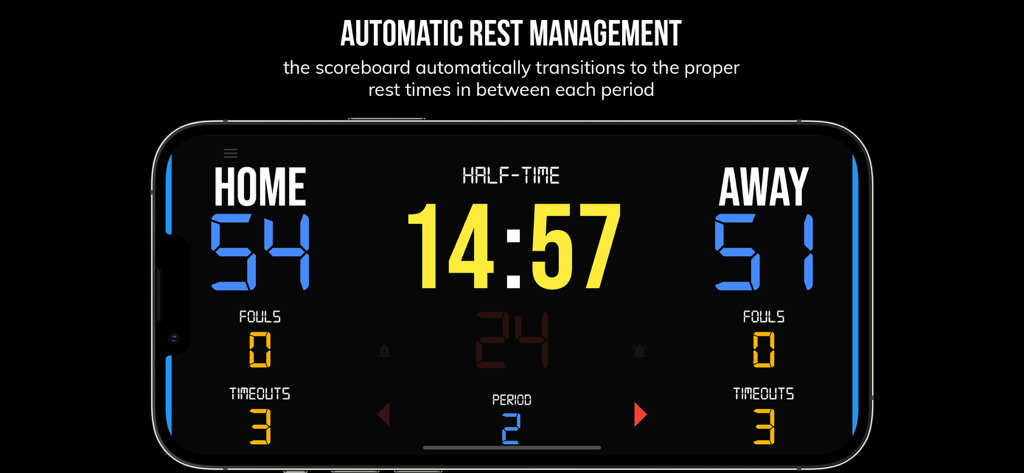
BT 농구 스코어보드 앱이 경기 시간 사이에 하프타임 타이머를 보여주는 인터페이스

BT 농구 스코어보드 앱이 경기 시간 사이에 하프타임 타이머를 보여주는 인터페이스

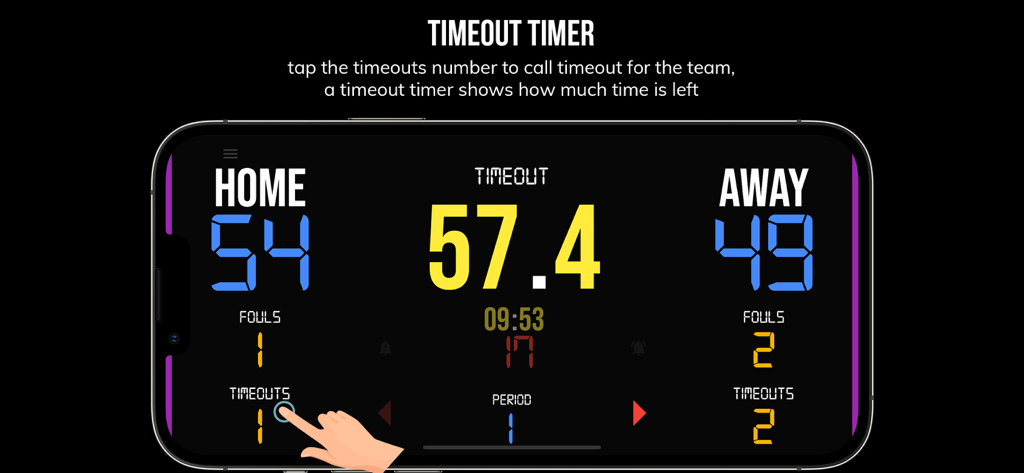
BT 농구 스코어보드 앱에서 타임아웃 타이머 인터페이스를 보여주는 스마트폰

BT 농구 스코어보드 앱에서 타임아웃 타이머 인터페이스를 보여주는 스마트폰

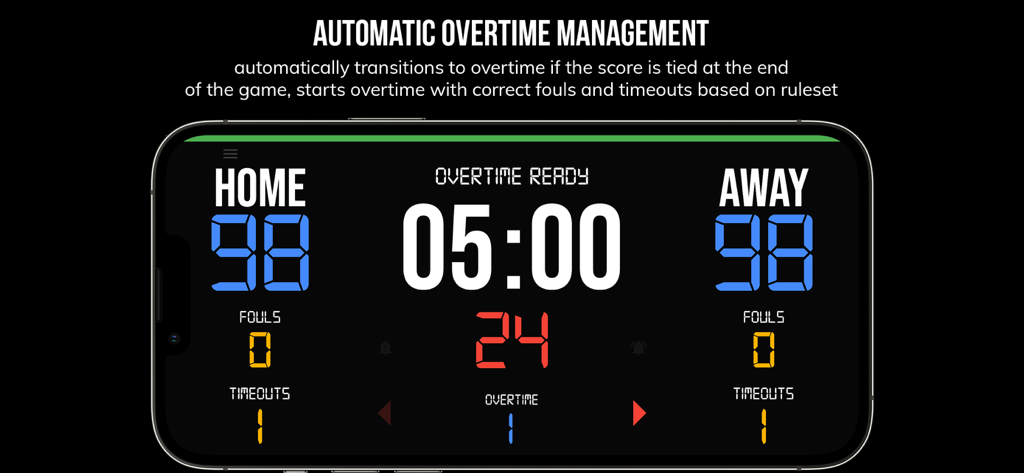
BT 농구 스코어보드 앱의 인터페이스가 동점 상황에서 자동 연장전 관리를 보여줍니다.

BT 농구 스코어보드 앱의 인터페이스가 동점 상황에서 자동 연장전 관리를 보여줍니다.

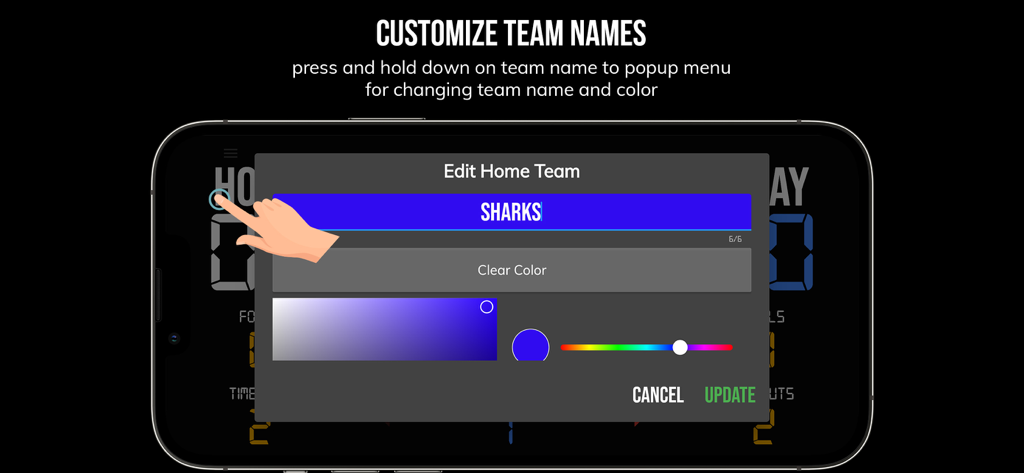
BT 농구 스코어보드 앱의 팀 이름 및 색상 사용자 정의 화면

BT 농구 스코어보드 앱의 팀 이름 및 색상 사용자 정의 화면

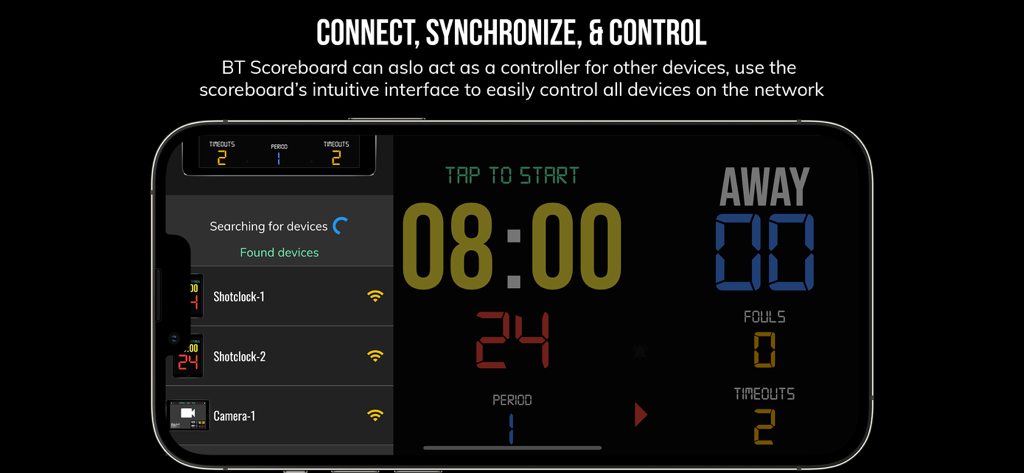
BT 농구 스코어보드 앱 인터페이스가 스마트폰에서 다중 장치 동기화 및 원격 제어 기능을 보여줍니다.

BT 농구 스코어보드 앱 인터페이스가 스마트폰에서 다중 장치 동기화 및 원격 제어 기능을 보여줍니다.

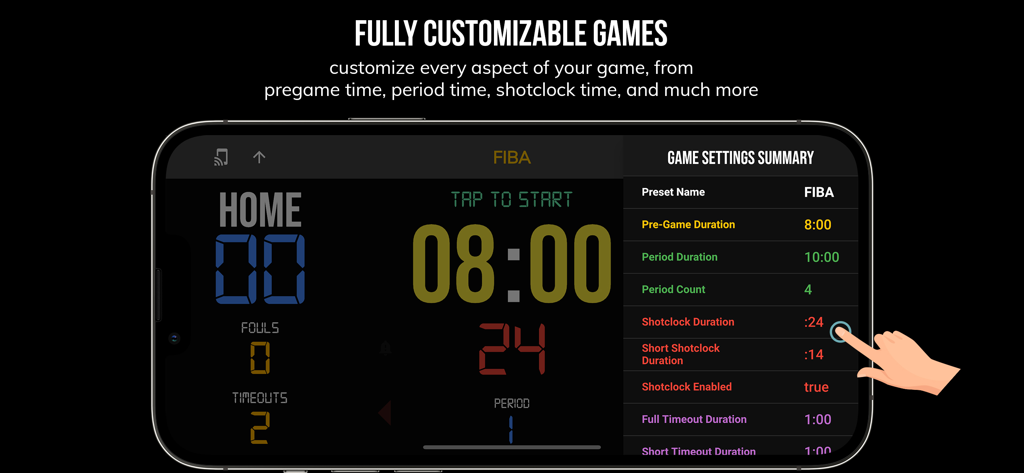
BT 농구 스코어보드 앱 인터페이스가 스마트폰에서 FIBA 규칙에 대한 사용자 정의 가능한 경기 설정을 보여줍니다.

BT 농구 스코어보드 앱 인터페이스가 스마트폰에서 FIBA 규칙에 대한 사용자 정의 가능한 경기 설정을 보여줍니다.

모든 경기를 빅 리그로 끌어올리세요

이 앱을 돋보이게 하는 도구, 34K+ 명의 사용자가 선택.

📲

원활한 원격 관리

블루투스 또는 WiFi를 통해 사이드라인 어디에서든 시계와 점수를 관리하기 위해 스마트폰을 태블릿 또는 TV와 동기화하세요.

⏱️

모든 레벨에 대한 사전 구성

고등학교, NCAA 또는 FIBA 규칙에 대한 사전 설정을 즉시 적용하고, 강렬한 팀 연습 드릴을 위한 사용자 지정 모드도 활용하세요.

💎

광고 없는 전문성

하드웨어 비용 없이 진정한 경기장 수준의 경험을 위해 프로젝터 또는 대형 화면에 완벽하게 맞는 깔끔하고 방해 없는 인터페이스입니다.

앱 소개

에 대해 알아야 할 모든 것 BT Basketball Scoreboard.

설명

One of the cleanest scoreboard apps on the market with many convenient features. The BT Scoreboard app, developed by and for a basketball company that runs it's own basketball leagues, is the next best option to investing in an expensive professional grade scoreboard. Scoreboard equipment which can cost you thousands is now available and affordable to everyone in the basketball community. Use the scoreboard by itself or download the free BT Controller app to remotely control the scoreboard and optionally multiple devices such as shotclocks (available on the app store as the "BT Shotclock" app). To connect to the scoreboard open the connect menu on the BT Controller app, the scoreboard is automatically detected, hit the WiFi or Bluetooth button next to the scoreboard name on the BT Controller app to connect. BT Scoreboard Features: - Clean design, no ads - Intuitive direct tap and swipe controls - Remotely control scoreboard with WiFi or Bluetooth using free BT Controller App - Convenient Presets (International, US, College, High School, ...) - Convenient timers: pregame timer, period timer, rest timer, timeout timer, overtime, etc. - Fully customizable game in the settings - Practice modes configured in settings is great for running practices - Audio buzzers for shotclock violation, end of period, substitutions, etc. - Warning beep near end of pregame, timeout, or rest times (customizable) - BT Scoreboard App can also act as a controller similar to BT Controller App - Quick Start Documentation below For the best experience, use the application on a large tablet, or hook your phone/tablet up to a large display or video projector. You'll feel like you have just bought a professional scoreboard! The BT Scoreboard app was created by The Basketball Temple Company. The Basketball Temple Company focuses on high quality basketball academies, basketball leagues, and technologies that are used to support those academies and leagues. We open our technology to the public so everyone in the basketball community can experience the same technologies that we use within our institutions. # Quick Start Documentation: Exiting Game and Reseting Times: - Click top right settings icon (if top bar is hidden, click top left hamburger icon to open top app bar) - Scroll down and hit "Exit Game" button Score Controls: - Tap score to increase quickly - Swipe up/down score to increase/decrease - Hold down on team names to adjust name and color of teams Time Controls: - Tap period timer to start/pause - Tap pregame, timeout, rest timers to early transition to next stage Shotclock Controls: - Tap shotclock to reset/go - Swipe shotclock up/down to reset/go to short shotclock Timeout Controls: - Tap timeout number to call timeout - Swipe up/down timeouts to adjust numbers - Red indicates violation when calling timeout with no timeouts left Fouls Controls - Swipe up/down fouls to adjust numbers - Red indicates bonus situation (customizable in settings) - Purple indicates double bonus situation (customizable in settings) Connect and Remote Control Settings (IMPORTANT: only needed when using the scoreboard as a controller, not needed if the scoreboard is being controlled by another device): - Tap on top-left icon (or swipe left-to-right on the left edge) to open connect menu - Hit "Refresh" to find devices - Tap on WiFi or Bluetooth icon to connect, green icon indicates connected - If unable to connect or having connection errors try one of the following: 1) please ensure all devices are on the same WiFi network 2) please ensure bluetooth is turned ON on all devices 3) lastly, try to restart the app on all devices Time and Game Settings: - Tap on top-right icon (or swipe right-to-left on the right edge) to open settings menu - Edit and save the many settings available Audio Buzzer: - There are two faint colored bell icons next to the period number - Tap to play buzzer or energy horn

최신 버전

1124

크기

116.7 MB

출시일

2020년 8월 8일

여러분의 리그를 프로 레벨로 끌어올리세요

값비싼 하드웨어는 이제 그만. 오늘날 전문적인 경기와 연습을 운영하기 위해 광고 없는 맞춤형 스코어보드를 사용하는 34,000명 이상의 '농구 건축가'와 함께하세요.

다운로드: App Store다운로드: Google Play

App information, icons, screenshots, and descriptions displayed on this page are sourced from the Apple App Store and are the property of their respective developers. Download estimates and rankings are based on MWM's proprietary models and may not reflect actual figures. This page is provided for informational and analytical purposes only.

Believe this page infringes your intellectual property? File a dispute