실시간 오디오 및 조명 알림으로 0.1°의 정확도를 달성하세요. TV, 가전제품, 캐비닛을 완벽하게 수평 맞추는 데 이상적입니다.
✨
스마트 AR 레이저 라인
증강 현실을 사용하여 모든 표면에 가상 참조 라인을 투사하여 여러 액자나 가구 조각을 몇 초 안에 완벽하게 정렬하세요.
🛡️
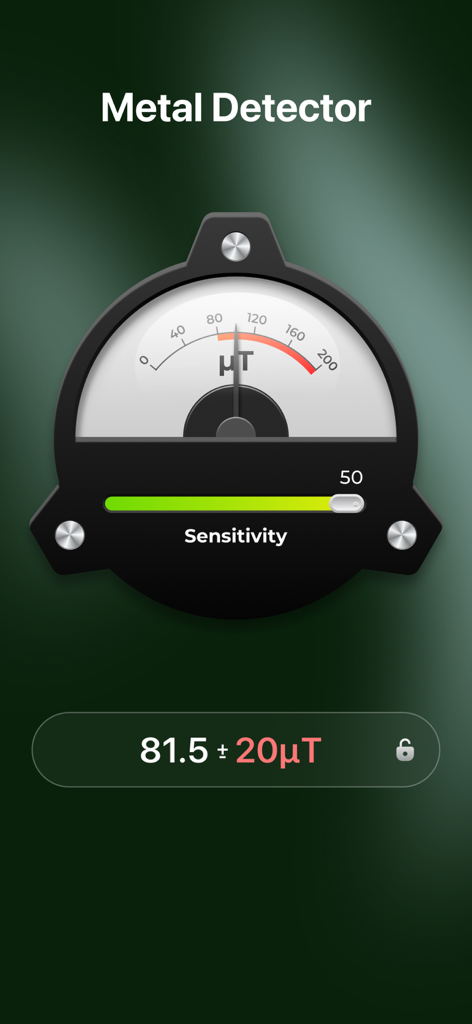
숨겨진 금속 탐지
드릴링 전에 건식 벽체 뒤에 있는 금속 스터드, 전선, 파이프를 식별하세요. 모든 DIY 홈 개선 작업을 위한 안전과 마음의 평화.
앱 소개
에 대해 알아야 할 모든 것 Bubble Level for Phone.
설명
Bubble Level Tool Pro+—Professional Digital Spirit Level for iPhone
and measure angles on any surface quickly and accurately. Get precise readings with angle locking and calibration, and receive sound and light alerts when perfectly level. Check if a surface is flat in seconds and keep your TV and picture frames straight. Ideal for installing furniture, hanging pictures, or any construction, carpentry, or renovation project—and it works completely offline. A must-have tool for DIY enthusiasts and professionals alike.
Key Features:
●Level Tool
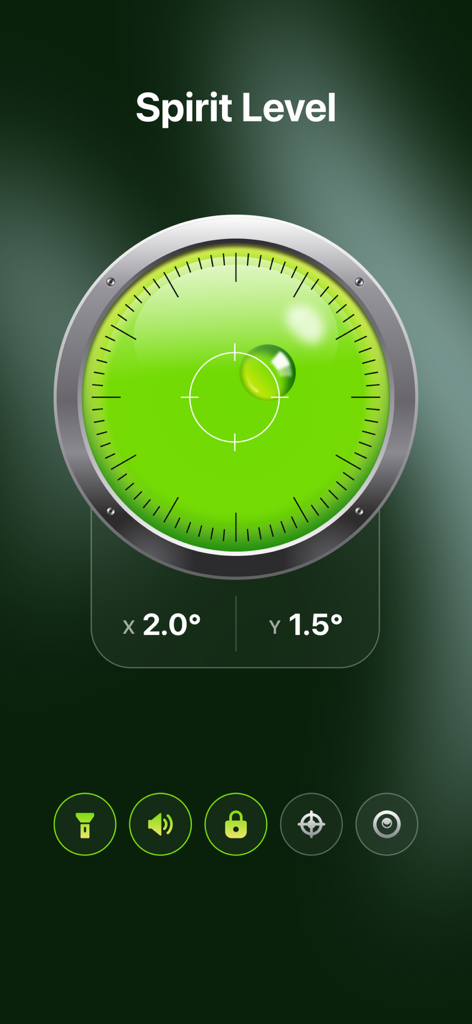
The Level Tool features sound and light alerts, surface calibration, and angle locking, with clear and easy-to-read angle values. It supports switching between different modes to meet a wide range of measurement needs.
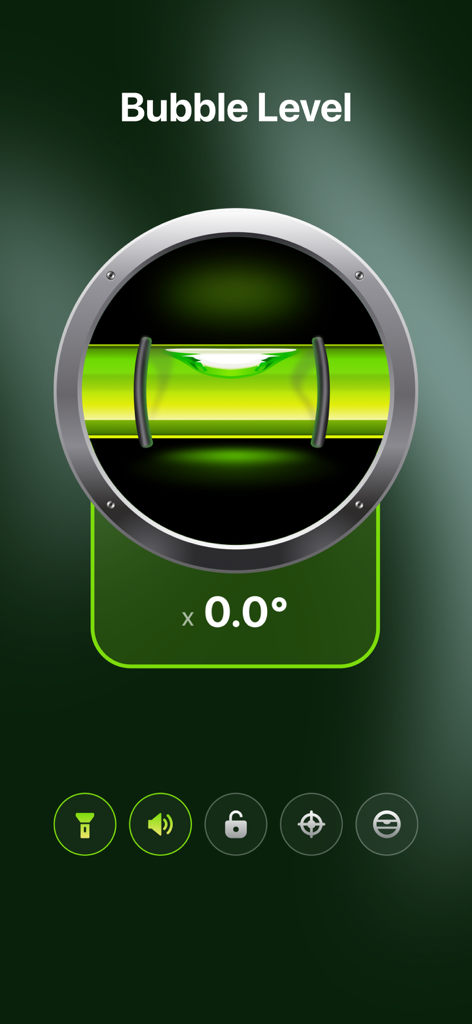
●Bubble Level — Simulates a traditional bubble level to check horizontal and vertical surfaces. Simple to use with clear results.
- 360° Spirit Level — Provides full 360-degree angle measurement, ideal for calibrating tables, floors, or sloped surfaces in any direction.
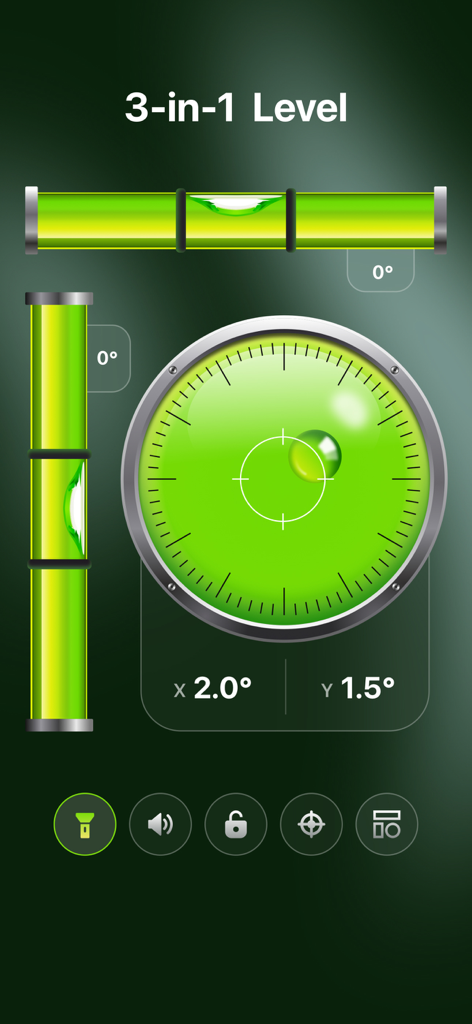
- 3-in-1 Spirit Level — Combines horizontal, vertical, and 45° angle measurement in one tool, covering the most common leveling scenarios.
●Laser Level
The Laser Level projects virtual laser-like reference lines using AR technology, helping you easily align walls, furniture, picture frames, and other objects. It ensures precise installation and accurate positioning in a variety of scenarios.
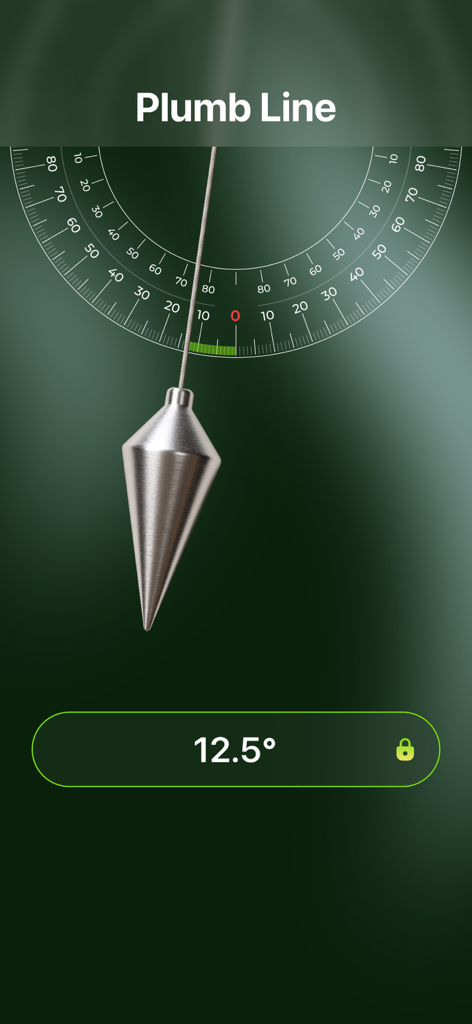
●Plumb Line
Measure vertical alignment and angles for construction, carpentry, home, or interior projects.
●Angle Finder — Measures angles on any surface with degree precision. Lock and hold angles for accurate comparisons and repeated measurements.
●Inclinometer — Displays real-time inclination relative to gravity, ideal for measuring slopes, ramps, roofs, or tilted surfaces.
●Metal Detector
Detect hidden wires before drilling or detect metal wires hidden inside walls.
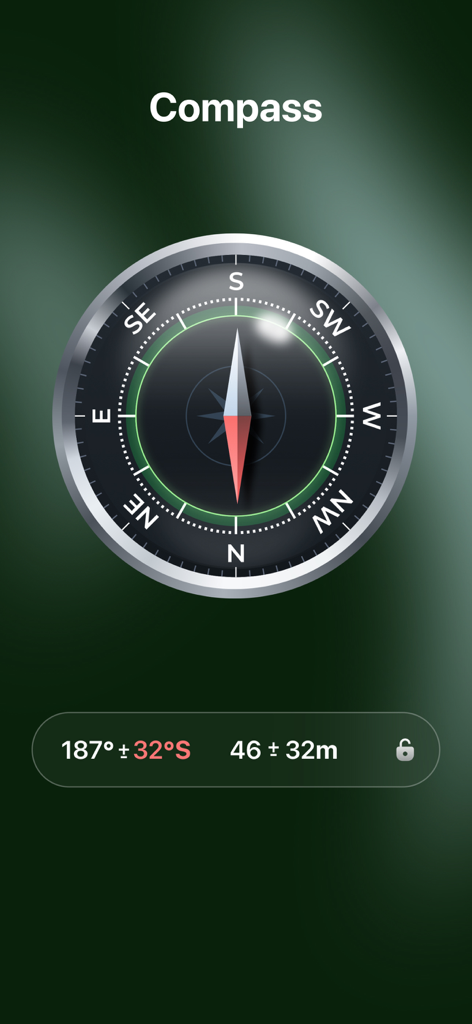
●Compass
Quickly determine direction during outdoor activities.
●Barometer
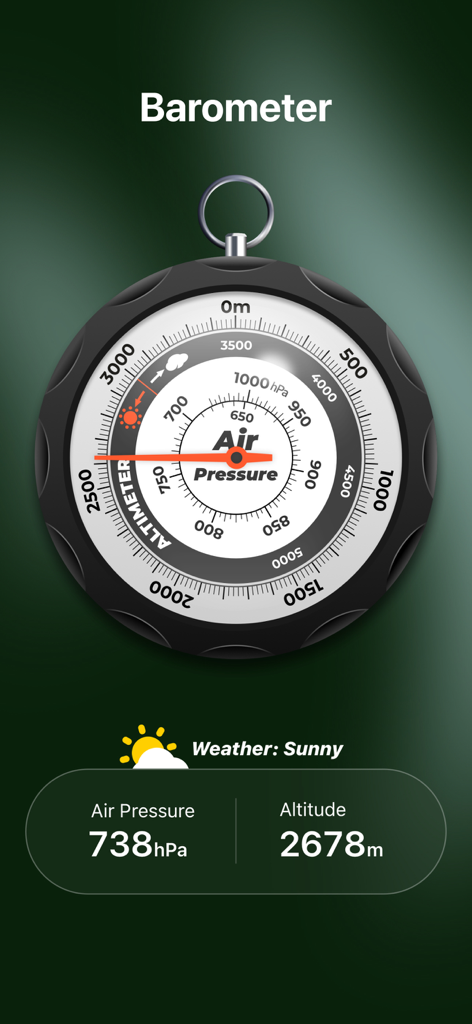
Monitor air pressure and altitude in real time.
Versatile Usage Scenarios
● Home & DIY
Use the Laser Level to hang pictures, mirrors, or clocks, and to position appliances and furniture. The Metal Detector can also help detect wires or nails inside walls.
● Outdoor & Sports
Use the Level Tool to calibrate tents, tables, chairs, or small landscaping structures. Quickly determine direction and altitude with the Compass and Barometer.
● Professional & Industrial
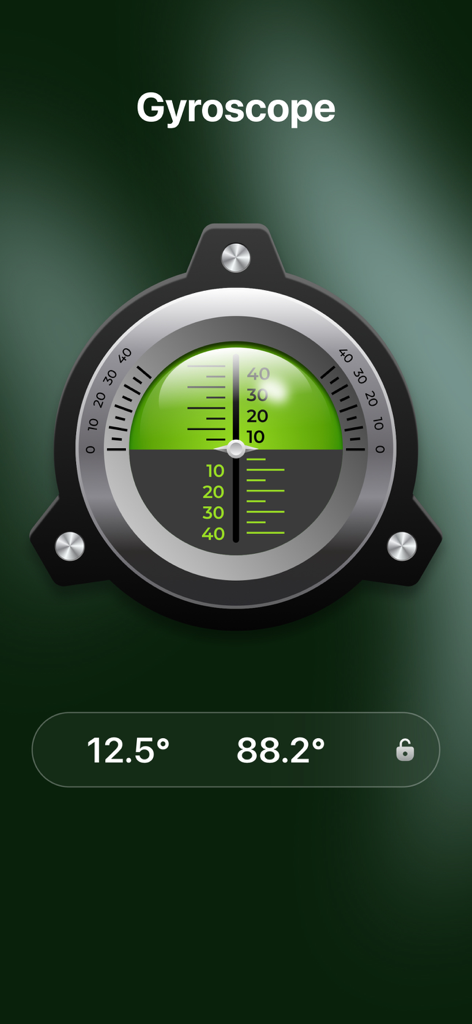
Leverage the Level Tool, Gyroscope, and Plumb Line for construction design, carpentry, and surveying—measure angles and track orientation and rotation in 3D space.
● Photography & Devices
The 360° Spirit Level keeps cameras, phones, TVs, monitors, and projectors perfectly level for precise framing and installation.
Important Notes:
If you subscribe via Apple, payment will be charged to your App Store account upon purchase confirmation. Subscriptions automatically renew unless auto-renewal is turned off at least 24 hours before the end of the current period. Your account will be charged for renewal within 24 hours before the end of the current subscription period at the selected plan rate. Subscriptions and auto-renewal can be managed after purchase through your App Store account settings.
Feedback
— If you enjoy using Bubble Level Tool Pro+, please rate us 5 stars and leave your review.
— For any suggestions or questions, please email: luoyouming@upluspace.com
— Don’t have the app yet? Download Bubble Level Tool Pro+ now and experience precise, effortless measurements for all your projects!
Privacy Policy: https://sites.google.com/view/upluspace-level-p-policy
Terms of Use: https://sites.google.com/view/upluspace-level-terms-of-use
최신 버전
1.2.0
크기
74.9 MB
출시일
2025년 7월 2일
전문가 수준의 정밀도로 다음 프로젝트를 마스터하세요
100,000명 이상의 DIY 애호가 및 전문가와 함께하세요. iPhone을 완벽한 디지털 툴킷으로 전환하여 모든 각도, 수평, 정렬을 처음부터 올바르게 맞춰보세요.
FAQ
자주 묻는 질문
에 대해 알아야 할 모든 것 Bubble Level for Phone
iPhone용 Bubble Level Tool Pro+ 앱은 무엇인가요?
Bubble Level Tool Pro+는 iPhone용 디지털 수평계입니다. 각도를 측정하고, 표면의 평탄도를 확인하며, 다양한 프로젝트를 위한 레이저 레벨, 연직선, 금속 탐지기, 나침반, 기압계와 같은 도구를 포함합니다.
Bubble Level Tool Pro+는 오프라인으로 작동하나요?
네, Bubble Level Tool Pro+ 앱은 완전히 오프라인으로 작동합니다. 사용자는 인터넷 연결 없이도 모든 수평 및 측정 기능에 액세스할 수 있습니다.
휴대폰용 Bubble Level의 레이저 레벨 기능은 어떻게 작동하나요?
휴대폰용 Bubble Level의 레이저 레벨 기능은 AR 기술을 사용합니다. 가상 레이저와 유사한 참조 선을 투사하여 사용자가 벽에 물체, 가구, 액자 등을 정확하게 정렬하도록 돕습니다.
Bubble Level Tool Pro+는 벽 속의 숨겨진 전선을 감지할 수 있나요?
네, Bubble Level Tool Pro+ 앱에는 금속 탐지기 기능이 포함되어 있습니다. 벽 속의 숨겨진 전선과 금속 물체를 감지하여 안전한 드릴링 및 리노베이션 프로젝트에 도움을 줍니다.
Bubble Level Tool Pro+의 구독 자동 갱신은 어떻게 작동하나요?
Bubble Level Tool Pro+의 구독은 App Store 계정을 통해 자동으로 갱신됩니다. 요금이 부과되는 것을 방지하려면 현재 기간이 종료되기 최소 24시간 전에 자동 갱신을 꺼야 합니다.
Bubble Level Tool Pro+ 앱의 주요 용도는 무엇인가요?
Bubble Level Tool Pro+ 앱은 가구 설치, 액자 걸기, 일반 건설에 이상적입니다. 또한 표면을 보정하고, 금속을 감지하며, 방향을 결정하고, 기압 및 고도를 측정합니다.
Bubble Level Tool Pro+ 앱은 완벽하게 수평이 되었을 때 알림을 제공하나요?
네, Bubble Level Tool Pro+의 레벨 도구 기능은 소리와 빛 알림을 모두 제공합니다. 표면이 완벽하게 수평 상태에 도달하면 이러한 알림이 활성화되어 정확한 위치를 보장합니다.
정밀도를 위해 Bubble Level Tool Pro+에서 레벨을 보정할 수 있나요?
네, Bubble Level Tool Pro+ 내의 레벨 도구 기능은 표면 보정을 지원합니다. 이 기능을 통해 사용자는 다양한 요구 사항과 응용 프로그램에 대한 측정의 정확성을 보장할 수 있습니다.
Bubble Level Tool Pro+에는 어떤 종류의 수평계가 있나요?
Bubble Level Tool Pro+에는 클래식 버블 레벨, 포괄적인 각도 측정을 위한 360° 스피릿 레벨, 수평, 수직 및 45° 각도를 포함하는 3-in-1 스피릿 레벨 등 여러 종류의 수평계가 포함되어 있습니다.
Bubble Level Tool Pro+는 측정 시 각도 잠금을 지원하나요?
네, Bubble Level Tool Pro+는 각도 잠금을 제공합니다. 이 기능은 레벨 도구 및 각도 측정기에 사용할 수 있으며, 사용자가 정확한 비교 및 반복 측정을 위해 각도를 고정할 수 있습니다.
App information, icons, screenshots, and descriptions displayed on this page are sourced from the Apple App Store and are the property of their respective developers. Download estimates and rankings are based on MWM's proprietary models and may not reflect actual figures. This page is provided for informational and analytical purposes only.
Believe this page infringes your intellectual property? File a dispute