
CB Card+


신용 카드 및 선불 카드를 위한 올인원 모바일 동반자입니다. 집에서든 해외 여행 중이든 손안에서 상환, 즉시 충전 및 카드 보안을 관리하세요.
개발사
카테고리
Finance다운로드
9K+사용자 평점
총 평가 수
0지원 언어
2이 인터페이스를 사용하는 9K+ 명의 사용자.
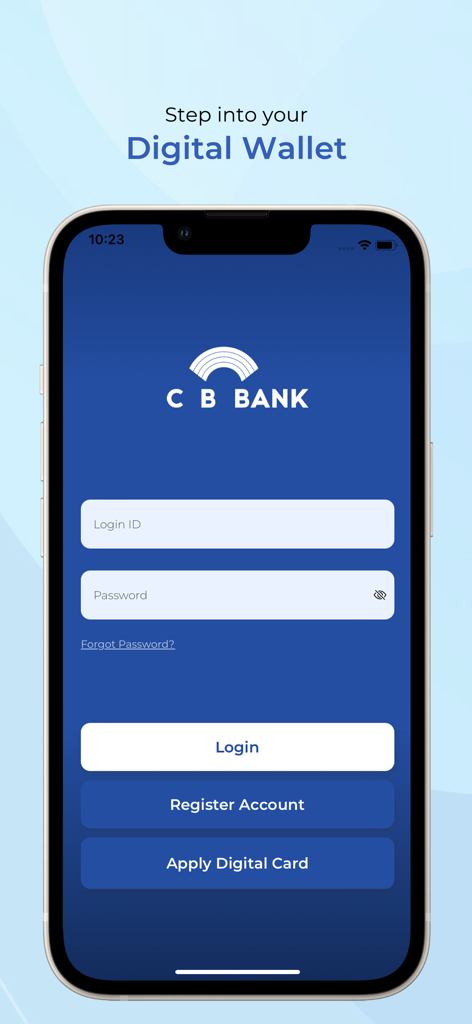
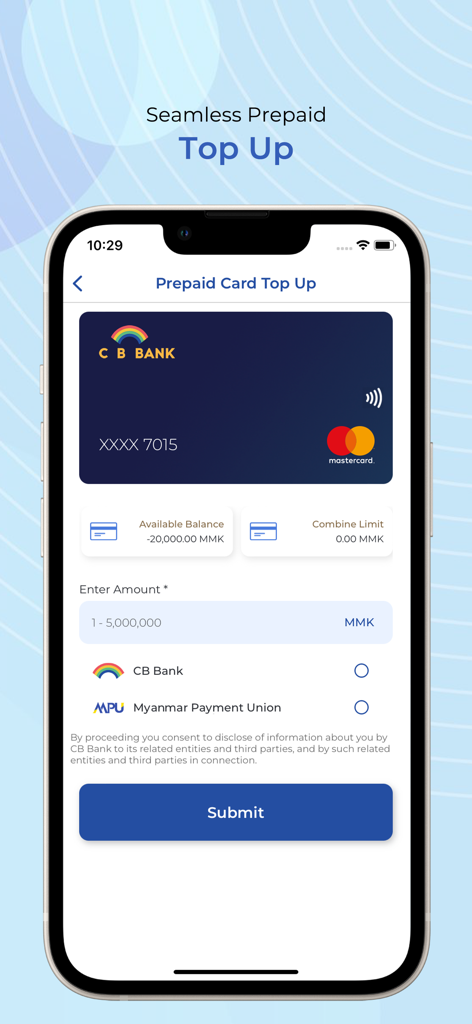
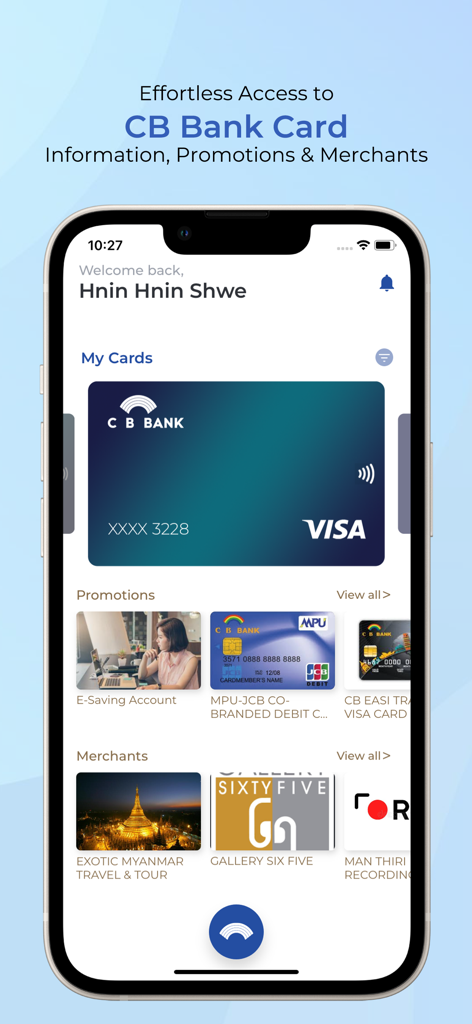
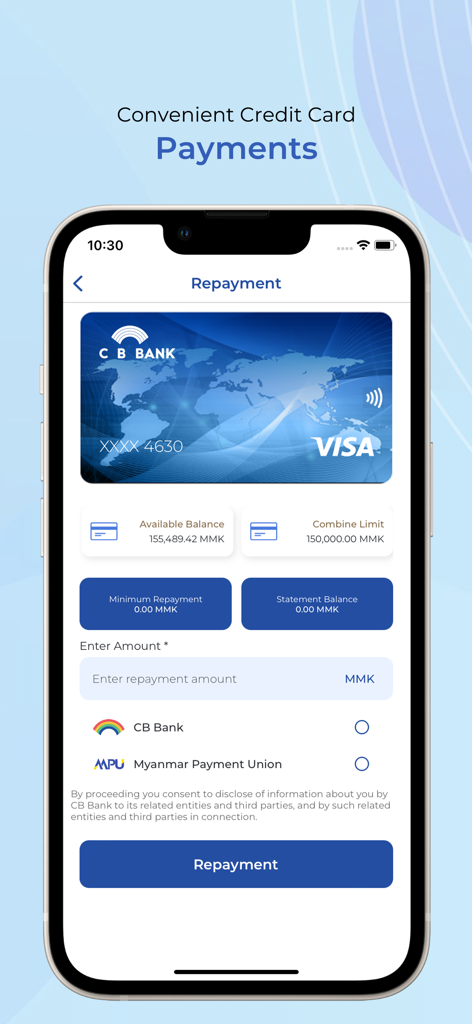
이 앱을 돋보이게 하는 도구, 9K+ 명의 사용자가 선택.
탭 한 번으로 카드를 잠그거나 잠금 해제하세요. 국제 전화를 하지 않고도 즉시 자금을 확보할 수 있다는 사실을 알고 안심하세요.
신용 카드 상환 및 선불 충전을 몇 초 만에 처리하세요. 전통적인 은행 업무의 장애물 없이 집에서의 재정적 의무를 관리하세요.
모든 거래를 모니터링하고 디지털 명세서를 즉시 확인하세요. 미국 은행 앱에서 기대하는 수준의 가시성과 데이터 명확성을 확보하세요.
에 대해 알아야 할 모든 것 CB Card+.
설명
최신 버전
3.5.0
크기
39.6 MB
출시일
2020년 9월 20일
즉각적인 보안 잠금부터 원활한 충전까지, 전 세계 어디서든 미얀마 재정을 손쉽게 관리하세요.
같은 카테고리의 상위 앱

State Administration of Taxation

China Unionpay Co.,Ltd.

Shenzhen Xiaoduotou Information Technology Co.,Ltd.

PayPal, Inc.

AGRICULTURAL BANK OF CHINA LIMITED

MercadoLibre S.A.

KALSHI INC.

Industrial and Commercial Bank of China

State Administration of Taxation
App information, icons, screenshots, and descriptions displayed on this page are sourced from the Apple App Store and are the property of their respective developers. Download estimates and rankings are based on MWM's proprietary models and may not reflect actual figures. This page is provided for informational and analytical purposes only.
Believe this page infringes your intellectual property? File a dispute