
ControlBar - Music Menu Bar


Take full command of Spotify and Apple Music directly from your Lock Screen. Like songs, seek tracks, and switch playlists instantly with customizable widgets built for your workflow.
개발사
카테고리
Music다운로드
22K+사용자 평점
총 평가 수
0지원 언어
1이 인터페이스를 사용하는 22K+ 명의 사용자.
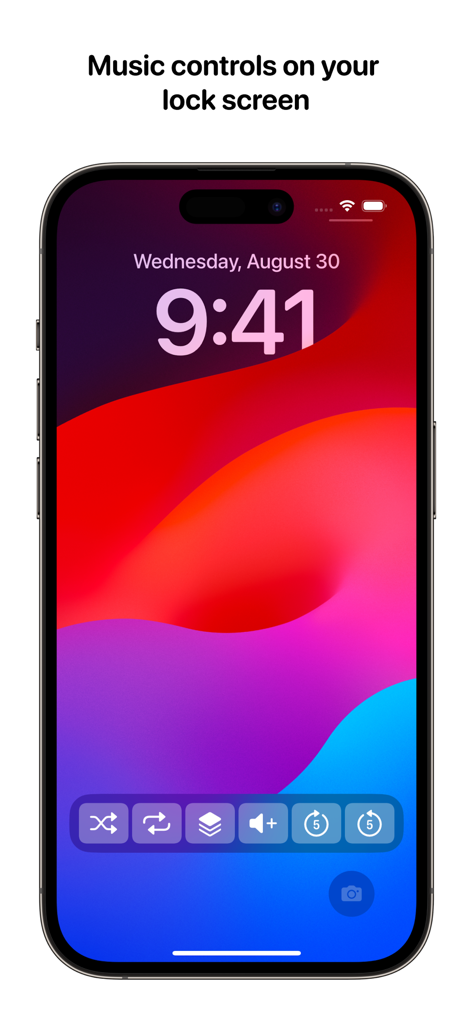
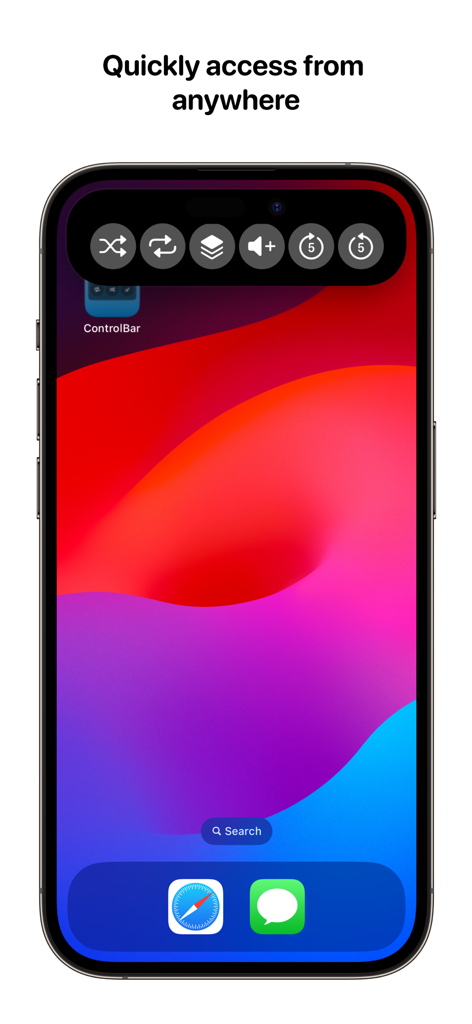
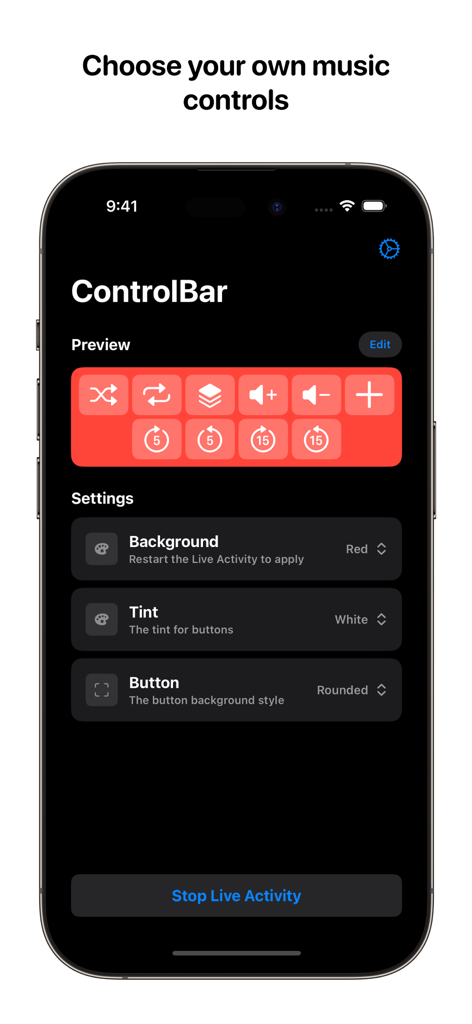
이 앱을 돋보이게 하는 도구, 22K+ 명의 사용자가 선택.
Tap "Like" or skip through tracks instantly without ever unlocking your iPhone. Perfect for life on the move.
Customize your control layout and appearance to match your unique Lock Screen style and favorite widgets.
Switch playlists, toggle shuffle, and manage volume with power-user tools built for Spotify and Apple Music.
에 대해 알아야 할 모든 것 ControlBar - Music Menu Bar.
설명
최신 버전
2.0.0
크기
6.2 MB
출시일
2023년 9월 18일
Join thousands of power users who have optimized their daily flow. Download ControlBar now and get full control of Spotify and Apple Music right from your Lock Screen.
에 대해 알아야 할 모든 것 ControlBar - Music Menu Bar
ControlBar는 음악 플레이어에 고급 기능을 추가하는 유틸리티입니다. 잠금 화면 또는 Dynamic Island에서 직접 재생, 셔플, 반복, 재생 목록 및 볼륨을 관리할 수 있습니다.
ControlBar는 Apple Music 및 Spotify와만 독점적으로 작동합니다. 이 앱은 향상된 컨트롤을 제공하기 위해 이 두 음악 스트리밍 서비스에서만 작동합니다.
예, ControlBar 컨트롤은 잠금 화면에서 직접 액세스할 수 있습니다. 이를 통해 기기를 잠금 해제하지 않고도 음악 재생을 빠르게 제어할 수 있습니다.
예, ControlBar를 사용하면 앱 내에서 컨트롤의 모양과 특정 컨트롤을 모두 사용자 지정할 수 있습니다. 사용자는 어떤 컨트롤이 표시되는지 선택하고 시각적 스타일을 수정할 수 있습니다.
ControlBar 내의 일부 작업에는 Apple Music 구독 또는 Spotify Premium이 필요할 수 있습니다. 사용자는 특정 기능을 위해 이러한 프리미엄 구독을 보유해야 합니다.
ControlBar는 트랙 좋아요, 앞뒤로 탐색, 셔플 및 반복 모드 변경, 재생 목록 선택, 볼륨 조절에 대한 컨트롤을 제공합니다. 이러한 옵션은 음악 상호 작용을 향상시킵니다.
같은 카테고리의 상위 앱

Spotify

Google LLC

Apple Inc.

SoundCloud Global Limited & Co KG

Suno Inc.

Tencent Technology (Shenzhen) Company Limited

Audiomack, Inc.

Yousician Ltd

BandLab Singapore Pte Ltd
App information, icons, screenshots, and descriptions displayed on this page are sourced from the Apple App Store and are the property of their respective developers. Download estimates and rankings are based on MWM's proprietary models and may not reflect actual figures. This page is provided for informational and analytical purposes only.
Believe this page infringes your intellectual property? File a dispute