
DigiLocker

미국에서 Aadhaar, PAN, 학업 증명서를 즉시 이용하세요. 안전하고 정부 인증을 받았으며, 글로벌 라이프스타일을 위한 100% 페이퍼리스 솔루션입니다.
개발사
카테고리
Productivity다운로드
15M+사용자 평점
총 평가 수
67K+지원 언어
2이 인터페이스를 사용하는 15M+ 명의 사용자.
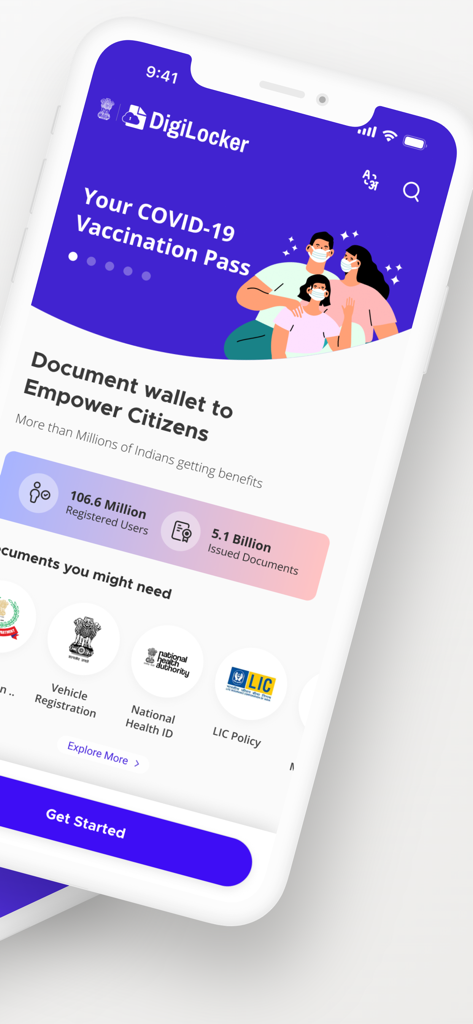
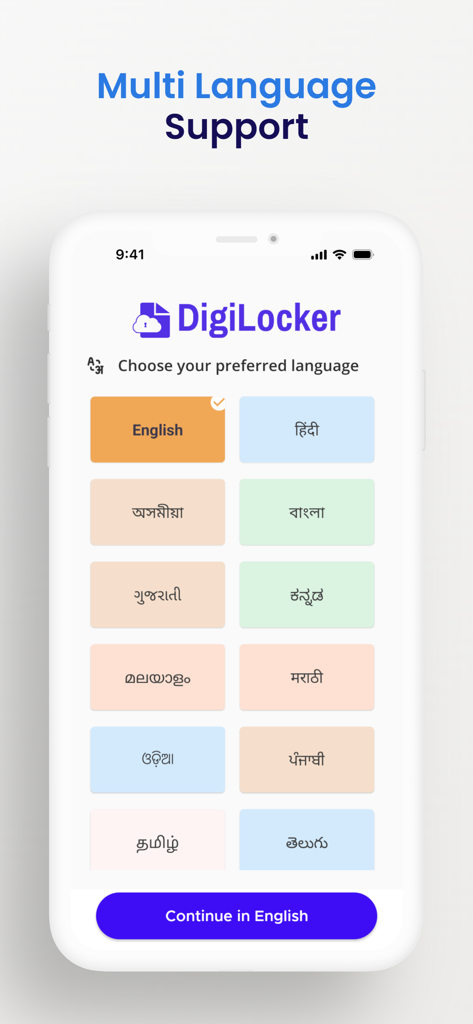
이 앱을 돋보이게 하는 도구, 15M+ 명의 사용자가 선택.
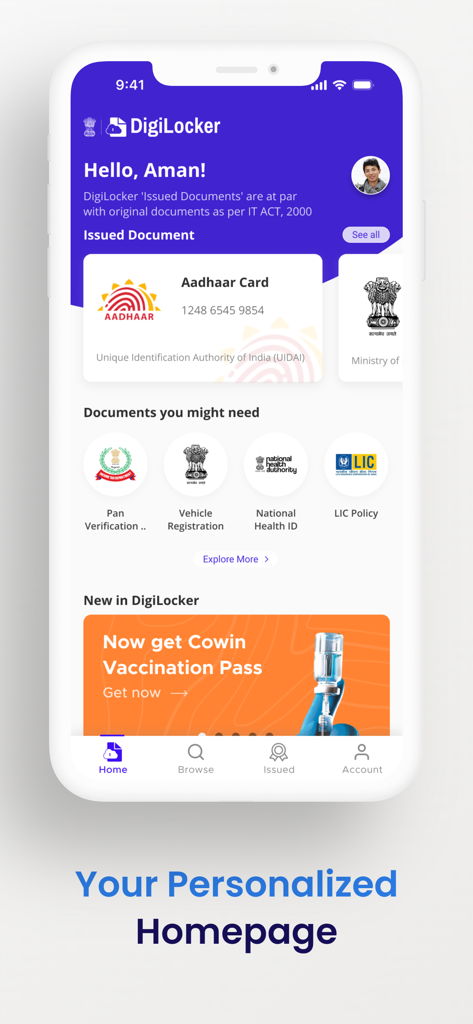
인도 IT법에 따라 실물 원본과 법적으로 동등한 Aadhaar, PAN 카드, 운전 면허증의 디지털 버전을 이용하세요.
해외에서 실물 문서를 분실할 위험을 없애세요. 인도 공항 및 당국에 휴대폰에서 직접 검증된 디지털 신분증을 제시하세요.
국제 우편을 기다릴 필요 없이 미국 대학 및 고용주와 인도 학위 증명서 또는 성적표를 즉시 가져오고 공유하세요.
사용자 리뷰 인사이트.
감정 점수
요약
DigiLocker is widely recognized for its fundamental utility in providing a centralized, convenient, and officially valid platform for storing and accessing a broad array of government documents. Users appreciate the ease of retrieving digital copies of Aadhaar, PAN, and other certificates, often highlighting the app's 'brilliant' concept and functionality. However, a major point of frustration stems from pervasive login and authentication issues, including frequent automatic logouts, unreliable OTP delivery, and challenges in signing in after updates or phone number changes. Additionally, numerous users report critical app stability problems like crashes on iOS 26, outdated UI elements such as the app icon, and a lack of specific document availability, sometimes even encountering non-acceptance of digital documents by authorities.
주요 테마
에 대해 알아야 할 모든 것 DigiLocker.
설명
최신 버전
4.1.5
크기
105.9 MB
출시일
2021년 10월 30일
전 세계 어디서든 Aadhaar, PAN, 증명서를 이용하기 위해 DigiLocker를 사용하는 수백만 명의 글로벌 시민들과 함께하세요. 페이퍼리스 미래를 위해 지금 다운로드하세요.
에 대해 알아야 할 모든 것 DigiLocker
DigiLocker는 인도 정부의 Digital India 이니셔티브에서 제공하는 안전한 디지털 문서 지갑입니다. 문서를 디지털 방식으로 발행 및 검증하여 페이퍼리스 거버넌스를 가능하게 합니다.
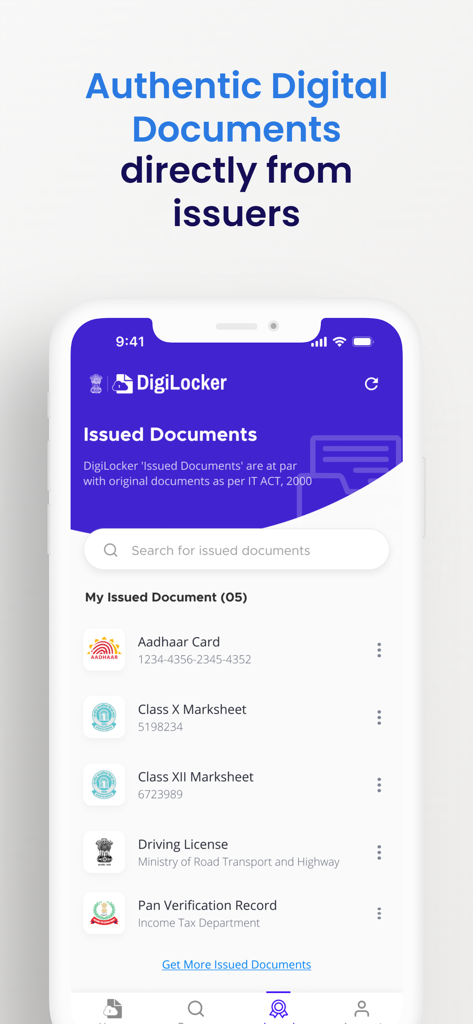
네, DigiLocker '발급된 문서'는 법적으로 유효하며 원본 실물 문서와 동등하게 간주됩니다. 이러한 진위성은 IT ACT, 2000에 따라 인정됩니다.
DigiLocker는 다양한 디지털 문서 및 인증서에 접근할 수 있도록 합니다. 예로는 Aadhar 카드, 운전 면허증, COVID-19 백신 접종 증명서, 차량 등록증, 국가 건강 ID 등이 있습니다.
네, DigiLocker 앱은 여러 언어를 지원합니다. 사용자는 영어, 힌디어 및 기타 다양한 인도 지역 언어를 포함한 선택 사항 중에서 선호하는 인터페이스 언어를 선택할 수 있습니다.
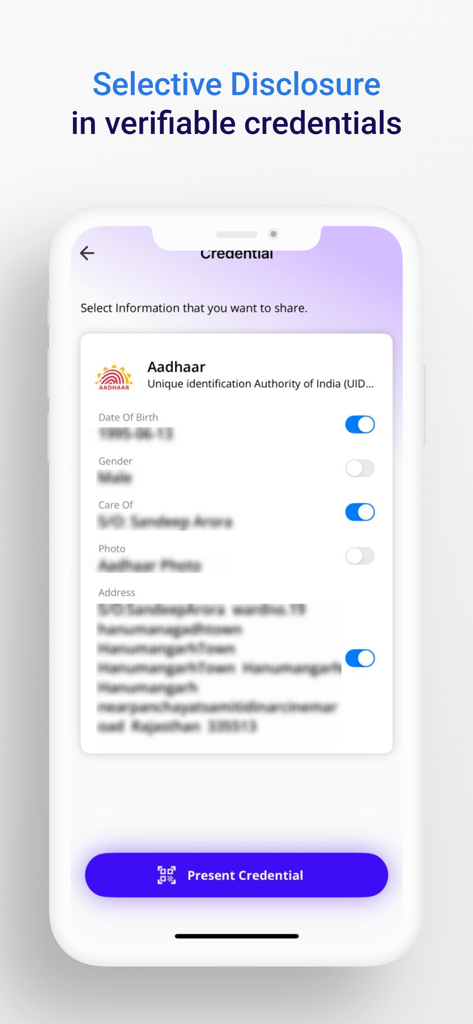
네, DigiLocker는 검증 가능한 자격 증명에서 정보를 선택적으로 공개할 수 있도록 합니다. 사용자는 Aadhar와 같은 문서에서 생년월일 또는 주소와 같은 특정 데이터 포인트를 공유할지 선택할 수 있습니다.
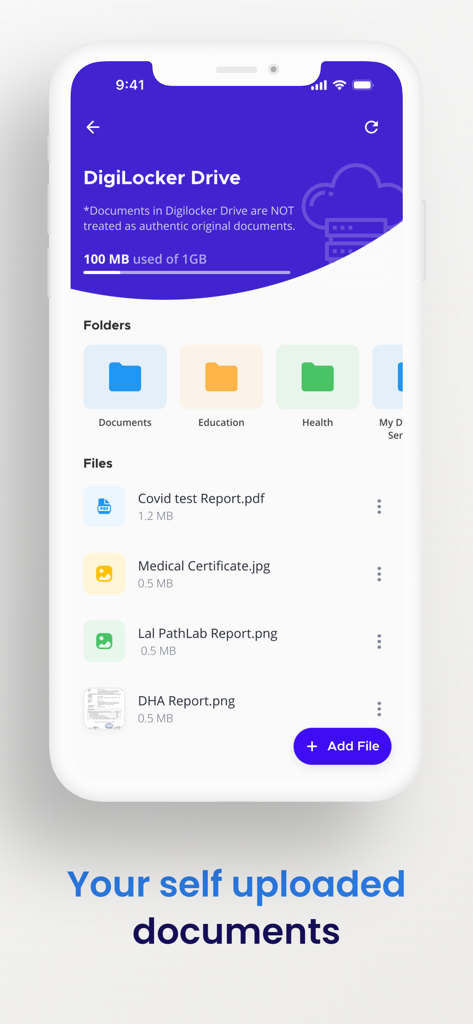
DigiLocker를 통해 직접 발급된 문서는 진본입니다. 그러나 DigiLocker Drive에 직접 업로드된 문서는 진본 원본 문서로 취급되지 않습니다.
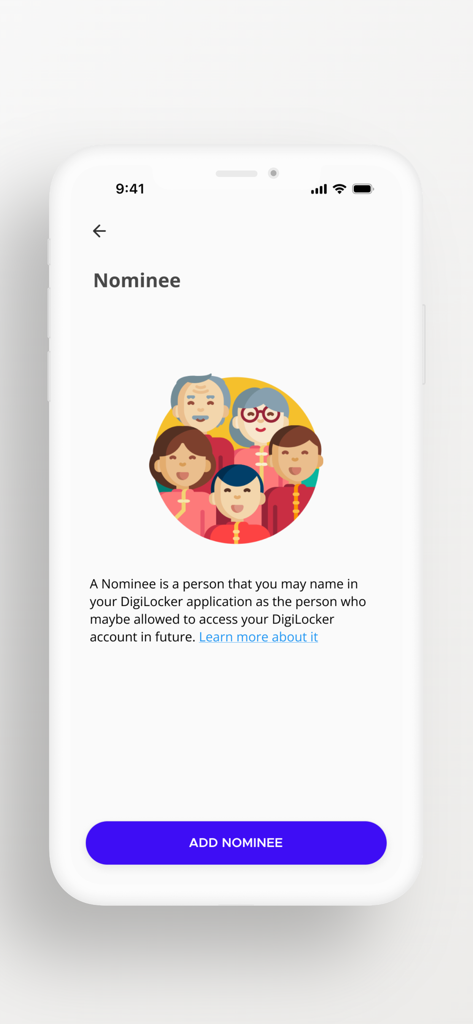
DigiLocker의 지명인 기능은 사용자가 사람을 지정할 수 있도록 합니다. 이 지정된 개인은 향후 사용자의 DigiLocker 계정에 접근할 권한이 부여될 수 있습니다.
유사한 기능과 사용자 경험을 가진 앱

Servicos e Informacoes do Brasil

Servicos e Informacoes do Brasil

NATIONAL INFORMATION CENTER
PAGOPA SPA

Ministerstwo Cyfryzacji

IIRGD - Instituto de Identificacao Ricardo Gumbleton Daunt
Center UZINFOCOM SUE

Hangzhou Citizens Card Management Co., Ltd.

Department of Information and Communications Technology
App information, icons, screenshots, and descriptions displayed on this page are sourced from the Apple App Store and are the property of their respective developers. Download estimates and rankings are based on MWM's proprietary models and may not reflect actual figures. This page is provided for informational and analytical purposes only.
Believe this page infringes your intellectual property? File a dispute