Lighter Simulator Concert Mode

Lighter Simulator Concert Mode

다운로드: App Store
로고: Lighter Simulator Concert Mode

라이터 시뮬레이터 콘서트 모드: 모든 순간을 위한 가장 사실적인 디지털 불꽃

맞춤 테마로 라이터를 개성 있게 꾸미고, 부싯돌을 튕겨 만족스러운 불꽃을 피우고, 콘서트 모드로 안전하게 관중을 밝혀보세요.

개발사

Just4Fun Mobile Sp. z o. o.

카테고리

Entertainment

다운로드

522K+

사용자 평점

4.6/5

총 평가 수

4K+

지원 언어

1

화면을 밝히세요

이 인터페이스를 사용하는 522K+ 명의 사용자.

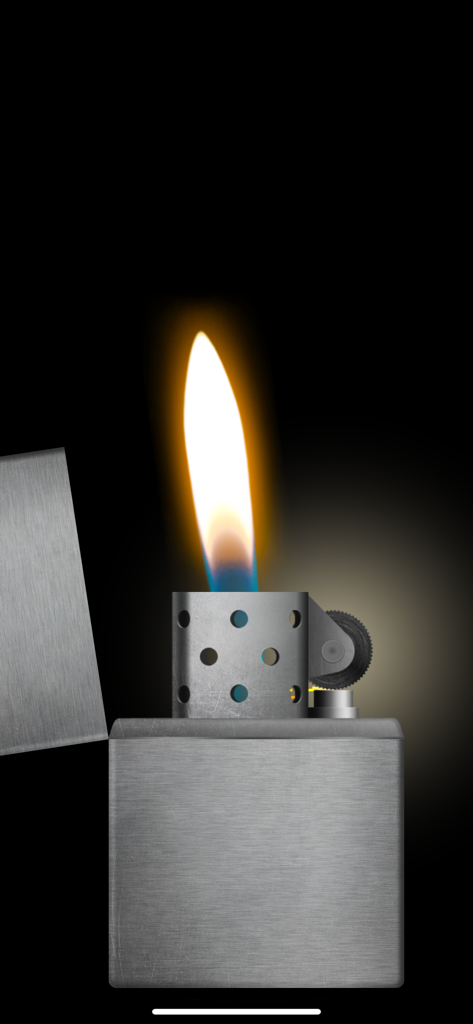
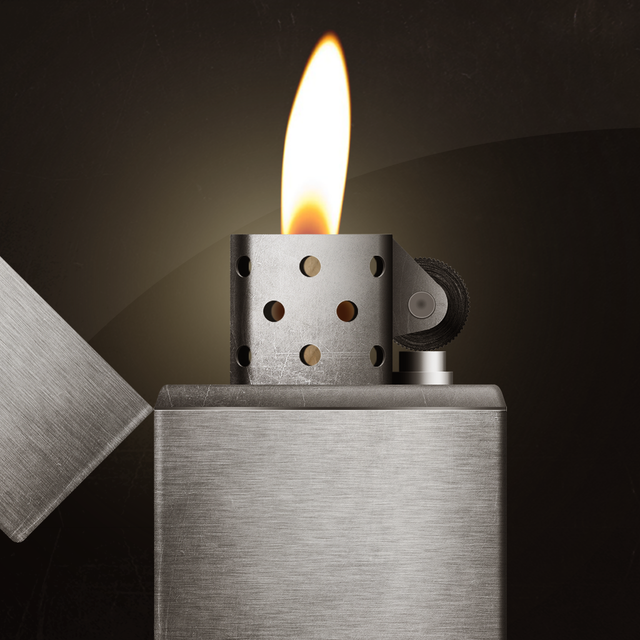
검은색 배경에 불꽃이 타오르는 사실적인 가상 금속 라이터.

검은색 배경에 불꽃이 타오르는 사실적인 가상 금속 라이터.

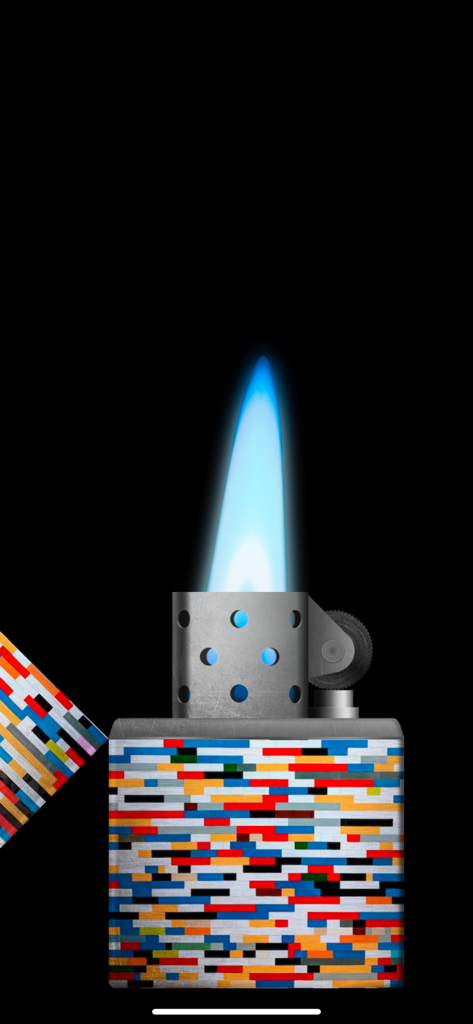
밝은 파란색 불꽃과 화려한 픽셀 패턴이 있는 디지털 담배 라이터

밝은 파란색 불꽃과 화려한 픽셀 패턴이 있는 디지털 담배 라이터

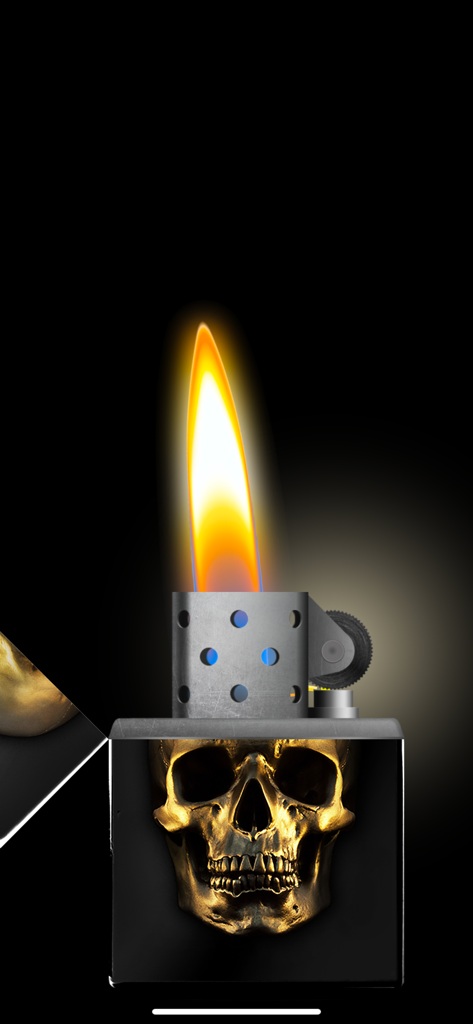
검은색 몸체에 사실적인 불꽃이 타오르는 금색 해골 디자인을 특징으로 하는 디지털 라이터 시뮬레이션

검은색 몸체에 사실적인 불꽃이 타오르는 금색 해골 디자인을 특징으로 하는 디지털 라이터 시뮬레이션

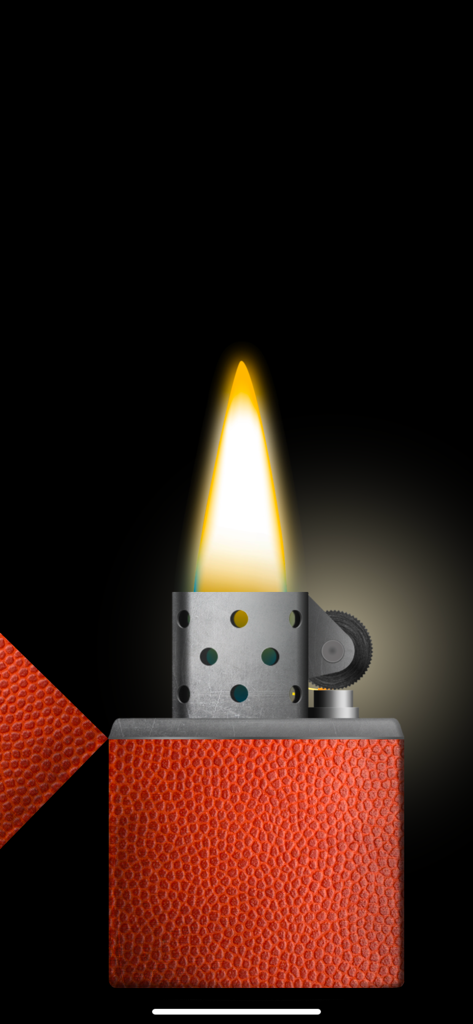
검은색 배경에 농구공 질감과 사실적인 불꽃이 있는 가상 라이터

검은색 배경에 농구공 질감과 사실적인 불꽃이 있는 가상 라이터

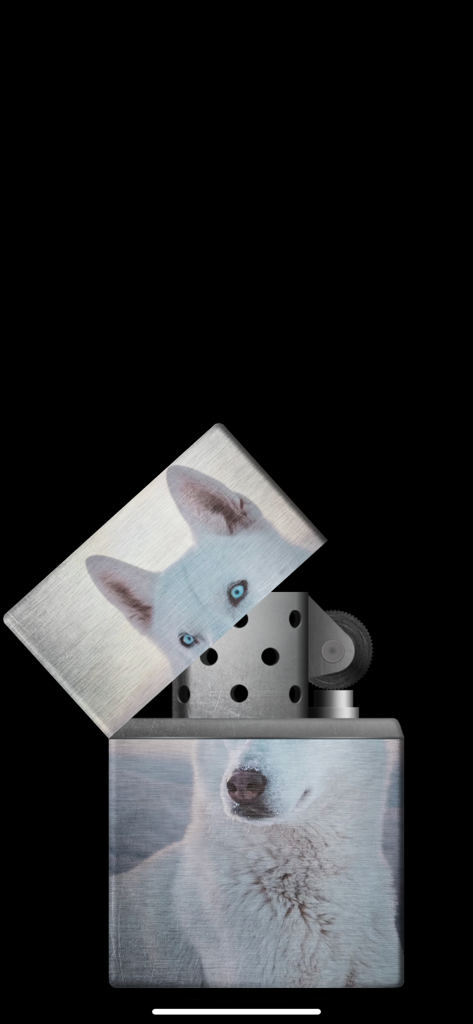
맞춤 흰색 허스키 개 사진 테마가 있는 가상 금속 라이터.

맞춤 흰색 허스키 개 사진 테마가 있는 가상 금속 라이터.

붉은 용과 금색 구름 디자인이 있는 닫힌 디지털 라이터

붉은 용과 금색 구름 디자인이 있는 닫힌 디지털 라이터

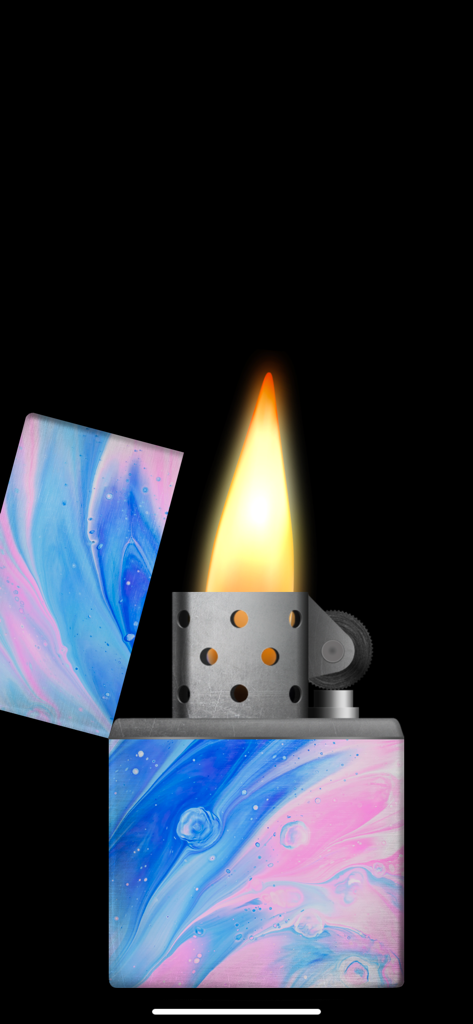
파란색과 분홍색 대리석 테마와 불꽃이 타오르는 디지털 라이터 시뮬레이터

파란색과 분홍색 대리석 테마와 불꽃이 타오르는 디지털 라이터 시뮬레이터

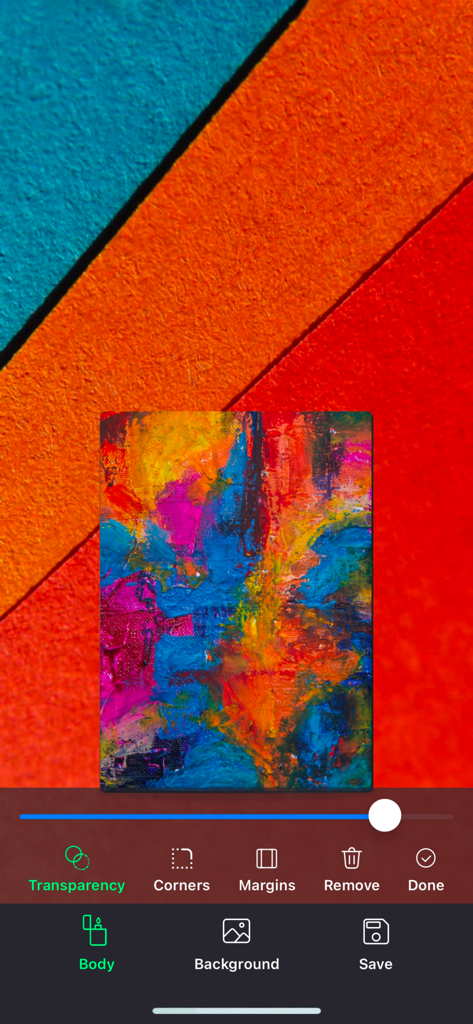
라이터 몸체 커스터마이징 도구를 보여주는 라이터 시뮬레이터 앱의 스튜디오 모드 인터페이스

라이터 몸체 커스터마이징 도구를 보여주는 라이터 시뮬레이터 앱의 스튜디오 모드 인터페이스

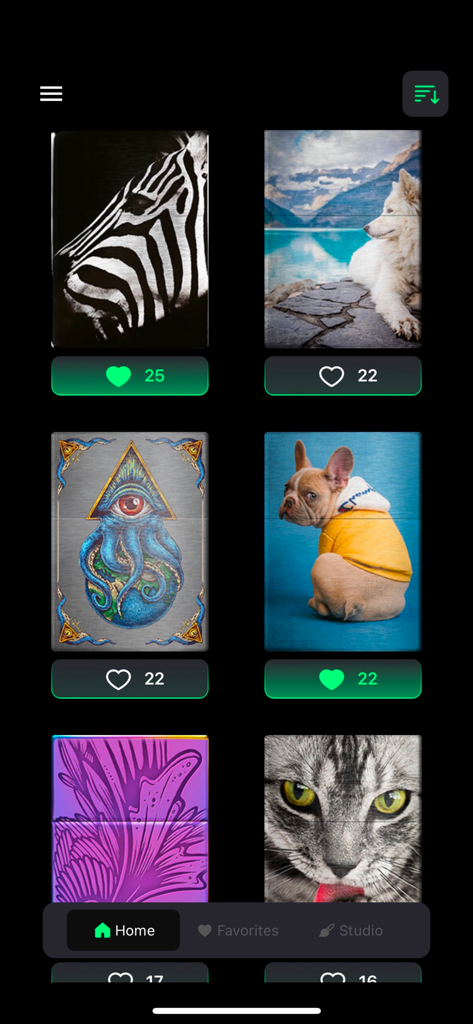
라이터 시뮬레이터 앱에서 동물과 예술적 디자인을 포함한 다양한 맞춤 담배 라이터 스킨 갤러리 보기

라이터 시뮬레이터 앱에서 동물과 예술적 디자인을 포함한 다양한 맞춤 담배 라이터 스킨 갤러리 보기

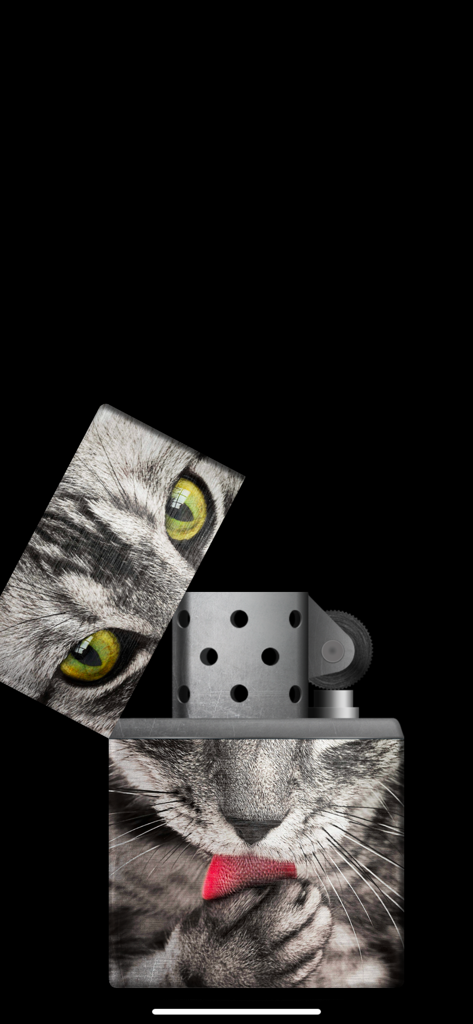
금속 몸체에 고양이 사진 디자인이 맞춤 설정된 가상 라이터 시뮬레이터

금속 몸체에 고양이 사진 디자인이 맞춤 설정된 가상 라이터 시뮬레이터

분위기를 점화하세요

이 앱을 돋보이게 하는 도구, 522K+ 명의 사용자가 선택.

🤘

콘서트 준비 모드

발라드 내내 조명이 꺼지지 않도록 특별히 설계된 모드로 불꽃을 밝게 유지하세요.

🎨

개인 맞춤 스튜디오

자신만의 사진으로 라이터 몸체를 장식하거나 60개 이상의 프리미엄 디자이너 테마 중에서 선택하여 나만의 것으로 만드세요.

🔥

초사실적 물리 엔진

금속 뚜껑이 열리는 만족스러운 딸깍 소리, 부싯돌 휠의 마찰, 그리고 휴대폰을 기울이거나 불 때마다 반응하는 불꽃을 경험해보세요.

앱 소개

에 대해 알아야 할 모든 것 Lighter Simulator Concert Mode.

설명

"Lighter Simulator with Concert Mode" is a simulator of a metal cigarette lighter. Main advantages of the app: * 60 different lighter themes and 42 colors to choose from + new cool themes to download every month * 8 colourful flames to choose from * studio : use your own picture to decorate body, lid or background * favorites : keep your favorite cigarette lighters in one place * blow out to stop the fire * concert mode : use it to keep the flame burning all the time * use of camera flashlight for a better effect How to use it? Use your finger or shake your phone to open cap of the metal lighter. When the top lid is open strike the stone wheel the same way you would do it with a real cigarette lighter. Sparks will appear under the flint and they should light the wick. As it is a very realistic simulator, it is possible that you will not manage to make a fire for the first time. You have to keep trying to spin the stone wheel until the fire appears (please use "Always light the flame at the first time" feature in settings to change that behavior). When the lighter is on phone's torch will be turn on for a better visual effect. You can now move / tilt you phone and observe how the flame react. To stop the fire you need to close the top cap. Do it with your finger or shake the phone. You can also blow towards the fire (To stop the flame by blowing, you have to turn on "Blow to put out the flame" in settings). By using "Lighter Simulator Concert Mode", you are agreeing to our Privacy Policy and Terms of Use: https://www.just4funmobile.com/tos-lighter-apple-store/ https://www.just4funmobile.com/privacy-policy-lighter-apple-store/

최신 버전

2.0.4

크기

23.2 MB

출시일

2020년 10월 8일

밤을 밝힐 준비가 되셨나요?

500,000명 이상의 팬들과 함께 다음 공연에 최고의 콘서트 분위기를 더하세요. 지금 다운로드하여 나만의 라이터를 디자인하고 불꽃을 안전하게 태우세요.

다운로드: App Store
FAQ

자주 묻는 질문

에 대해 알아야 할 모든 것 Lighter Simulator Concert Mode

Lighter Simulator Concert Mode란 무엇인가요?

Lighter Simulator Concert Mode는 금속 라이터를 사실적으로 시뮬레이션하는 모바일 애플리케이션입니다. 다양한 테마, 화려한 불꽃, 특별한 콘서트 모드를 특징으로 합니다.

Lighter Simulator Concert Mode는 어떻게 켜나요?

Lighter Simulator Concert Mode를 켜려면 손가락으로 뚜껑을 열거나 휴대폰을 흔든 다음, 심지에 불이 붙을 때까지 부싯돌을 반복해서 돌리세요.

Lighter Simulator Concert Mode에서 라이터를 사용자 정의할 수 있나요?

네, Lighter Simulator Concert Mode는 광범위한 사용자 정의가 가능합니다. 사용자는 60가지 테마, 42가지 색상, 8가지 화려한 불꽃 중에서 선택할 수 있으며, 스튜디오 기능을 사용하여 자신만의 사진을 사용할 수 있습니다.

Lighter Simulator Concert Mode에는 콘서트 모드 기능이 있나요?

네, Lighter Simulator Concert Mode에는 전용 콘서트 모드가 포함되어 있습니다. 이 기능은 가상 불꽃을 지속적으로 태워 시각적 효과를 연장합니다.

Lighter Simulator Concert Mode에서 불꽃을 끄는 방법은 무엇인가요?

Lighter Simulator Concert Mode에서 불꽃을 끄려면 손가락으로 뚜껑을 닫거나 휴대폰을 흔드세요. 설정에서 활성화된 경우 불꽃을 향해 불어 끄는 것도 가능합니다.

Lighter Simulator Concert Mode는 휴대폰의 손전등을 사용하나요?

네, Lighter Simulator Concert Mode는 휴대폰의 카메라 손전등을 활용합니다. 라이터가 켜지면 손전등이 활성화되어 불꽃의 시각적 효과를 향상시킵니다.

Lighter Simulator Concert Mode의 불꽃이 즉시 켜지도록 할 수 있나요?

네, Lighter Simulator Concert Mode는 불꽃이 처음부터 즉시 켜지도록 하는 설정을 제공합니다. 사용자는 앱 설정에서 "항상 처음 불꽃 켜기" 기능을 활성화할 수 있습니다.

Lighter Simulator Concert Mode의 개인정보 처리방침은 어디서 찾을 수 있나요?

Lighter Simulator Concert Mode의 개인정보 처리방침은 공식 웹사이트에서 확인할 수 있습니다. 사용자는 제공된 링크: https://www.just4funmobile.com/privacy-policy-lighter-apple-store/를 통해 액세스할 수 있습니다.

Lighter Simulator Concert Mode에서 나만의 라이터 디자인을 만들 수 있나요?

네, Lighter Simulator Concert Mode에는 "스튜디오" 기능이 포함되어 있습니다. 이를 통해 사용자는 자신의 사진을 사용하여 라이터 본체, 뚜껑 또는 배경을 꾸밀 수 있습니다.

Lighter Simulator Concert Mode에는 몇 가지 라이터 테마가 있나요?

Lighter Simulator Concert Mode는 60가지의 다양한 라이터 테마와 42가지 색상을 제공합니다. 또한 매달 새로운 테마를 다운로드할 수 있습니다.

App information, icons, screenshots, and descriptions displayed on this page are sourced from the Apple App Store and are the property of their respective developers. Download estimates and rankings are based on MWM's proprietary models and may not reflect actual figures. This page is provided for informational and analytical purposes only.

Believe this page infringes your intellectual property? File a dispute