Lock + Home Widgets widgetopia

Lock + Home Widgets widgetopia


다운로드: App Store다운로드: Google Play
로고: Lock + Home Widgets widgetopia
widgetopia: 홈 화면 및 잠금 화면을 위한 궁극의 개인화 스튜디오

500,000명 이상의 사용자와 함께 100,000개 이상의 디자이너 위젯, 맞춤 아이콘 팩, 전문가 수준의 제작 도구로 iPhone을 바꿔보세요. 미적인 테마부터 실시간 데이터 대시보드까지, 당신만큼이나 독특한 디지털 공간을 구축하세요.

다운로드: App Store

개발사

Watch Faces & Widgets Ltd

카테고리

Productivity

다운로드

576K+

사용자 평점

4.5/5

총 평가 수

13K+

지원 언어

1

당신의 화면, 재정의되다

이 인터페이스를 사용하는 576K+ 명의 사용자.

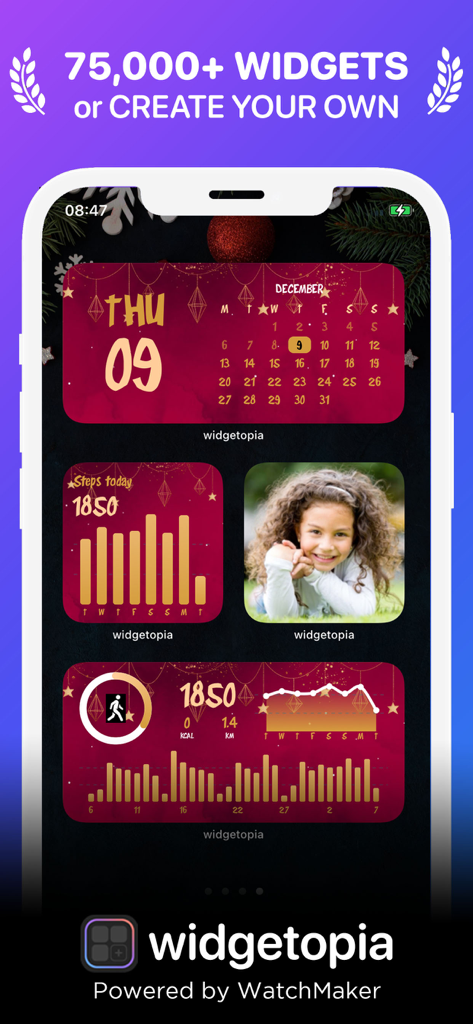
캘린더 및 활동 추적을 위한 사용자 정의 빨간색 및 금색 휴일 테마 위젯이 포함된 iPhone 화면

캘린더 및 활동 추적을 위한 사용자 정의 빨간색 및 금색 휴일 테마 위젯이 포함된 iPhone 화면

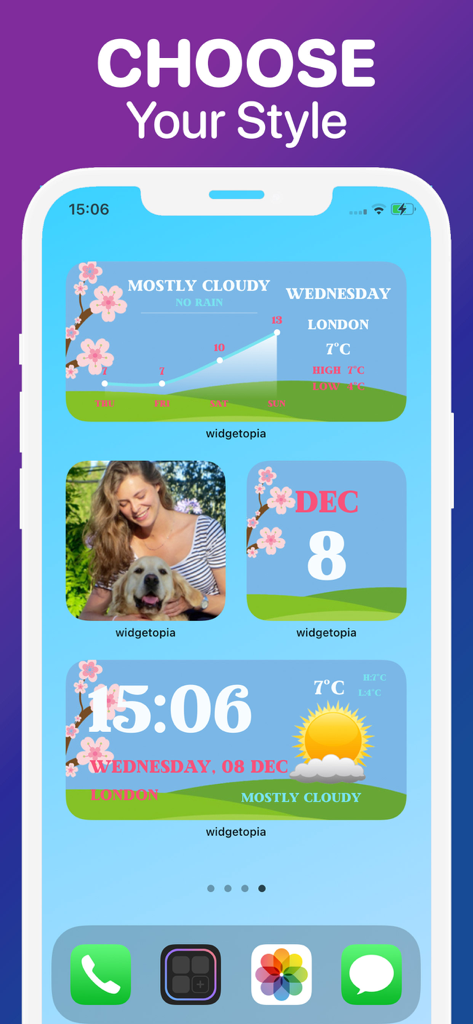
미적인 날씨 및 캘린더 위젯이 포함된 맞춤 iPhone 홈 화면

미적인 날씨 및 캘린더 위젯이 포함된 맞춤 iPhone 홈 화면

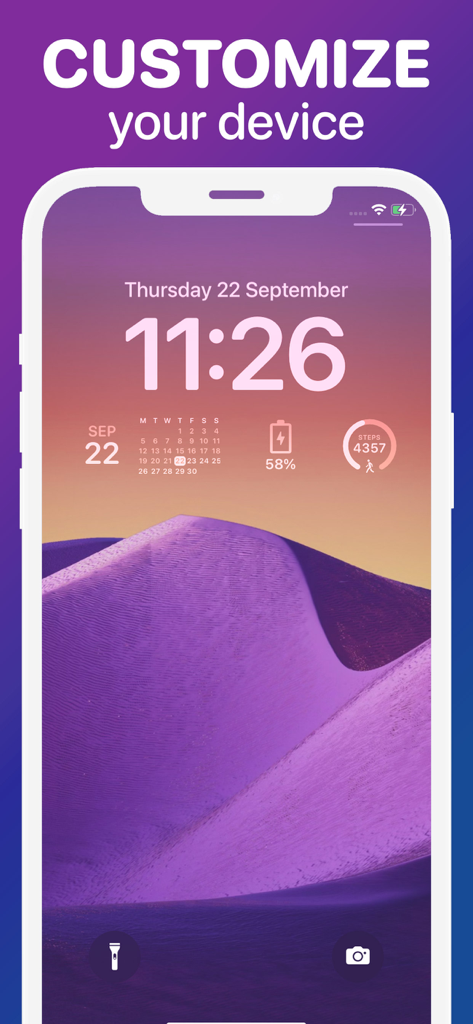
보라색 사막 배경화면과 함께 맞춤 캘린더 배터리 및 걸음 수 위젯을 보여주는 iPhone 잠금 화면

보라색 사막 배경화면과 함께 맞춤 캘린더 배터리 및 걸음 수 위젯을 보여주는 iPhone 잠금 화면

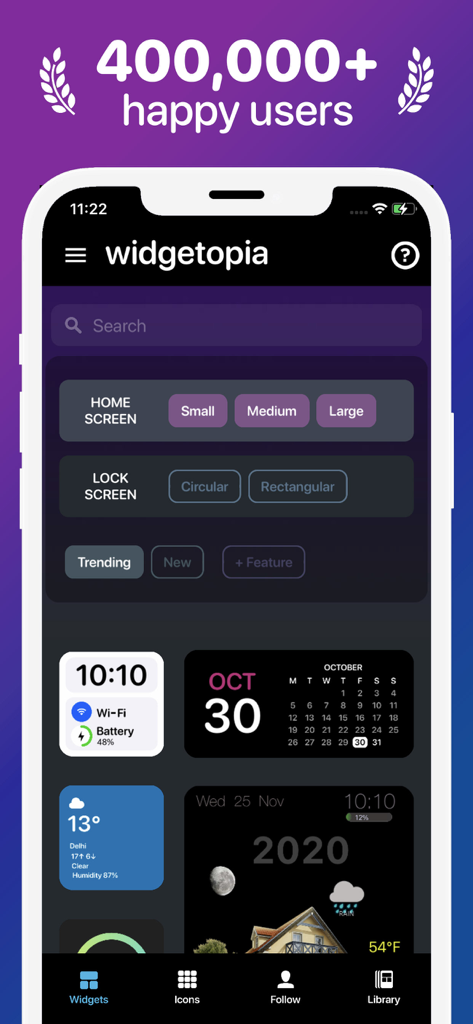
다양한 디자인 템플릿으로 홈 및 잠금 화면 위젯 맞춤 설정 옵션을 보여주는 widgetopia 앱 인터페이스 스크린샷.

다양한 디자인 템플릿으로 홈 및 잠금 화면 위젯 맞춤 설정 옵션을 보여주는 widgetopia 앱 인터페이스 스크린샷.

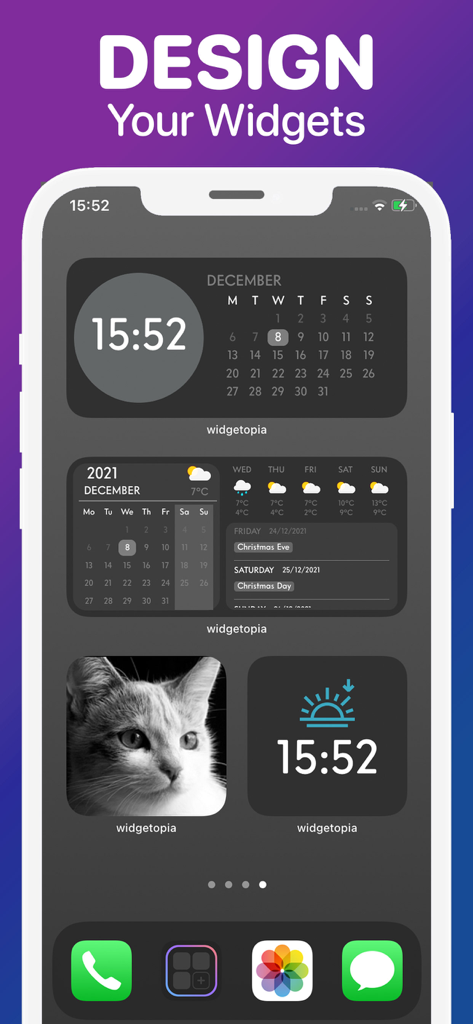
widgetopia로 만든 시계, 캘린더, 날씨, 사진을 위한 다양한 맞춤 위젯을 보여주는 iPhone 홈 화면.

widgetopia로 만든 시계, 캘린더, 날씨, 사진을 위한 다양한 맞춤 위젯을 보여주는 iPhone 홈 화면.

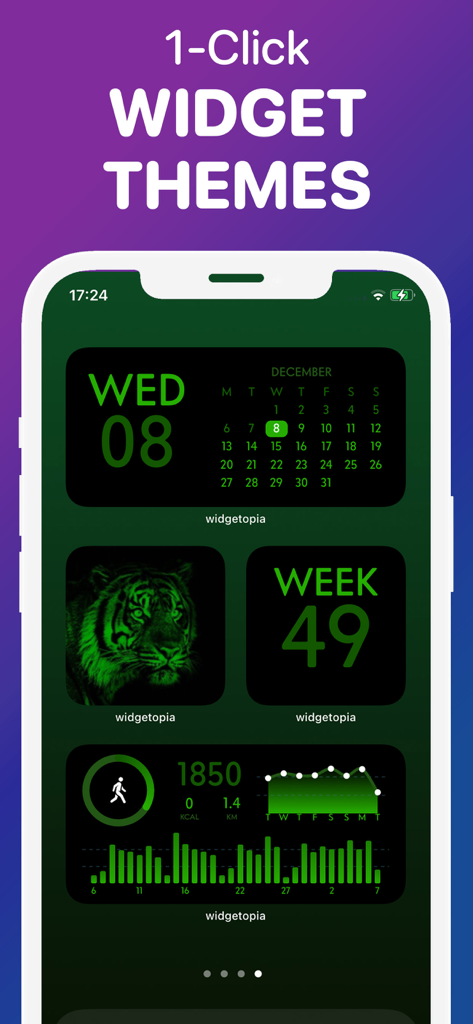
캘린더 및 건강 추적을 위한 통일된 녹색 미적 위젯 테마를 표시하는 iPhone 홈 화면

캘린더 및 건강 추적을 위한 통일된 녹색 미적 위젯 테마를 표시하는 iPhone 홈 화면

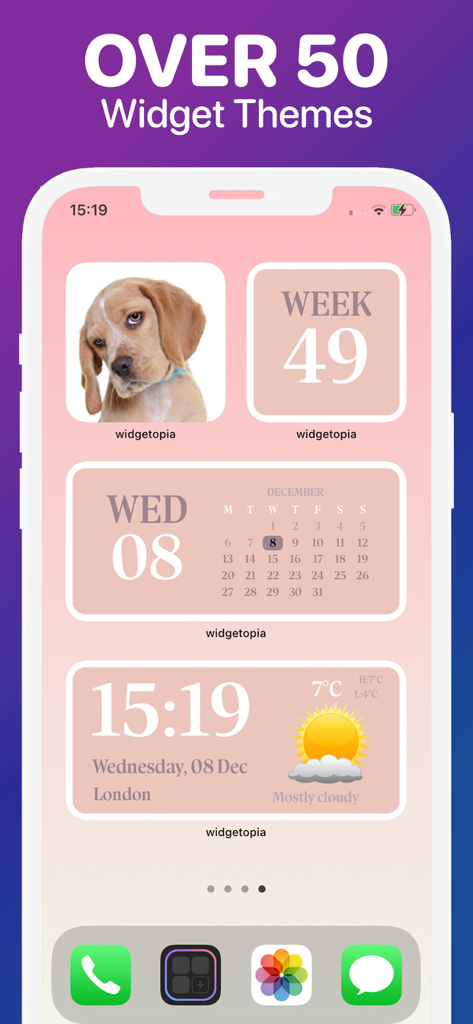
iPhone에서 캘린더 및 날씨를 포함한 부드러운 분홍색 미적 위젯 테마를 보여주는 Widgetopia 앱 디스플레이

iPhone에서 캘린더 및 날씨를 포함한 부드러운 분홍색 미적 위젯 테마를 보여주는 Widgetopia 앱 디스플레이

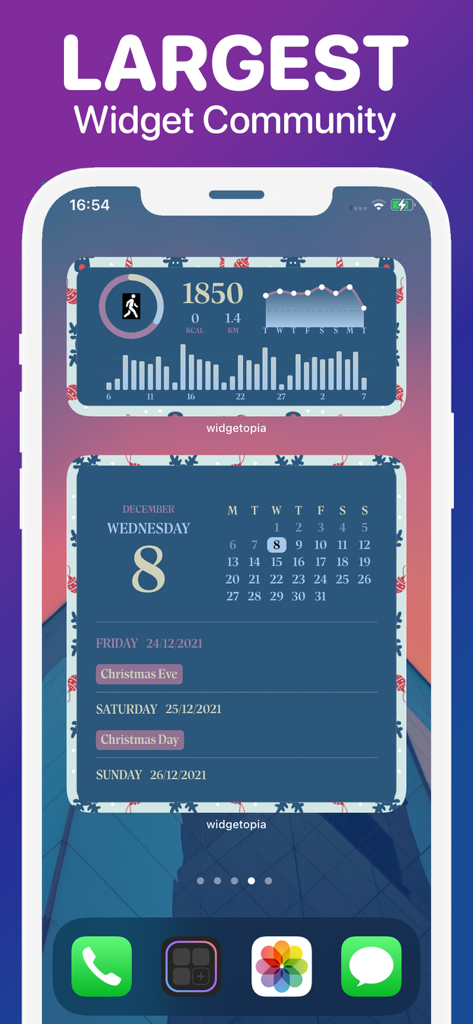
widgetopia를 사용하여 iPhone 홈 화면에서 맞춤 건강 및 캘린더 위젯

widgetopia를 사용하여 iPhone 홈 화면에서 맞춤 건강 및 캘린더 위젯

홈 화면을 개인적인 걸작으로 바꿔보세요

이 앱을 돋보이게 하는 도구, 576K+ 명의 사용자가 선택.

🎨

무한한 미적 가능성

커뮤니티 제작 위젯 100,000개 이상을 즉시 적용하거나 디자인을 리믹스하여 당신의 개인적인 분위기와 색상 팔레트에 완벽하게 맞추세요.

📊

나만의 데이터 대시보드

Apple Health 걸음 수, 날씨, 캘린더, 배터리 수명을 아름답고 한눈에 볼 수 있는 위젯으로 통합하여 하루를 정리하세요.

원클릭 아이콘 맞춤 설정

5,000개 이상의 세련된 아이콘과 일치하는 배경화면으로 홈 화면의 혼란을 영원히 제거하는 완벽하게 조화로운 룩을 완성하세요.

앱 소개

에 대해 알아야 할 모든 것 Lock + Home Widgets widgetopia.

설명

From the team behind WatchMaker, the largest watchface design community in the world - get ready to make your home screen unique with widgetopia! THOUSANDS OF WIDGETS There are 100,000+ pre-built widgets which you can use right away! CREATE YOUR OWN WIDGET With widgetopia, you can use our powerful design tools to make your own designs and display any data you need. - 100,000+ widgets, more each day! - 5,000+ icons to make your iPhone look neat and stylish! - 100+ wallpapers for your home / lock screen! - Home and iOS 16 lock screen widgets! - Install the whole icon pack at once! - Over 70 widget themes! - Full designer tools - Weather Widget (current, hourly, daily) - Calendar Widget - Health Widget - Photo Widget - Battery Widget - Reminders Widget - Time & date - Digital clock - Analog clock including seconds - 100,000 Watch Hands + Backgrounds - Steps - Charts - Countdowns - Javascript expressions - Moon phase - Activity rings - Progress bars - Import widgets - Themeable Widgets - Transparent Widgets - Custom JSON Endpoints - Animated GIFs - Much more coming soon! REMIX EXISTING WIDGETS You can remix any widget you like and customize to your heart's content! Requires iOS 14+ PRICING AND TERMS Free version allows use of all widgets excluding those with weather data, including full design tools. Upgrade to the VIP version to unlock all widgets, get regular content updates and remove ads! – 1 week subscription price starts at $3.99 USD/week – 12 months subscription price starts at $19.99 USD/year - Payment will be charged to iTunes Account at confirmation of purchase - Subscription automatically renews unless auto-renew is turned off at least 24-hours before the end of the current period - Account will be charged for renewal within 24-hours prior to the end of the current period, and identify the cost of the renewal - Subscriptions may be managed by the user and auto-renewal may be turned off by going to the user's Account Settings after purchase - Any unused portion of a free trial period, if offered, will be forfeited when the user purchases a subscription to that publication, where applicable The prices above are in US dollars. Pricing in other countries may vary and actual charges may be converted to your local currency depending on the country. Privacy Policy: https://widgetopia.io/privacy/wm Terms of Use: https://widgetopia.io/terms/wm Requested access: Photos - use your own photos in your widget Notification - access to receive notifications about updates, new content, app news Calendar - display calendar data on widgets Bluetooth - display Bluetooth status on widgets Health - widgetopia optionally integrates with Apple Health. This data is used to display your step count and activity if you select one of those widget types. Permission for widgetopia to access this data is controlled through the Apple Health app.

최신 버전

2.7.2

크기

40.7 MB

출시일

2020년 10월 21일

궁극의 홈 화면을 만들 준비가 되셨나요?

500,000명 이상의 크리에이터와 함께하여 디지털 정체성을 발휘하세요. 미적인 테마부터 강력한 데이터 대시보드까지, 당신의 완벽한 iPhone 설정이 탭 한 번으로 가능합니다.

다운로드: App Store다운로드: Google Play

App information, icons, screenshots, and descriptions displayed on this page are sourced from the Apple App Store and are the property of their respective developers. Download estimates and rankings are based on MWM's proprietary models and may not reflect actual figures. This page is provided for informational and analytical purposes only.

Believe this page infringes your intellectual property? File a dispute