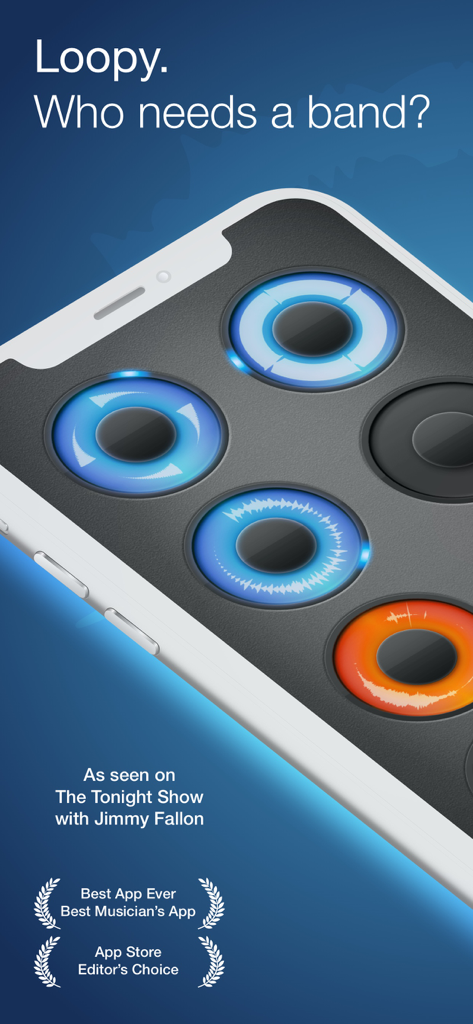
Loopy HD 앱 인터페이스가 iPhone에 표시되며 파형과 수상 배지가 있는 원형 오디오 루프를 보여줍니다.
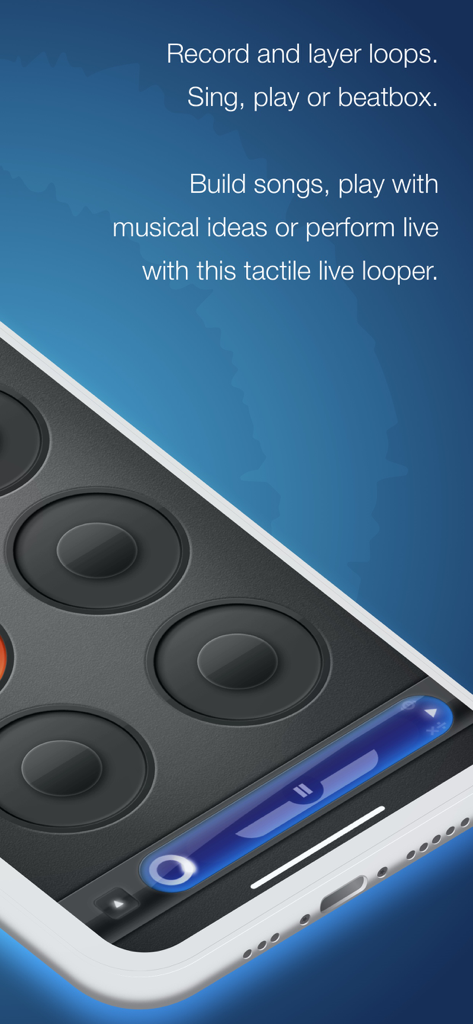
Loopy HD 앱 인터페이스가 스마트폰에서 음악 루프를 녹음하고 레이어링하기 위한 원형 패드를 보여줍니다.
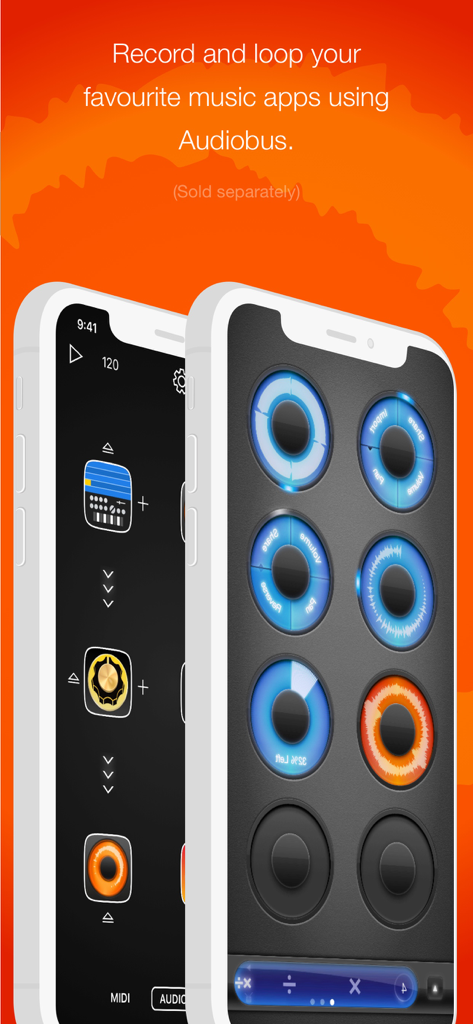
Loopy HD 앱 인터페이스가 원형 오디오 루프와 녹음 음악 앱을 위한 Audiobus 통합을 보여줍니다.
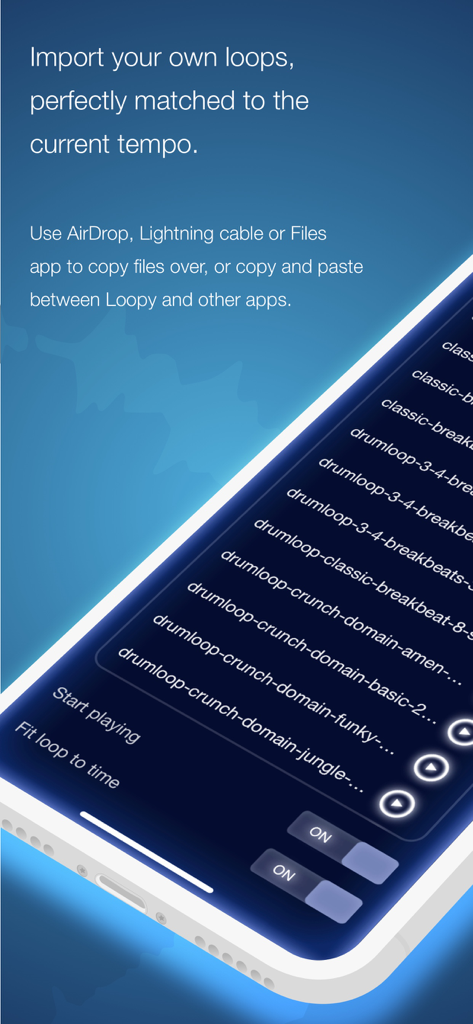
Loopy HD 앱 인터페이스가 가져온 드럼 루프 파일 목록을 보여줍니다.
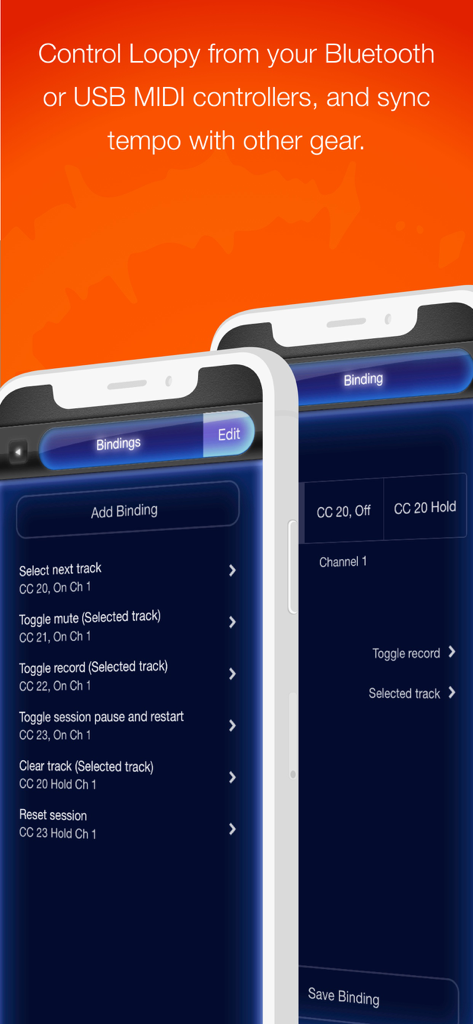
Loopy HD 앱 인터페이스가 라이브 공연 제어를 위한 MIDI 컨트롤러 바인딩 옵션을 표시합니다.
Loopy HD 모바일 앱이 전문가급 루핑 기능과 원형 트랙 인터페이스를 보여줍니다.
루프의 기술 마스터하기
이 앱을 돋보이게 하는 도구, 530K+ 명의 사용자가 선택.
⭕
촉각 원형 인터페이스
메뉴 검색은 그만하고 만들기 시작하세요. 우리의 상징적인 원형 루프는 자연스러운 악기처럼 느껴지는 사운드를 녹음하고 레이어링하는 표현적이고 터치 우선적인 방법을 제공합니다.
🎸
프로급 공연 장비
저지연 오디오, MIDI 풋 페달 지원, Ableton Link를 통해 iPad를 전문 루프 스테이션으로 바꿔 좋아하는 장비와 동기화하세요.
📱
소셜 크리에이터를 위한 제작
TikTok 및 Reels에 완벽합니다. '1인 밴드' 세션을 고음질로 녹음하고 한 번의 탭으로 SoundCloud 또는 소셜 미디어에 즉시 공유하세요.
앱 소개
에 대해 알아야 할 모든 것 Loopy HD: Looper.
설명
Create music with Loopy HD by layering looped recordings of singing, beatboxing, or playing an instrument with a savvy, sophisticated, tactile looper that totally reinvents the formula. As seen on The Tonight Show Starring Jimmy Fallon.
https://loopyapp.com
-- “This is the best loop station on the iPhone” -- Dub FX (dubfx.net)
-- “I pretty much own every mobile looper out there and Loopy is HANDS DOWN the best. Super simple interface with powerful features.” -- J. Alan Meier
-- “If you want a recording app that will get out of the way and just let you be creative, you just found it.” -- Dave Merson-Hess, indie film composer
-- “Loopy 2 is by far the best looper for the iPhone we’ve seen to date” -- iOS Recording
Compatible with the Audiobus app: Record and loop live audio directly from other Audiobus-compatible apps!
While other music creation apps tend to be either powerful but difficult to learn, or easy to use but limited in features, Loopy doesn't compromise. Loopy offers a sleek, expressive, instantly understandable interface that beginners can start using effectively straight away. It's fun, right from the start.
More advanced users, however, will not be disappointed by Loopy's rich feature set, with extra features many other loopers just don't have. Plus, a sophisticated interactive tutorial system lets users discover Loopy's more advanced features at their own pace.
RECORD & LAYER
- Six, nine, or twelve beautifully rendered circular loops, with simple yet powerful controls.
- Count-in, count-out and record chaining lets you keep your hands free to play an instrument.
- MIDI control, to control Loopy via foot pedal or other controller.
- Overdub, to build beautiful, complex soundscapes from many layers.
- Support for tracks of any multiple or fraction of a beat, for flexible and expressive looping.
- Sophisticated audio or visual metronome to keep you in time - no matter what time signature you choose.
- Perfectly synchronized, low latency audio engine.
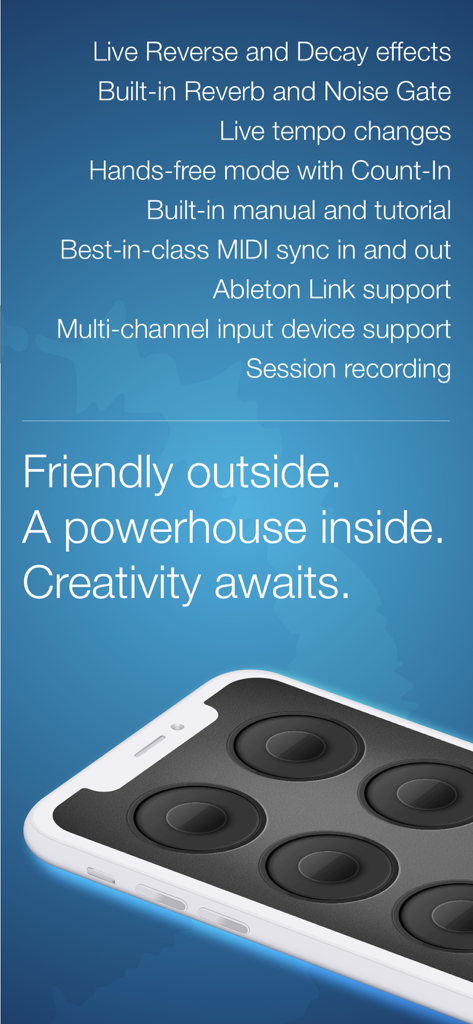
- Robust MIDI clock receive and send, and support for Ableton Link.
IMPORT & CONSTRUCT
- Import loops from your computer via iTunes, with support for AIFF, WAV, MP3, M4A, CAF and more.
- Bring in audio from many other audio apps with integrated audio copy and paste.
- Imported loops are automatically fit to your beat, no matter what tempo.
MANIPULATE & TWEAK
- Full stereo audio, with pan controls for each track to create custom stereoscapes.
- Fix up timing by twisting tracks around to line up the beat, or make funky sound effects with dynamic time shifting.
- Drag a track onto another track to merge tracks, and clear up a space.
- Live, dynamic tempo adjustment to speed up or slow down your creations, without altering the pitch.
- MIDI clock sync, to play in time with other MIDI-capable devices or apps.
PERFORM & SHARE
- Record whole performances with in-app session recording facilities.
- Upload performances or single loops straight to SoundCloud, and post to Twitter or Facebook.
- Email audio clips.
- Share audio with many other audio apps with audio copy and paste.
- Transfer loops or performances to your computer via iTunes.
-----
Loopy is developed by one guy who loves making great apps, and who is dedicated to responsive development and support. Please contact me with questions, bug reports, feature ideas, and other feedback at support@atastypixel.com or https://forum.loopyapp.com. I may be able to fix your issue in less time than it would take to write a negative review!
최신 버전
1.6.33
크기
26.0 MB
출시일
2011년 10월 6일
창의적 흐름을 찾을 준비가 되셨나요?
모바일 기기를 전문가급 루프 스테이션으로 바꾼 530,000명 이상의 음악가 및 크리에이터와 함께하세요. 바이럴 비디오를 위한 비트박싱이든, 무대에서의 화음 레이어링이든, Loopy HD는 당신의 궁극적인 촉각 악기입니다. 지금 다운로드하고 사운드 레이어링을 시작하세요.
FAQ
자주 묻는 질문
에 대해 알아야 할 모든 것 Loopy HD: Looper
Loopy HD란 무엇인가요?
Loopy HD는 노래, 비트박스 또는 악기의 루프 녹음을 쌓아 음악을 만드는 정교한 촉각 루퍼 앱입니다. 초보자와 고급 사용자 모두를 위한 세련된 인터페이스를 제공합니다.
Loopy HD는 다른 음악 앱과 통합될 수 있나요?
예, Loopy HD는 다른 음악 앱과 통합됩니다. 라이브 오디오 녹음을 위한 Audiobus와 호환되며 공유를 위한 통합 오디오 복사 및 붙여넣기를 지원합니다.
Loopy HD는 MIDI 컨트롤을 지원하나요?
예, Loopy HD는 MIDI 컨트롤을 지원합니다. 사용자는 풋 페달 또는 기타 MIDI 컨트롤러를 통해 Loopy HD를 제어하고 동기화를 위해 MIDI 클럭 수신 및 전송을 활용할 수 있습니다.
Loopy HD로 어떻게 오디오 루프를 가져올 수 있나요?
사용자는 iTunes를 통해 컴퓨터에서 Loopy HD로 루프를 가져올 수 있으며, AIFF, WAV, MP3와 같은 다양한 형식을 지원합니다. 다른 앱에서의 오디오 복사 및 붙여넣기도 지원됩니다.
Loopy HD에서 피치를 변경하지 않고 루프의 템포를 조정할 수 있나요?
예, Loopy HD는 라이브, 동적 템포 조정을 허용합니다. 이 기능을 통해 사용자는 오디오 피치를 변경하지 않고도 제작 속도를 높이거나 늦출 수 있습니다.
Loopy HD는 몇 개의 루프를 처리할 수 있나요?
Loopy HD는 6개, 9개 또는 12개의 원형 루프를 처리할 수 있습니다. 이러한 루프는 아름답게 렌더링되며 창의적인 음악 제작을 위한 간단하지만 강력한 컨트롤이 함께 제공됩니다.
Loopy HD 앱 내에서 전체 공연을 녹음할 수 있나요?
예, Loopy HD에는 앱 내 세션 녹음 기능이 포함되어 있습니다. 사용자는 전체 공연을 녹음한 다음 앱에서 직접 공유할 수 있습니다.
Loopy HD에는 어떤 오디오 효과가 포함되어 있나요?
Loopy HD에는 라이브 리버스, 디케이, 내장 리버브, 노이즈 게이트와 같은 여러 오디오 효과가 포함되어 있습니다. 이러한 기능을 통해 향상된 사운드 조작과 창의성을 발휘할 수 있습니다.
Loopy HD는 신규 사용자를 위한 튜토리얼을 제공하나요?
예, Loopy HD는 정교한 대화형 튜토리얼 시스템을 제공합니다. 이를 통해 사용자는 자신의 속도에 맞춰 앱의 고급 기능을 발견할 수 있으므로 모든 사용자에게 접근 가능합니다.
Loopy HD에 대한 지원은 어디서 찾을 수 있나요?
Loopy HD에 대한 지원은 support@atastypixel.com으로 이메일을 보내거나 https://forum.loopyapp.com의 공식 포럼을 통해 받을 수 있습니다. 개발자는 신속한 지원을 제공합니다.
App information, icons, screenshots, and descriptions displayed on this page are sourced from the Apple App Store and are the property of their respective developers. Download estimates and rankings are based on MWM's proprietary models and may not reflect actual figures. This page is provided for informational and analytical purposes only.
Believe this page infringes your intellectual property? File a dispute