Loyalty Cards: Add to Wallet

Loyalty Cards: Add to Wallet

다운로드: App Store
로고: Loyalty Cards: Add to Wallet

Loyalty Cards: Add to Wallet — 당신의 리워드, 깔끔하게 정리하세요

모든 멤버십 카드를 정리하는 빠르고 광고 없는 방법. 가입이 필요 없으며, 스캔하고, 사용자 설정하고, Apple Wallet으로 바로 동기화하여 원활한 결제를 경험하세요.

다운로드: App Store

개발사

Maksim Chentsov

카테고리

Shopping

다운로드

100

사용자 평점

1.0/5

총 평가 수

0

지원 언어

59

한눈에 보는 단순함

이 인터페이스를 사용하는 100 명의 사용자.

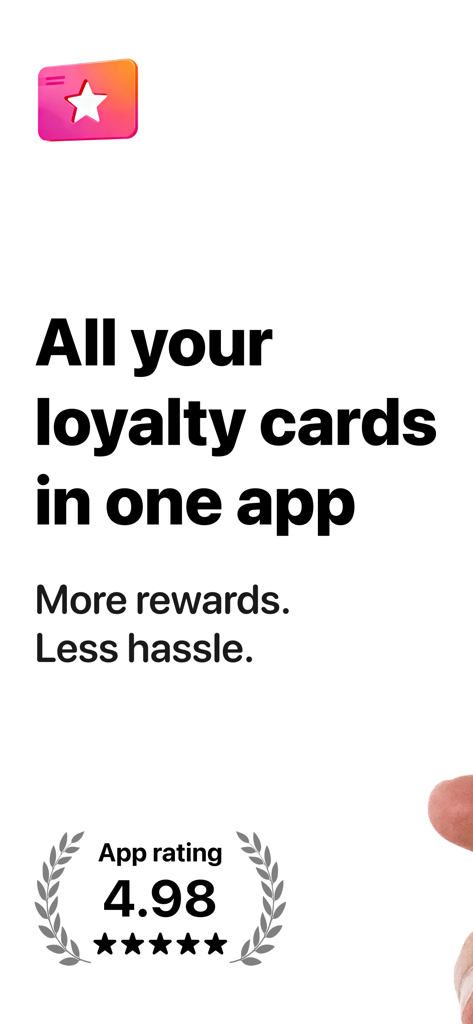
Loyalty Cards 앱의 마케팅 화면으로, 4.98 평점과 '모든 멤버십 카드를 한 앱에'라는 슬로건이 표시됩니다.

Loyalty Cards 앱의 마케팅 화면으로, 4.98 평점과 '모든 멤버십 카드를 한 앱에'라는 슬로건이 표시됩니다.

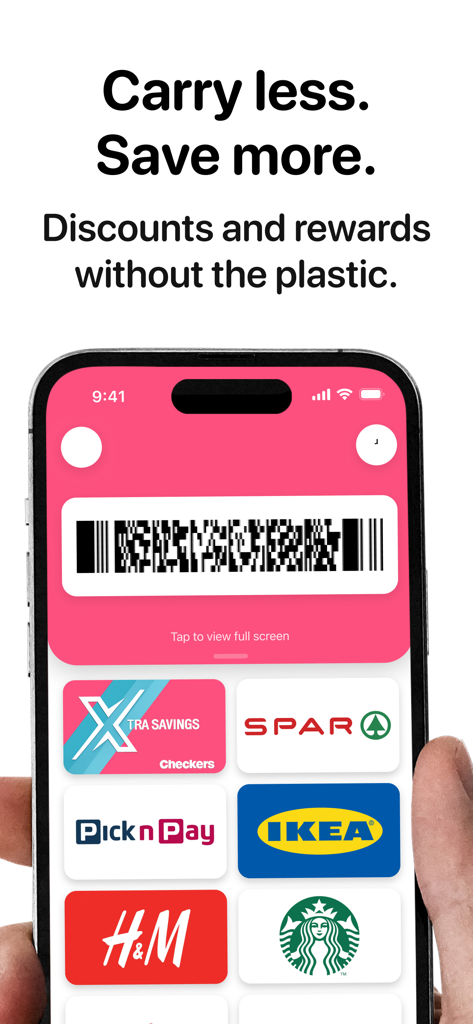
다수의 디지털 멤버십 카드와 편리한 결제를 위한 바코드를 표시하는 모바일 앱 인터페이스

다수의 디지털 멤버십 카드와 편리한 결제를 위한 바코드를 표시하는 모바일 앱 인터페이스

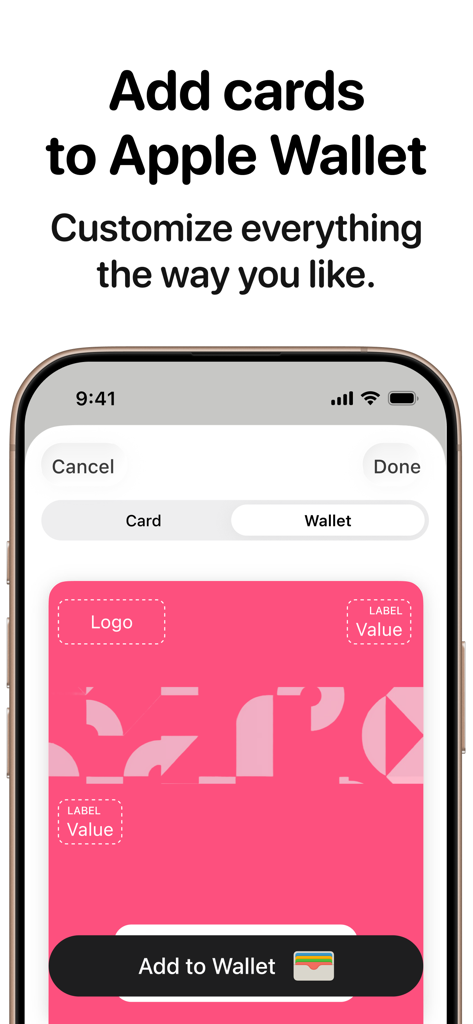
Apple Wallet에 멤버십 카드를 추가하기 위한 사용자 지정 옵션을 보여주는 모바일 인터페이스

Apple Wallet에 멤버십 카드를 추가하기 위한 사용자 지정 옵션을 보여주는 모바일 인터페이스

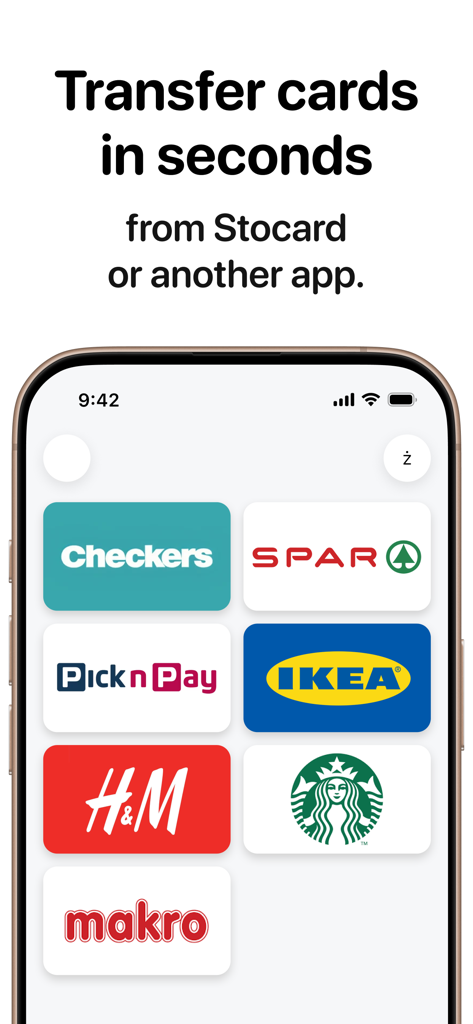
IKEA, H&M, Starbucks와 같은 주요 소매업체 로고가 포함된 Stocard에서 멤버십 카드를 전송하는 방법을 보여주는 모바일 앱 화면

IKEA, H&M, Starbucks와 같은 주요 소매업체 로고가 포함된 Stocard에서 멤버십 카드를 전송하는 방법을 보여주는 모바일 앱 화면

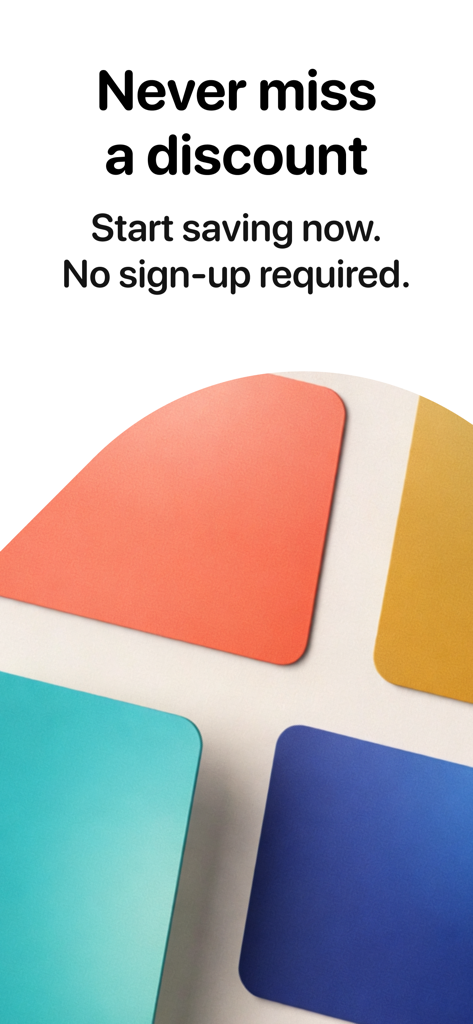
할인을 놓치지 않고 가입이 필요 없다는 문구가 있는 Loyalty Cards 앱 시작 화면

할인을 놓치지 않고 가입이 필요 없다는 문구가 있는 Loyalty Cards 앱 시작 화면

필요한 모든 것, 불필요한 것은 제외

이 앱을 돋보이게 하는 도구, 100 명의 사용자가 선택.

📸

스크린샷 즉시 가져오기

Stocard에서 전환하시나요? 스크린샷만 업로드하세요. 저희 AI가 카드를 식별하고 몇 초 안에 가져와 수동 입력을 없앱니다.

🎨

사용자 지정 Apple Wallet 카드

앱을 넘어서 활용하세요. 편집기를 사용하여 로고와 색상을 사용자 지정하여 Apple Wallet에 완벽하게 브랜드화된 패스를 만드세요.

🛡️

광고 없는 개인 정보 보호

강제 가입, 데이터 수집, 광고 제로. 개인 정보와 결제 시 시간을 존중하는 번개처럼 빠른 유틸리티를 경험하세요.

앱 소개

에 대해 알아야 할 모든 것 Loyalty Cards: Add to Wallet.

설명

Cards and savings at your fingertips This app does one thing: store and show your loyalty, discount, and rewards cards—fast, with zero clutter. • Truly simple: open → find a card → show the barcode. • No ads and no “storefronts” — just your cards. • No sign‑up required. Use it right away. Want to keep access when you switch devices? Sign in with Apple. 1) All your cards in one place Keep discount cards and loyalty cards together so you can find the right one in seconds and never miss a deal. 2) Bulk import from screenshots Moving from Stocard or another app? Upload screenshots and your cards appear neatly—no re‑adding them one by one. 3) Add to Apple Wallet — clean and customizable Export to Apple Wallet with a handy editor, so each card looks the way you want. 4) Geo recommendations (beta) When you’re near a store, the app can suggest the cards you’ll likely need at checkout. 5) AI assistant for quick adding Snap the barcode side—AI identifies the card name, finds a logo, and speeds up adding. You can use the app for free, or upgrade to Plus or Pro. Payment for the Plus or Pro plan will be charged to your iTunes account at confirmation of purchase. Subscription automatically renews unless auto‑renew is turned off at least 24 hours before the end of the current period. You can easily manage your subscription in your account settings. Terms of Use: https://cards-wallet.com/terms/ Privacy Policy: https://cards-wallet.com/privacy/

최신 버전

1.2.1

크기

39.9 MB

출시일

2025년 12월 29일

지갑을 몇 초 만에 가볍게 만드세요

속도와 개인 정보 보호를 중요하게 생각하는 수천 명의 쇼핑객과 함께하세요. 광고 없고 가입 필요 없으며, 완벽하게 정리된 카드가 Apple Wallet에 준비됩니다.

다운로드: App Store

App information, icons, screenshots, and descriptions displayed on this page are sourced from the Apple App Store and are the property of their respective developers. Download estimates and rankings are based on MWM's proprietary models and may not reflect actual figures. This page is provided for informational and analytical purposes only.

Believe this page infringes your intellectual property? File a dispute