OmniFocus 4

OmniFocus 4

다운로드: App Store
로고: OmniFocus 4

OmniFocus 4: 집중을 위해 제작된 전문적인 작업 관리

복잡한 일상을 정리하고 하루를 되찾으세요. 전체 Apple 생태계에서 복잡한 프로젝트에 맞춰 확장 가능한 강력하고 안전하며 통합된 시스템입니다.

다운로드: App Store

개발사

The Omni Group

카테고리

Productivity

다운로드

25K+

사용자 평점

4.1/5

총 평가 수

900

지원 언어

13

워크플로우 마스터하기

이 인터페이스를 사용하는 25K+ 명의 사용자.

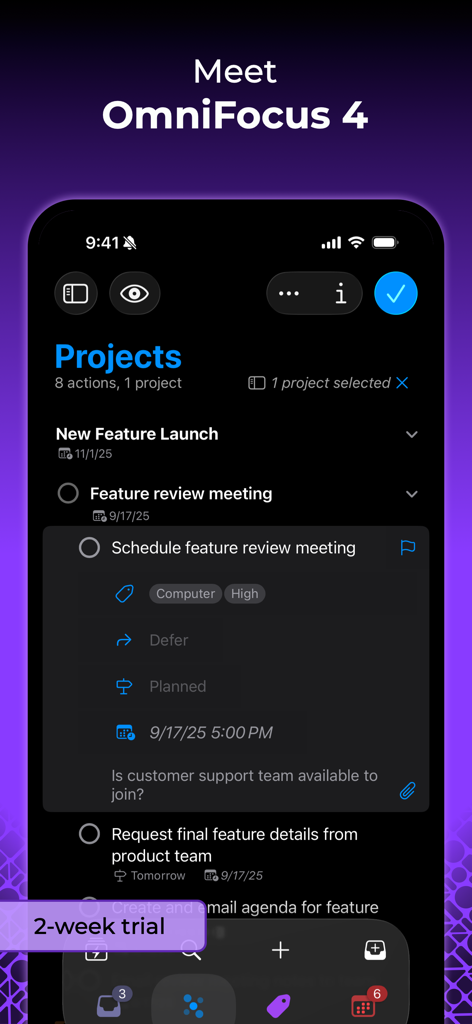
iPhone의 OmniFocus 4 프로젝트 보기와 태그 및 예약 기능을 갖춘 상세한 작업 항목을 다크 모드로 보여주는 스크린샷입니다.

iPhone의 OmniFocus 4 프로젝트 보기와 태그 및 예약 기능을 갖춘 상세한 작업 항목을 다크 모드로 보여주는 스크린샷입니다.

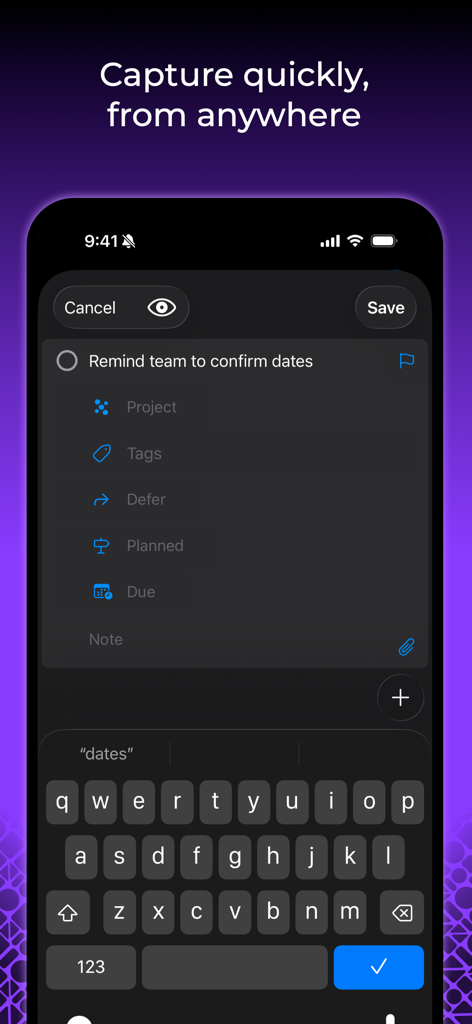
프로젝트 및 태그 필드가 있는 빠른 작업 입력을 보여주는 OmniFocus 4 모바일 인터페이스

프로젝트 및 태그 필드가 있는 빠른 작업 입력을 보여주는 OmniFocus 4 모바일 인터페이스

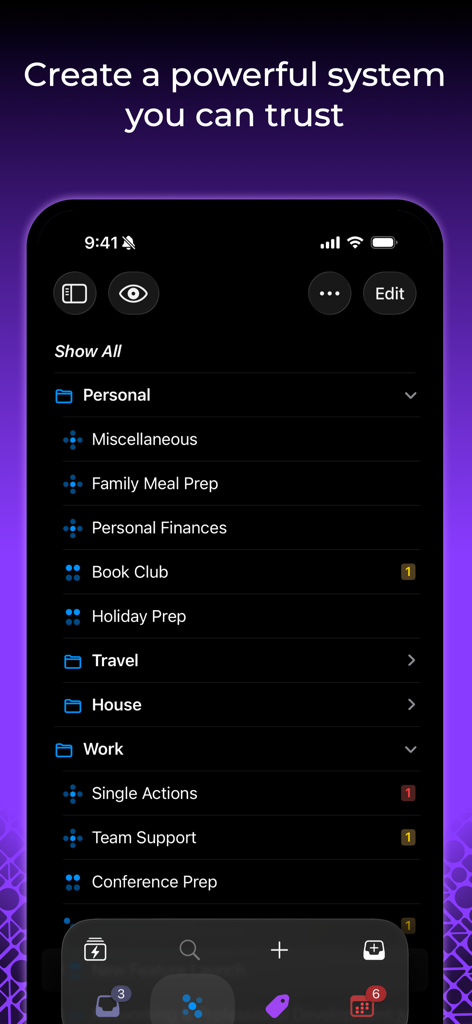
개인 및 업무 작업 관리를 위한 정리된 폴더를 보여주는 iPhone의 OmniFocus 4 인터페이스

개인 및 업무 작업 관리를 위한 정리된 폴더를 보여주는 iPhone의 OmniFocus 4 인터페이스

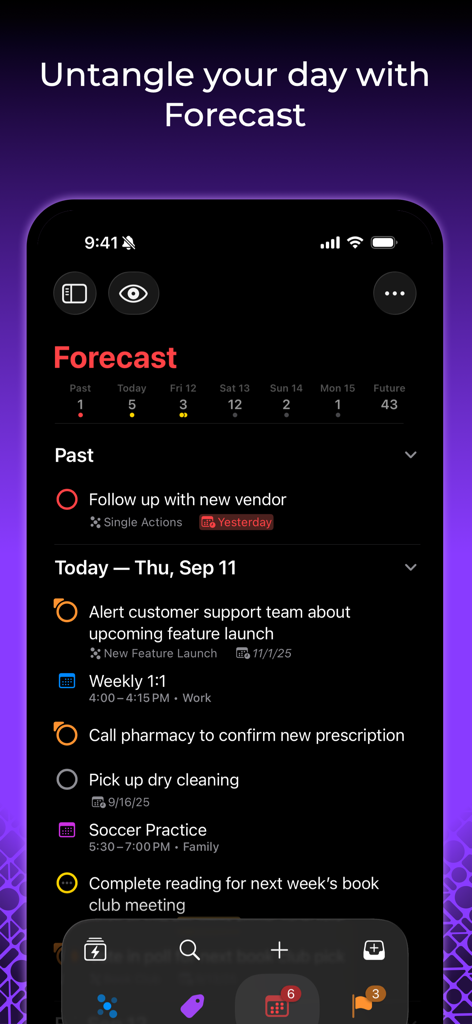
다크 모드에서 작업 및 캘린더 이벤트 목록을 표시하는 iPhone의 OmniFocus 4 예측 보기

다크 모드에서 작업 및 캘린더 이벤트 목록을 표시하는 iPhone의 OmniFocus 4 예측 보기

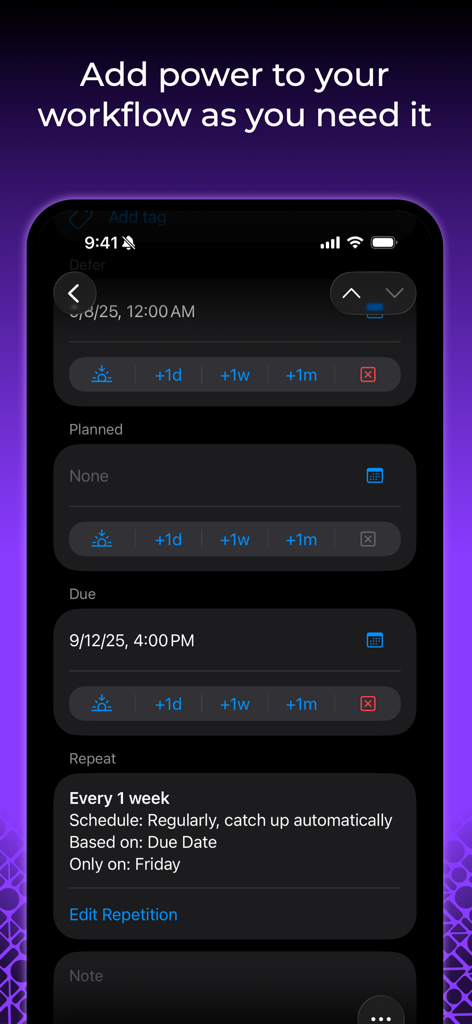
세부 작업 예약 및 반복 설정을 보여주는 OmniFocus 4 모바일 인터페이스

세부 작업 예약 및 반복 설정을 보여주는 OmniFocus 4 모바일 인터페이스

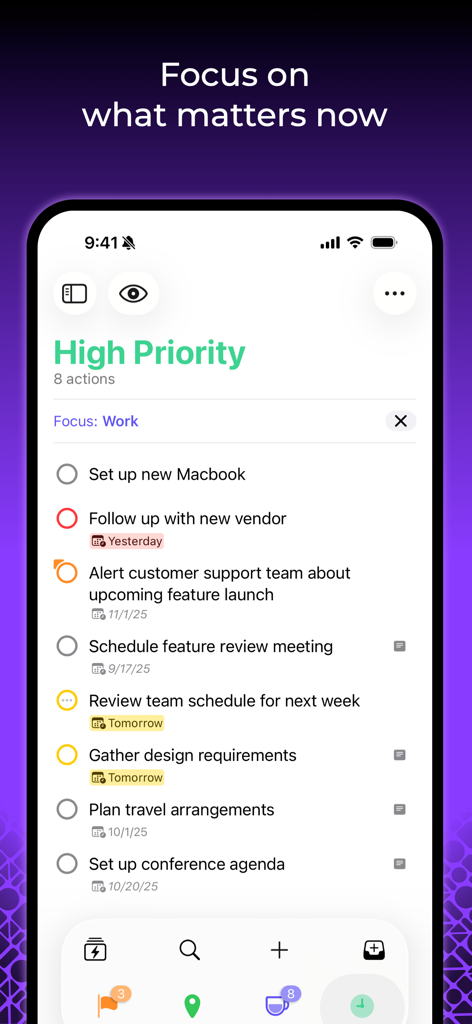
높은 우선순위 업무 체크리스트를 표시하는 OmniFocus 4 작업 관리 앱 (iPhone)

높은 우선순위 업무 체크리스트를 표시하는 OmniFocus 4 작업 관리 앱 (iPhone)

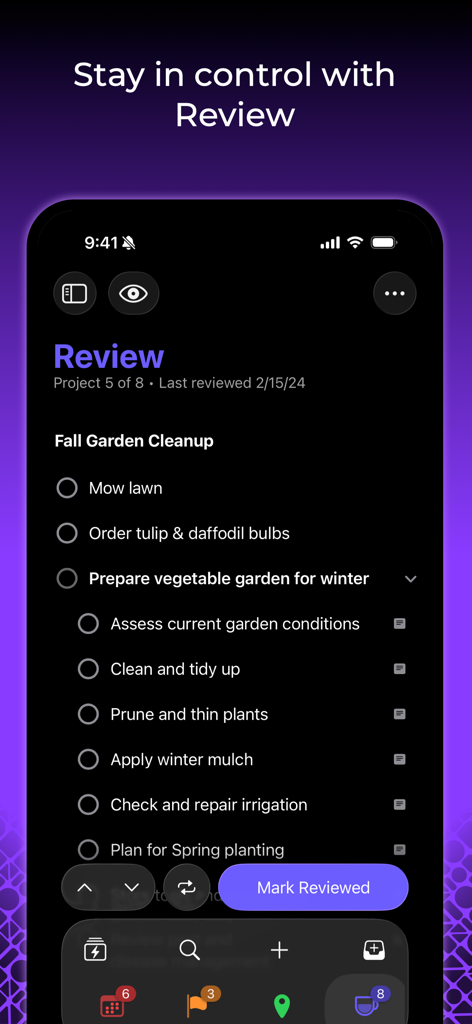
정원 프로젝트를 위한 작업 목록이 있는 검토 퍼스펙티브를 보여주는 iPhone의 OmniFocus 4 앱

정원 프로젝트를 위한 작업 목록이 있는 검토 퍼스펙티브를 보여주는 iPhone의 OmniFocus 4 앱

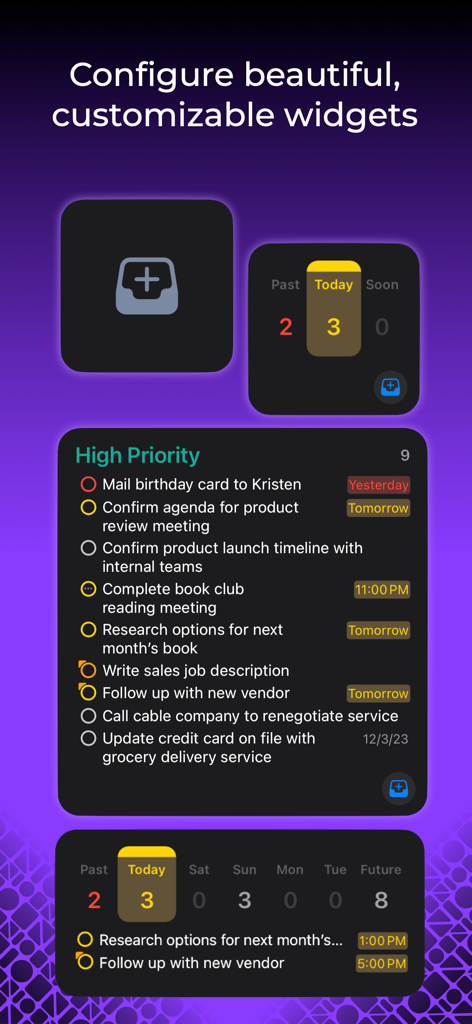
높은 우선순위 작업 목록과 일일 작업 수를 보여주는 다양한 사용자 지정 OmniFocus 4 위젯 표시

높은 우선순위 작업 목록과 일일 작업 수를 보여주는 다양한 사용자 지정 OmniFocus 4 위젯 표시

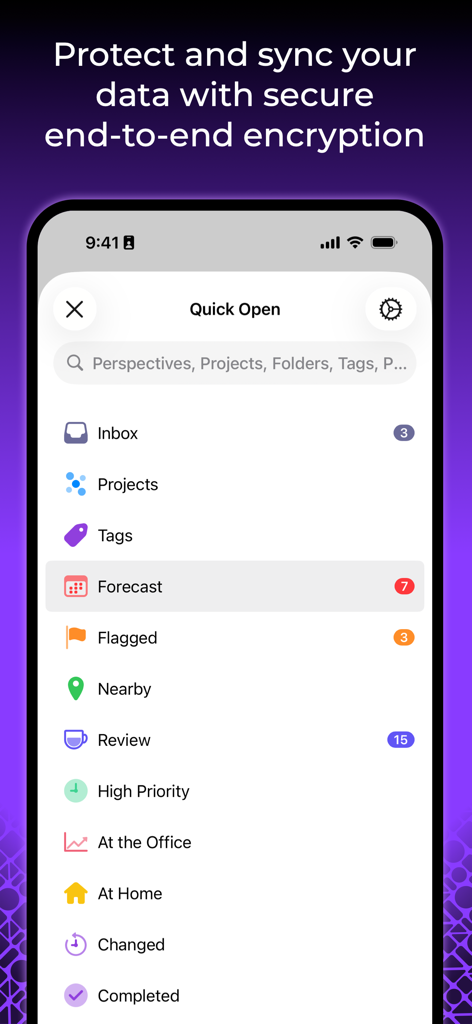
빠른 열기 메뉴와 안전한 종단 간 암호화에 대한 메시지를 표시하는 OmniFocus 4 iPhone 인터페이스

빠른 열기 메뉴와 안전한 종단 간 암호화에 대한 메시지를 표시하는 OmniFocus 4 iPhone 인터페이스

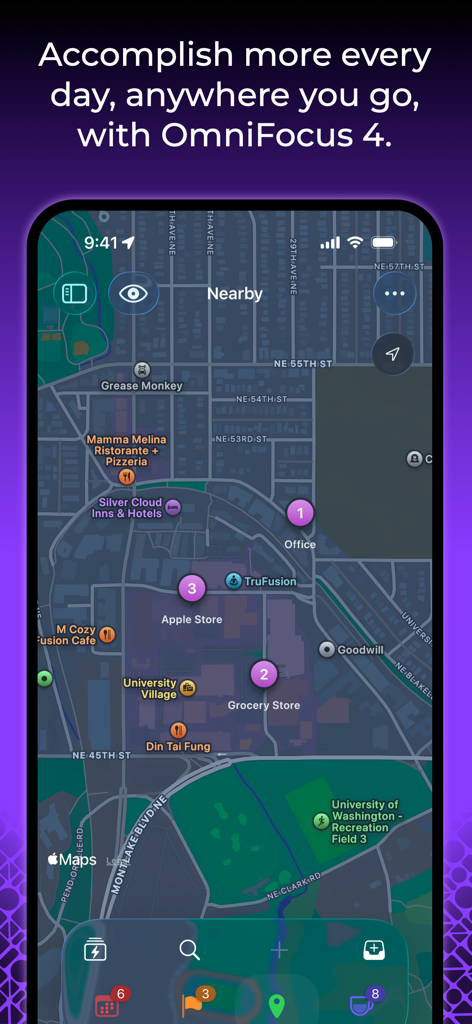
도시 지도 보기에서 위치 기반 작업을 보여주는 OmniFocus 4 인터페이스

도시 지도 보기에서 위치 기반 작업을 보여주는 OmniFocus 4 인터페이스

전문적인 복잡성 관리

이 앱을 돋보이게 하는 도구, 25K+ 명의 사용자가 선택.

앱 소개

에 대해 알아야 할 모든 것 OmniFocus 4.

설명

OmniFocus is powerful task management software for busy professionals. With tools to help tame the chaos, you can focus on the right tasks at the right time. Two-week free trial! OmniFocus 4 introduces a modernized, unified interface across Mac, iPhone, iPad, Apple Watch, and Apple Vision Pro. Centered around your task outline, OmniFocus 4 brings a consistent experience, optimized for each device type, to all of your Apple devices. Easily create tasks anytime–from anywhere–and organize them with projects, tags, and dates. Quickly navigate OmniFocus on any device using the Perspectives Bar, Quick Open, and Back and Forward history. With Pro, use Focus to help focus your attention on specific projects or folders, and customize OmniFocus to only display the information most relevant to you. New to OmniFocus? The simple, efficient OmniFocus 4 interface will help you discover and implement a trusted system that works and grows with you. Upgrading from a previous version of OmniFocus? In OmniFocus 4, discover enhanced versions of all the powerful task management features you already rely on, along with new features that will level-up your workflow. Omni offers a free and secure sync service, protected with end-to-end encryption, ensuring only devices you authorize can access your data. And now, for the first time ever, OmniFocus is available as a universal cross-platform purchase: get full access to OmniFocus 4 on your Mac, iPhone, iPad, Apple Watch, and Apple Vision Pro with a single license purchase. Accomplish more every day–anywhere you go–with OmniFocus 4.

최신 버전

4.8.5

크기

117.5 MB

출시일

2023년 12월 12일

복잡한 일상을 정리하고 하루를 마스터할 준비가 되셨나요?

모든 Apple 기기에서 최고의 작업 관리 시스템을 경험해 보세요. 지금 2주 무료 체험을 시작하고 전문가들이 OmniFocus를 가장 중요한 업무에 신뢰하는 이유를 알아보세요.

다운로드: App Store

App information, icons, screenshots, and descriptions displayed on this page are sourced from the Apple App Store and are the property of their respective developers. Download estimates and rankings are based on MWM's proprietary models and may not reflect actual figures. This page is provided for informational and analytical purposes only.

Believe this page infringes your intellectual property? File a dispute