Outline App

Outline App

다운로드: App Store
로고: Outline App

Outline 앱: 절대적인 디지털 주권을 위한 자체 개인 VPN 서버 소유

데이터를 제3자 제공업체에 맡기는 것을 중단하세요. 감사 완료된 오픈 소스, Shadowsocks 기반 VPN을 몇 분 만에 배포하여 온라인 개인 정보 보호를 완전히 되찾으세요.

개발사

Jigsaw Operations LLC

카테고리

Utilities

다운로드

7M+

사용자 평점

3.7/5

총 평가 수

5K+

지원 언어

1

한눈에 보는 개인 정보 보호

이 인터페이스를 사용하는 7M+ 명의 사용자.

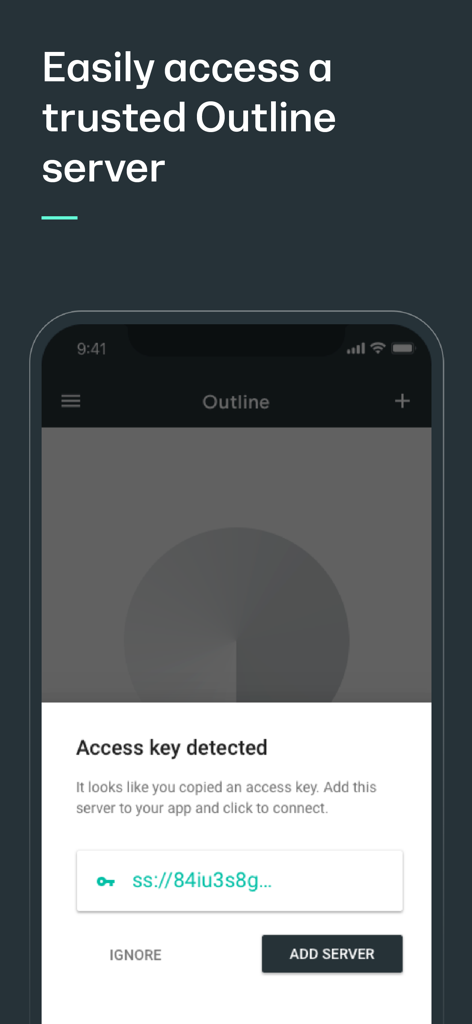
Outline 앱 인터페이스에 신뢰할 수 있는 VPN 서버를 추가하는 액세스 키 감지 알림이 표시됩니다.

Outline 앱 인터페이스에 신뢰할 수 있는 VPN 서버를 추가하는 액세스 키 감지 알림이 표시됩니다.

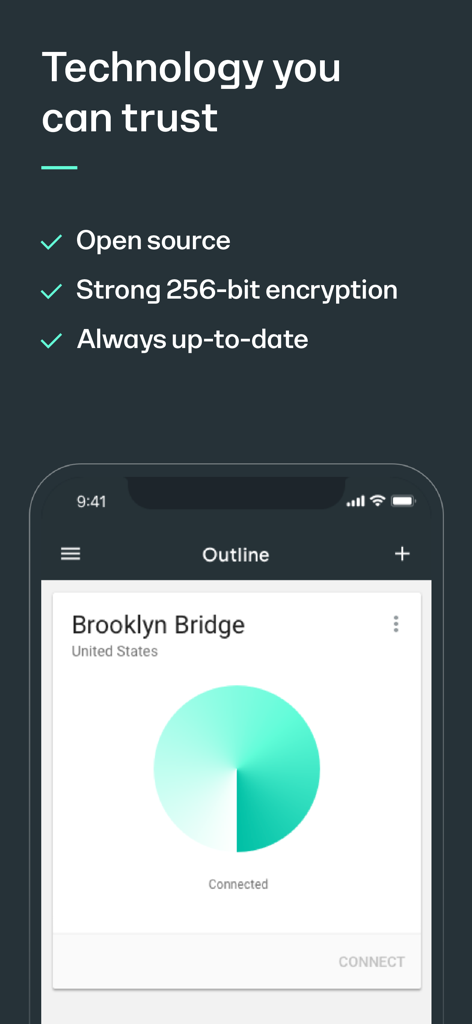
Outline 앱 화면은 보안 VPN 연결을 위해 오픈 소스 기술과 강력한 256비트 암호화를 강조합니다.

Outline 앱 화면은 보안 VPN 연결을 위해 오픈 소스 기술과 강력한 256비트 암호화를 강조합니다.

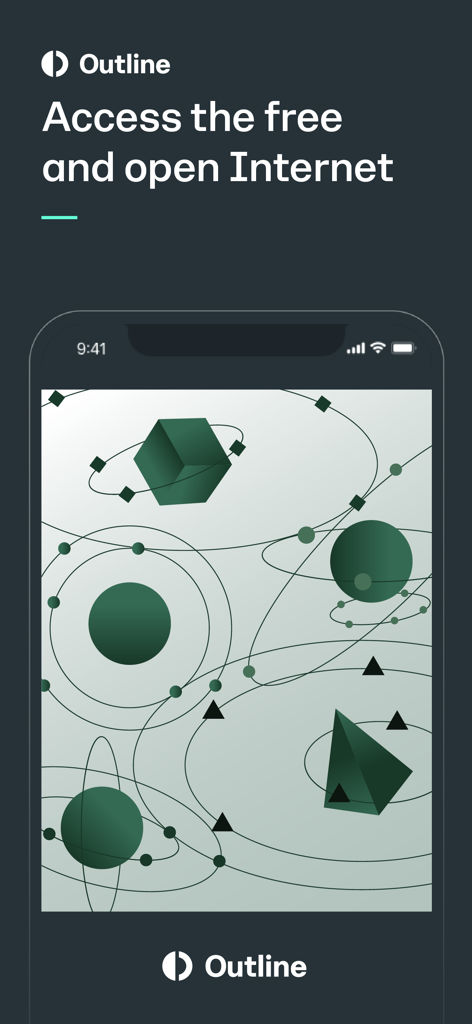
Outline 앱 인터페이스에 추상적인 기하학적 모양으로 '개방적이고 자유로운 인터넷에 액세스'라는 텍스트가 표시됩니다.

Outline 앱 인터페이스에 추상적인 기하학적 모양으로 '개방적이고 자유로운 인터넷에 액세스'라는 텍스트가 표시됩니다.

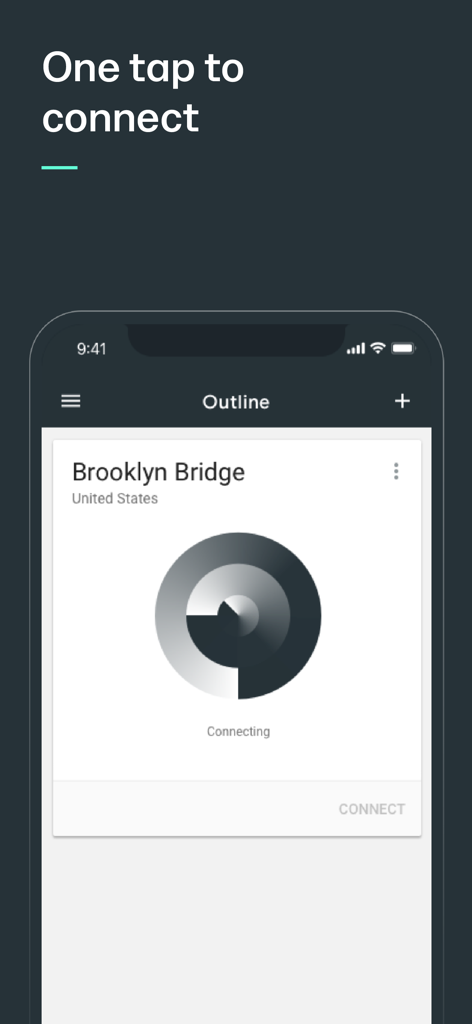
Outline 앱 인터페이스에 개인 VPN 서버에 대한 원탭 연결 화면이 표시됩니다.

Outline 앱 인터페이스에 개인 VPN 서버에 대한 원탭 연결 화면이 표시됩니다.

타협 없는 개인 정보 보호 및 제어

이 앱을 돋보이게 하는 도구, 7M+ 명의 사용자가 선택.

🛠️

서버 주권

로그 파일을 상업용 제공업체에 맡기는 것을 중단하세요. Outline Manager를 사용하여 자체 서버를 호스팅하고 유일하게 제어권을 유지하세요.

🚀

Shadowsocks의 장점

강력한 Shadowsocks 프로토콜 기반의 Outline은 일반 VPN보다 탐지하거나 차단하기 어려운 빠르고 안정적인 액세스를 제공합니다.

🛡️

오픈 소스 및 감사 완료

투명한 보안을 신뢰하세요. 당사의 코드는 완전히 오픈 소스이며, 독립적인 회사의 엄격한 감사를 거쳐 여러분의 개인 정보를 검증했습니다.

앱 소개

에 대해 알아야 할 모든 것 Outline App.

설명

Outline is an easy way for you to set up your own virtual private network (VPN) server to more safely access the open internet and keep your communications private. If you have received an access key, download the Outline app to get started. If you haven’t received an access key, you’ll first need to set-up your own server. Get started by downloading the Outline Manager from getoutline.org. Creating your own server is quick and easy, and instructions in the Manager will guide you through each step. How Do I Set Up Outline? - Outline consists of two related products: the Outline Manager and Outline. - The Outline Manager lets you create and operate your own VPN, and share access with anyone you choose by sending them an invitation directly from the Manager. Once you’ve downloaded the Manager, you can easily set up a VPN server on a cloud provider in less than five minutes. - After setup is complete, you can download the Outline app on your phone and desktop. - Share internet access with coworkers or friends by inviting them directly from the Manager. - If you’ve received an access code from someone using an Outline Manager you’re all set! Just download the app and get started. Why use Outline? - Fast, reliable access to the open internet, powered by the Shadowsocks protocol - Allows you to create and maintain your own VPN server and provide access with those you trust - Strong encryption keeps your communications private - Completely open source and audited by a nonprofit security firm

최신 버전

1.19.1

크기

30.3 MB

출시일

2018년 4월 3일

자신만의 방식으로 인터넷을 안전하게 보호하세요

7백만 명 이상의 사용자와 함께하세요. 오픈 소스 Outline 클라이언트를 다운로드하여 개인 액세스 키로 디지털 주권을 되찾으세요.

다운로드: App Store
FAQ

자주 묻는 질문

에 대해 알아야 할 모든 것 Outline App

Outline 앱은 무엇인가요?

Outline 앱은 사용자가 공개 인터넷에 안전하게 접속하고 통신 내용을 비공개로 유지할 수 있도록 하는 가상 사설망(VPN) 클라이언트입니다.

Outline 앱을 어떻게 시작하나요?

Outline 앱을 시작하려면 액세스 키가 있는 경우 다운로드하세요. 그렇지 않은 경우 먼저 getoutline.org에서 Outline Manager를 사용하여 자체 서버를 설정하세요.

Outline 앱은 개인 정보 보호를 위해 강력한 암호화를 사용하나요?

네, Outline 앱은 통신 내용을 비공개로 유지하기 위해 강력한 암호화를 사용합니다. 완전히 오픈 소스이며 비영리 보안 회사에서 감사하여 보안을 확인했습니다.

Outline으로 자체 VPN 서버를 만들 수 있나요?

네, Outline Manager를 사용하여 자체 VPN 서버를 만들고 운영할 수 있습니다. 이를 통해 직접 초대를 보내 신뢰할 수 있는 개인과 액세스를 공유할 수 있습니다.

Outline 앱은 오픈 소스인가요?

네, Outline 앱은 완전히 오픈 소스입니다. 비영리 보안 회사에서 감사하여 투명성과 보안 표준 준수를 확인했습니다.

Outline 앱을 사용하여 서버에 어떻게 연결하나요?

연결하려면 액세스 키가 있는지 확인하세요. Outline 앱이 이를 감지합니다. 그런 다음 서버 카드에서 "CONNECT" 버튼을 탭하여 VPN 연결을 설정하세요.

Outline 앱은 VPN에 어떤 프로토콜을 사용하나요?

Outline 앱은 Shadowsocks 프로토콜을 사용합니다. 이를 통해 공개 인터넷에 빠르고 안정적으로 액세스할 수 있으며 사용자에게 안전하고 비공개적인 통신을 보장합니다.

App information, icons, screenshots, and descriptions displayed on this page are sourced from the Apple App Store and are the property of their respective developers. Download estimates and rankings are based on MWM's proprietary models and may not reflect actual figures. This page is provided for informational and analytical purposes only.

Believe this page infringes your intellectual property? File a dispute