PDF Viewer, Editor & Converter

PDF Viewer, Editor & Converter

다운로드: App Store
로고: PDF Viewer, Editor & Converter

PDF 뷰어, 편집기 및 변환기: 올인원 AI 기반 문서 도구

이동 중에도 문서를 읽고, 편집하고, 서명하여 생산성을 높이세요. AI의 강력한 기능으로 PDF와 대화하고, 복잡한 보고서를 즉시 요약하고, 몇 초 만에 필요한 답변을 찾으세요.

개발사

Mudassar Ahmed

카테고리

Books

다운로드

224K+

사용자 평점

1.0/5

총 평가 수

0

지원 언어

1

생산성을 시각화하세요

이 인터페이스를 사용하는 224K+ 명의 사용자.

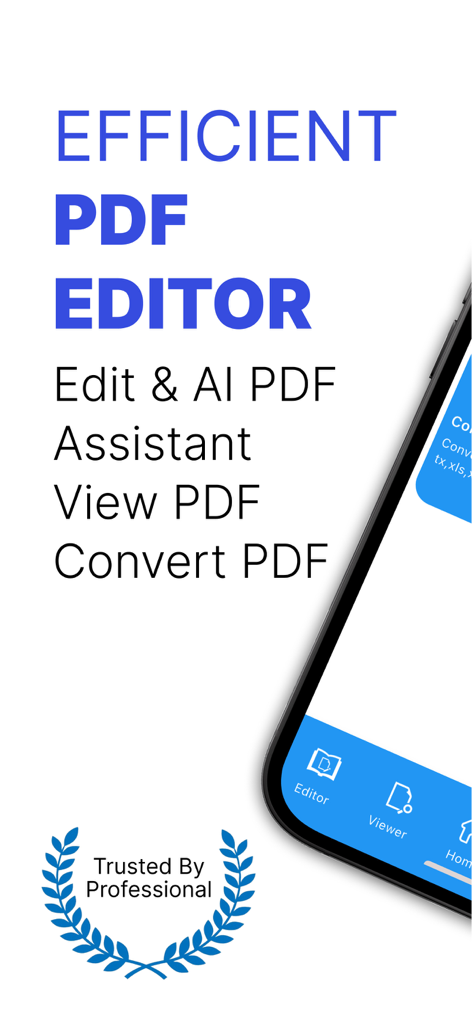
PDF 편집, 보기, 변환 및 AI 어시스턴트 도구를 보여주는 앱 인터페이스

PDF 편집, 보기, 변환 및 AI 어시스턴트 도구를 보여주는 앱 인터페이스

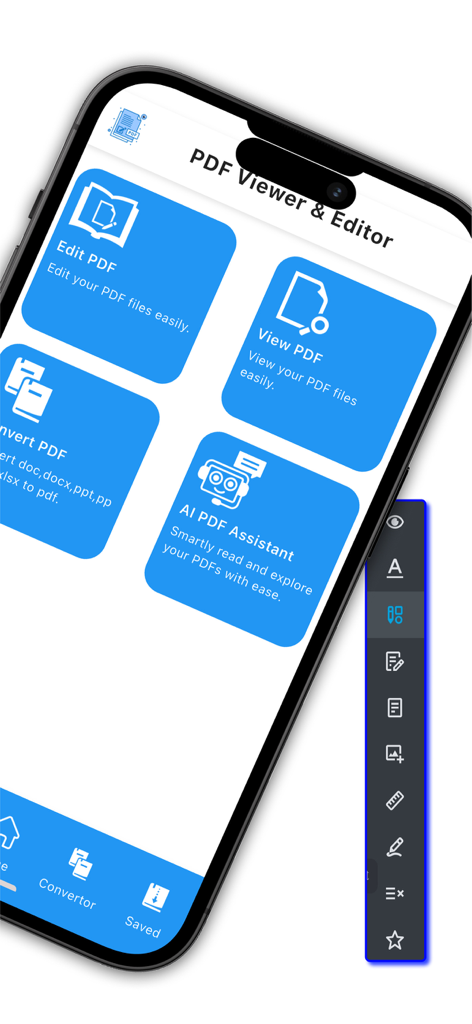
PDF 뷰어 및 편집기 앱의 모바일 대시보드 (편집, 보기, 변환 및 AI 어시스턴트 기능 표시)

PDF 뷰어 및 편집기 앱의 모바일 대시보드 (편집, 보기, 변환 및 AI 어시스턴트 기능 표시)

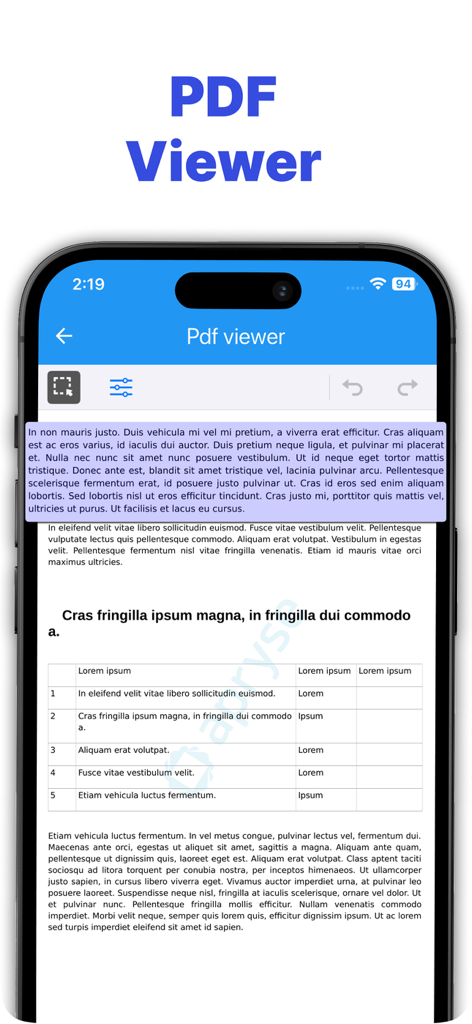
PDF 뷰어 앱에서 텍스트가 강조 표시된 PDF 문서가 표시되는 스마트폰 화면

PDF 뷰어 앱에서 텍스트가 강조 표시된 PDF 문서가 표시되는 스마트폰 화면

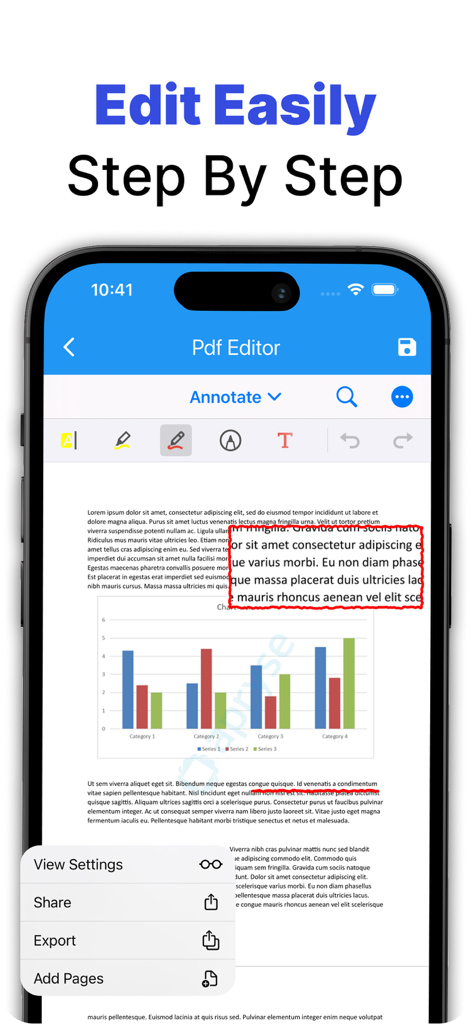
주석 도구 및 문서 마크업 기능이 표시되는 PDF 편집기 앱의 모바일 인터페이스

주석 도구 및 문서 마크업 기능이 표시되는 PDF 편집기 앱의 모바일 인터페이스

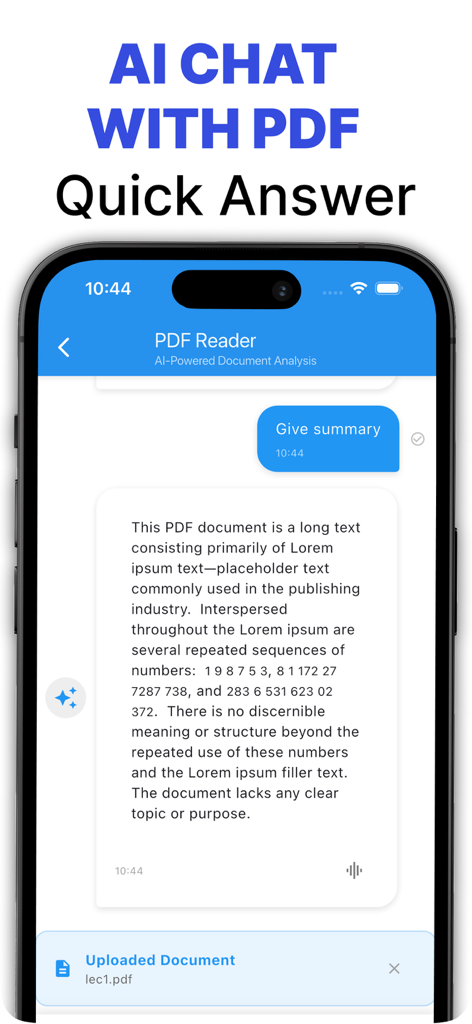
업로드된 PDF 문서의 요약을 제공하는 AI 채팅 인터페이스를 보여주는 휴대폰

업로드된 PDF 문서의 요약을 제공하는 AI 채팅 인터페이스를 보여주는 휴대폰

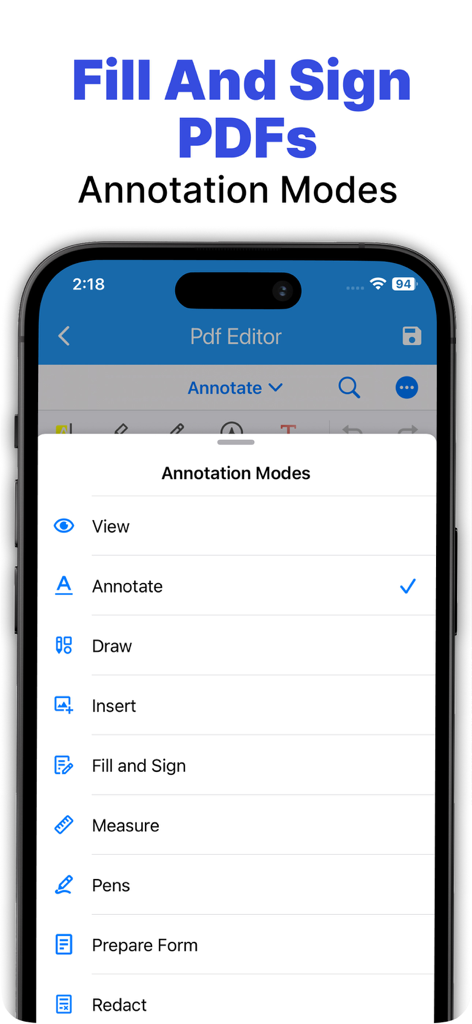
채우기 및 서명을 포함한 PDF 주석 도구가 표시되는 iPhone 화면

채우기 및 서명을 포함한 PDF 주석 도구가 표시되는 iPhone 화면

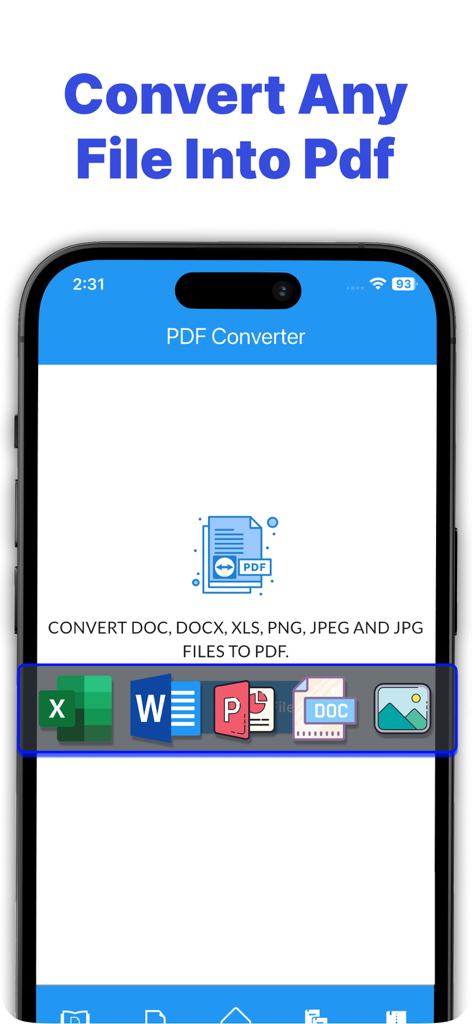
Word, Excel 및 이미지 파일을 PDF 형식으로 변환하는 과정을 보여주는 모바일 앱 화면

Word, Excel 및 이미지 파일을 PDF 형식으로 변환하는 과정을 보여주는 모바일 앱 화면

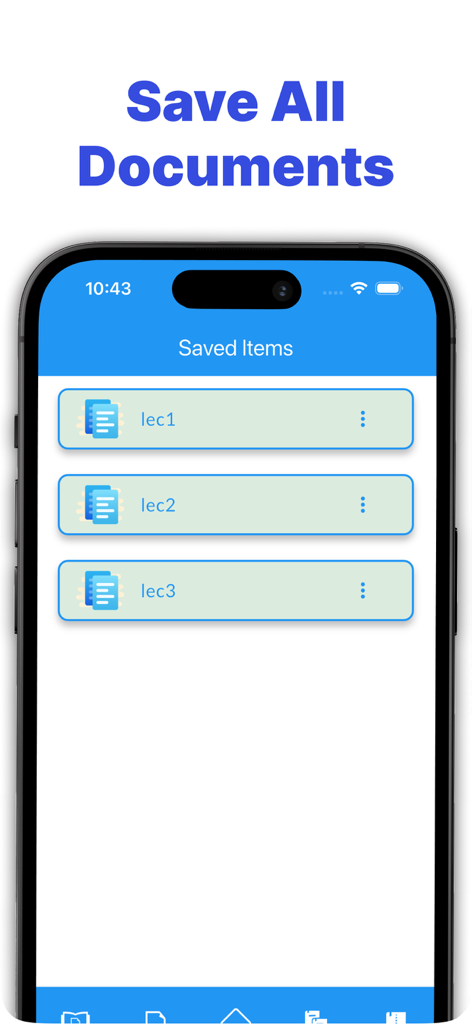
강의 파일 포함 저장된 PDF 문서 목록을 보여주는 모바일 앱 인터페이스

강의 파일 포함 저장된 PDF 문서 목록을 보여주는 모바일 앱 인터페이스

AI 기반 정밀도로 문서를 마스터하세요

이 앱을 돋보이게 하는 도구, 224K+ 명의 사용자가 선택.

🤖

AI 기반 "PDF에게 묻기"

스크롤을 멈추고 채팅을 시작하세요. 고급 AI를 사용하여 복잡한 문서에서 즉각적인 요약, 데이터 추출 및 명확한 답변을 얻으세요.

✍️

전문 모바일 편집기

계약서에 서명하고, 양식을 작성하고, 연구 논문을 쉽게 주석 처리하세요. 완벽한 페이퍼리스 오피스가 iPhone 및 iPad에 있습니다.

🔄

원활한 파일 변환기

이미지와 Word 문서를 PDF로 쉽게 변환하거나 여러 파일을 몇 초 만에 하나의 정리된 문서로 병합하세요.

앱 소개

에 대해 알아야 할 모든 것 PDF Viewer, Editor & Converter.

설명

PDF Viewer, Editor & Converter – Read, Edit, Convert & Chat with PDFs Using AI Your All-in-One PDF Toolkit – Read, Annotate, Convert, and Ask AI! Looking for the ultimate solution to handle your PDF files on the go? Our PDF Viewer, Editor & Converter app is designed to make working with PDFs easier, smarter, and more efficient. Whether you’re a student, professional, or casual user, this app offers everything you need to manage PDFs — from reading and editing to converting and using AI to understand your documents. Key Feature PDF Viewer Smooth and responsive PDF reading experience. Jump to pages, zoom in/out, and search text effortlessly. Bookmark important pages for quick access. PDF Editor Sign documents electronically with just a few taps. Annotate your PDFs: highlight text, underline, strikethrough, and more. Add comments, notes, and sticky memos anywhere on the page. Draw shapes and freehand lines to mark up your documents visually. Insert text boxes and images directly into the PDF. Fill out forms directly within the PDF file. PDF Converter Convert images (JPG, PNG, etc.) to high-quality PDF files. Import and convert DOC, DOCX, and other document formats to PDF. Merge multiple files or images into a single PDF effortlessly. AI Ask PDF – Chat with Your PDF Upload any PDF document and unlock the power of AI. Ask questions about the content — summaries, definitions, explanations, or details. Instantly get answers, insights, and overviews from long or complex PDFs. Ideal for contracts, academic papers, reports, user manuals, and more. Save time by skipping manual reading and searching! Why Choose This App? Easy-to-use interface – Designed for users of all levels. Fast & reliable – Handles even large documents smoothly. Offline support – View and edit files without an internet connection. Secure – Your files and data stay private and safe. Perfect For: Students reading textbooks and summarizing research. Professionals managing contracts and client documents. Teachers providing annotated feedback. Freelancers signing, editing, and converting documents on the go. Upgrade your productivity today with PDF Viewer, Editor & Converter – the only PDF tool you need! Download now and unlock the future of PDFs – powered by AI. Privacy URL: https://sites.google.com/view/appsonixprivacypolicy/home Eula Agreement: https://sites.google.com/view/eulatermsofuser/homek.

최신 버전

2.0.4

크기

83.4 MB

출시일

2022년 10월 26일

읽기를 멈추고, 알기 시작하세요.

AI의 힘으로 몇 초 만에 문서를 요약, 서명, 변환하는 224,000명 이상의 전문가와 학생들과 함께하세요. 지금 바로 궁극의 올인원 PDF 도구를 다운로드하세요.

다운로드: App Store

App information, icons, screenshots, and descriptions displayed on this page are sourced from the Apple App Store and are the property of their respective developers. Download estimates and rankings are based on MWM's proprietary models and may not reflect actual figures. This page is provided for informational and analytical purposes only.

Believe this page infringes your intellectual property? File a dispute