PixVideo AI : AI Video Creator

PixVideo AI : AI Video Creator

다운로드: App Store
로고: PixVideo AI : AI Video Creator

PixVideo AI: 바이럴 크리에이터를 위한 궁극의 동영상 스튜디오

탭 한 번으로 텍스트와 이미지를 고해상도 시네마틱 클립으로 변환하세요. Melt, Squish, Explode와 같은 독점 AI 효과를 사용하여 스크롤을 멈추고 소셜 인지도를 높이세요.

개발사

MIIMO HOLDING PTE. LTD.

카테고리

Entertainment

다운로드

453K+

사용자 평점

4.2/5

총 평가 수

1K+

지원 언어

1

움직이는 마법

이 인터페이스를 사용하는 453K+ 명의 사용자.

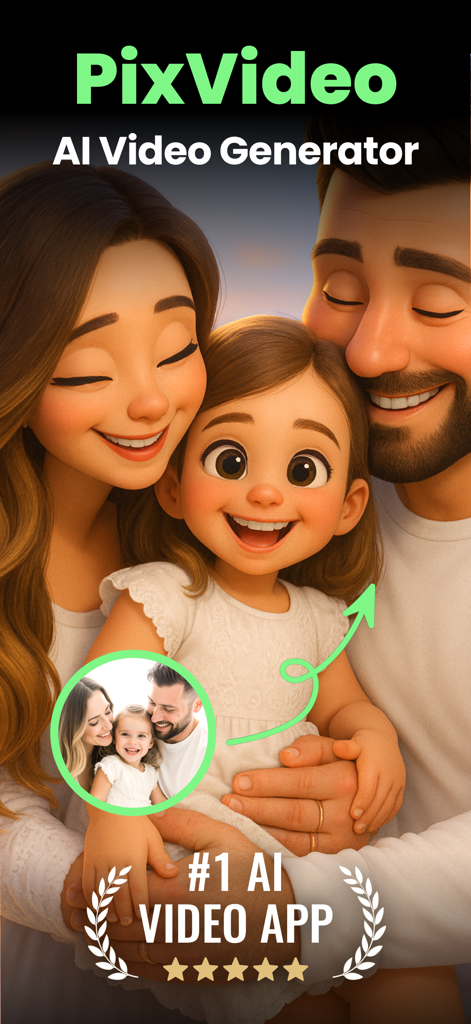
PixVideo AI를 사용하여 3D 애니메이션으로 변환된 실제 가족 사진

PixVideo AI를 사용하여 3D 애니메이션으로 변환된 실제 가족 사진

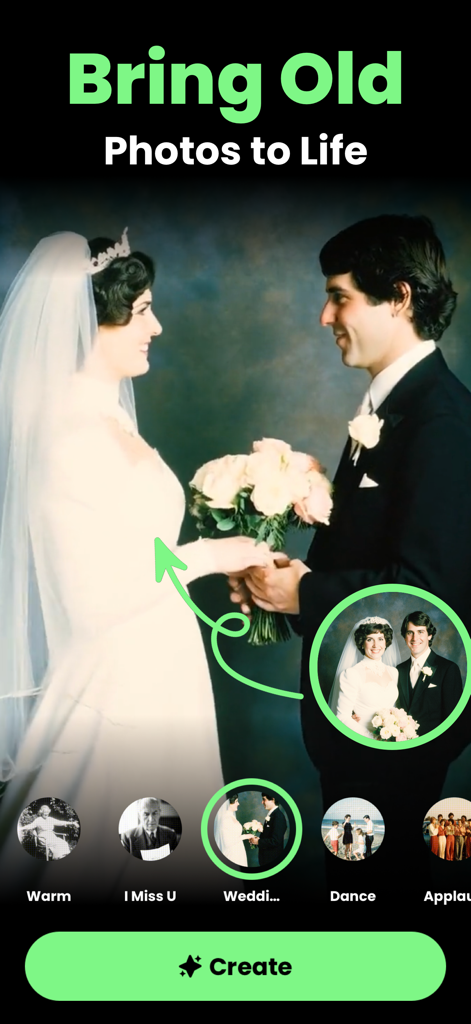
PixVideo AI 앱 화면에서 오래된 사진을 생생하게 만드는 기능으로 웨딩 사진을 애니메이션화하는 모습

PixVideo AI 앱 화면에서 오래된 사진을 생생하게 만드는 기능으로 웨딩 사진을 애니메이션화하는 모습

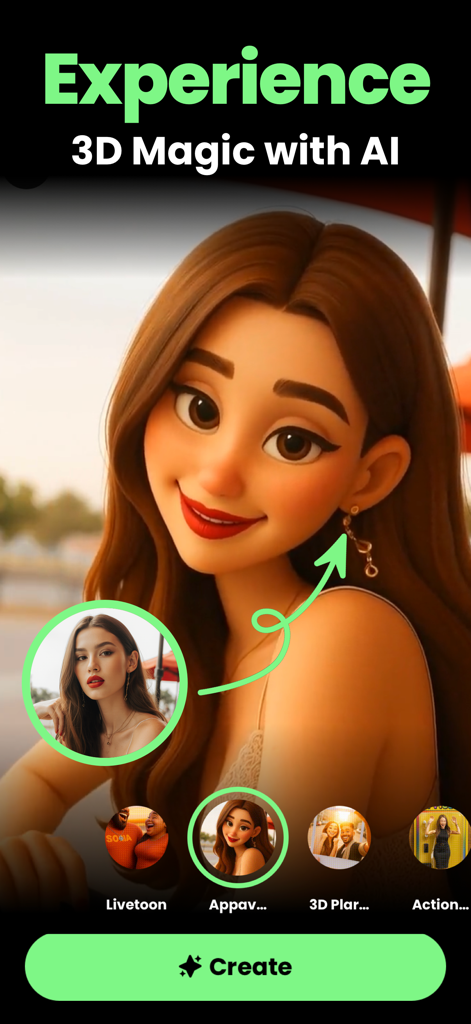
실제 사진을 3D AI 만화 캐릭터로 변환하는 과정을 보여주는 모바일 화면

실제 사진을 3D AI 만화 캐릭터로 변환하는 과정을 보여주는 모바일 화면

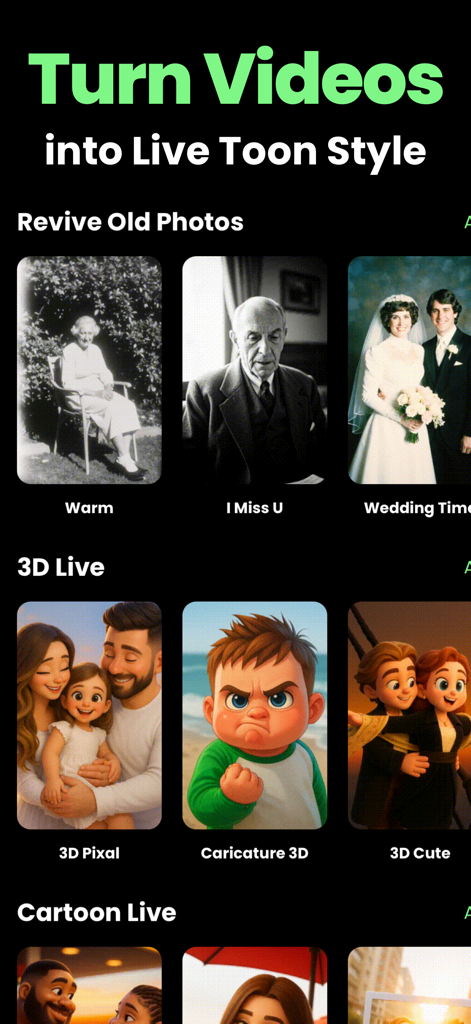
다양한 AI 필터를 사용하여 만화 변환 및 사진 복원 기능을 보여주는 PixVideo AI 앱 화면

다양한 AI 필터를 사용하여 만화 변환 및 사진 복원 기능을 보여주는 PixVideo AI 앱 화면

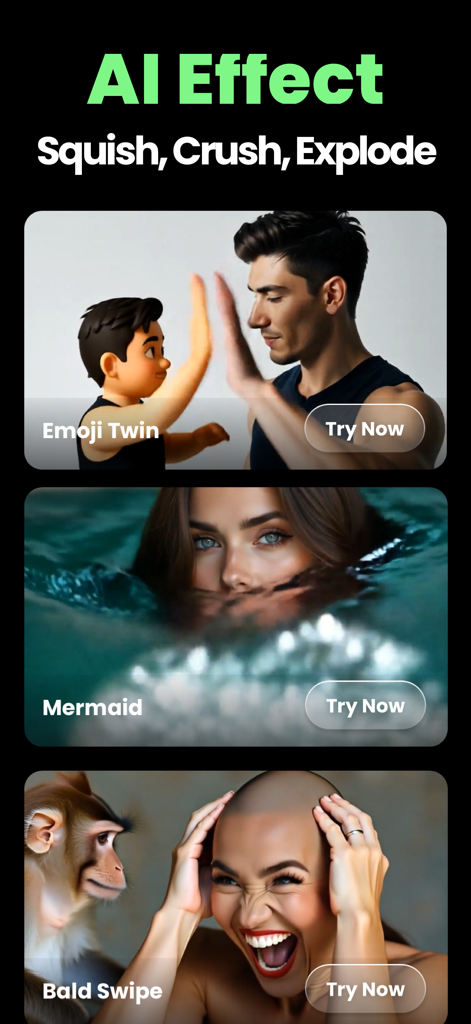
Emoji Twin Mermaid 및 Bald Swipe를 포함한 다양한 창의적인 동영상 효과를 보여주는 PixVideo AI 앱 인터페이스

Emoji Twin Mermaid 및 Bald Swipe를 포함한 다양한 창의적인 동영상 효과를 보여주는 PixVideo AI 앱 인터페이스

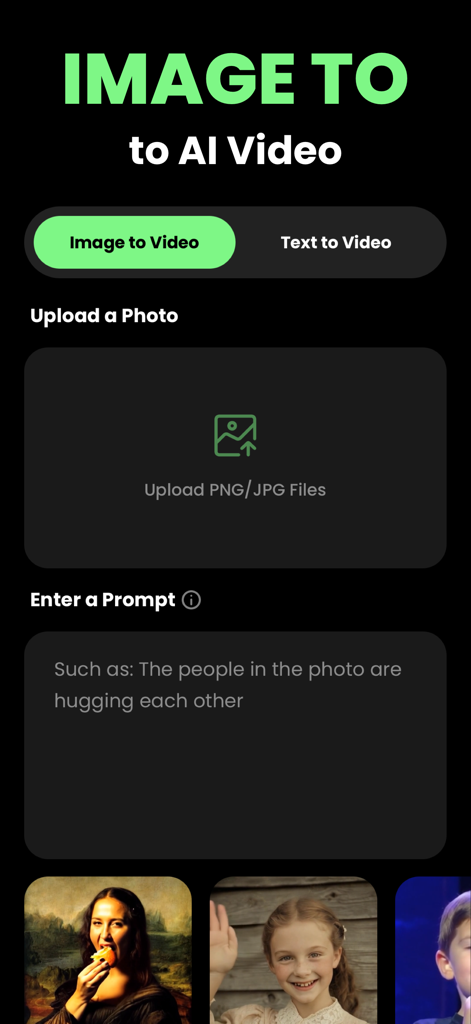
이미지 또는 텍스트를 AI 동영상으로 변환하는 옵션을 보여주는 PixVideo AI 앱 인터페이스

이미지 또는 텍스트를 AI 동영상으로 변환하는 옵션을 보여주는 PixVideo AI 앱 인터페이스

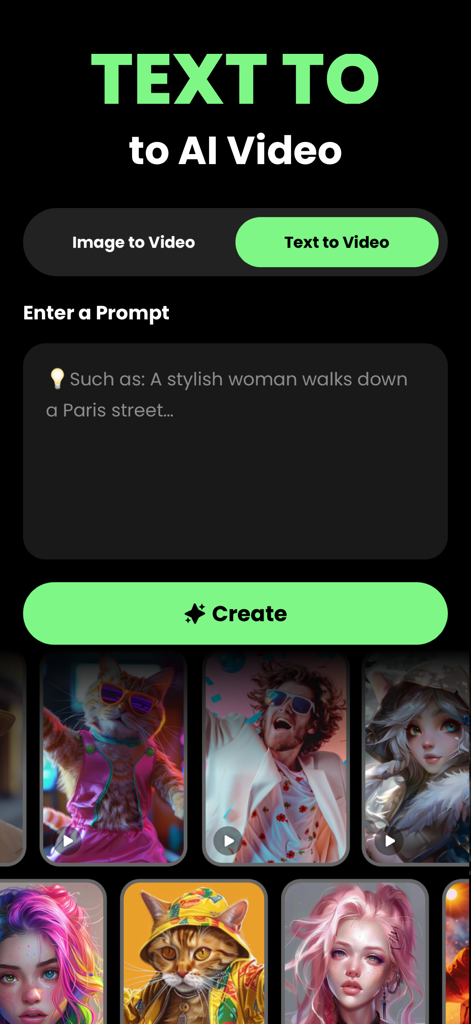
텍스트 프롬프트를 AI 생성 동영상으로 변환하기 위한 PixVideo AI 앱 인터페이스

텍스트 프롬프트를 AI 생성 동영상으로 변환하기 위한 PixVideo AI 앱 인터페이스

아이디어를 바이럴 현실로 바꾸세요

이 앱을 돋보이게 하는 도구, 453K+ 명의 사용자가 선택.

🪄

즉각적인 AI 동영상 생성

최첨단 Luma Labs AI 기술을 사용하여 정적인 이미지나 간단한 텍스트를 손쉽게 시네마틱 동영상으로 변환하세요.

🚀

바이럴 준비된 초현실적 효과

궁극의 시선 사로잡는 효과로 제작된 Melt, Squish, Explode와 같은 강력한 효과로 FYP에서 돋보이세요.

전문가 수준의 품질, 노력 없이

동영상 편집 기술이 필요 없습니다. 탭 한 번으로 TikTok, Reels, Shorts에 바로 사용할 수 있는 고화질 비주얼을 내보내세요.

앱 소개

에 대해 알아야 할 모든 것 PixVideo AI : AI Video Creator.

설명

PixVideo AI : AI Video Creator Transform Your Image or Text into Stunning Videos PixVideo AI lets you effortlessly create captivating luma videos from your text. Whether you're a content creator, marketer, or simply looking to bring your ideas to life, PixVideo AI dream machine makes it easy. New Effects: 1. Squish – Playfully squash and reshape your creations with a squeeze. 2. Decapitate – Unleash a bold, head-turning effect. 3. Eye-pop – Make features leap off the screen in vivid detail. 4. Crush – Intensify your visuals with a powerful crushed look. 5. Levitate – Defy gravity and elevate your images. 6. Melt – Transform visuals into surreal, fluid masterpieces. 7. Crumble – Break down your image into captivating fragments. 8. Dissolve – Gently fade scenes into dreamy, ethereal views. 9. Inflate – Expand with exaggerated, fun-filled effects. 10. Ta-da – Create magical, dramatic reveals in your photos. 11. Deflate – Shrink your image with a quirky, playful touch. 12. Explode – Burst your visuals into striking, attention-grabbing pieces. Key Features: - Image-to-Video: Effortlessly transform your images into high-quality videos with just a few taps. - Text-to-Video Conversion: Turn your text into high-quality videos with just a few taps. - High-Resolution Output: Export videos in high resolution, perfect for sharing on social media and more. - User-Friendly Interface: Easy to navigate, suitable for users of all skill levels. Why Choose PixVideo AI? PixVideo AI simplifies video creation, making it accessible to everyone. No need for advanced video editing skills—focus on your message, and let PixVideo AI handle the rest. Get Started Today! Download PixVideo AI and start creating engaging luma labs ai videos from your text. Elevate your content and captivate your audience. To support us you can choose to subscribe to our auto-renewing subscriptions. Automatic subscription service instructions: 1. Subscription service: PixVideo Pro(1 Week / 1 Month) 2. Subscription price: - PixVideo Pro Weekly:$9.99 - PixVideo Pro Monthly:$29.99 You will be charged in your local currency at the prevailing exchange rate as defined by iTunes. 3. Payment: Subscriptions can be managed by the user, and the payment will be credited to the iTunes account after the user confirms the purchase and payment. 4. Renewal: Apple's iTunes account will be deducted within 24 hours before expiration. After the deduction is successful, the subscription period will be extended by one subscription period. 5. Unsubscribe: To unsubscribe, please open the "Settings" section of your Apple phone 24 hours before the expiration of the current subscription period, enter the "iTunes Store and App Store" section, click on "App ID", select "View Apple ID", enter the "Account Settings" page, click "Subscribe", and choose to unsubscribe. If you do not unsubscribe at least 24 hours before the end of the subscription period, your subscription will be automatically renewed. Privacy Policy:https://app.miimoholding.com/help/pixvideo/PrivacyPolicy Terms of Use:https://app.miimoholding.com/help/pixvideo/TermsOfUse We would love to receive all your feedback to improve our app. You are welcome to contact us at support@miimoholding.com

최신 버전

1.1.1

크기

19.8 MB

출시일

2024년 6월 19일

바이럴이 될 준비가 되셨나요? 오늘 PixVideo AI로 제작을 시작하세요

450,000명 이상의 크리에이터가 AI Dream Machine을 사용하여 아이디어를 멋진 고해상도 시각적 걸작으로 바꾸고 있습니다. 앱을 다운로드하고 다음 게시물을 시선을 사로잡는 게시물로 만드세요.

다운로드: App Store

App information, icons, screenshots, and descriptions displayed on this page are sourced from the Apple App Store and are the property of their respective developers. Download estimates and rankings are based on MWM's proprietary models and may not reflect actual figures. This page is provided for informational and analytical purposes only.

Believe this page infringes your intellectual property? File a dispute