QR Code Reader: Code Scanner

QR Code Reader: Code Scanner

다운로드: App Store
로고: QR Code Reader: Code Scanner

QR 코드 리더: 코드 스캐너 - 스캔 & 생성의 궁극적인 도구

바코드를 손쉽게 스캔하고, 맞춤형 QR 코드를 생성하며, 디지털 생활을 정리하세요. 생산성과 스마트 쇼핑을 위한 가장 빠른 올인원 솔루션입니다.

개발사

Tech Nest IT Services

카테고리

Utilities

다운로드

48K+

사용자 평점

3.3/5

총 평가 수

0

지원 언어

1

한눈에 보는 효율성

이 인터페이스를 사용하는 48K+ 명의 사용자.

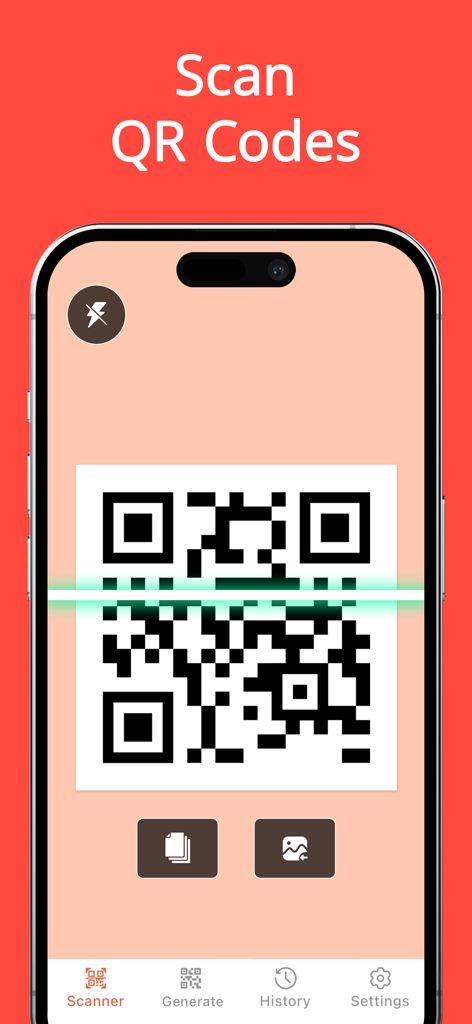
QR 코드 스캔 인터페이스를 보여주는 iPhone 화면, 코드 위에 녹색 스캔 선이 표시됨

QR 코드 스캔 인터페이스를 보여주는 iPhone 화면, 코드 위에 녹색 스캔 선이 표시됨

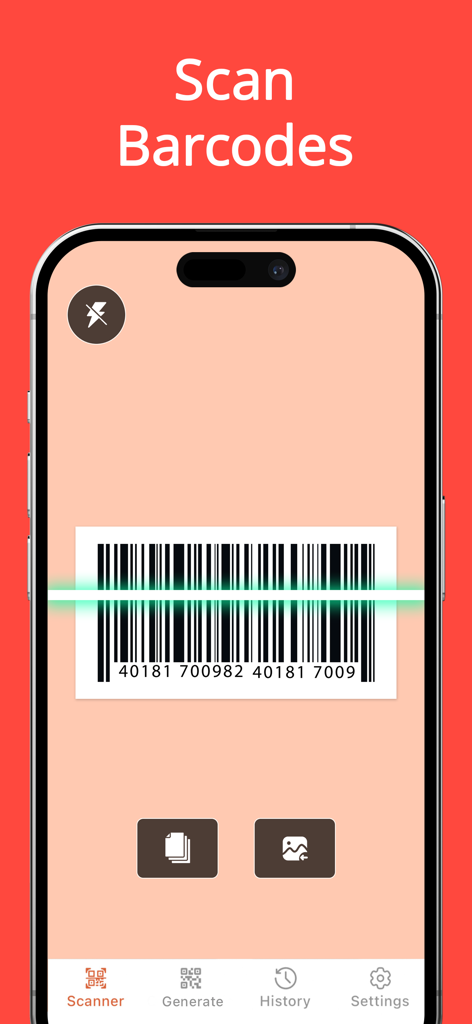
iPhone에서 바코드를 스캔하는 QR 코드 리더 앱의 인터페이스

iPhone에서 바코드를 스캔하는 QR 코드 리더 앱의 인터페이스

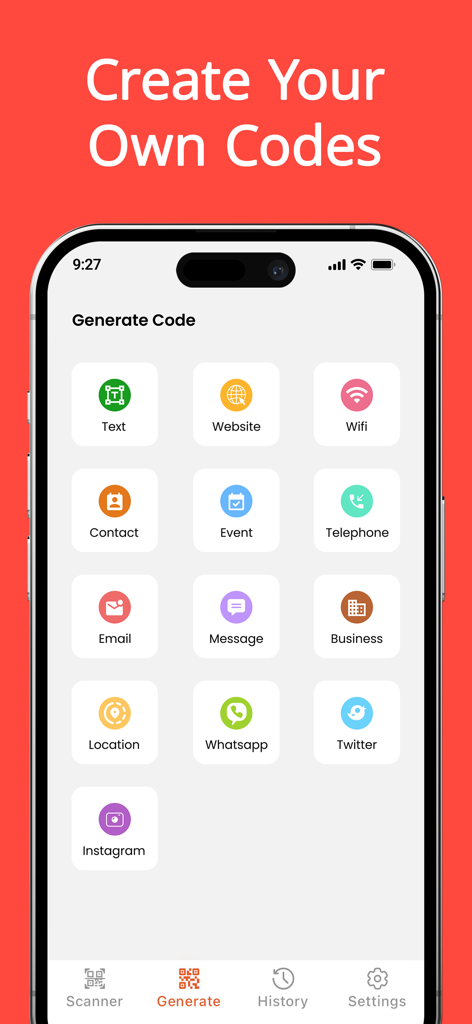
WiFi, 웹사이트, 소셜 미디어를 위한 맞춤형 QR 코드 생성을 위한 옵션을 보여주는 모바일 앱 인터페이스

WiFi, 웹사이트, 소셜 미디어를 위한 맞춤형 QR 코드 생성을 위한 옵션을 보여주는 모바일 앱 인터페이스

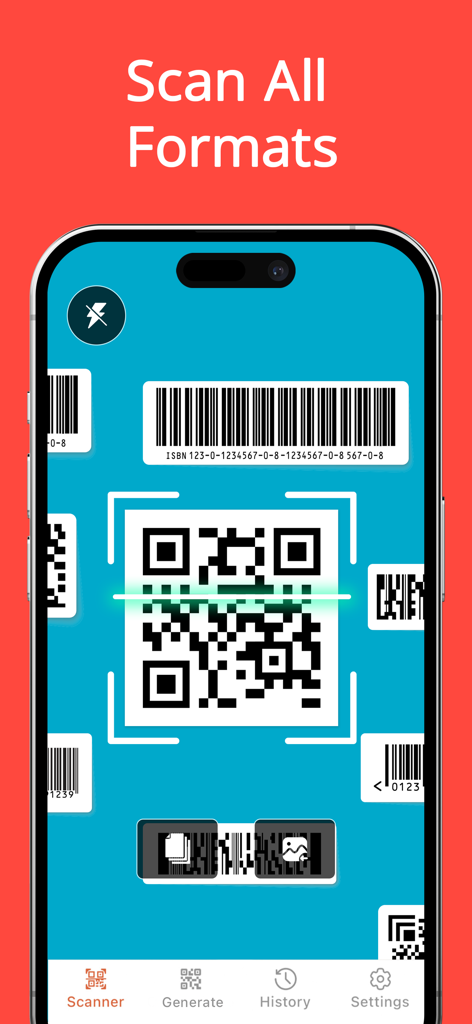
다양한 QR 및 바코드 형식을 스캔하는 QR 코드 리더 앱의 iPhone 인터페이스

다양한 QR 및 바코드 형식을 스캔하는 QR 코드 리더 앱의 iPhone 인터페이스

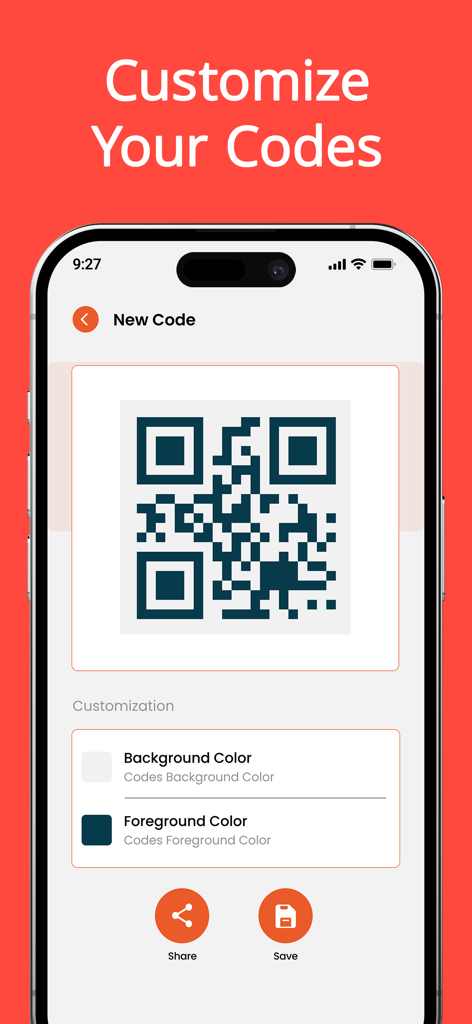
배경 및 전경 색상을 사용자 지정하는 옵션이 있는 QR 코드 생성기를 보여주는 스마트폰 화면

배경 및 전경 색상을 사용자 지정하는 옵션이 있는 QR 코드 생성기를 보여주는 스마트폰 화면

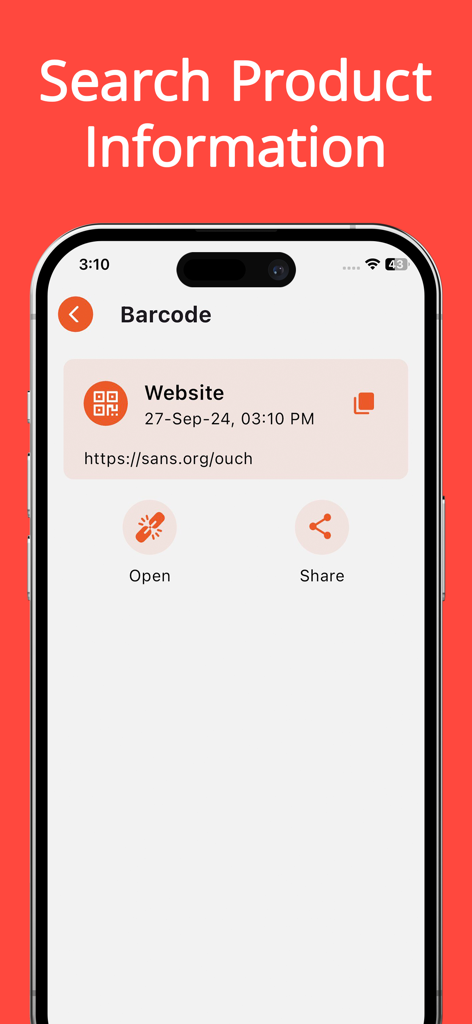
웹사이트 링크 및 열기 또는 공유 옵션을 포함하여 스캔된 바코드의 결과를 표시하는 iPhone 화면

웹사이트 링크 및 열기 또는 공유 옵션을 포함하여 스캔된 바코드의 결과를 표시하는 iPhone 화면

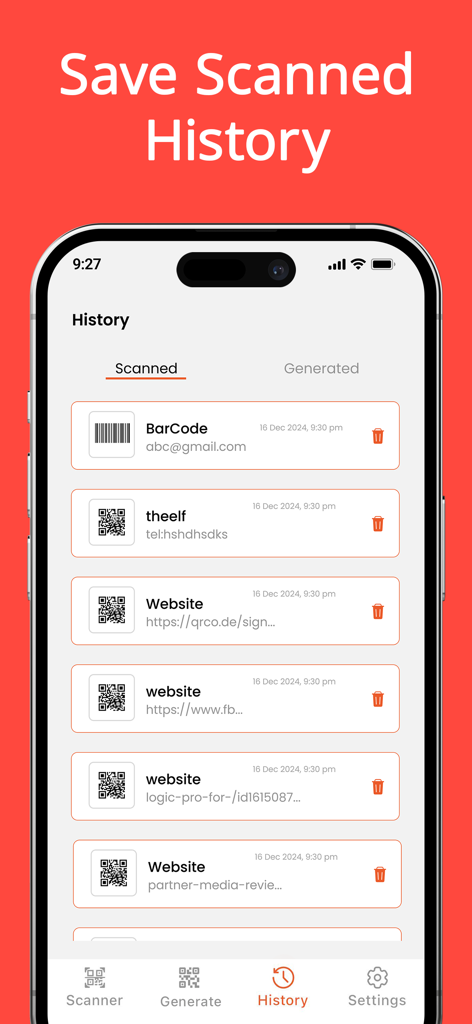
앱 기록 섹션에 스캔된 QR 코드 및 바코드 목록

앱 기록 섹션에 스캔된 QR 코드 및 바코드 목록

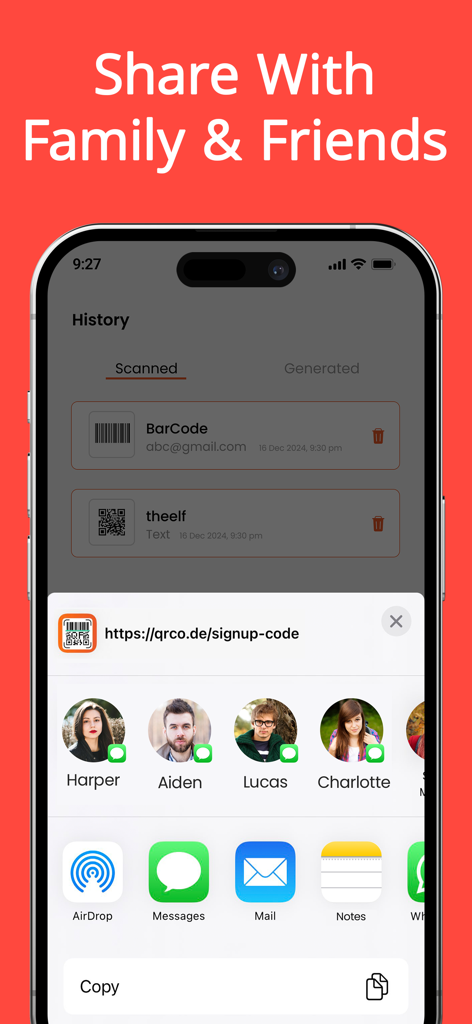
스캔된 기록과 친구 및 가족과 링크를 공유하는 옵션을 보여주는 QR 코드 스캐너 앱의 인터페이스

스캔된 기록과 친구 및 가족과 링크를 공유하는 옵션을 보여주는 QR 코드 스캐너 앱의 인터페이스

스캔 및 생성의 스마트한 방법

이 앱을 돋보이게 하는 도구, 48K+ 명의 사용자가 선택.

번개처럼 빠른 정확도

모든 QR 또는 바코드 형식에 대한 즉각적인 인식을 경험하세요. 지연 없이 제품 정보, 할인 및 Wi-Fi 네트워크에 즉시 액세스하세요.

🎨

맞춤 코드 생성기

비즈니스 또는 소셜 미디어를 위한 개인화된 QR 코드를 디자인하세요. 브랜드에 맞게 색상과 배경을 사용자 지정하여 전문적으로 보이게 하세요.

📂

정리된 스캔 기록

중요한 링크를 잃어버리지 마세요. 맞춤 폴더에 스캔한 내용을 저장하고 디지털 메뉴부터 보증서까지 모든 항목의 검색 가능한 기록을 유지하세요.

앱 소개

에 대해 알아야 할 모든 것 QR Code Reader: Code Scanner.

설명

QR Code Reader: Code Scanner is the fastest QR code reader and barcode scanner App. Quickly and efficiently scan any QR code or barcode with QR Code Reader: Code Scanner, your go-to QR scanner. . Its powerful QR code generator is designed to streamline both scanning and generating QR codes and barcodes. Whether you need to access information, share data, or create custom codes, our Barcode Scanner app provides unparalleled performance and versatility. Our app features a powerful QR Reader, enabling you to instantly scan and access links. QR Code Reader: Code Scanner, The Ultimate QR code reader & Barcode Scanner for free. Free Features: • Effortless Scanning: o With an advance Barcode reader, experience the fastest and most straight forward way to scan any QR code or barcode. The QR scanner ensures instant and accurate results, making it an essential tool for quick data retrieval. o Utilize the code scanner app’s user-friendly interface to scan QR codes and barcodes effortlessly, using your camera, media library, or by manually entering code serial numbers. The intuitive design of Barcode Scanner simplifies the scanning process. • Create Custom Codes: o Generate personalized QR codes with our QR code generator, perfect for Wi-Fi access, email addresses, URLs, phone numbers, messages, and more. The QR code maker feature allows you to design and create custom codes tailored to your specific needs in seconds. o Enhance your personal or business communications by crafting unique codes using our QR code generator & QR Reader feature. • Access Comprehensive Information: o One of the standout features of our app is the built-in QR scanner, making it easy for users to scan and access information instantly. Code scanner allows you to retrieve detailed information from any scanned code, including discounts, pricing history, phone numbers, login credentials, payment details, and product links by using barcode reader feature of our app. • Organize and Manage: o QR scanner allows you to save and organize all your scanned codes using the app’s easy-to-use folders. • Wide Format Support: o QR Code Reader: Code Scanner supports numerous types of QR codes and barcodes, such as EQS, QRCode, Data Matrix, EAN 8, and more. As a versatile QR code generator, it accommodates various code formats seamlessly. Pro Features: • Custom Code Styling: o Personalize your QR codes with various colors and backgrounds using our advanced QR code generator. o The QR code maker feature allows you to create codes for different social media platforms. • Unlimited Functionality: o Enjoy unlimited exports of QR codes and barcodes with the barcode generator. Create an unlimited number of folders and perform fast batch scanning to process multiple codes simultaneously with our advanced Barcode Scanner features. • Ad-Free Experience: o Upgrade to the Pro version of barcode generator for a completely ad-free experience Subscription Details: • Free Download: Start using QR Code Reader: Code Scanner to access all the essential features at no cost. • Upgrade to Premium: Unlock full access to Code Scanner Pro features with a subscription. For app support, please contact us at: Terms of Use: https://sites.google.com/view/technestitservices/qr-code-scanner-for-iphone/terms-of-use Privacy Policy: https://sites.google.com/view/technestitservices/qr-code-scanner-for-iphone/privacy-policy Download QR Code Reader: Code Scanner and discover the best in QR code scanning!

최신 버전

1.1.0

크기

41.1 MB

출시일

2024년 10월 1일

프로처럼 스캔, 생성 및 정리할 준비가 되셨나요?

궁극의 QR 및 바코드 툴킷으로 일상 업무를 간소화하는 48,000명 이상의 사용자와 함께하세요. 지금 다운로드하여 맞춤형 코드를 생성하고, 기록을 저장하고, 몇 초 안에 최고의 거래를 찾아보세요.

다운로드: App Store
FAQ

자주 묻는 질문

에 대해 알아야 할 모든 것 QR Code Reader: Code Scanner

QR Code Reader: Code Scanner란 무엇인가요?

QR Code Reader: Code Scanner는 강력한 QR 코드 생성 기능도 갖춘 빠른 QR 코드 리더 및 바코드 스캐너 앱입니다. 다양한 코드를 스캔, 생성, 관리할 수 있습니다.

QR Code Reader: Code Scanner는 QR 코드와 바코드 모두 스캔할 수 있나요?

네, QR Code Reader: Code Scanner는 QR 코드와 바코드 모두 스캔합니다. EQS, QRCode, Data Matrix, EAN 8 등 다양한 형식을 지원합니다.

QR Code Reader: Code Scanner는 무료로 사용할 수 있나요?

네, QR Code Reader: Code Scanner는 무료로 다운로드할 수 있으며 필수 기능은 무료로 제공됩니다. 프리미엄 기능은 구독을 통해 이용할 수 있습니다.

QR Code Reader: Code Scanner로 어떤 종류의 맞춤 코드를 생성할 수 있나요?

사용자는 Wi-Fi, 이메일, URL, 전화번호, 메시지, 연락처, 이벤트, 비즈니스 및 WhatsApp, Twitter, Instagram과 같은 소셜 미디어 플랫폼에 대한 맞춤 QR 코드를 생성할 수 있습니다.

QR Code Reader: Code Scanner는 광고 없는 경험을 제공하나요?

네, QR Code Reader: Code Scanner는 구독을 통해 Pro 버전을 업그레이드하는 사용자에게 광고 없는 경험을 제공합니다.

QR Code Reader: Code Scanner는 스캔한 코드를 저장할 수 있나요?

네, QR Code Reader: Code Scanner를 사용하면 앱의 폴더를 사용하여 스캔한 모든 코드를 저장하고 구성할 수 있으며 기록 섹션에서 볼 수 있습니다.

QR Code Reader: Code Scanner를 사용하면 코드를 어떻게 스캔할 수 있나요?

QR Code Reader: Code Scanner는 기기의 카메라, 미디어 라이브러리를 사용하거나 코드를 수동으로 입력하여 스캔할 수 있습니다.

QR Code Reader: Code Scanner로 코드를 스캔하여 어떤 정보에 접근할 수 있나요?

코드를 스캔하여 할인, 가격 기록, 전화번호, 로그인 자격 증명, 결제 세부 정보, 제품 링크와 같은 정보에 접근할 수 있습니다.

QR Code Reader: Code Scanner에서 생성된 QR 코드의 모양을 맞춤 설정할 수 있나요?

네, QR Code Reader: Code Scanner의 Pro 버전은 다양한 색상과 배경으로 QR 코드를 개인화하여 고유한 디자인을 만들 수 있습니다.

QR Code Reader: Code Scanner는 일괄 스캔을 지원하나요?

네, QR Code Reader: Code Scanner의 Pro 버전은 생산성을 높이기 위해 여러 코드를 동시에 처리할 수 있는 빠른 일괄 스캔을 지원합니다.

App information, icons, screenshots, and descriptions displayed on this page are sourced from the Apple App Store and are the property of their respective developers. Download estimates and rankings are based on MWM's proprietary models and may not reflect actual figures. This page is provided for informational and analytical purposes only.

Believe this page infringes your intellectual property? File a dispute