
reMarkable mobile


집중된 메모, 스케치, 할 일 목록을 주머니에 보관하세요. 종이 태블릿과 끊김 없이 동기화하여 흐름을 잃지 않고 생산성을 유지하며 정리하세요.
개발사
카테고리
Productivity다운로드
1M+사용자 평점
총 평가 수
1K+지원 언어
-이 인터페이스를 사용하는 1M+ 명의 사용자.
이 앱을 돋보이게 하는 도구, 1M+ 명의 사용자가 선택.
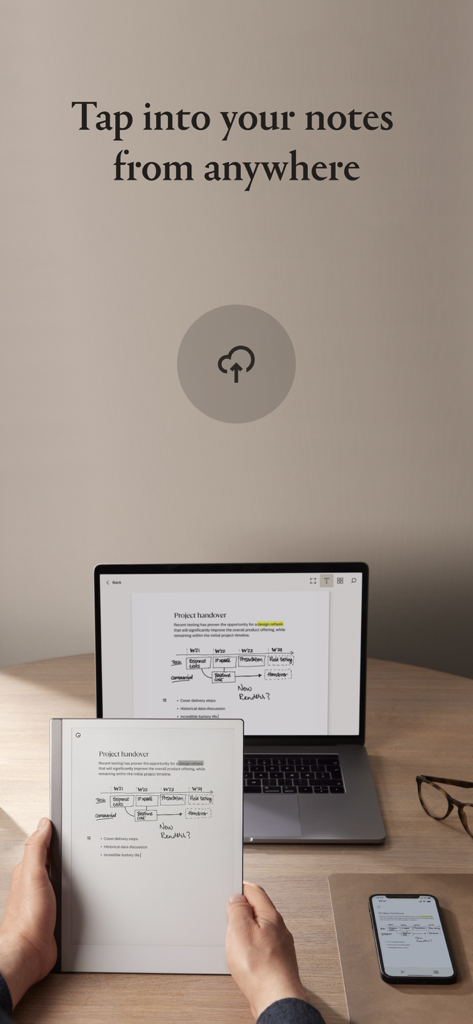
정확히 중단한 부분부터 이어가세요. 즉각적인 클라우드 동기화를 통해 모든 기기에서 손글씨 메모와 문서를 보고 공유하세요.
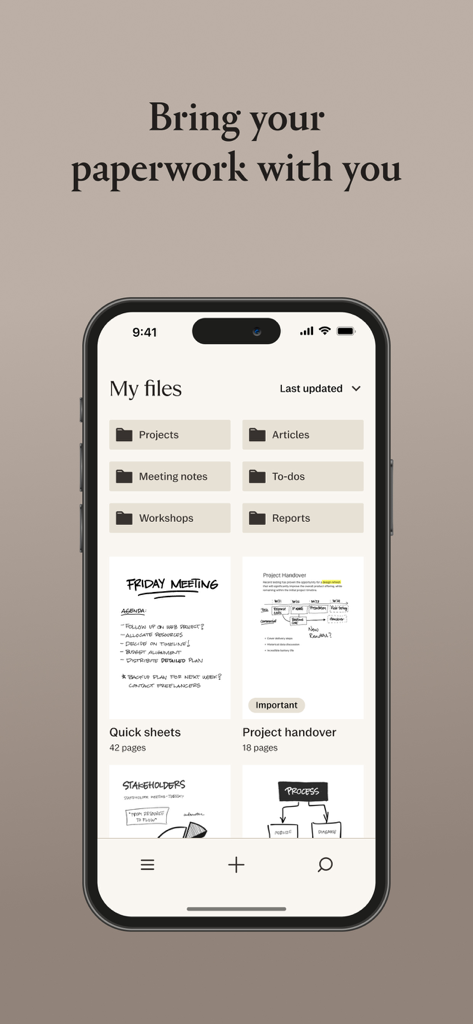
업무 흐름을 정리하세요. 태그, 폴더, 즐겨찾기를 사용하여 프로젝트를 분류하고 검색을 통해 몇 초 안에 중요한 정보를 찾으세요.
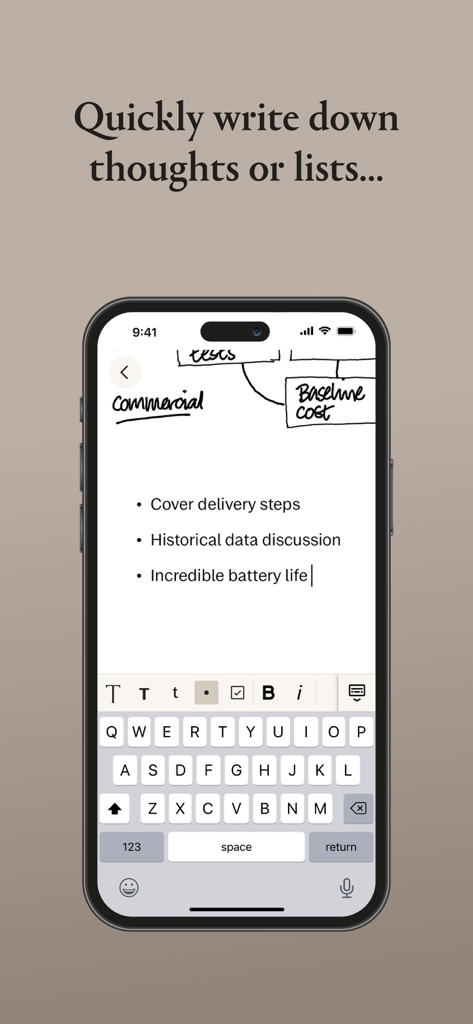
태블릿 없이도 생산성을 유지하세요. 휴대폰에서 새로운 빠른 시트, 할 일 목록 관리, 기존 문서에 메모 페이지 추가가 가능합니다.
사용자 리뷰 인사이트.
감정 점수
요약
User reviews for the mobile app indicate a stark contrast between the acclaimed Remarkable hardware and its companion application. While some users appreciate the app's ability to view notes, scan documents, and occasionally sync smoothly, particularly as a backup, a significant majority report numerous issues. Key criticisms revolve around unreliable and slow syncing, frequent bugs including freezing, data loss, and specific issues like the keyboard cursor bug on iPads with external keyboards. Users also express frustration over missing basic features such as dark mode, Apple Pencil support, undo/redo functionality, and direct file import from mobile devices, alongside a generally clunky user interface and unhelpful customer support.
주요 테마
에 대해 알아야 할 모든 것 reMarkable mobile.
설명
최신 버전
3.24.0
크기
46.4 MB
출시일
2017년 9월 14일
reMarkable 생태계를 완성하세요. 동반자 앱을 다운로드하여 노트북을 동기화하고, 종이 태블릿이 없더라도 영감이 떠오를 때마다 최고의 아이디어에 접근하세요.
에 대해 알아야 할 모든 것 reMarkable mobile
리마커블 모바일 앱을 사용하려면 my.remarkable.com에서 계정에 리마커블 페이퍼 태블릿을 페어링한 다음 로그인하세요. 앱은 콘텐츠 개요와 정리 도구를 제공합니다.
예, 리마커블 모바일 앱에서는 태그, 즐겨찾는 문서, 폴더를 통해 정리가 가능합니다. 주제별로 노트북과 파일을 모으기 위한 폴더를 만들고 검색을 통해 콘텐츠 검색을 용이하게 할 수 있습니다.
예, 리마커블 모바일 앱을 사용하면 새 노트북과 퀵 시트를 만들 수 있습니다. 또한 PDF 및 전자책과 같은 기존 문서에 빈 노트 페이지를 추가하고 할 일 목록에 체크박스를 사용할 수 있습니다.
예, 리마커블 모바일 앱은 콘텐츠 동기화를 위해 클라우드 스토리지를 사용합니다. 이를 통해 모든 콘텐츠를 항상 사용할 수 있으며 기기 간에 중단한 부분부터 원활하게 이어서 작업할 수 있습니다.
예, 리마커블 모바일 앱에서는 디지털 문서를 삭제할 수 있습니다. 이 기능을 사용하면 앱 내에서 쌓인 콘텐츠를 제거하고 혼잡을 효율적으로 관리할 수 있습니다.
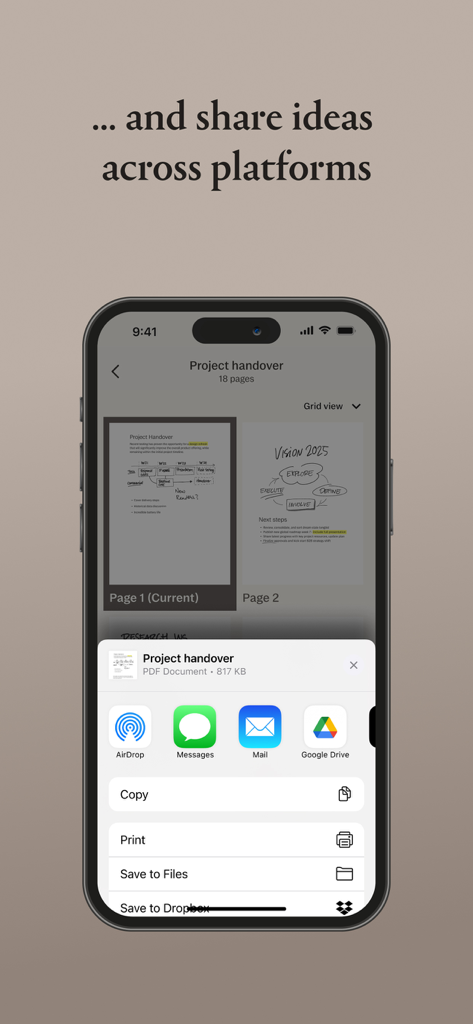
예, 리마커블 모바일 앱에서는 문서 공유가 가능합니다. Airdrop, 메시지, 메일, Google Drive, 파일에 저장, Dropbox와 같은 옵션을 통해 플랫폼 간에 아이디어를 공유할 수 있습니다.
예, 리마커블 모바일 앱에서는 사용자가 노트를 입력할 수 있습니다. 애플리케이션 인터페이스 내에서 자세한 노트를 입력하거나 짧은 목록을 빠르게 작성할 수 있습니다.
유사한 기능과 사용자 경험을 가진 앱

Glimpse LLC.

Red Paket sp. z o.o.

nadi digital indonesia, pt

Aleh Piashkou

Thorley Industries LLC

Electro Cirkel Retail BV

Pol Nadal Serra

Jonathan Reed

YONGXING JIN
App information, icons, screenshots, and descriptions displayed on this page are sourced from the Apple App Store and are the property of their respective developers. Download estimates and rankings are based on MWM's proprietary models and may not reflect actual figures. This page is provided for informational and analytical purposes only.
Believe this page infringes your intellectual property? File a dispute