Rhythm Pad Pro

Rhythm Pad Pro

다운로드: App Store
로고: Rhythm Pad Pro

Rhythm Pad Pro: 궁극의 모바일 드럼 스튜디오

전문 스테레오 샘플, 강력한 시퀀서, 정밀 양자화를 사용하여 스튜디오 품질의 비트를 만드세요. 이동 중에도 실제 타악기 연주를 원하는 침실 프로듀서 및 라이브 공연자에게 완벽합니다.

개발사

JSplash Apps

카테고리

Music

다운로드

207K+

사용자 평점

4.1/5

총 평가 수

900

지원 언어

1

시각화된 비트

이 인터페이스를 사용하는 207K+ 명의 사용자.

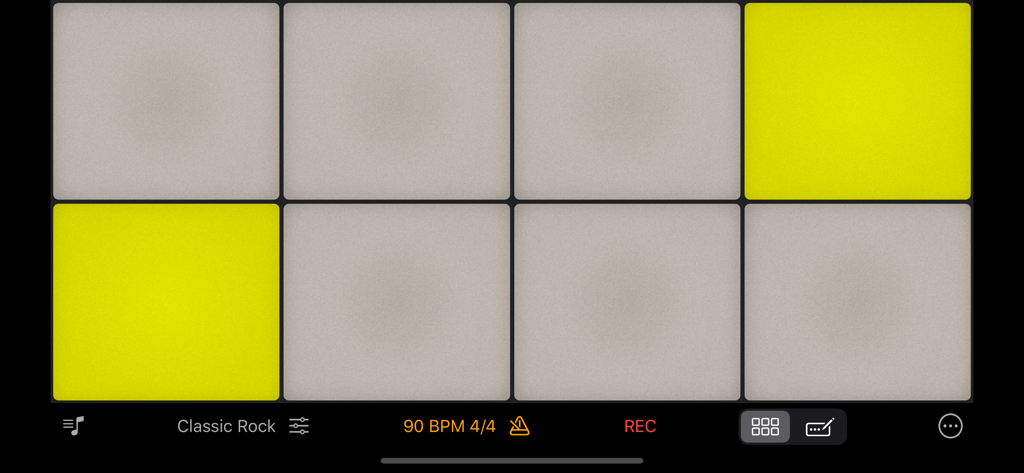
Rhythm Pad Pro 모바일 앱 드럼 패드, 클래식 록 키트 및 녹음 컨트롤 활성화

Rhythm Pad Pro 모바일 앱 드럼 패드, 클래식 록 키트 및 녹음 컨트롤 활성화

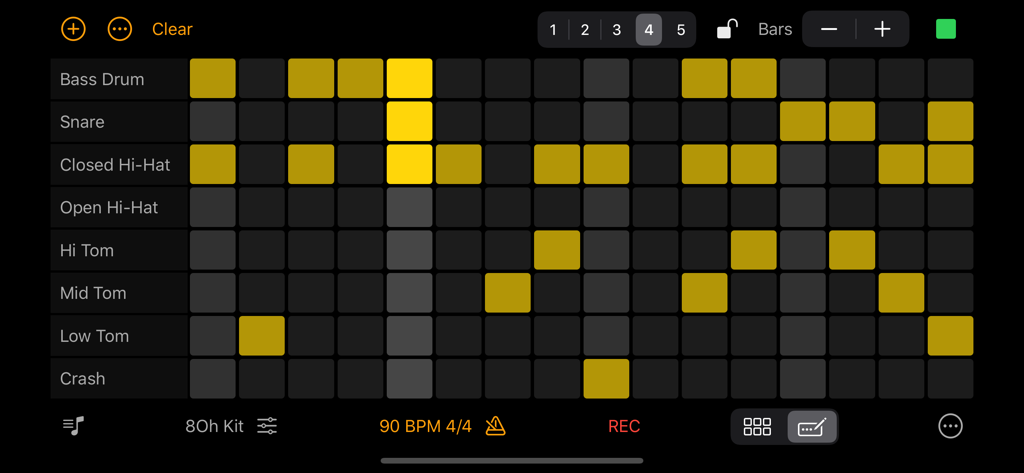
Rhythm Pad Pro의 드럼 시퀀서 인터페이스, 다양한 타악기 트랙이 있는 비트 패턴 그리드 표시

Rhythm Pad Pro의 드럼 시퀀서 인터페이스, 다양한 타악기 트랙이 있는 비트 패턴 그리드 표시

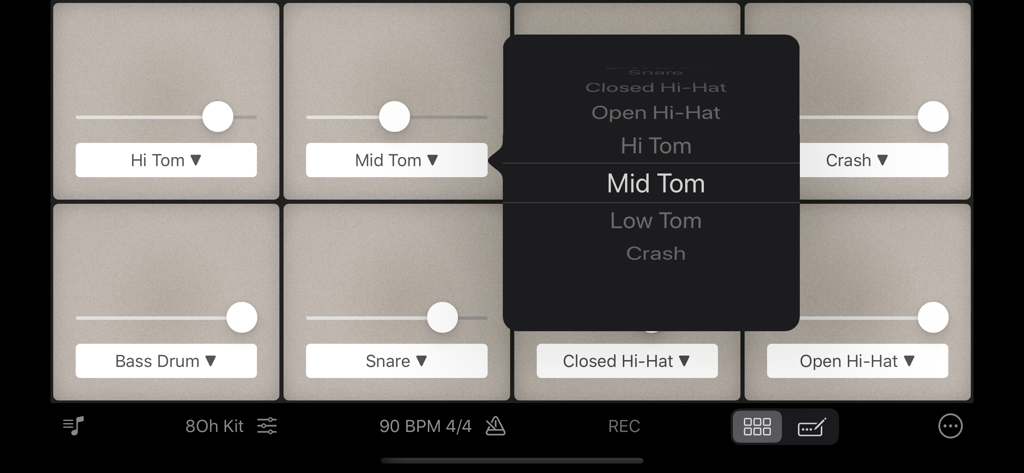
Rhythm Pad Pro의 볼륨 슬라이더 및 사운드 선택 메뉴가 있는 드럼 패드 인터페이스

Rhythm Pad Pro의 볼륨 슬라이더 및 사운드 선택 메뉴가 있는 드럼 패드 인터페이스

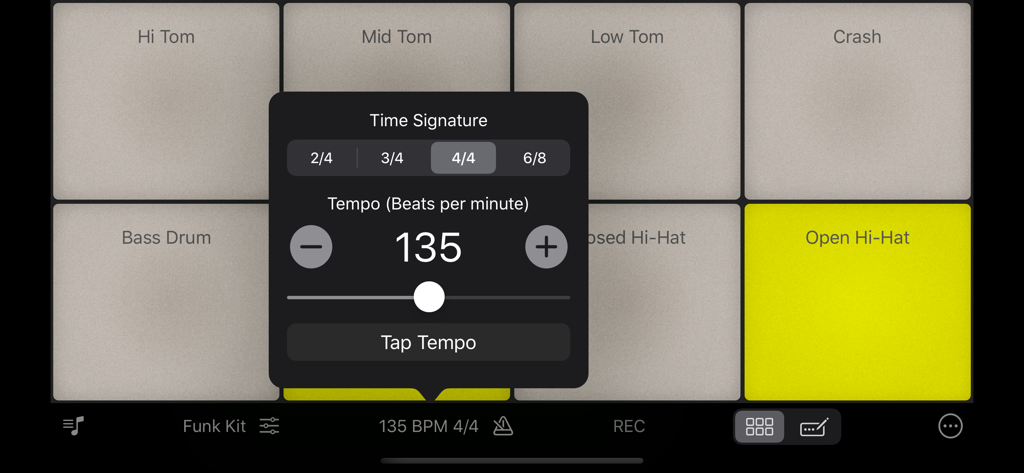
Rhythm Pad Pro 드럼 인터페이스의 템포 및 박자 구성 메뉴

Rhythm Pad Pro 드럼 인터페이스의 템포 및 박자 구성 메뉴

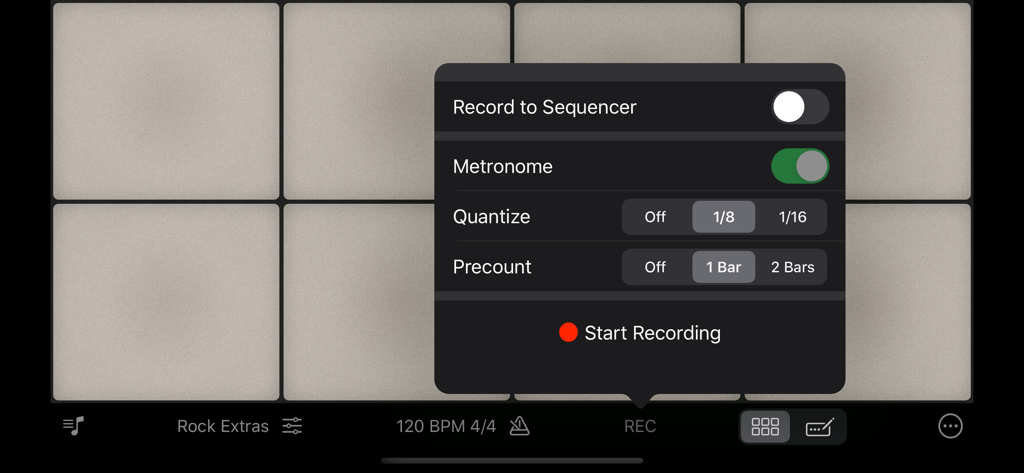
Rhythm Pad Pro의 녹음 설정 메뉴, 드럼 패드 위에 메트로놈 및 양자화 옵션 표시

Rhythm Pad Pro의 녹음 설정 메뉴, 드럼 패드 위에 메트로놈 및 양자화 옵션 표시

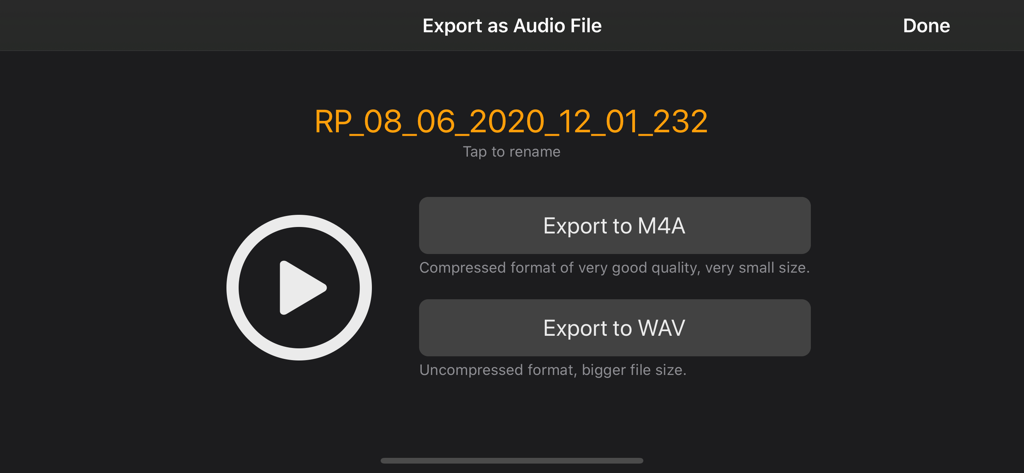
M4A 및 WAV 오디오 파일 형식 옵션이 있는 Rhythm Pad Pro 내보내기 화면

M4A 및 WAV 오디오 파일 형식 옵션이 있는 Rhythm Pad Pro 내보내기 화면

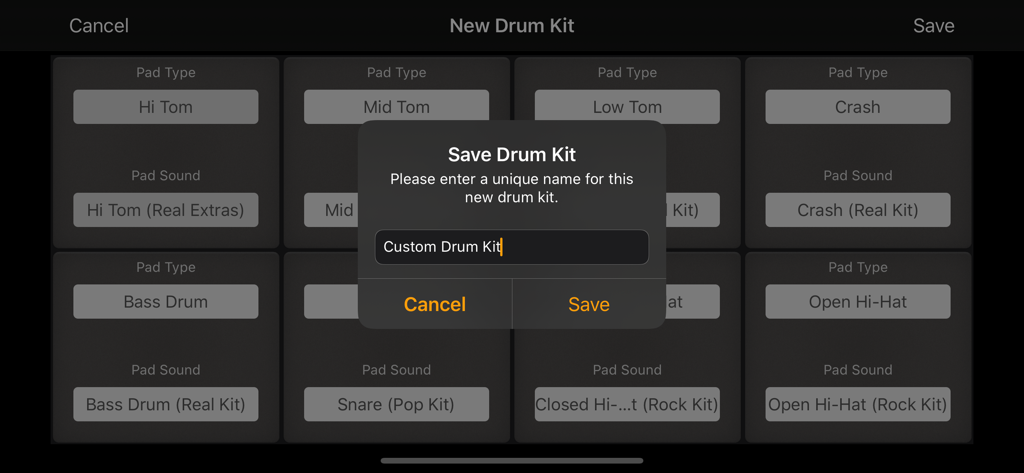
Rhythm Pad Pro 앱에서 사용자 지정 드럼 키트 이름 지정 및 저장 인터페이스

Rhythm Pad Pro 앱에서 사용자 지정 드럼 키트 이름 지정 및 저장 인터페이스

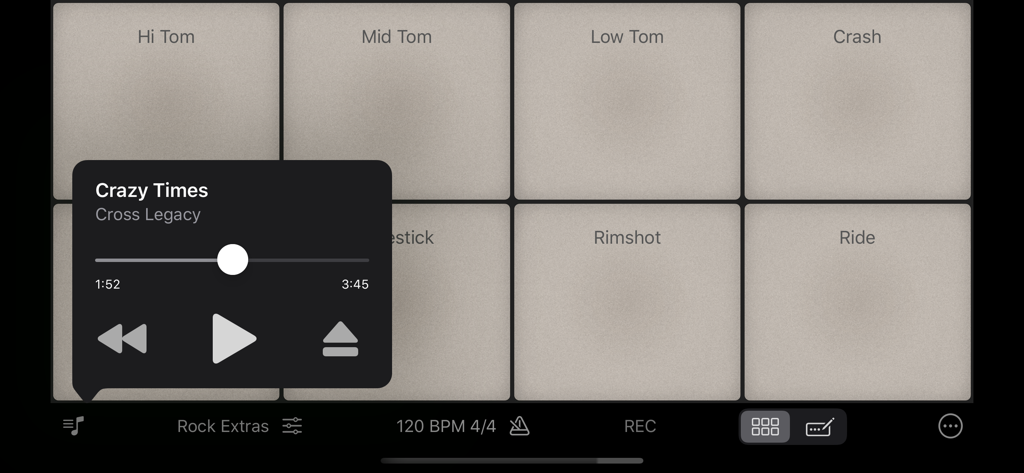
트랙에 맞춰 연주하기 위한 음악 플레이어 오버레이가 있는 Rhythm Pad Pro 드럼 패드 인터페이스

트랙에 맞춰 연주하기 위한 음악 플레이어 오버레이가 있는 Rhythm Pad Pro 드럼 패드 인터페이스

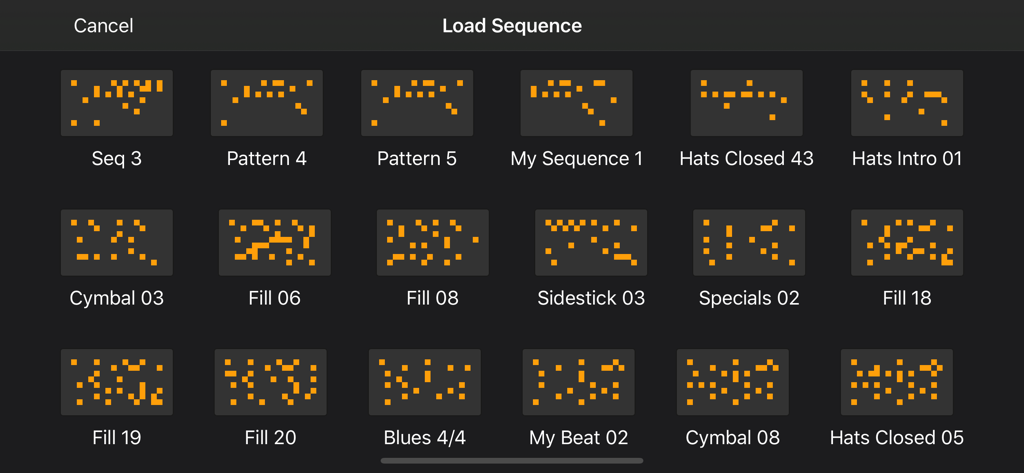
Rhythm Pad Pro의 시퀀스 로드 화면, 저장된 드럼 패턴 및 필 그리드 표시

Rhythm Pad Pro의 시퀀스 로드 화면, 저장된 드럼 패턴 및 필 그리드 표시

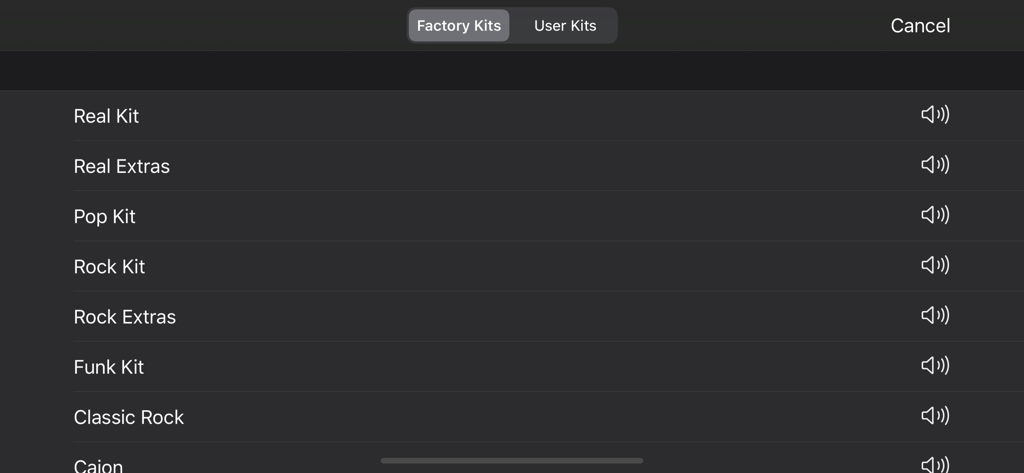
Rhythm Pad Pro의 Rock Pop 및 Funk를 포함한 전문적으로 샘플링된 팩토리 드럼 키트 목록

Rhythm Pad Pro의 Rock Pop 및 Funk를 포함한 전문적으로 샘플링된 팩토리 드럼 키트 목록

음악 제작 수준을 높이세요

이 앱을 돋보이게 하는 도구, 207K+ 명의 사용자가 선택.

🥁

스튜디오급 사실감

패드가 터치에 반응하여 진정한 어쿠스틱 느낌을 주는 '스마트 레벨' 기술이 적용된 전문적으로 샘플링된 드럼 키트로 연주하세요.

⏱️

정밀 비트 시퀀싱

내장 시퀀서와 전문 양자화를 사용하여 8마디 패턴을 쉽게 만들고 타이밍을 완벽하게 유지하세요.

🚀

프로 워크플로우 통합

Apple Music 라이브러리에 맞춰 연주하고 생성물을 좋아하는 DAW에서 사용할 수 있는 고품질 WAV 또는 AAC 파일로 즉시 내보내세요.

앱 소개

에 대해 알아야 할 모든 것 Rhythm Pad Pro.

설명

Play drums and compose beats using high-quality, professionally sampled drum kits with Rhythm Pad. Create drum recordings by tapping on the pads or using the sequencer and export them as audio files. Play drums along with the songs from your Media Library and Apple Music. Rhythm Pad is the smartest way to play drums on your mobile device. Introducing the Sequencer Quickly put together drum patterns of up to 8 bars using the sequencer. You can also record your live performance directly on to the sequencer and edit your sequence to your liking. Save your sequences and export them as audio files. Top features of Rhythm Pad • High-quality stereo sampled sounds with maximum polyphony. • Realistic Open and Closed Hi-Hats function. • Recording feature - Record by playing on the pads or create new patterns using the sequencer. • Quantization - Fix imprecisions during recording by enabling the quantization feature. • Export your recordings as audio files (AAC or WAVE) and use it in other audio applications. • Apply built-in reverb and compression effects to process the drum sounds. • Custom drum kits - Create new drum kits with sounds from other factory drum kits. • Smart Levels - Pads sound louder at the center and softer at the edges. • Optimized layout for maximum playability on iOS devices. • Precise metronome powered by the Metronome M1 engine. • Configure the volume level of individual pads. • Rearrange pad positions to your preference. Follow Rhythm Pad on Twitter for updates: @JSplashApps (https://twitter.com/jsplashapps) Like Rhythm Pad page on Facebook: https://facebook.com/rhythmpad

최신 버전

5.3

크기

17.5 MB

출시일

2011년 10월 18일

다음 히트곡을 만들 준비가 되셨나요?

Rhythm Pad Pro를 다운로드하고 기기를 전문가급 드럼 스튜디오로 변환하세요. 207,000명 이상의 크리에이터와 함께 언제 어디서나 스튜디오 품질의 비트를 만드세요.

다운로드: App Store

App information, icons, screenshots, and descriptions displayed on this page are sourced from the Apple App Store and are the property of their respective developers. Download estimates and rankings are based on MWM's proprietary models and may not reflect actual figures. This page is provided for informational and analytical purposes only.

Believe this page infringes your intellectual property? File a dispute