Sonance - Visual Music Player

Sonance - Visual Music Player

다운로드: App Store
로고: Sonance - Visual Music Player

Sonance - 전문 오디오 시각화를 통해 모든 비트를 보세요

오디오 애호가를 위한 궁극의 대시보드: 고성능 음악 플레이어, 스펙트럼 분석기 및 데시벨 측정기가 하나로 통합되었습니다. 놀라운 파형과 안전한 운전 및 홈 미러링에 최적화된 제스처 제어 UI로 로컬 라이브러리를 향상시키세요.

다운로드: App Store

개발사

Rare Works, LLC

카테고리

Entertainment

다운로드

239K+

사용자 평점

1.6/5

총 평가 수

0

지원 언어

1

모든 비트를 보세요

이 인터페이스를 사용하는 239K+ 명의 사용자.

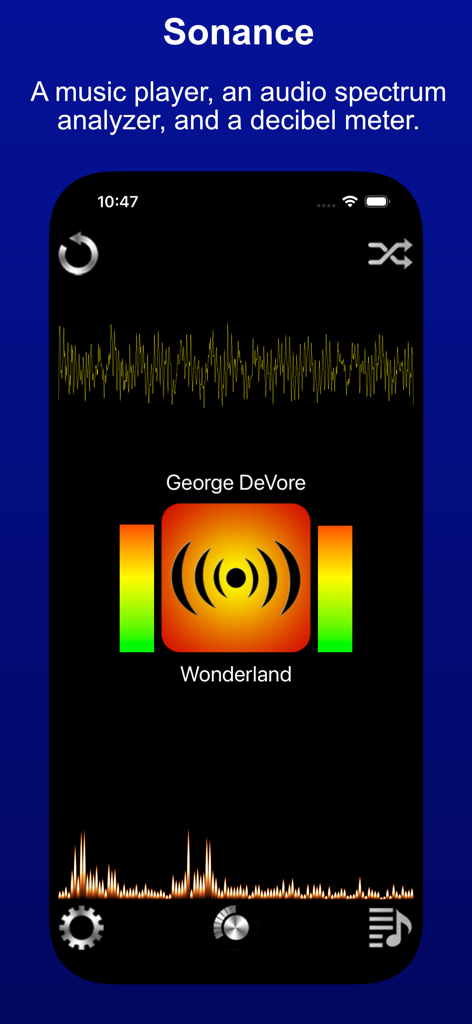
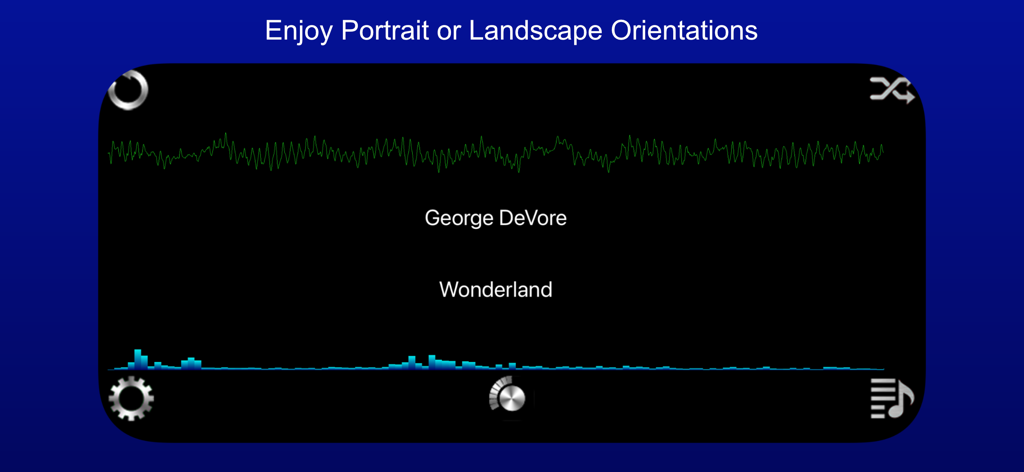
Sonance 앱 인터페이스에 오디오 파형 및 스펙트럼 분석기가 표시됨

Sonance 앱 인터페이스에 오디오 파형 및 스펙트럼 분석기가 표시됨

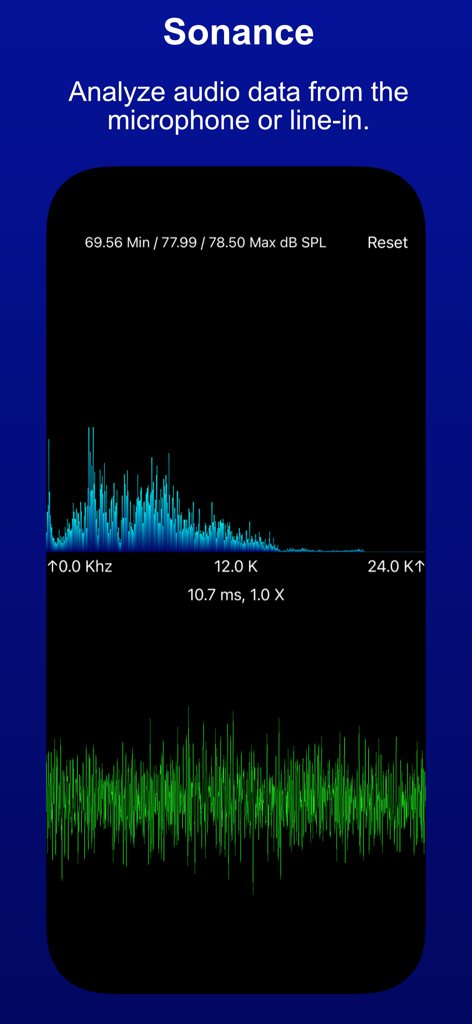
Sonance 시각적 음악 플레이어에 오디오 스펙트럼 및 파형 분석이 표시됨

Sonance 시각적 음악 플레이어에 오디오 스펙트럼 및 파형 분석이 표시됨

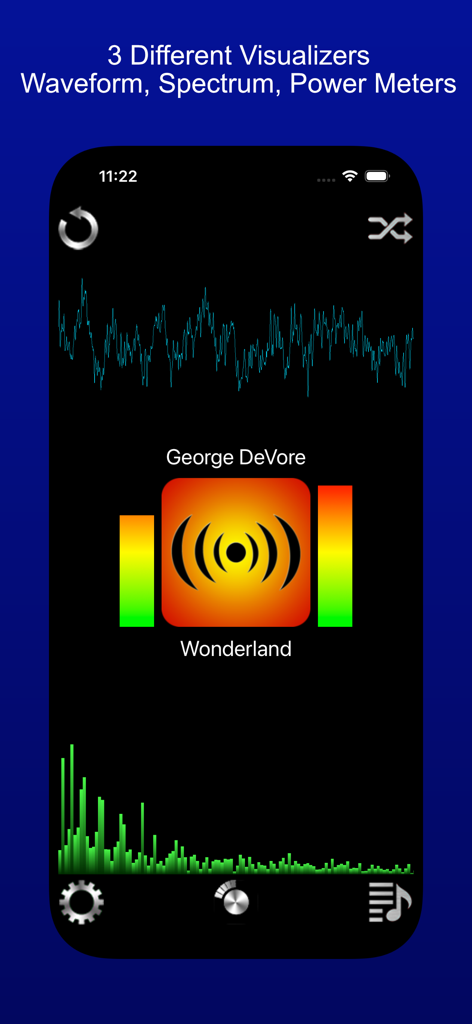
Sonance 앱 인터페이스에 파형 스펙트럼 분석기 및 파워 미터 시각화가 표시됨

Sonance 앱 인터페이스에 파형 스펙트럼 분석기 및 파워 미터 시각화가 표시됨

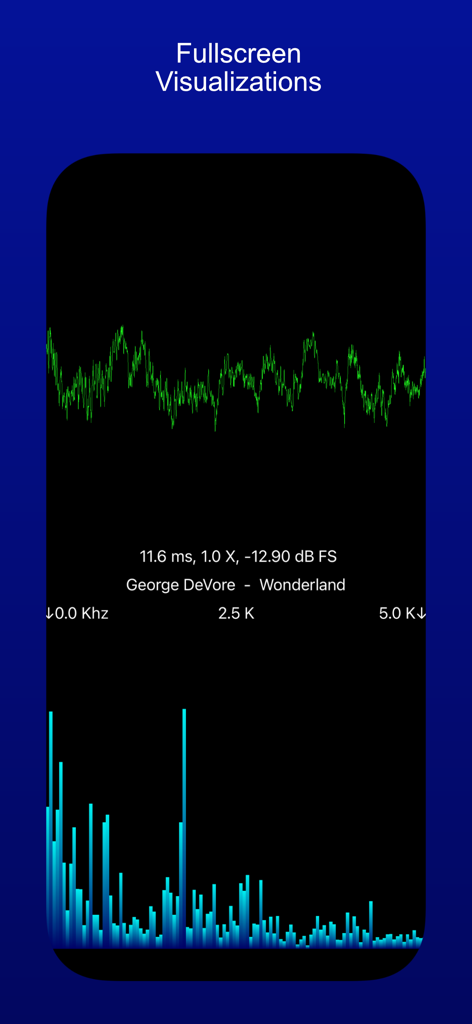
음악 트랙에 대한 녹색 파형과 파란색 주파수 스펙트럼 막대가 표시되는 전체 화면 오디오 시각화

음악 트랙에 대한 녹색 파형과 파란색 주파수 스펙트럼 막대가 표시되는 전체 화면 오디오 시각화

Sonance 앱 인터페이스가 가로 모드로 표시되며 파형 및 스펙트럼 분석기가 있는 음악 시각화 기능이 표시됨

Sonance 앱 인터페이스가 가로 모드로 표시되며 파형 및 스펙트럼 분석기가 있는 음악 시각화 기능이 표시됨

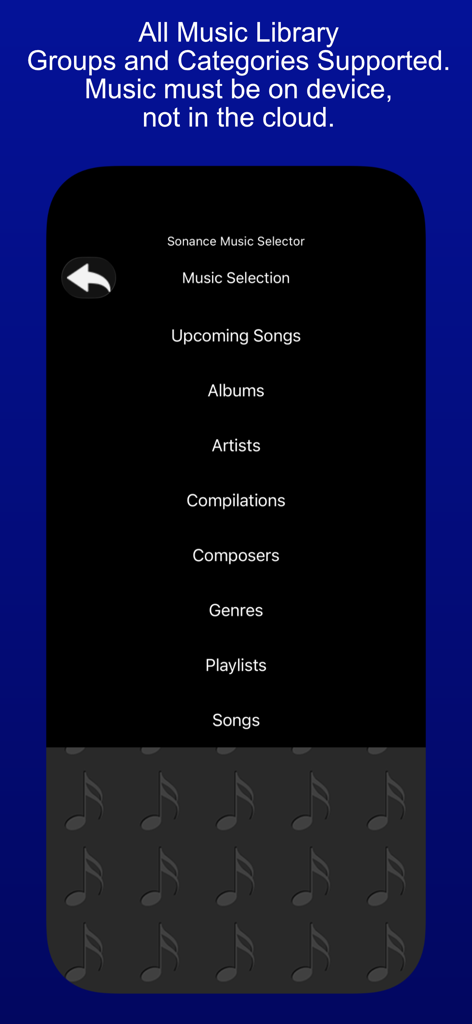
Sonance 앱의 음악 선택기 메뉴에 앨범 및 아티스트와 같은 로컬 음악 파일 범주가 표시됨

Sonance 앱의 음악 선택기 메뉴에 앨범 및 아티스트와 같은 로컬 음악 파일 범주가 표시됨

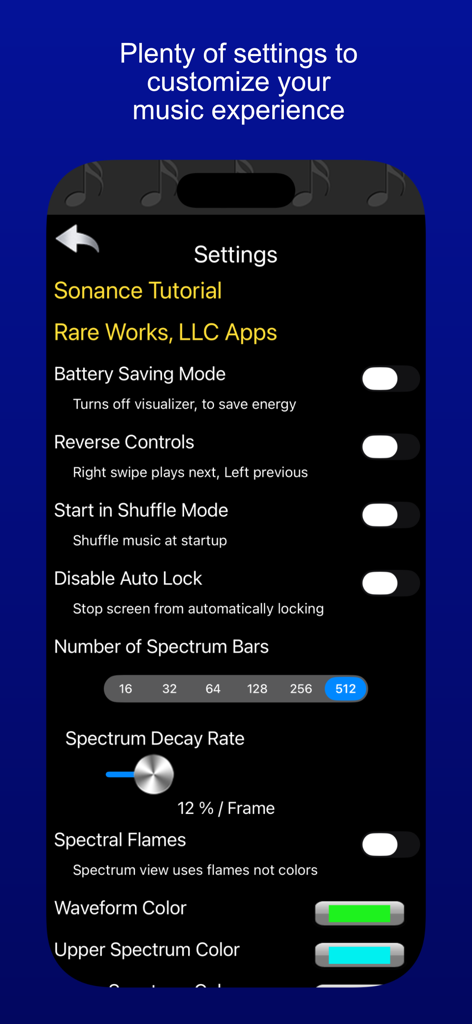
Sonance 앱의 설정 메뉴에 시각화 도구 및 재생 사용자 정의 옵션이 표시됨

Sonance 앱의 설정 메뉴에 시각화 도구 및 재생 사용자 정의 옵션이 표시됨

오디오 여정 향상

이 앱을 돋보이게 하는 도구, 239K+ 명의 사용자가 선택.

놀라운 시각화

음악 라이브러리를 역동적인 디지털 아트 쇼로 바꾸는 실시간 스펙트럼 분석 및 사용자 정의 가능한 파형으로 비트를 보세요.

🚘

도로를 위해 설계됨

집중력 없는 제어를 위해 큰 버튼과 직관적인 스와이프 제스처를 특징으로 하는 특수 차량 내 UI로 라이브러리를 안전하게 탐색하세요.

📏

프로 등급 오디오 모니터링

기술에 정통한 애호가를 위해 제작된 정밀 도구로 0~24kHz의 데시벨 수준을 추적하고 환경 주파수를 분석하세요.

앱 소개

에 대해 알아야 할 모든 것 Sonance - Visual Music Player.

설명

Sonance - A music player, an audio spectrum analyzer, and a decibel meter. Sonance plays music that is on your device, and displays waveform and audio spectrum visualizations, plus power level meters. You can see the beat ! Sonance has an in-car user interface, with large buttons, and swipe gestures to move between songs. It's good to use while driving, since you don't have to focus much on it to make a desired change, yet it also has entertaining visualizations to enhance the musical experience, when you can focus on it. Sonance has an easy to use shuffle mode, as well as the ability to repeat one, or a queue of chosen songs. It has a variety of settings allowing personal customization of startup, user interface, and visualizer settings. The visualizer has a full screen mode, that allows for all manner of customization, via pinch and swipe gestures. Sonance also works well with AirPlay, and the visualizers look great when Mirroring your device. Sonance also has the ability to visualize input from the microphone. This allows you to have fun with sound ! It analyzes sound from the built in microphone, or from an attached external microphone, and displays both the audio input signal, and the "frequency bars", which are the results of the spectrum analysis. The audio input signal is displayed in the lower view as a waveform and the spectrum is displayed in the upper view as bars indicating the strength of that frequency within the audio input signal. Frequencies range from 0 hertz to 24000 Hertz or 24K, this is the range of the iPhone and iPad microphone, and also the general range of human hearing. The decibel meter shows audio levels in two metrics. Recorded audio levels are shown as dB FS ( Full Scale ), -120 db to 0 db. Where 0 db is the highest possible level. For audio levels from the microphone or line-in device, the levels are shown as dB SPL ( Sound Pressure Level ), 0 db to 100 db. 120 db can cause pain, 140 db can cause damage. You can use a horizontal and vertical pinches on either display to zoom in/out of the visualization. On the Spectrum display you can also use a slide gesture, to move the display left and right, allowing you to see specific frequencies in detail. Pinches are cumulative, so keep pinching. The settings panel allows you to reset the app to default settings, so have fun exploring sound !

최신 버전

3.3

크기

11.4 MB

출시일

2010년 7월 9일

모든 스펙트럼에서 음악을 경험하세요

239,000명 이상의 오디오 애호가와 함께하세요. 궁극의 3-in-1 시각화 도구, 전문 스펙트럼 분석기, 데시벨 측정기를 다운로드하여 오늘날 음악을 듣고 보는 방식을 바꿔보세요.

다운로드: App Store

App information, icons, screenshots, and descriptions displayed on this page are sourced from the Apple App Store and are the property of their respective developers. Download estimates and rankings are based on MWM's proprietary models and may not reflect actual figures. This page is provided for informational and analytical purposes only.

Believe this page infringes your intellectual property? File a dispute