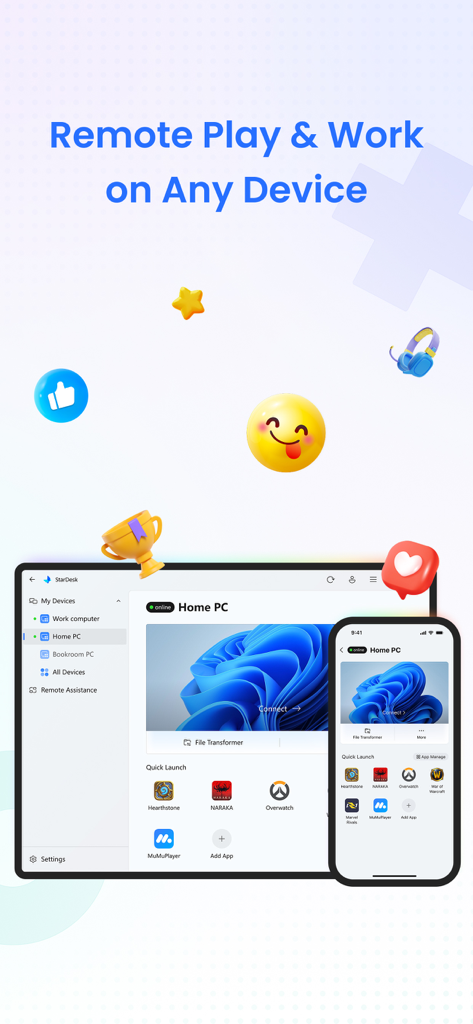
StarDesk 앱 인터페이스가 스마트폰과 태블릿에서 게임 및 작업을 위한 원격 PC 액세스를 보여줍니다.
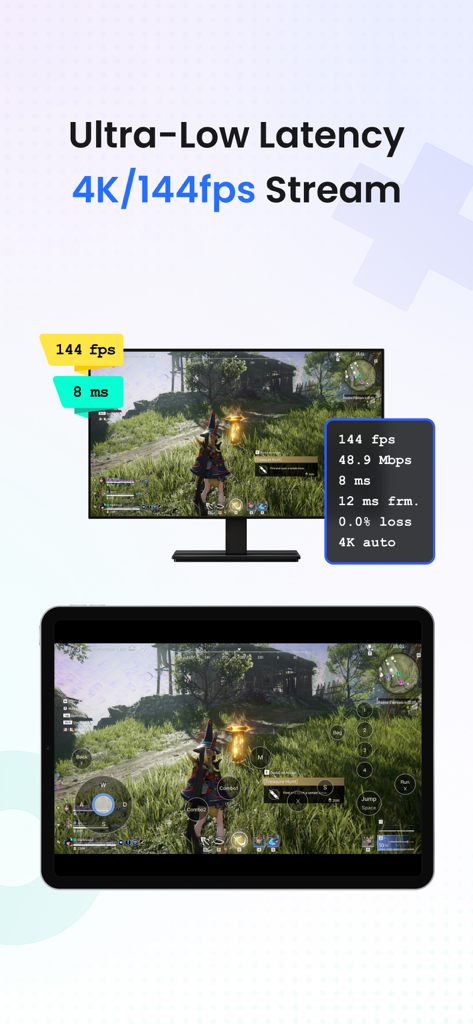
StarDesk 앱 인터페이스가 태블릿에서 끊김 없는 4K 144fps PC 게임 스트리밍을 보여줍니다.
iPhone에서 원격 게임을 위한 SDR 및 HDR 비주얼 비교.
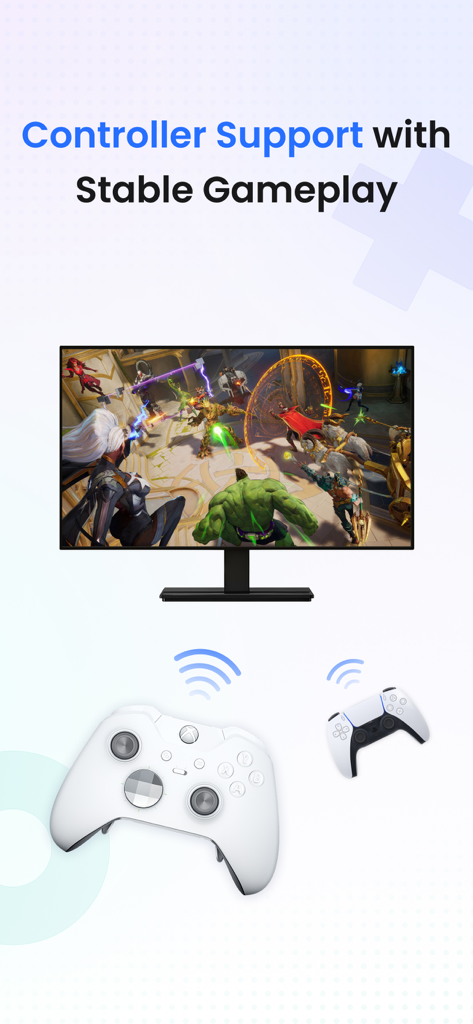
안정적인 게임 플레이를 위한 StarDesk 원격 데스크톱 컨트롤러 지원.
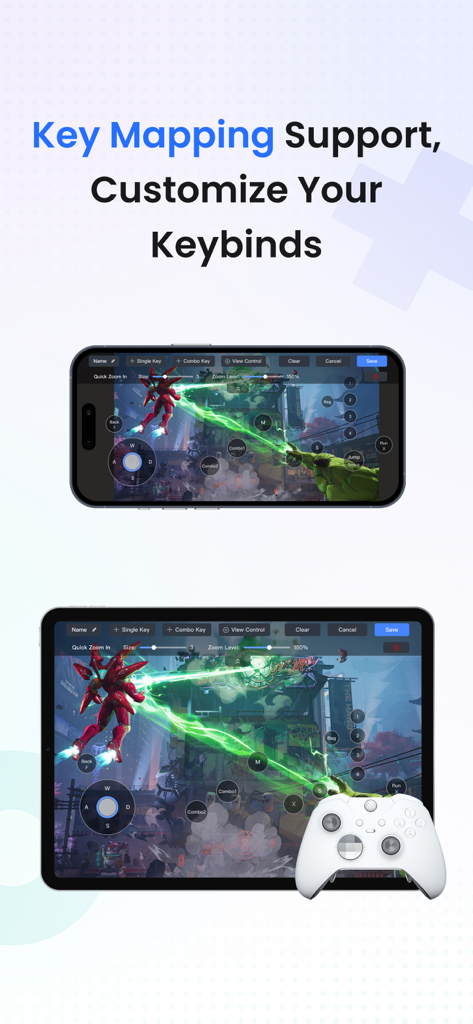
iPhone 및 iPad에서 원격 PC 게임을 위한 사용자 지정 키 매핑 및 컨트롤러 지원을 보여주는 StarDesk 앱.
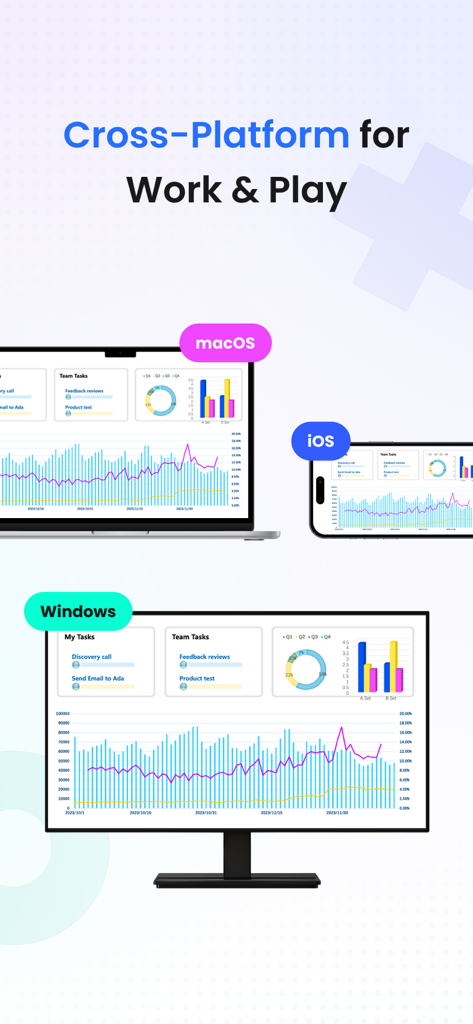
작업 및 게임을 위해 Windows, macOS 및 iOS 장치에서 표시되는 StarDesk 원격 데스크톱 인터페이스.
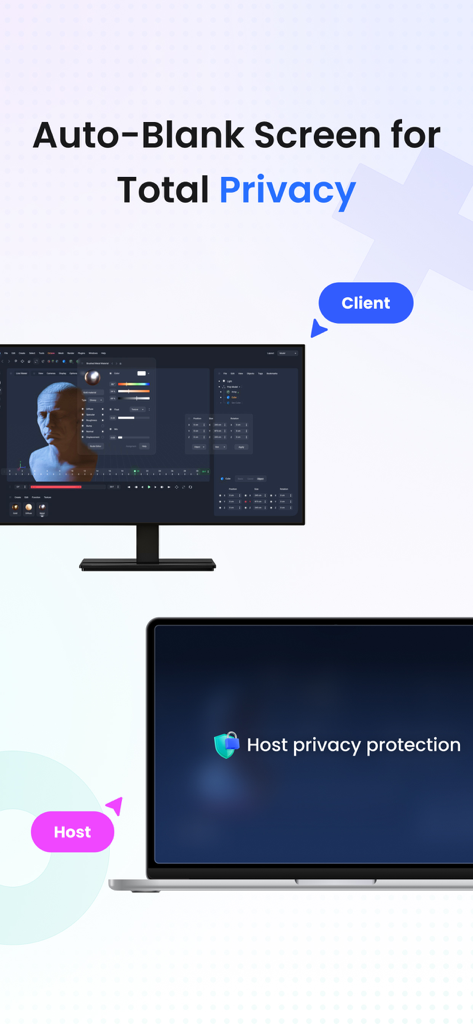
완벽한 개인 정보 보호를 위해 자동 화면 흐림 기능을 보여주는 StarDesk 원격 데스크톱 앱.
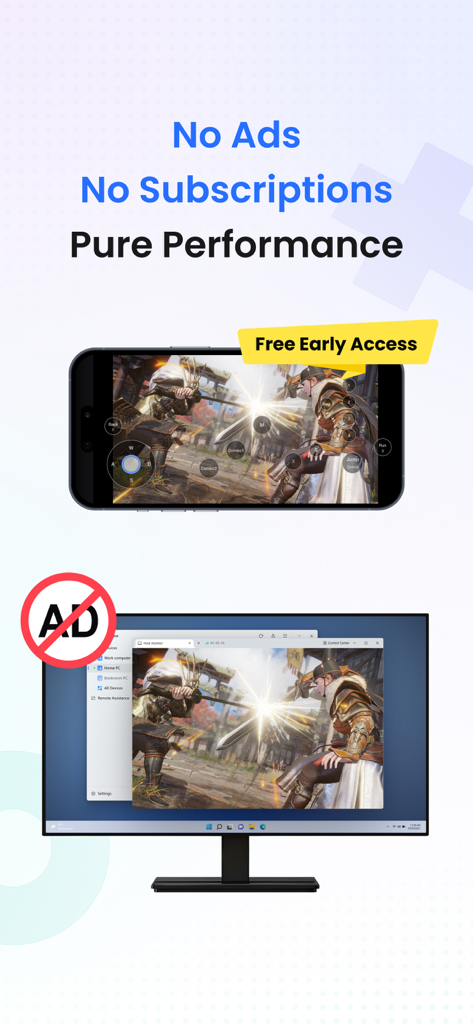
광고 없는 고성능 원격 게임을 보여주는 스마트폰 및 모니터.
어디든 가지고 다니는 PC의 모든 성능
이 앱을 돋보이게 하는 도구, 2K+ 명의 사용자가 선택.
🎮
끊김 없는 원격 게이밍
모바일에서 네이티브 PC 경험을 위해 응답성이 뛰어난 블루투스 컨트롤러 지원과 사용자 지정 키 매핑을 사용하여 전체 Steam 또는 Epic 라이브러리를 4K로 플레이하세요.
🚀
워크스테이션급 성능
부드러운 다중 모니터 전환과 무제한 고속 파일 전송으로 CAD, Photoshop 또는 IDE와 같은 까다로운 전문 소프트웨어를 실행하세요.
🛡️
안전하고 즉각적인 연결
종단 간 암호화로 데이터를 보호하고, PC가 꺼져 있어도 원격 재시작 기능을 사용하여 어떤 장치에서든 즉시 데스크톱에 액세스하세요.
앱 소개
에 대해 알아야 할 모든 것 StarDesk - Remote Desktop.
설명
StarDesk delivers ultra-low-latency remote desktop and secure remote access, letting you control your PC from iOS, iPadOS, Mac, Windows, other mobile device or another PC—with remote wake, fast file transfer, smooth screen share, and responsive 4K streaming for both work and remote PC gaming.
Designed for real security and real performance, StarDesk uses encrypted remote control sessions to keep your data protected while delivering stable, low-latency PC streaming, game streaming, and remote work across phones, tablets, laptops, and desktops.
Whether you’re gaming, working, or providing remote assistance, StarDesk keeps your connection fast, your remote access secure, and your PC always within reach from any device.
Why StarDesk
StarDesk brings smooth, secure, and low-latency remote access to all your devices. Whether you're streaming your gaming PC or connecting for work, StarDesk keeps your remote desktop fast, stable, and fully encrypted. Below are the two core ways people use StarDesk.
Remote PC Gaming
Enjoy your full gaming PC anywhere with responsive remote desktop streaming built for gameplay.
• Real remote PC gaming (not console or cloud gaming)
• Smooth 4K streaming with low latency
• Works on iPhone、iPad、Mac、PC and other mobile device.
• Supports Bluetooth controllers
• Built-in key mapping for games (Supports a rich selection of gaming keyboards for mobile use.)
• Precise remote mouse for shooters, MOBAs, and strategy games
• Stable cross-platform PC streaming for Steam, Epic, Battle.net, and more
Remote Work & Productivity
• A secure, fast remote access solution for everyday work
• Fully encrypted remote control sessions
• Reliable screen share and multi-monitor switching
• Smooth performance for Office, Photoshop, IDEs, browsers, CAD
• Unlimited file transfer
• Remote wake for instant access to your PC anytime
• Great for IT support, remote assistance, and urgent tasks
• Works across iOS, Mac, other mobile device, Windows, PC-to-PC,remote desktop
Quick Start
Personal Users
1. Install StarDesk on both devices.
2. Open All Devices and select your PC.
3. Enjoy instant remote desktop and secure remote access.
Remote Assistance
1. Install StarDesk on both devices.
2. Open Remote Assistance and enter the Device ID + Verification Code.
3. Confirm access.
4. Start secure remote control.
Troubleshooting
Start here:https://www.stardesk.net/blog/how-to-use-stardesk.html
Need more help?
Go to StarDesk → Profile → Help & Feedback
Or join our Discord: https://discord.gg/V9JUJb6bUx
Privacy Protection
All remote access and remote control sessions are end-to-end encrypted.
We cannot see your screen, files, or activity.
Privacy Policy: https://stardesk.net/license/privacy-policy.html
최신 버전
1.0.6
크기
45.6 MB
출시일
2025년 9월 28일
주머니 속 PC의 모든 성능
4K 게이밍부터 하이엔드 생산성 작업까지, 타협 없는 초저지연 원격 액세스를 경험하세요. 테크에 정통한 커뮤니티에 참여하여 오늘 바로 데스크톱을 제어하세요.
App information, icons, screenshots, and descriptions displayed on this page are sourced from the Apple App Store and are the property of their respective developers. Download estimates and rankings are based on MWM's proprietary models and may not reflect actual figures. This page is provided for informational and analytical purposes only.
Believe this page infringes your intellectual property? File a dispute