Stmt: Bank Statement Converter

Stmt: Bank Statement Converter


다운로드: App Store
로고: Stmt: Bank Statement Converter

Stmt: 은행 명세서 변환기 - PDF를 스프레드시트로 몇 분 만에

수동 데이터 입력에 몇 시간씩 낭비하는 것을 멈추세요. AI 기반 엔진이 어떤 PDF 명세서든 완벽한 정확도와 은행 수준의 보안으로 깔끔하고 바로 사용할 수 있는 CSV 또는 Excel 파일로 변환합니다.

다운로드: App Store

개발사

PureSoft Labs OU

카테고리

Finance

다운로드

100

사용자 평점

1.0/5

총 평가 수

0

지원 언어

20

한눈에 보는 정확성

이 인터페이스를 사용하는 100 명의 사용자.

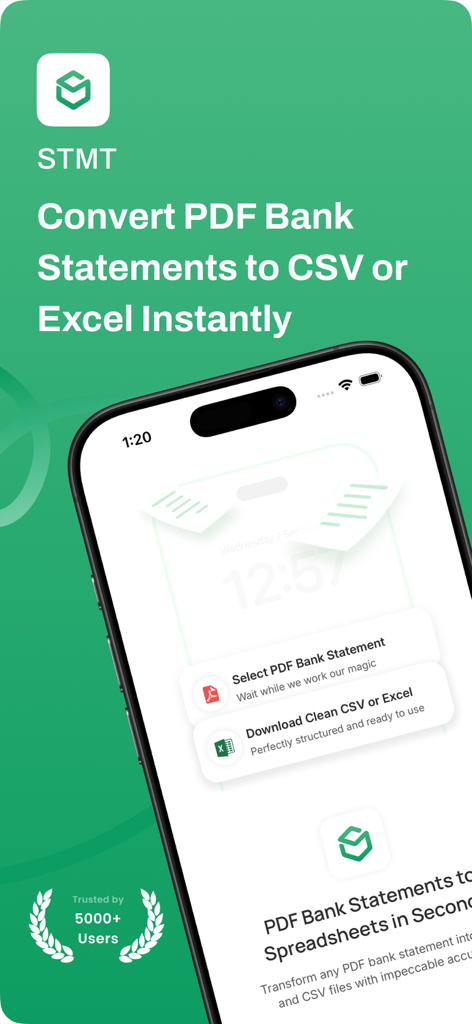
Stmt 앱 인터페이스가 스마트폰 화면에 표시되며 PDF 은행 명세서를 CSV 또는 Excel 형식으로 변환하는 과정을 보여줍니다.

Stmt 앱 인터페이스가 스마트폰 화면에 표시되며 PDF 은행 명세서를 CSV 또는 Excel 형식으로 변환하는 과정을 보여줍니다.

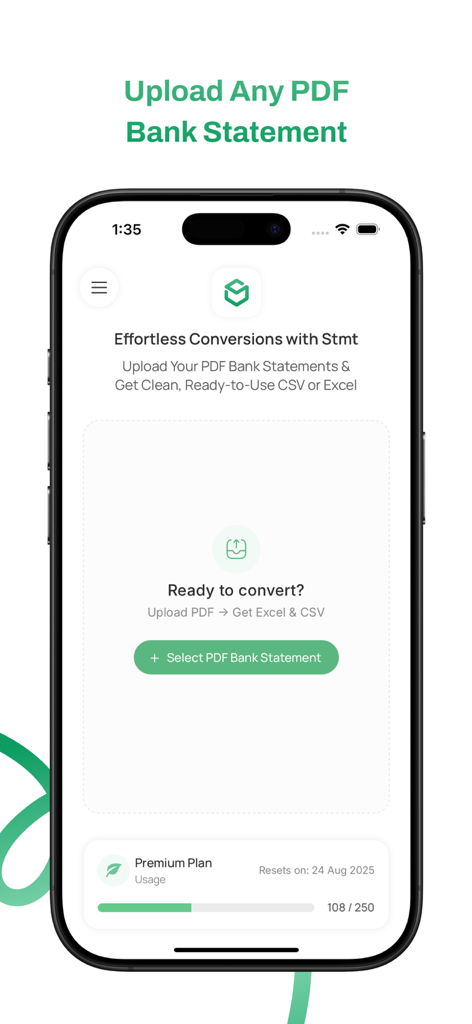
Stmt 앱의 스마트폰 화면으로, 은행 명세서를 CSV 또는 Excel로 변환하기 위한 업로드 인터페이스를 보여줍니다.

Stmt 앱의 스마트폰 화면으로, 은행 명세서를 CSV 또는 Excel로 변환하기 위한 업로드 인터페이스를 보여줍니다.

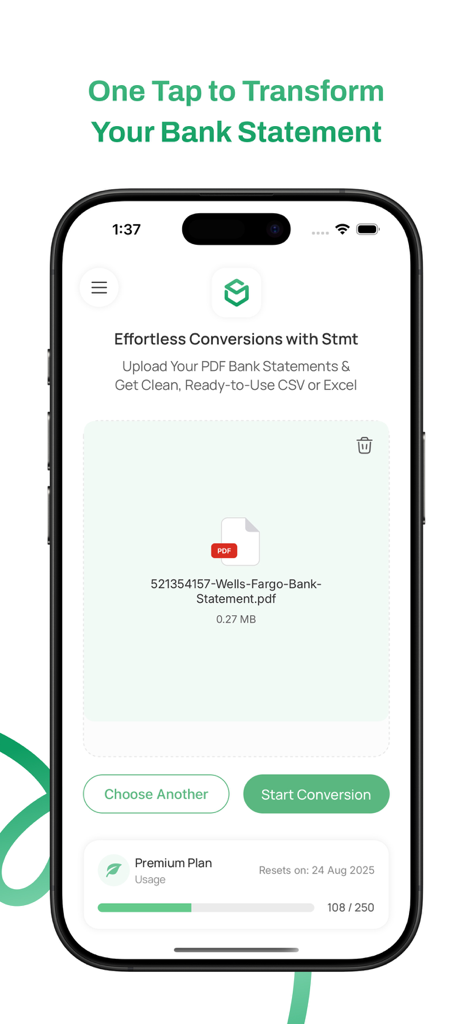
Stmt 모바일 앱 인터페이스에 CSV 또는 Excel로 변환하기 위해 업로드된 은행 명세서 PDF가 표시됩니다.

Stmt 모바일 앱 인터페이스에 CSV 또는 Excel로 변환하기 위해 업로드된 은행 명세서 PDF가 표시됩니다.

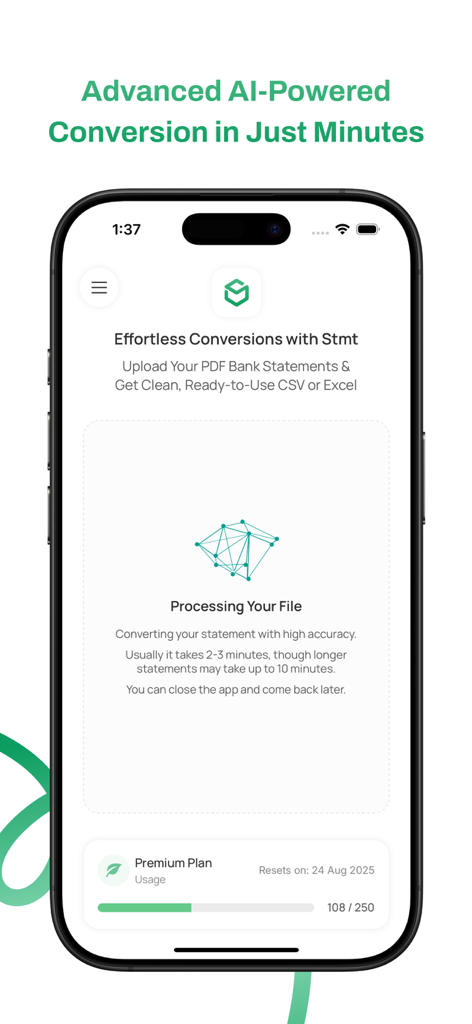
AI를 사용하여 은행 명세서 PDF 변환을 처리하는 Stmt 앱을 보여주는 스마트폰 화면.

AI를 사용하여 은행 명세서 PDF 변환을 처리하는 Stmt 앱을 보여주는 스마트폰 화면.

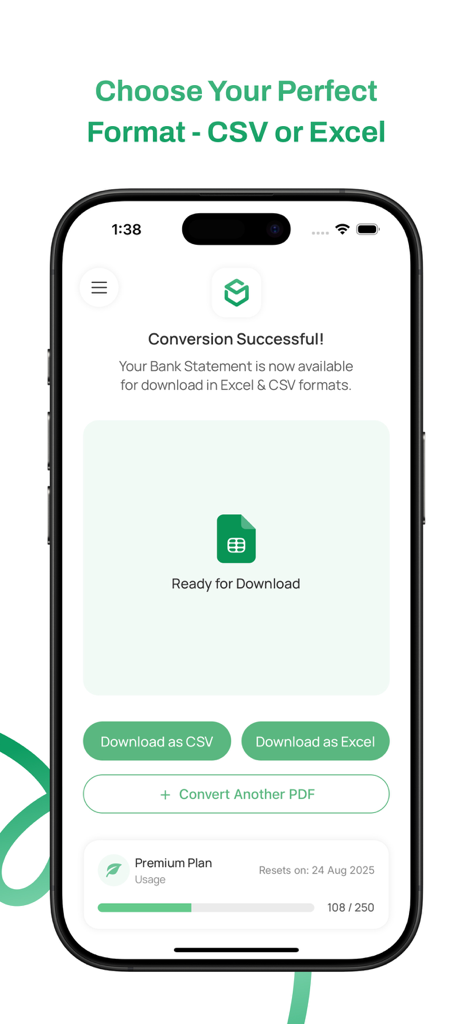
CSV 또는 Excel로 다운로드 옵션과 함께 은행 명세서 변환 성공을 보여주는 스마트폰 화면.

CSV 또는 Excel로 다운로드 옵션과 함께 은행 명세서 변환 성공을 보여주는 스마트폰 화면.

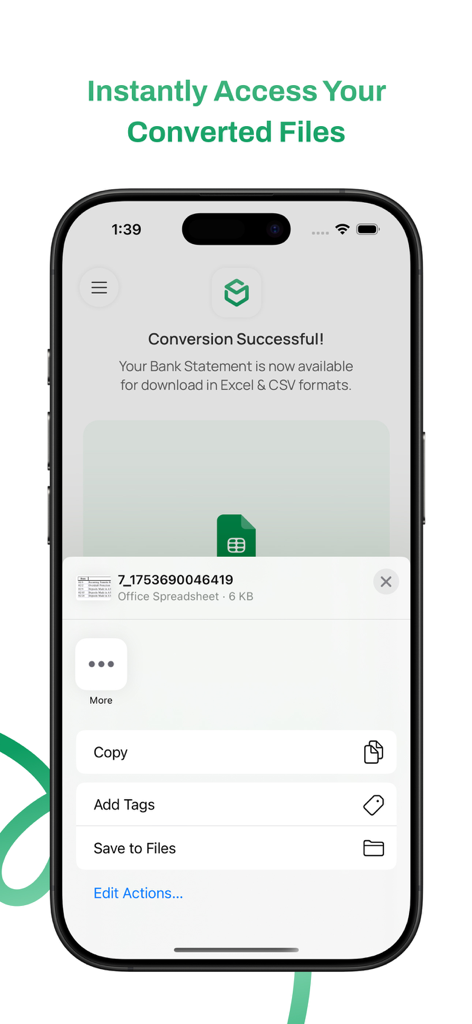
저장 옵션과 함께 Excel 스프레드시트로 성공적으로 변환된 은행 명세서를 보여주는 스마트폰 화면.

저장 옵션과 함께 Excel 스프레드시트로 성공적으로 변환된 은행 명세서를 보여주는 스마트폰 화면.

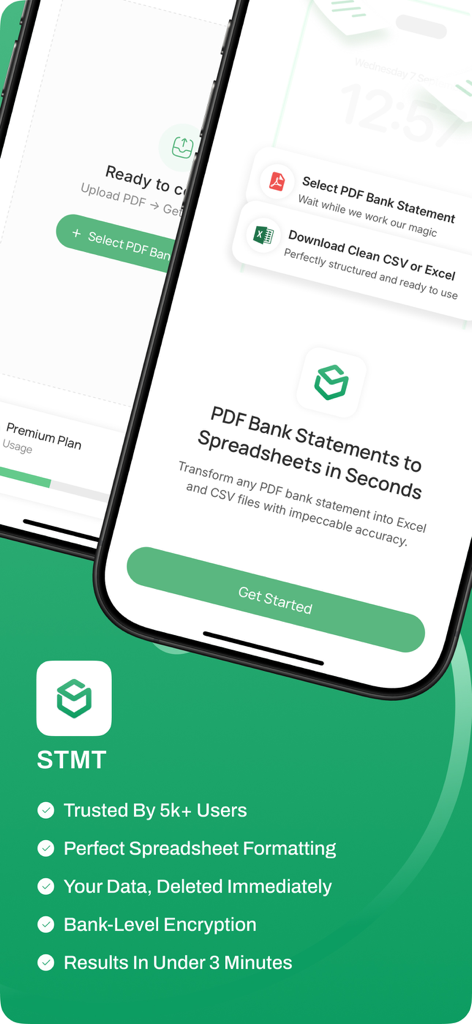
PDF 은행 명세서를 Excel 및 CSV 파일로 변환하는 Stmt 앱의 기능을 보여주는 스마트폰 화면.

PDF 은행 명세서를 Excel 및 CSV 파일로 변환하는 Stmt 앱의 기능을 보여주는 스마트폰 화면.

몇 분 만에 재무 데이터 마스터하기

이 앱을 돋보이게 하는 도구, 100 명의 사용자가 선택.

3분 만의 즉시 변환

수동 데이터 입력에 몇 시간씩 낭비하는 것을 멈추세요. 명세서를 업로드하고 커피 한 잔을 내리는 시간보다 더 짧은 시간에 깔끔한 스프레드시트를 얻으세요.

🔒

은행 수준의 개인 정보 보호

은행 로그인이나 계정 연결이 필요하지 않습니다. 파일은 암호화되며 처리가 완료된 후 자동으로 삭제되어 최고의 안심을 제공합니다.

🎯

완벽한 AI 정확도

당사의 고급 추출 엔진은 전 세계 모든 은행의 복잡한 레이아웃을 처리하여 모든 거래를 전문적인 수준의 정밀도로 캡처합니다.

앱 소개

에 대해 알아야 할 모든 것 Stmt: Bank Statement Converter.

설명

Stmt converts any PDF bank statement into clean, ready-to-use CSV and Excel files with impeccable accuracy—just upload your PDF and get perfectly formatted spreadsheets in under 3 minutes. Whether you're managing personal finances, doing bookkeeping for your business, or preparing financial reports, Stmt transforms messy PDF statements into organized data you can actually work with. No more manual data entry or formatting headaches. Key Features: • Impeccable conversion accuracy - Advanced AI-powered extraction engine • Dual output formats - Get both CSV and Excel files instantly • Bank-level security - Your data is encrypted and deleted immediately after processing • Lightning fast - Most conversions complete in under 3 minutes • Perfect formatting - Clean, organized data ready for analysis • Any bank supported - Works with statements from all banks worldwide How It Works: 1. Upload your PDF bank statement with one tap 2. Our advanced AI processes and extracts all transaction data 3. Download your perfectly formatted CSV and Excel files Perfect for: • Individuals tracking personal expenses and budgets • Small business owners managing bookkeeping • Accountants processing client statements • Anyone who needs financial data in spreadsheet format Get Stmt now and never waste hours on data entry again. Turn any PDF into a perfect spreadsheet instantly! Terms of Use: https://plou.eu/resources/stmt/terms-and-conditions Privacy Policy: https://plou.eu/resources/stmt/privacy-policy

최신 버전

1.02

크기

35.1 MB

출시일

2025년 7월 31일

수동 데이터 입력, 영원히 끝내기

수천 명의 프리랜서 및 비즈니스 소유자가 3분 안에 PDF 명세서를 깔끔한 Excel 데이터로 변환합니다. 지금 Stmt를 다운로드하세요.

다운로드: App Store

App information, icons, screenshots, and descriptions displayed on this page are sourced from the Apple App Store and are the property of their respective developers. Download estimates and rankings are based on MWM's proprietary models and may not reflect actual figures. This page is provided for informational and analytical purposes only.

Believe this page infringes your intellectual property? File a dispute