Tarbo PDF Creator

Tarbo PDF Creator

다운로드: App Store
로고: Tarbo PDF Creator

Tarbo PDF Creator: 전문가 수준의 모바일 문서 스튜디오

이미지를 고품질 PDF로 손쉽게 스캔, 병합, 변환하세요. 원활한 종이 없는 워크플로우를 요구하는 학생 및 전문가를 위한 최고의 생산성 도구입니다.

개발사

MINER (HK) CO., LIMITED

카테고리

Reference

다운로드

131K+

사용자 평점

4.4/5

총 평가 수

0

지원 언어

1

생산성이 실제로 작동하는 모습

이 인터페이스를 사용하는 131K+ 명의 사용자.

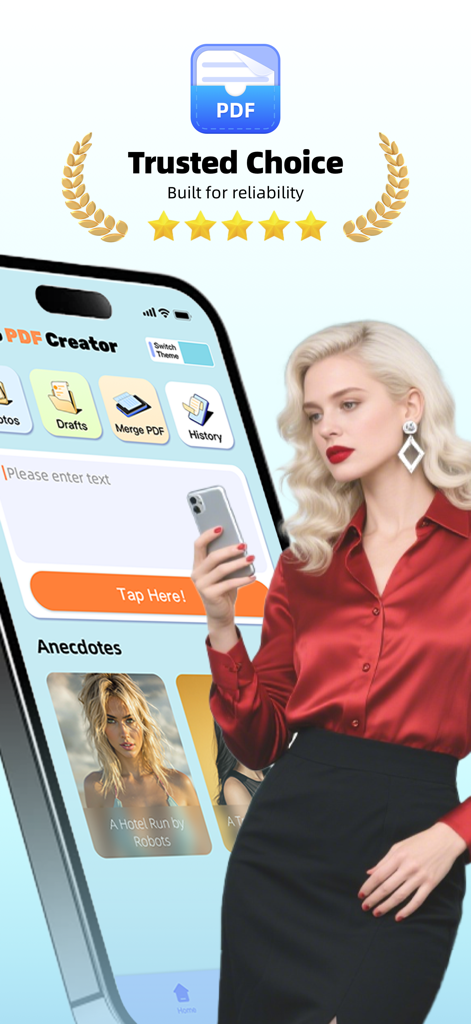
신뢰할 수 있는 선택 씰과 전문적인 여성이 등장하는 스마트폰의 Tarbo PDF Creator 앱 인터페이스.

신뢰할 수 있는 선택 씰과 전문적인 여성이 등장하는 스마트폰의 Tarbo PDF Creator 앱 인터페이스.

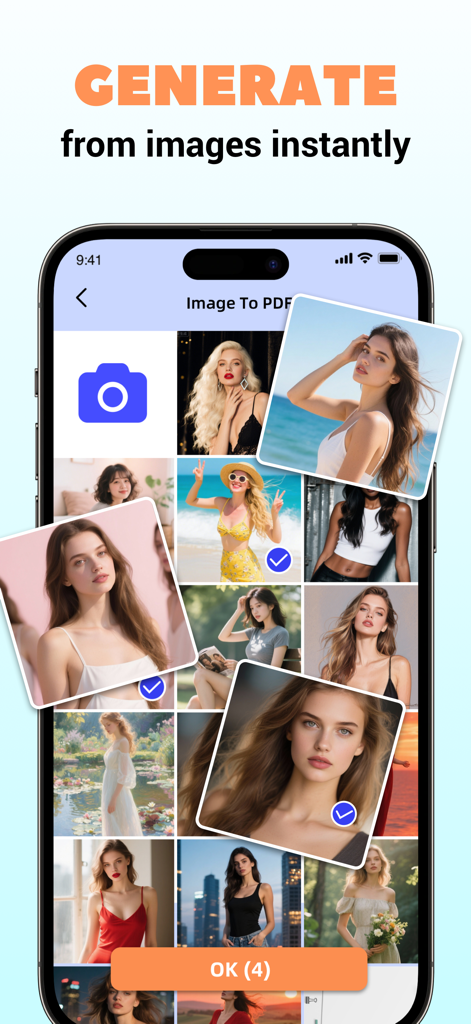
Tarbo PDF Creator 인터페이스는 즉시 PDF 생성을 위한 사진 선택을 보여줍니다.

Tarbo PDF Creator 인터페이스는 즉시 PDF 생성을 위한 사진 선택을 보여줍니다.

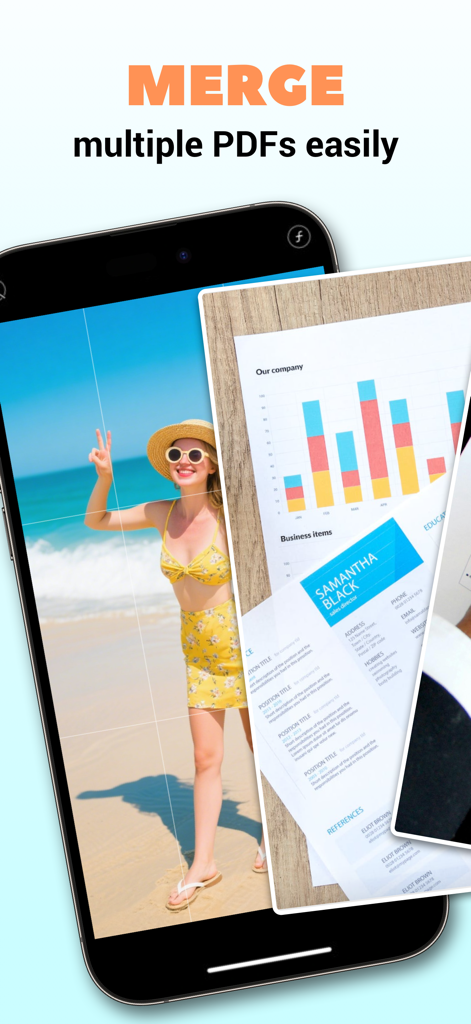
Tarbo PDF Creator 앱에서 여러 PDF를 병합하는 기능을 보여주는 스마트폰 화면

Tarbo PDF Creator 앱에서 여러 PDF를 병합하는 기능을 보여주는 스마트폰 화면

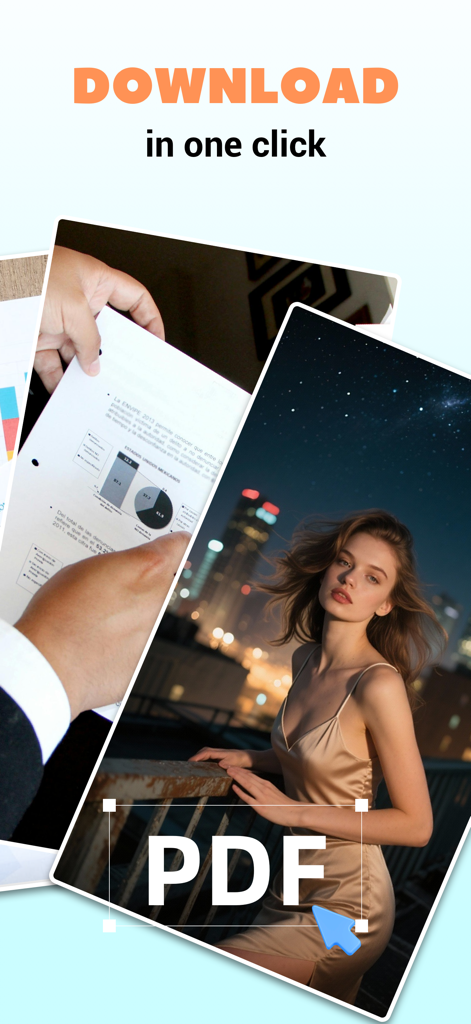
Tarbo PDF Creator 인터페이스는 문서 스캔 및 이미지 PDF 변환 기능을 보여줍니다.

Tarbo PDF Creator 인터페이스는 문서 스캔 및 이미지 PDF 변환 기능을 보여줍니다.

종이 없는 삶을 위한 모든 것

이 앱을 돋보이게 하는 도구, 131K+ 명의 사용자가 선택.

📸

즉시 디지털화

바쁜 학생 및 전문가에게 완벽한, 단 한 번의 탭으로 사진, 메모, 실물 문서를 고품질 PDF로 변환하세요.

🖇️

원활한 PDF 병합

여러 파일을 초 단위로 하나의 완성된 문서로 결합하세요. 학업 프로젝트 또는 비즈니스 계약을 완벽하게 정리하세요.

📂

스마트 문서 추적

생성된 모든 기록으로 정리 상태를 유지하세요. 디지털 정리가 아닌 중요한 파일을 빠르게 검색하고 공유하세요.

앱 소개

에 대해 알아야 할 모든 것 Tarbo PDF Creator.

설명

Tarbo PDF Creator helps you manage and create professional-quality PDFs with ease. Whether you're organizing personal materials or working on school projects, this app provides an intuitive experience for creating, organizing, and sharing your content. Key Functions: 1. Scan, Text, and Image to PDF: Effortlessly convert text and images into high-quality PDFs. Ideal for digitizing and storing important materials from your daily life or studies with just a few taps. 2. PDF Merge: Combine multiple PDFs into one file easily. Perfect for organizing documents and keeping your files in order. 3. History: Track all your created PDFs in one place. This feature helps you access your PDF creation history for easy retrieval. Download Tarbo PDF Creator today and discover how easy it is to streamline your workflow. —— SUBSCRIPTION TERMS—— ● Week Subscription: $12.99/ Week Payment will be charged to iTunes Account at confirmation of purchase. Subscription automatically renews unless auto-renew is turned off at least 24 hours before the end of the current period. Account will be charged for renewal within 24 hours prior to the end of the current period, and identify the cost of the renewal. Subscriptions may be managed by the user and auto-renewal may be turned off by going to the user's Account Settings after purchase. Any unused portion of a free trial period, if offered, will be forfeited when the user purchases a subscription to that publication, where applicable. You can cancel a free trial or subscription anytime by turning off auto-renewal through your iTunes account settings. This must be done 24 hours before the end of a free trial or subscription period to avoid being charged. The cancellation will take effect the day after the last day of the current subscription period, and you will be downgraded to the free service. If you have any issues, feedback, suggestions, or just wanna say hi, please contact at mail to: yangzhangfeng6587@163.com so that we can offer you the best experience. Contact Us: yangzhangfeng6587@163.com Privacy Policy: https://nqsk.fizzpdfaeo.com/privacyPolicy.html Terms of Use: https://www.apple.com/legal/internet-services/itunes/dev/stdeula

최신 버전

1.0.9

크기

97.4 MB

출시일

2024년 10월 17일

휴대폰을 전문가용 사무실로 만들 준비가 되셨나요?

워크플로우를 간소화하는 131,000명 이상의 학생 및 전문가와 함께하세요. iOS에서 손쉽게 문서를 스캔, 병합, 정리하세요.

다운로드: App Store

App information, icons, screenshots, and descriptions displayed on this page are sourced from the Apple App Store and are the property of their respective developers. Download estimates and rankings are based on MWM's proprietary models and may not reflect actual figures. This page is provided for informational and analytical purposes only.

Believe this page infringes your intellectual property? File a dispute