Text Viewer - txt file viewer

Text Viewer - txt file viewer


다운로드: App Store
로고: Text Viewer - txt file viewer

텍스트 뷰어 - TXT 소설을 위한 최고의 휴대용 라이브러리

방해 없는 경험을 위한 기술을 아는 독자들의 선택. 클라우드에서 원활하게 동기화하고, 모든 픽셀을 사용자 지정하고, 고급 자동 스크롤 및 iPad에 최적화된 보기로 좋아하는 웹소설에 빠져보세요.

개발사

kim juyoung

카테고리

Books

다운로드

590K+

사용자 평점

4.7/5

총 평가 수

4K+

지원 언어

3

당신의 독서, 당신의 방식

이 인터페이스를 사용하는 590K+ 명의 사용자.

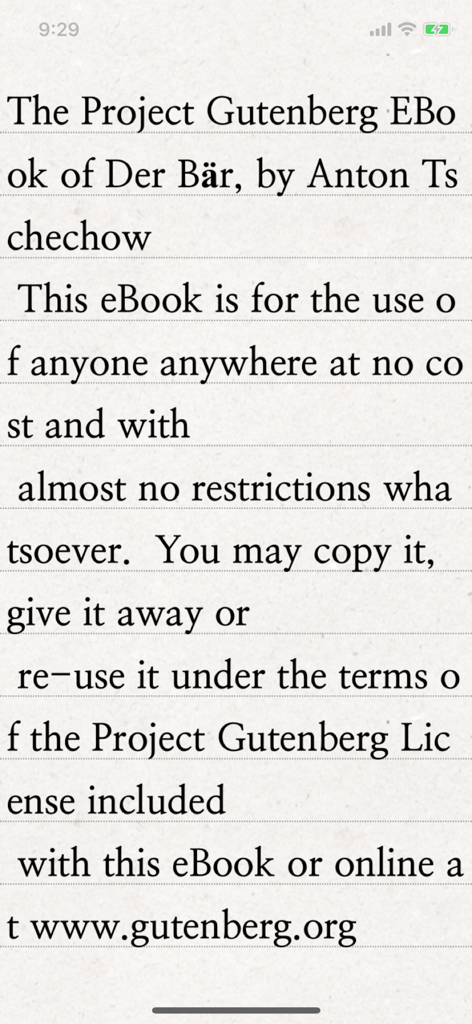
텍스트 뷰어 앱이 질감이 있는 종이 배경에 명확한 세리프 타이포그래피로 프로젝트 구텐베르크의 고전 전자책을 표시하는 스마트폰 화면.

텍스트 뷰어 앱이 질감이 있는 종이 배경에 명확한 세리프 타이포그래피로 프로젝트 구텐베르크의 고전 전자책을 표시하는 스마트폰 화면.

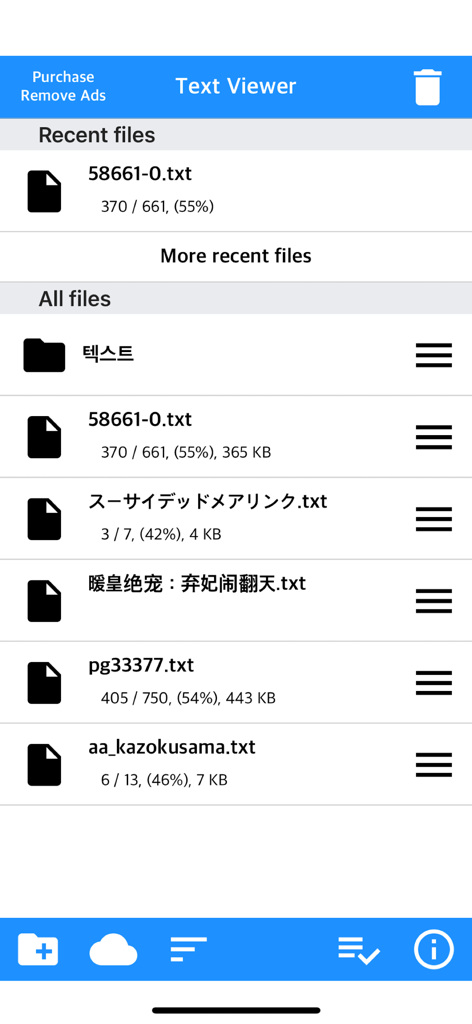
읽기 진행 상황이 표시된 txt 파일 목록을 보여주는 텍스트 뷰어 앱의 메인 파일 관리 화면

읽기 진행 상황이 표시된 txt 파일 목록을 보여주는 텍스트 뷰어 앱의 메인 파일 관리 화면

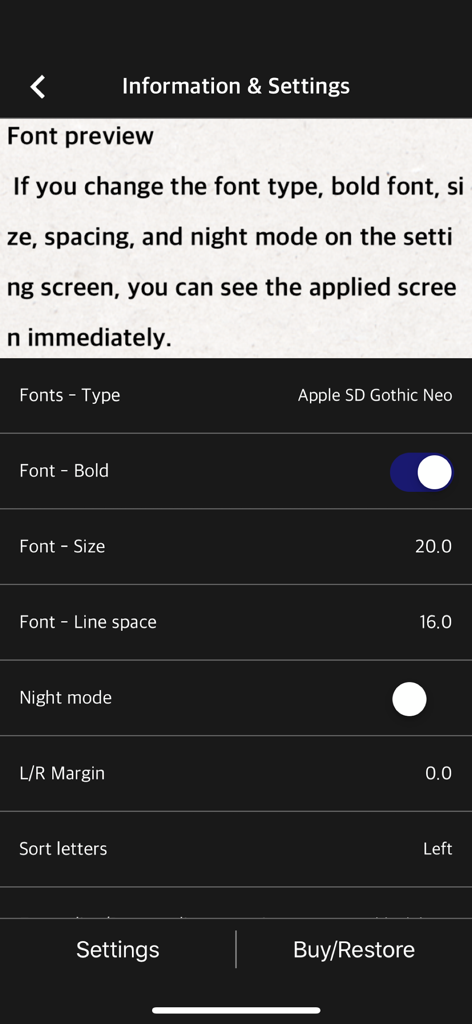
텍스트 리더에서 글꼴 크기와 줄 간격을 조정하기 위한 모바일 앱 설정 화면

텍스트 리더에서 글꼴 크기와 줄 간격을 조정하기 위한 모바일 앱 설정 화면

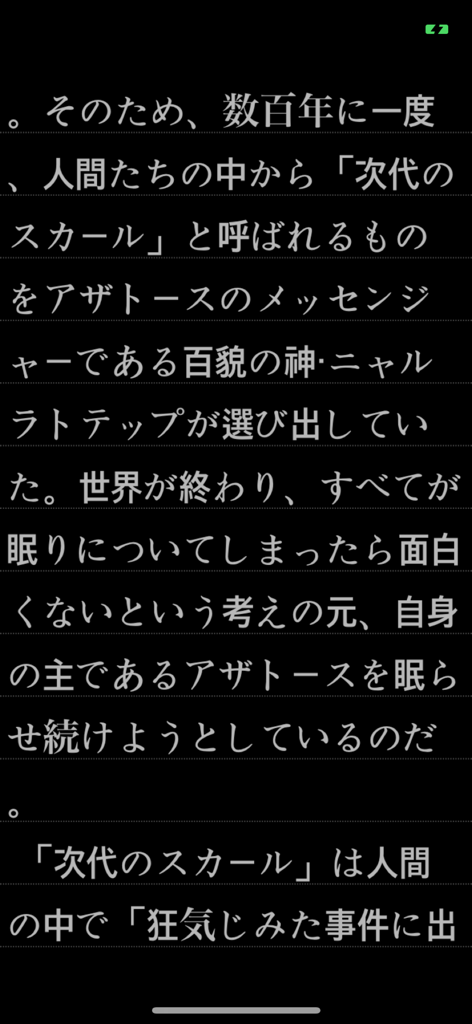
텍스트 뷰어 모바일 앱의 다크 모드에 표시된 일본어 텍스트

텍스트 뷰어 모바일 앱의 다크 모드에 표시된 일본어 텍스트

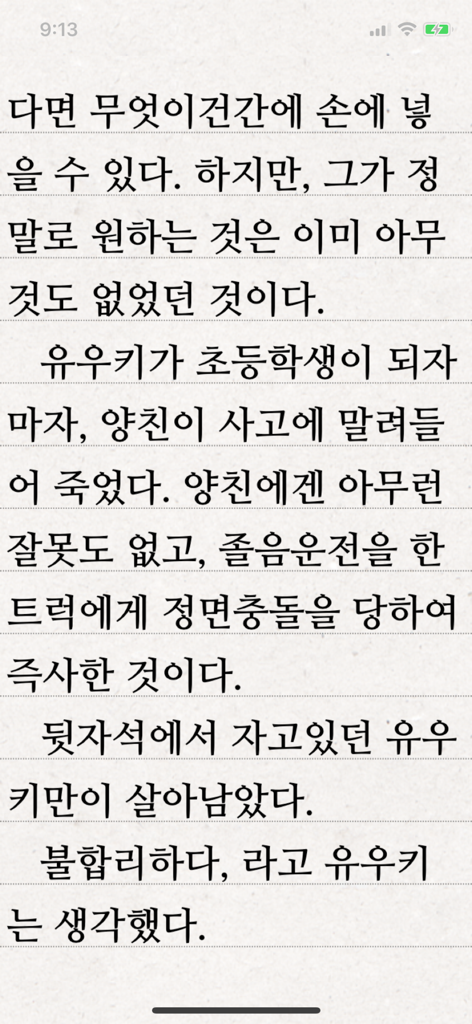
텍스트 뷰어 앱이 줄이 있는 배경에 한국어 텍스트 페이지를 표시하는 모습

텍스트 뷰어 앱이 줄이 있는 배경에 한국어 텍스트 페이지를 표시하는 모습

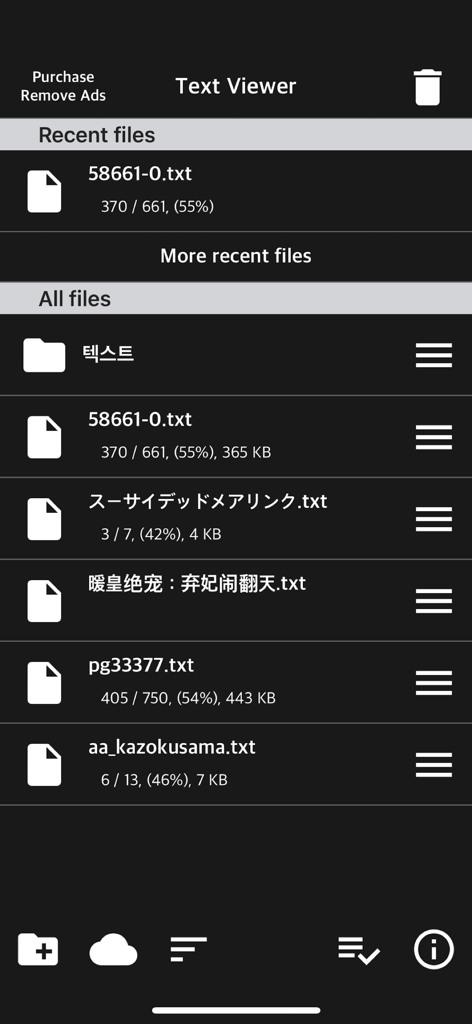
텍스트 뷰어 앱 인터페이스가 다크 모드에서 최근 및 저장된 텍스트 파일 목록을 보여주는 모습

텍스트 뷰어 앱 인터페이스가 다크 모드에서 최근 및 저장된 텍스트 파일 목록을 보여주는 모습

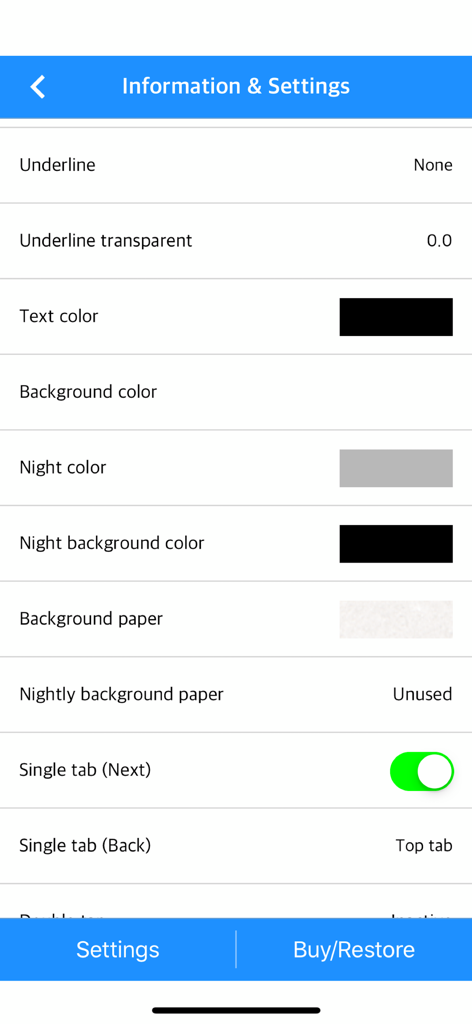
텍스트 및 배경색 사용자 지정 옵션을 보여주는 텍스트 뷰어 앱의 설정 메뉴

텍스트 및 배경색 사용자 지정 옵션을 보여주는 텍스트 뷰어 앱의 설정 메뉴

원하는 대로 읽기

이 앱을 돋보이게 하는 도구, 590K+ 명의 사용자가 선택.

🎨

완벽한 시각적 제어

글꼴 두께, 줄 간격, 사용자 지정 여백에 대한 세분화된 제어로 고급 전자책 리더를 모방하세요. 수직 및 수평 모드 간에 전환하여 완벽한 흐름을 찾으세요.

☁️

모든 곳에 있는 당신의 라이브러리

번거로운 케이블은 잊으세요. iCloud, Dropbox, FTP 또는 PC에서 모바일 장치로 직접 Wi-Fi 전송을 통해 개인 컬렉션을 즉시 가져오세요.

몰입형 독서를 위한 최적화

고유한 파일 분할 도구와 자동 스크롤 기능을 사용하여 방대한 웹소설을 마스터하세요. 스마트 북마크와 '마지막으로 본 항목' 동기화로 위치를 잃지 마세요.

앱 소개

에 대해 알아야 할 모든 것 Text Viewer - txt file viewer.

설명

Simple text based novel viewer app that can view text file on your smart devices. Now, you can read E-book of text-based novel You can directly transfer text file from PC to App under identical Wi-Fi connection. If you are using iCloud app, the text file uploaded to iCloud can be imported into this App. It supports FTP and iTunes. Pages can be switched using tapping, left-right/up-down dragging, or scrolling. Each switching gesture feature can be turned on and off in the settings. It supports automatic scrolling (in-app purchase required). It is compatible with iPhone and iPad, and it can customize view mode as horizontal or vertical in the setting. In addition, it supports various features such as cutting file, and changing font, color, and brightness. Text viewer app is designed for viewing text-based novels (books) easily. It is being continuously improved for facilitation. If you have any questions or suggestions after installing app, please send an email to junhuloveapple@gmail.com, or click ‘send an email’ button located at the top right of your app's settings screen. We will try to response and update quickly. (It may take a day or so to answer if you ask using the comment system of Apple. If you need immediate response, please email us.) ** FEATURES ** - txt file extension - UTF-8 and multilanguage encodings - Writing direction: Function for languages that are read in the left direction (iOS 14+) - Enables to upload using PC web browser with Wi-Fi - File import from cloud apps such as iCloud, Dropbox, OneDrive, Mega, and Box etc. - FTP: search, download - SSHFTP - Secure FTP not supported - Enables to upload file using iTunes file sharing - File copy in the cloud app or mail attachment - Enables to set text size, space, and thickness - Adds page transition animation effects - Locks app and file - phone/tablet - Choose font types - Adjust screen brightness - Upload and search the compressed file including text file - Cut file feature: split file over 2MB into files of fixed size - Left / Right margin settings - Background / text color settings - Horizontal and vertical rotation for phone / tablet  - iPad multitasking screen support - Create / delete / rename of folder - Move / copy / delete of file - Select multiple files - Move the pages by tapping and left-right/up-down dragging - Search and view the text file from compressed file - Align text (left, right, center) - Search - Bookmark - Insert / delete a blank line - Turn off screen option: Automatically turn off screen at designated time when activated - Start view from the last viewed - Vertical scroll feature: User can scroll down the viewport - Next book auto-switching options: If you automatically change the next book switching option in Settings, tabs on the last page will automatically switch to the next book. - Automatic scroll feature (text file): Enable to scroll down automatically / Enable to set scroll down time from 1 second (fast) to 30 second (slow). (In-app purchase required) - Bluetooth keyboard: Supports page switching and screen closing function, direction key (asdw) page switch, ESC key viewer screen close (In-app purchase required) - "Two-page view" support in pad: left-right, right-left page direction also selectable, please adjust page interval to "left and right margin" value. (In-app purchase required, pad only) ** To import file from cloud, you need to install and login the cloud app. ** For the “file share” of iTunes and the “app file share” of ifunbox, the file should be uploaded using Text Viewer. ** Advertising: Text Viewer includes banner ad. When you watch the video advertising (less than 1-minute length), you can use ad-free Text Viewer for 24 hours per every day; or you can use permanent ad-free Text Viewer by in-app purchase.

최신 버전

1.377

크기

103.3 MB

출시일

2017년 11월 29일

당신의 라이브러리를 당신이 원하는 대로

590만 명 이상의 파워 리더 및 웹소설 애호가와 함께하세요. iPhone 및 iPad를 위한 가장 사용자 지정 가능한 텍스트 뷰어를 다운로드하고 오늘부터 읽기를 시작하세요.

다운로드: App Store

App information, icons, screenshots, and descriptions displayed on this page are sourced from the Apple App Store and are the property of their respective developers. Download estimates and rankings are based on MWM's proprietary models and may not reflect actual figures. This page is provided for informational and analytical purposes only.

Believe this page infringes your intellectual property? File a dispute