Word to PDF Converter - Reader

Word to PDF Converter - Reader

다운로드: App Store
로고: Word to PDF Converter - Reader

Word를 PDF로 변환 - 리더: 나만의 올인원 모바일 문서 스튜디오

이동 중에 파일을 손쉽게 변환, 병합 및 보안하세요. 몇 번의 탭만으로 Word, 이미지, 슬라이드를 암호로 보호된 전문적인 PDF로 변환해야 하는 전문가 및 학생을 위해 설계되었습니다.

개발사

CONTENT ARCADE DUBAI LTD FZE

카테고리

Utilities

다운로드

761K+

사용자 평점

4.1/5

총 평가 수

3K+

지원 언어

68

나만의 오피스, 간편하게

이 인터페이스를 사용하는 761K+ 명의 사용자.

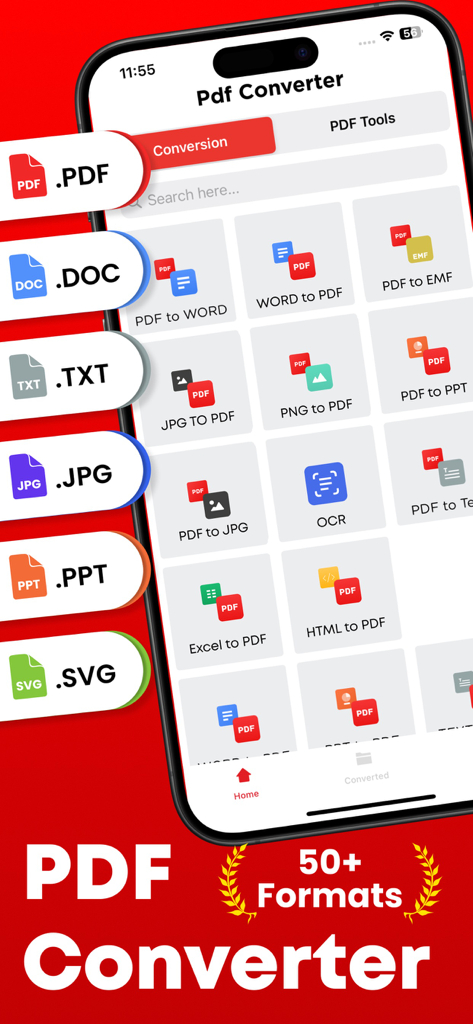
다양한 문서 변환 옵션(PDF를 Word로, JPG를 PDF로)과 50개 이상의 형식 지원을 보여주는 모바일 앱 화면.

다양한 문서 변환 옵션(PDF를 Word로, JPG를 PDF로)과 50개 이상의 형식 지원을 보여주는 모바일 앱 화면.

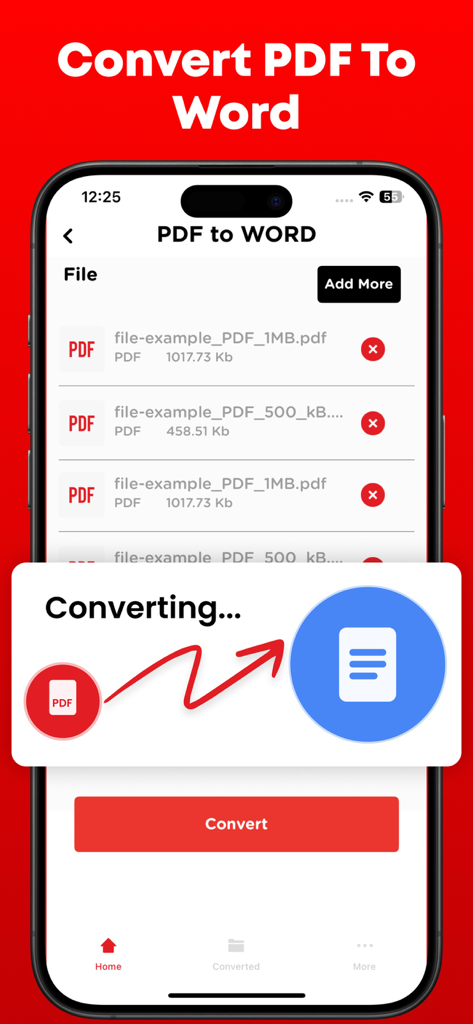
스마트폰에서 PDF 파일을 Word 문서로 변환하는 과정을 보여주는 인터페이스.

스마트폰에서 PDF 파일을 Word 문서로 변환하는 과정을 보여주는 인터페이스.

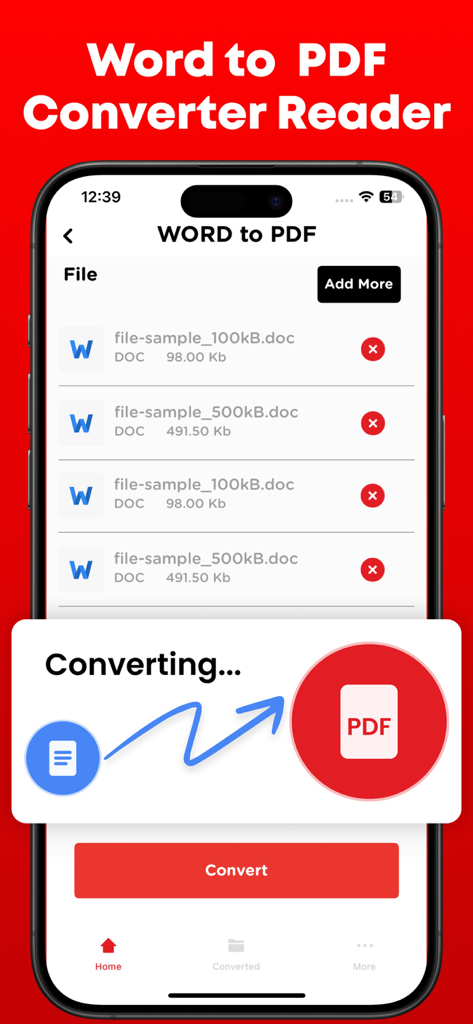
iPhone에서 문서 변환 과정을 보여주는 Word를 PDF로 변환 앱 인터페이스.

iPhone에서 문서 변환 과정을 보여주는 Word를 PDF로 변환 앱 인터페이스.

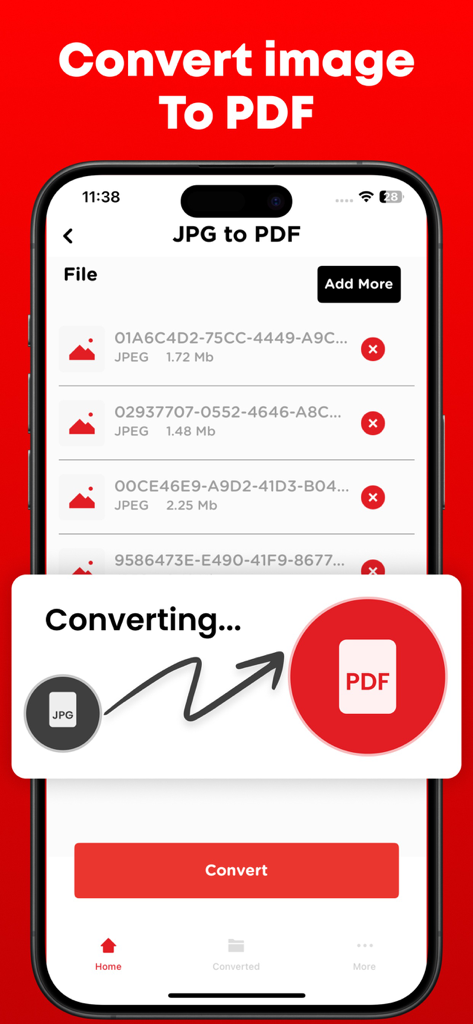
JPG 이미지 파일을 PDF 문서로 변환하는 과정을 보여주는 모바일 앱 인터페이스.

JPG 이미지 파일을 PDF 문서로 변환하는 과정을 보여주는 모바일 앱 인터페이스.

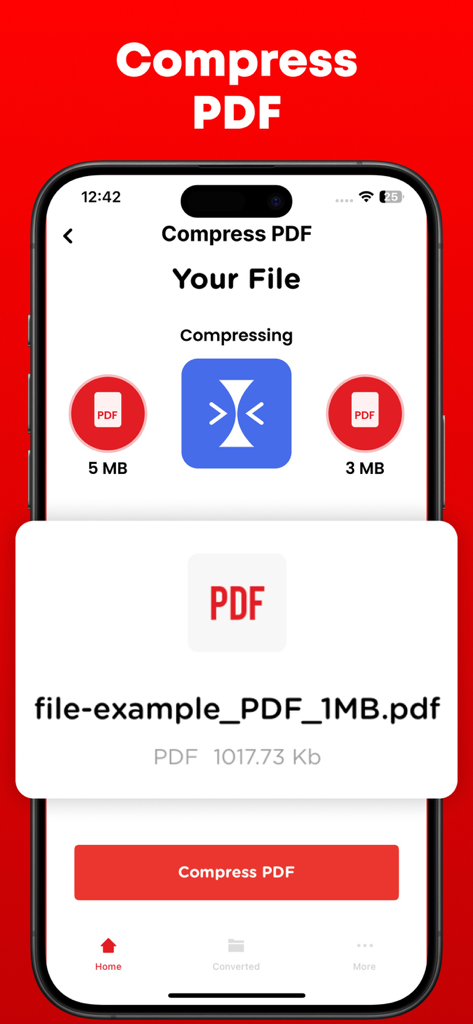
5MB에서 3MB로 파일 크기를 줄이는 PDF 압축 기능이 표시된 스마트폰 화면.

5MB에서 3MB로 파일 크기를 줄이는 PDF 압축 기능이 표시된 스마트폰 화면.

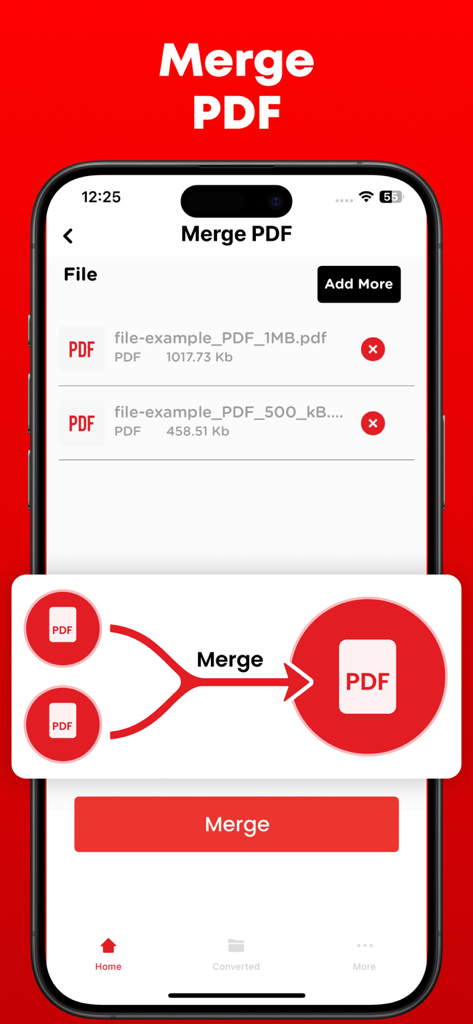
iPhone 화면에서 PDF 병합 기능을 보여주는 Word를 PDF로 변환 앱의 인터페이스.

iPhone 화면에서 PDF 병합 기능을 보여주는 Word를 PDF로 변환 앱의 인터페이스.

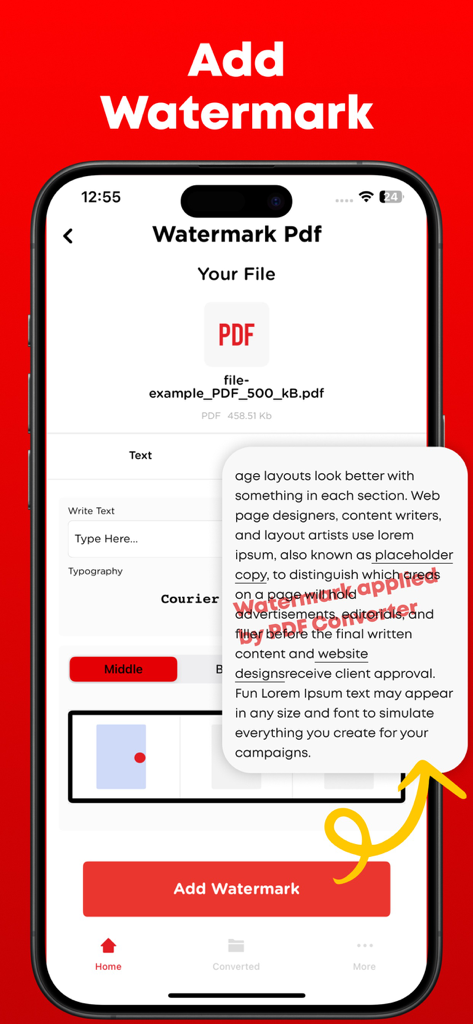
텍스트 사용자 지정 및 문서 미리 보기가 있는 워터마크 추가 기능을 보여주는 Word를 PDF로 변환 앱의 인터페이스.

텍스트 사용자 지정 및 문서 미리 보기가 있는 워터마크 추가 기능을 보여주는 Word를 PDF로 변환 앱의 인터페이스.

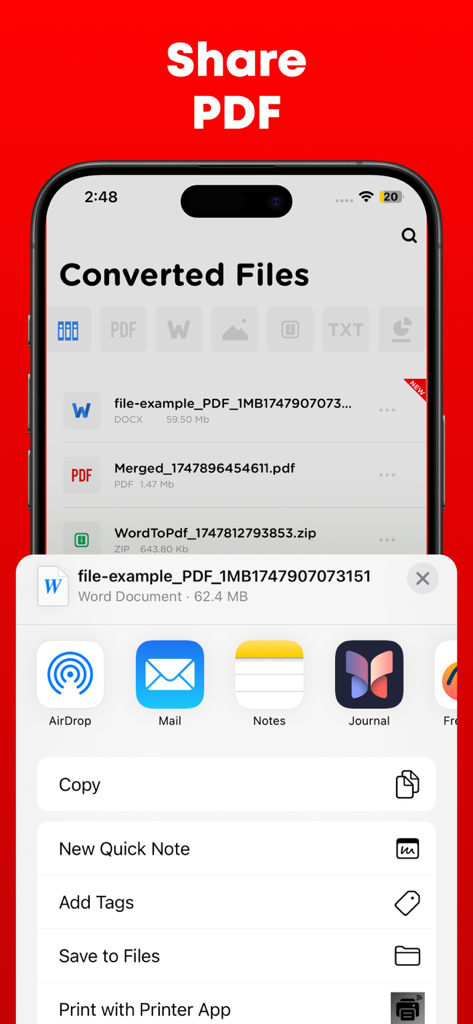
변환된 PDF 문서의 공유 옵션을 보여주는 iPhone 인터페이스.

변환된 PDF 문서의 공유 옵션을 보여주는 iPhone 인터페이스.

어디서든 문서를 마스터하세요

이 앱을 돋보이게 하는 도구, 761K+ 명의 사용자가 선택.

번개처럼 빠른 변환

Word 문서, PowerPoint 슬라이드 및 이미지를 전문적인 PDF로 즉시 변환하여 파일이 항상 제출 준비 상태인지 확인하세요.

🖋️

완벽한 창의적 제어

여러 보고서를 병합하거나, 페이지를 분할하거나, 사용자 지정 워터마크를 추가하여 작업을 보호하세요. 건축가 및 프리랜서 전문가에게 이상적입니다.

🛡️

안전하고 개인적인 공유

암호 암호화로 민감한 계약을 보호하고 Google Drive 또는 Dropbox와 원활하게 동기화하여 안전한 모바일 우선 워크플로를 구축하세요.

리뷰 분석

사용자 리뷰 인사이트.

감정 점수

25%
부정적

요약

Users report significant dissatisfaction with this mobile app, primarily citing its misleading 'free trial' which frequently leads to unexpected and automatic subscription charges, alongside difficulties in canceling these subscriptions. Many reviewers also experienced critical failures in the app's core conversion functionality, often finding it unreliable or producing corrupted files. Despite these prevalent issues, a small number of users appreciated its fast performance, intuitive design, and specific conversion accuracy for certain file types. The overall feedback indicates a strong negative sentiment due to the deceptive pricing practices and poor functionality.

주요 테마

Ease of Use(2)
Conversion Accuracy(1)
App Performance(1)
App Design(1)
Additional Tools(1)

앱 소개

에 대해 알아야 할 모든 것 Word to PDF Converter - Reader.

설명

Transform, modify, and save your vital documents effortlessly with the help of PDF converter. PDF converter can not only convert the files but merge and split them as well.

PDF files are mostly used by professional designers and architects for presentation purpose. PDF to Image or Image to PDF can easily be converted if you have file present in the storage of your smartphone else you can upload the file from Dropbox or Google drive. PDF converter comes with the following features. 1- Create, edit, merge and split PDF document in this PDF Converter. 2- Convert PDF to Word 3- Convert PDF to JPG 4- Convert PowerPoint slides to PDF 5- Convert JPG to PDF 6- You can check your recently converted files in the main menu of the PDF Converter. 7- Share these files where you find necessary an online social network. 8- Add watermark to the areas in the PDF file for better explanations. 9- Unlock or lock PDF file so no one can access it without a password. PDF files are the most secure way of sharing files over the internet. The reason is no one can copy content and cannot edit the file without permissions if it is locked. Note: Payment will be charged to your iTunes account at confirmation of purchase. Your subscription will automatically renew unless auto-renew is turned off at least 24-hours before the end of the current subscription period. Your account will be charged for renewal within 24-hours prior to the end of the current subscription period. Automatic renewals will cost the same price you were originally charged for the subscription. You can manage your subscriptions and turn off auto-renewal by going to your Account Settings on the App Store after purchase. Read our terms of service and Privacy Policy for more information. Privacy Policy: https://www.contentarcade.com/pdf-converter-privacy-poilcy Terms of Use: https://www.contentarcade.com/pdf-converter-terms-of-use

최신 버전

9.1

크기

55.7 MB

출시일

2019년 2월 12일

나만의 휴대용 오피스가 탭 한 번이면 가능합니다

지금까지 750,000명 이상의 전문가 및 학생들이 문서를 즉시 변환, 보안 및 공유했습니다. 오늘 바로 iPhone 및 iPad를 위한 최고의 모바일 유틸리티를 받으세요.

다운로드: App Store

App information, icons, screenshots, and descriptions displayed on this page are sourced from the Apple App Store and are the property of their respective developers. Download estimates and rankings are based on MWM's proprietary models and may not reflect actual figures. This page is provided for informational and analytical purposes only.

Believe this page infringes your intellectual property? File a dispute