
Esta página não é uma página oficial do aplicativo ou de seu desenvolvedor, mas uma publicação editorial independente criada para fins informativos e de comentário. Salvo indicação expressa em contrário, nem o aplicativo nem seu desenvolvedor são afiliados, endossados, patrocinados, autorizados ou oficialmente conectados à MWM, Apple, Google Play, ao editor do aplicativo ou ao desenvolvedor do aplicativo, e nada nesta página implica que o aplicativo foi desenvolvido utilizando os serviços da MWM. Todas as marcas comerciais, logotipos, capturas de tela e outros conteúdos permanecem propriedade de seus respectivos proprietários.


AnyMirror: Mirror Screen to PC
Eleve seu trabalho híbrido, ensino digital e transmissões ao vivo. Espelhe seu iPhone ou iPad sem falhas e com zero lag, anote em tempo real e transforme seu dispositivo móvel em uma webcam e microfone de nível profissional.
Downloads
8K+Avaliação
Total de avaliações
0Editor
Categoria
UtilitiesIdiomas
3Última versão
1.1.1Tamanho
71.4 MBData de lançamento
27 de set. de 2021Eleve Seu Fluxo de Trabalho Profissional
Mais do que apenas espelhamento. AnyMirror combina transmissão de alta definição com ferramentas profissionais para ajudá-lo a ensinar, apresentar e criar como um profissional em qualquer PC ou Mac.
Webcam e Microfone de Nível Profissional
Atualize suas reuniões virtuais instantaneamente. Use a câmera 4K do seu iPhone como uma webcam sem fio de alta qualidade para Zoom, Teams e transmissões profissionais.
Conexão USB sem Lag
Experimente um espelhamento ultrassuave com latência zero. Perfeito para demonstrações de aplicativos de alto risco, jogos móveis e criação de conteúdo em tempo real.
As capturas de tela e a descrição a seguir são provenientes diretamente da listagem oficial da loja do aplicativo e são propriedade do desenvolvedor.
App Store
Capturas
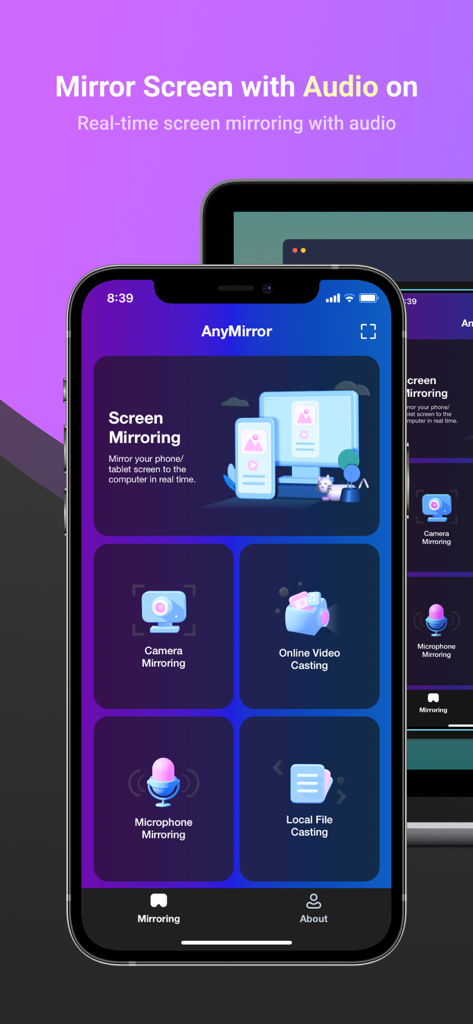
Tela do aplicativo AnyMirror em um iPhone mostrando opções de espelhamento de áudio e câmera para um PC
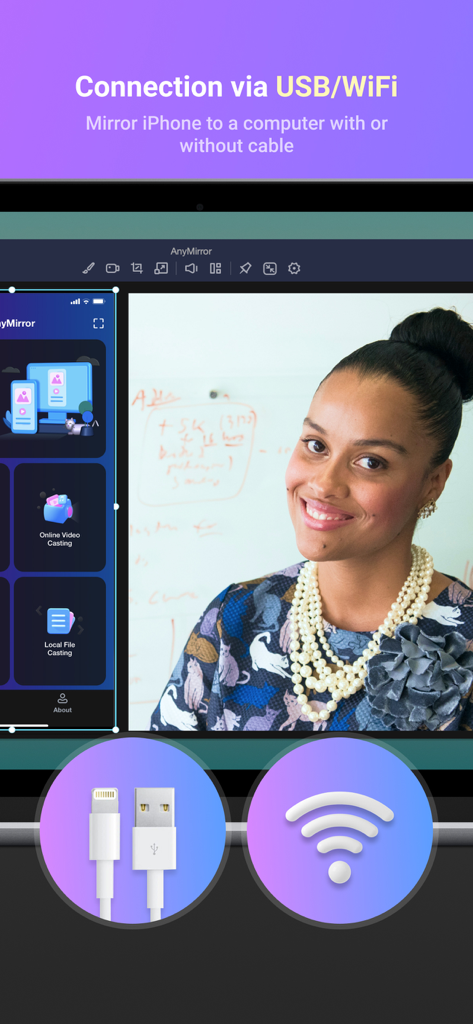
Interface do AnyMirror exibindo opções de conexão de espelhamento de tela via USB e Wi-Fi
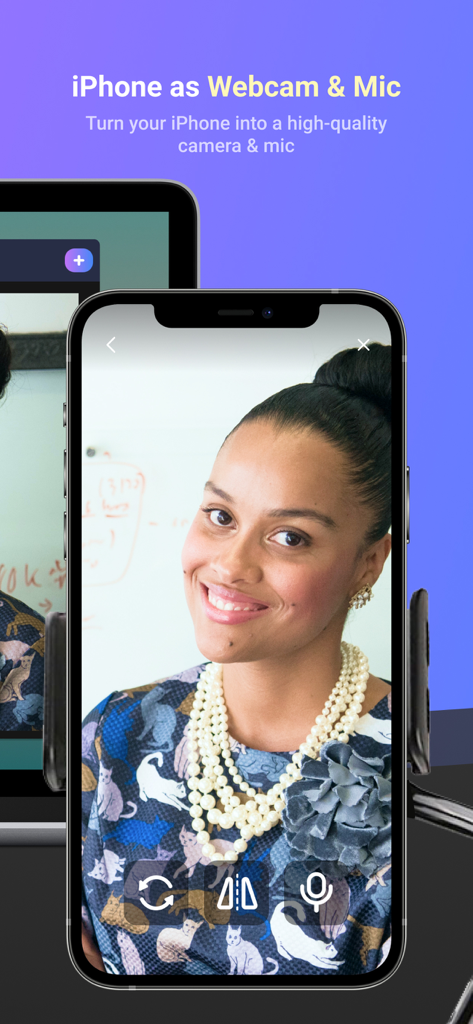
iPhone usado como webcam e microfone de alta qualidade para PC
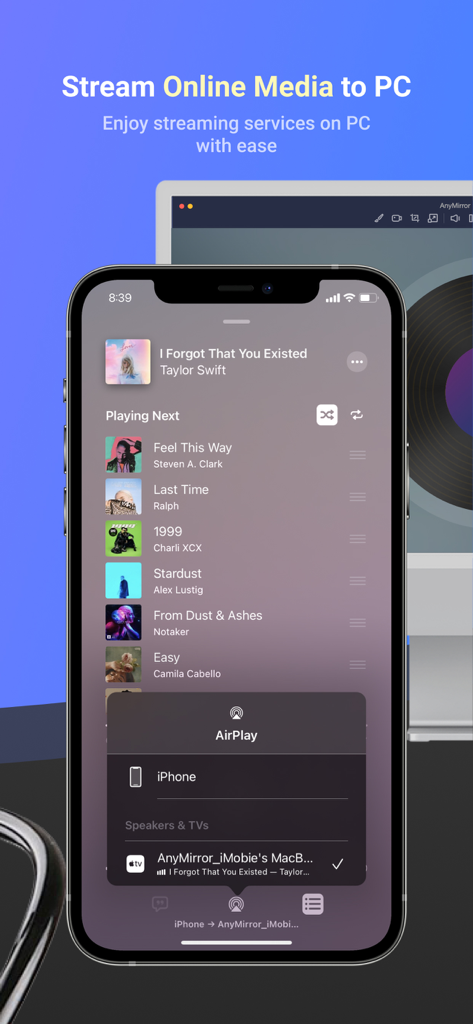
iPhone transmitindo um aplicativo de player de música para uma tela de computador usando AnyMirror
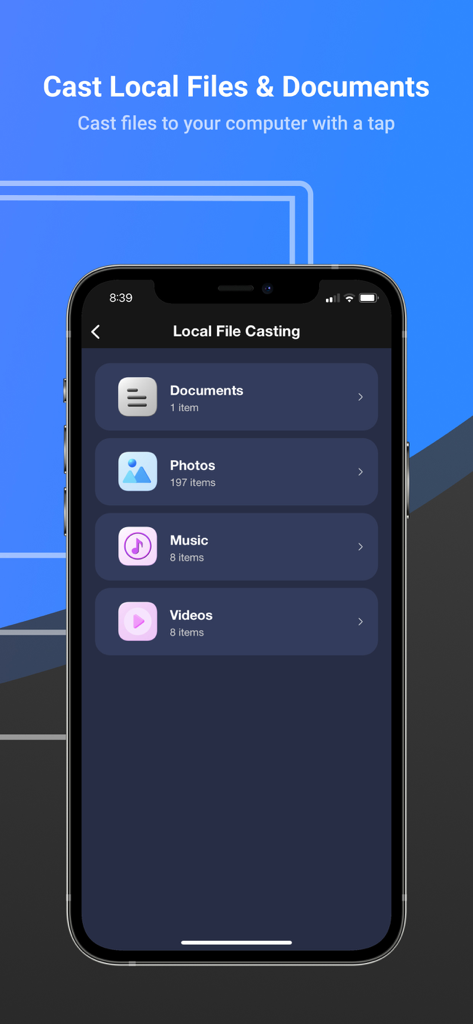
Interface do aplicativo AnyMirror para transmitir documentos, fotos, músicas e vídeos locais para um computador
Descrição
Download
Apps Semelhantes
Apps mais bem classificados na mesma categoria

Google LLC

Google Chrome
Google LLC

中国移动(手机营业厅)
China Mobile Online Services Co., Ltd.

Google Authenticator
Google LLC

CNH do Brasil
Servicos e Informacoes do Brasil

Cleanup: Phone Storage Cleaner
DEEP FLOW SOFTWARE SERVICES - FZCO

gov.br
Servicos e Informacoes do Brasil

中国电信-全国统一官方服务平台
CHINA TELECOM Corporation Ltd.

Microsoft Edge: AI Browser
Microsoft Corporation
Esta página não é uma página oficial do aplicativo ou de seu desenvolvedor, mas uma publicação editorial independente criada para fins informativos e de comentário. Salvo indicação expressa em contrário, nem o aplicativo nem seu desenvolvedor são afiliados, endossados, patrocinados, autorizados ou oficialmente conectados à MWM, Apple, Google Play, ao editor do aplicativo ou ao desenvolvedor do aplicativo, e nada nesta página implica que o aplicativo foi desenvolvido utilizando os serviços da MWM. Todas as marcas comerciais, logotipos, capturas de tela e outros conteúdos permanecem propriedade de seus respectivos proprietários.