
Esta página não é uma página oficial do aplicativo ou de seu desenvolvedor, mas uma publicação editorial independente criada para fins informativos e de comentário. Salvo indicação expressa em contrário, nem o aplicativo nem seu desenvolvedor são afiliados, endossados, patrocinados, autorizados ou oficialmente conectados à MWM, Apple, Google Play, ao editor do aplicativo ou ao desenvolvedor do aplicativo, e nada nesta página implica que o aplicativo foi desenvolvido utilizando os serviços da MWM. Todas as marcas comerciais, logotipos, capturas de tela e outros conteúdos permanecem propriedade de seus respectivos proprietários.


BABYMONSTER LIGHT STICK
Eleve sua experiência de show sincronizando seu assento para um show de luzes sincronizado e personalize seu brilho com uma roda de cores completa no Modo Manual.
Downloads
57K+Avaliação
Total de avaliações
0Editor
Categoria
EntertainmentIdiomas
6Última versão
1.0.5Tamanho
85.0 MBData de lançamento
7 de nov. de 2024Ilumine Seu Espírito MONSTIEZ
Transforme seu BABYMONSTER LIGHT STICK em uma ferramenta poderosa de conexão, criatividade e magia de show.
Faça Parte do Oceano
Sincronize as informações do seu assento para participar da performance ao vivo sincronizada. Sinta a energia enquanto seu bastão pulsa em harmonia com a música e milhares de fãs.
Suas Cores, Sua Vibração
Assuma o controle criativo com o Modo Manual. Use a roda de cores digital para personalizar seu brilho para decoração estética de quarto ou conteúdo viral no TikTok.
As capturas de tela e a descrição a seguir são provenientes diretamente da listagem oficial da loja do aplicativo e são propriedade do desenvolvedor.
App Store
Capturas
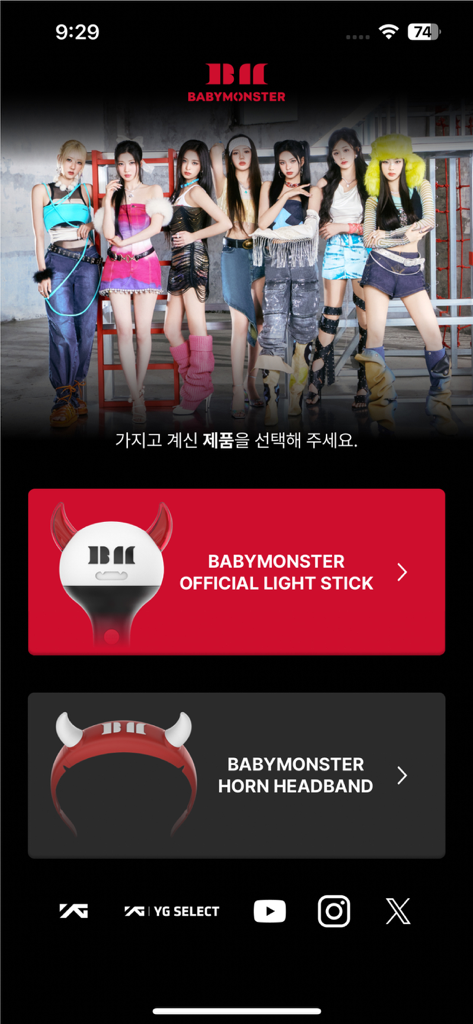
Tela inicial do aplicativo BABYMONSTER com opções para selecionar o light stick oficial ou tiara de chifre.
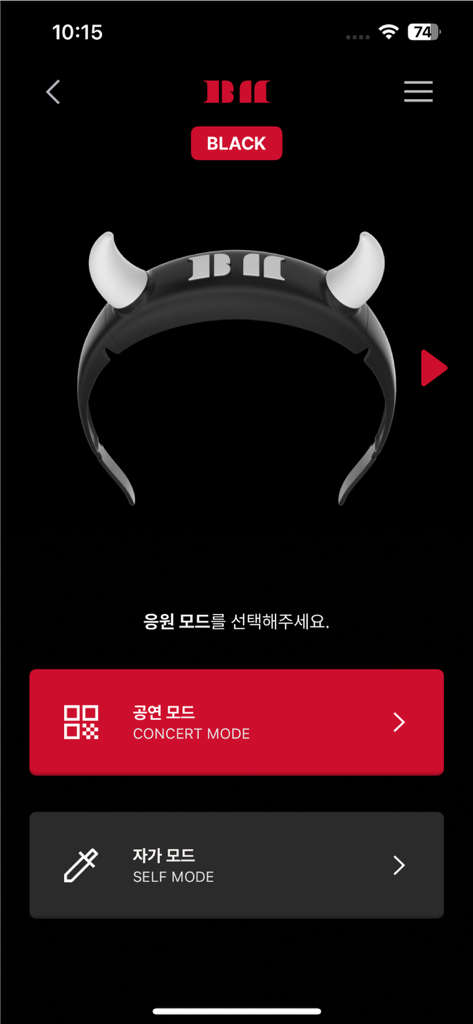
Interface do aplicativo BABYMONSTER light stick mostrando opções de Modo Show e Modo Manual com uma imagem de light stick de chifre do diabo.
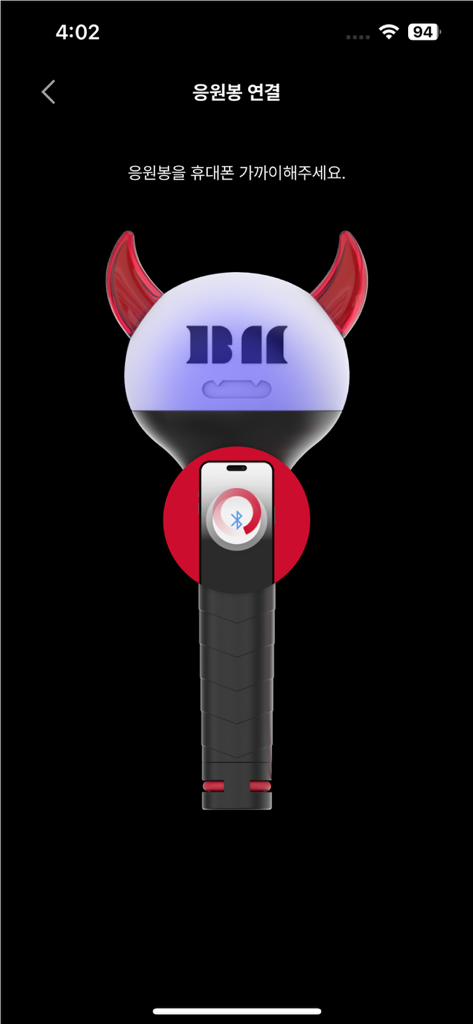
Interface do aplicativo BABYMONSTER light stick mostrando um tutorial gráfico para pareamento Bluetooth com um smartphone.
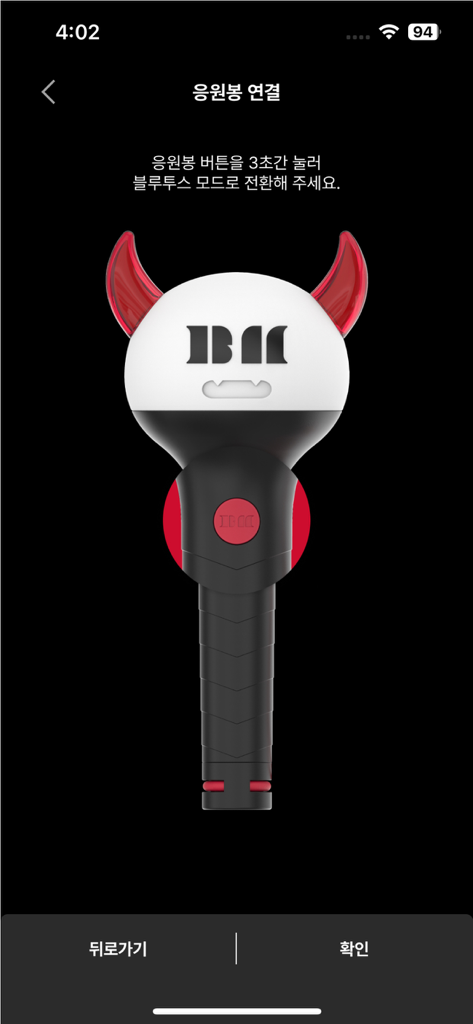
Uma ilustração do light stick oficial BABYMONSTER na tela de conexão Bluetooth.
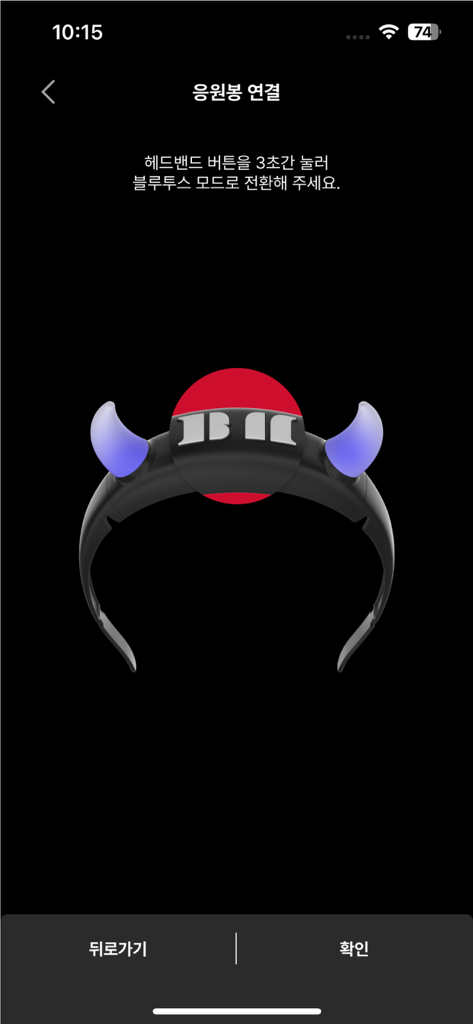
Interface de pareamento Bluetooth para o aplicativo BABYMONSTER light stick mostrando um ícone de tiara brilhante.
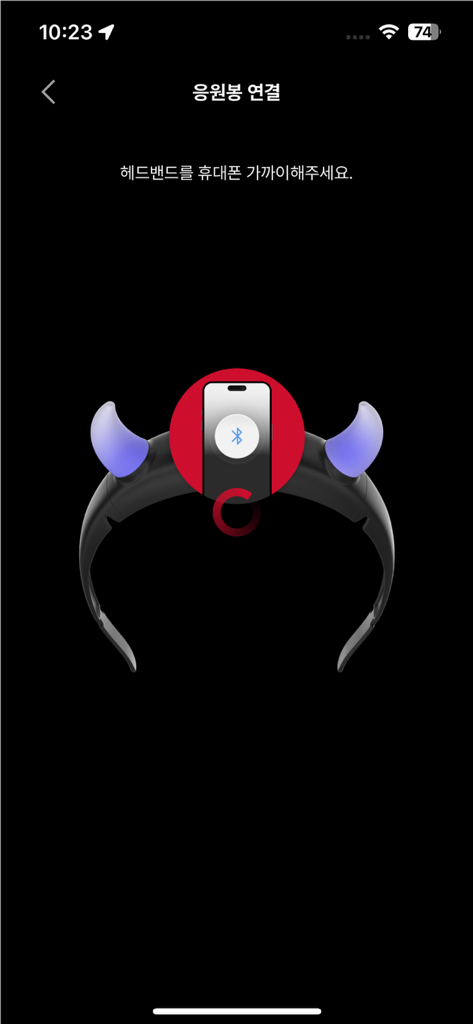
Tela do smartphone mostrando o processo de pareamento Bluetooth para o acessório tiara BABYMONSTER light stick.
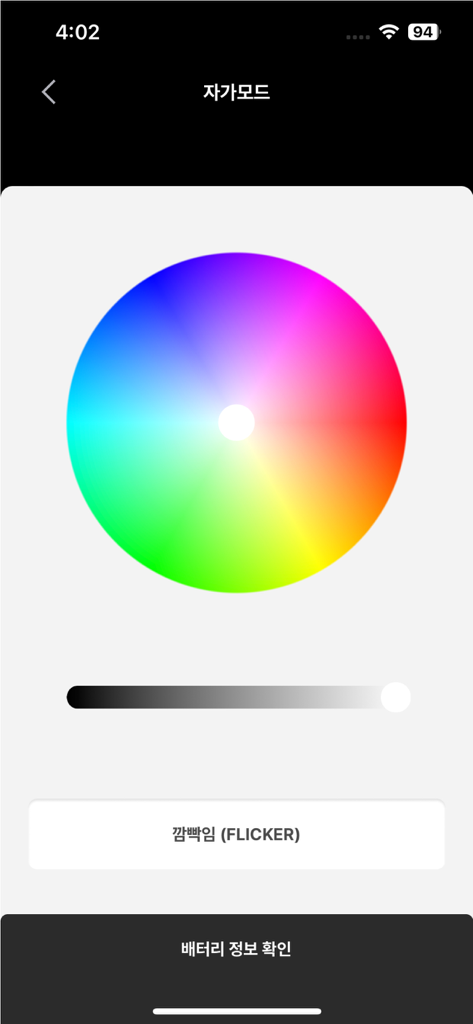
Interface do aplicativo BABYMONSTER Light Stick exibindo uma roda de cores para efeitos de iluminação personalizados no modo manual.
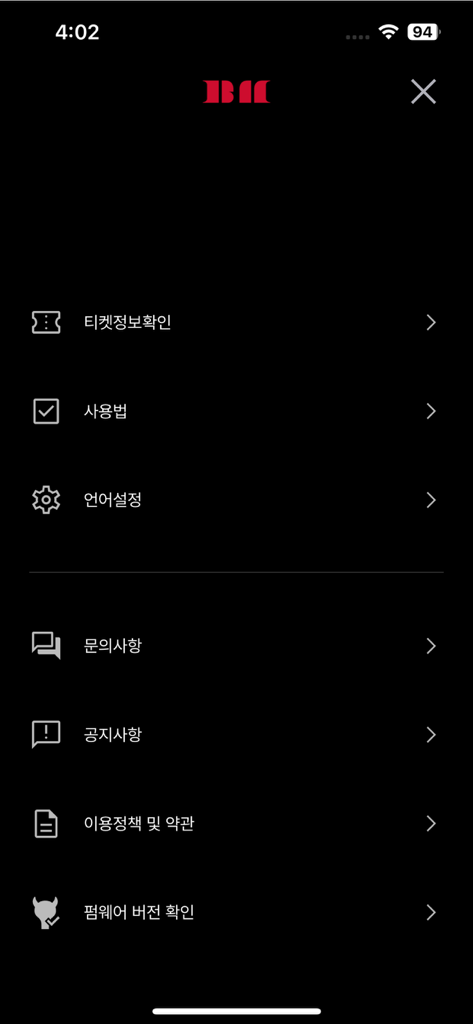
Tela do menu de configurações do aplicativo móvel BABYMONSTER LIGHT STICK com opções para informações de ingressos e configuração do dispositivo.
Descrição
Download
Apps Semelhantes
Apps com recursos e experiência semelhantes
Arntreal
ANDREA ALBRIZIO

Brickit App
Brickit inc
LEGO® Super Mario™
LEGO System A/S
Jurassic World Play
Mattel
LEGO® TECHNIC® CONTROL+
LEGO System A/S
SmartRace for Carrera Digital
Marc Bonsels
Fukuoka / Collecting Forest
teamLab Inc.

BTS OFFICIAL LIGHT STICK
FANLIGHT Co., Ltd
LEGO® DUPLO® Trains
LEGO System A/S
Esta página não é uma página oficial do aplicativo ou de seu desenvolvedor, mas uma publicação editorial independente criada para fins informativos e de comentário. Salvo indicação expressa em contrário, nem o aplicativo nem seu desenvolvedor são afiliados, endossados, patrocinados, autorizados ou oficialmente conectados à MWM, Apple, Google Play, ao editor do aplicativo ou ao desenvolvedor do aplicativo, e nada nesta página implica que o aplicativo foi desenvolvido utilizando os serviços da MWM. Todas as marcas comerciais, logotipos, capturas de tela e outros conteúdos permanecem propriedade de seus respectivos proprietários.