
Esta página não é uma página oficial do aplicativo ou de seu desenvolvedor, mas uma publicação editorial independente criada para fins informativos e de comentário. Salvo indicação expressa em contrário, nem o aplicativo nem seu desenvolvedor são afiliados, endossados, patrocinados, autorizados ou oficialmente conectados à MWM, Apple, Google Play, ao editor do aplicativo ou ao desenvolvedor do aplicativo, e nada nesta página implica que o aplicativo foi desenvolvido utilizando os serviços da MWM. Todas as marcas comerciais, logotipos, capturas de tela e outros conteúdos permanecem propriedade de seus respectivos proprietários.

Inkpad Notepad - Notes - To do
Experimente o conforto de um bloco de notas de papel com o poder da sincronização digital. Gerencie facilmente suas listas de compras e tarefas diárias em seu telefone ou navegador da web com salvamento automático em que você pode confiar.
Downloads
1M+Avaliação
Total de avaliações
8K+Editor
Categoria
ProductivityIdiomas
1Última versão
6.3.59Tamanho
67.3 MBData de lançamento
27 de jul. de 2015Notas Simples Para Sua Vida Agitada
Inkpad Notepad traz a familiaridade de um bloco de notas de papel para seu telefone e computador. É a maneira mais fácil de manter seus pensamentos, listas e ideias organizados sem qualquer dor de cabeça técnica.
Como um Bloco de Notas de Papel
Sem menus complicados ou formatação. Basta tocar para escrever, e suas notas são salvas automaticamente enquanto você digita, como um bloco de papel real.
Acesse do Seu Computador
Digite notas ou listas mais longas confortavelmente no teclado do seu computador através do nosso site e as encontre instantaneamente no seu telefone quando estiver em trânsito.
As capturas de tela e a descrição a seguir são provenientes diretamente da listagem oficial da loja do aplicativo e são propriedade do desenvolvedor.
App Store
Capturas
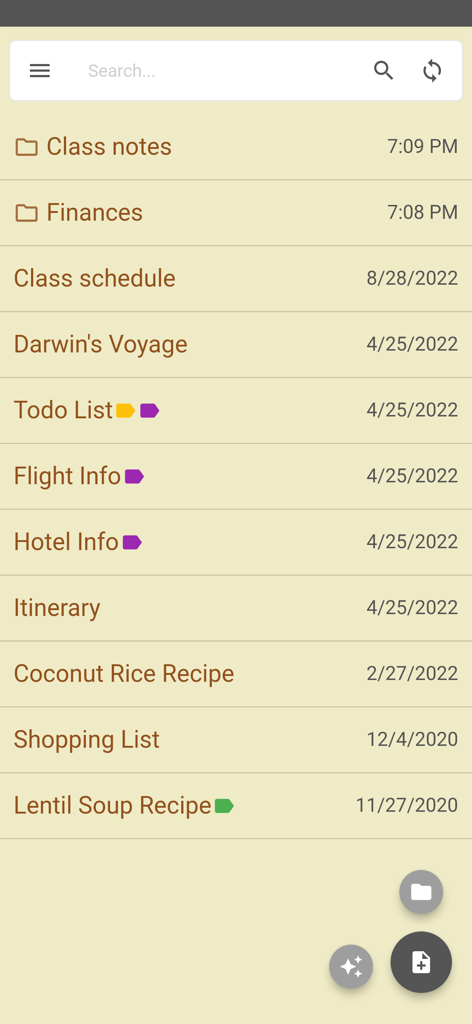
Tela do aplicativo Inkpad Notepad exibindo uma lista de notas e pastas com uma estética de papel
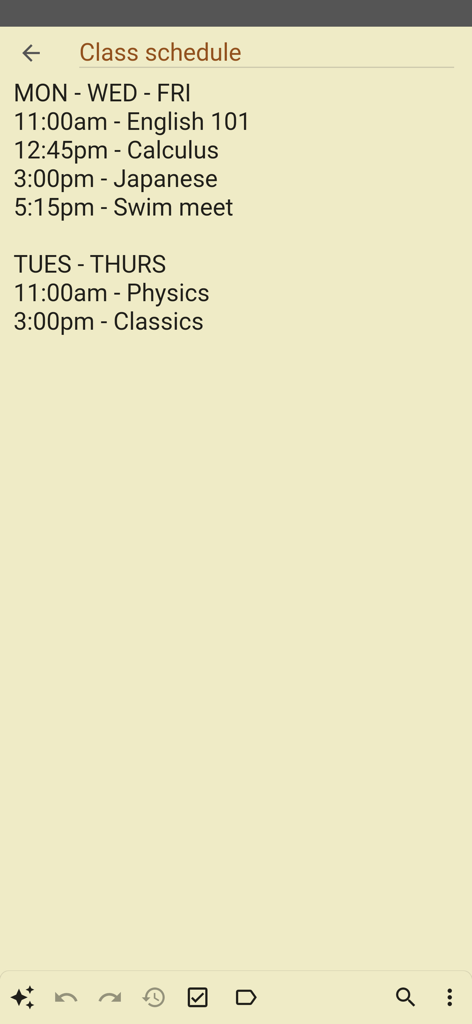
Uma nota digital simples intitulada Horário de aulas mostrando uma lista de cursos e horários em um fundo de papel
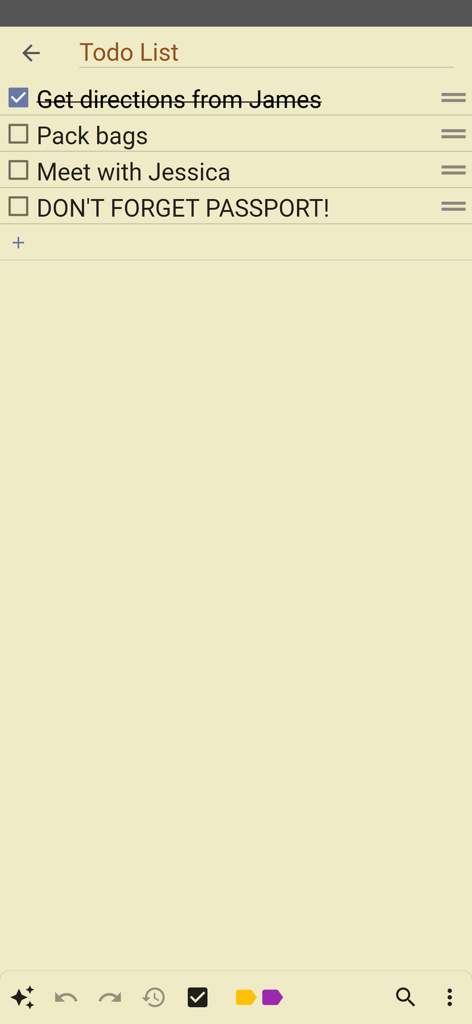
Uma lista de tarefas simples em um fundo de papel amarelo no aplicativo Inkpad Notepad
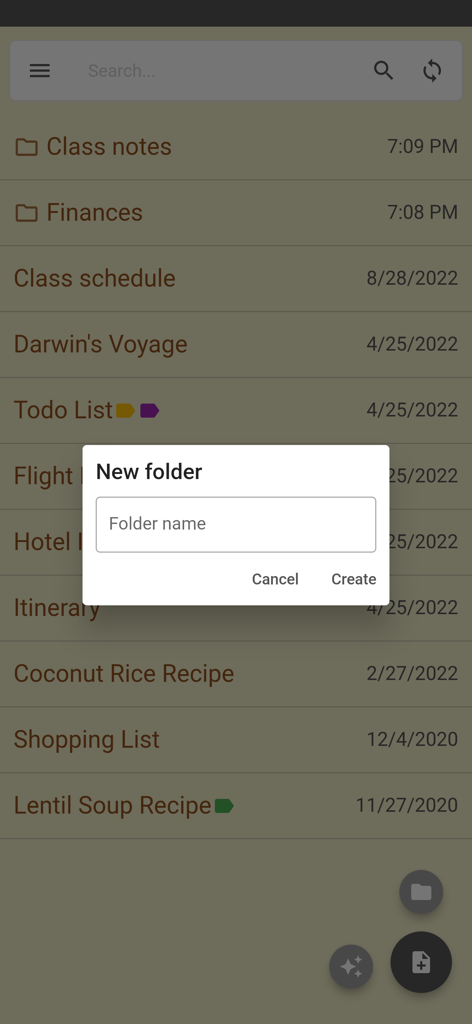
Tela de criação de nova pasta no aplicativo Inkpad Notepad
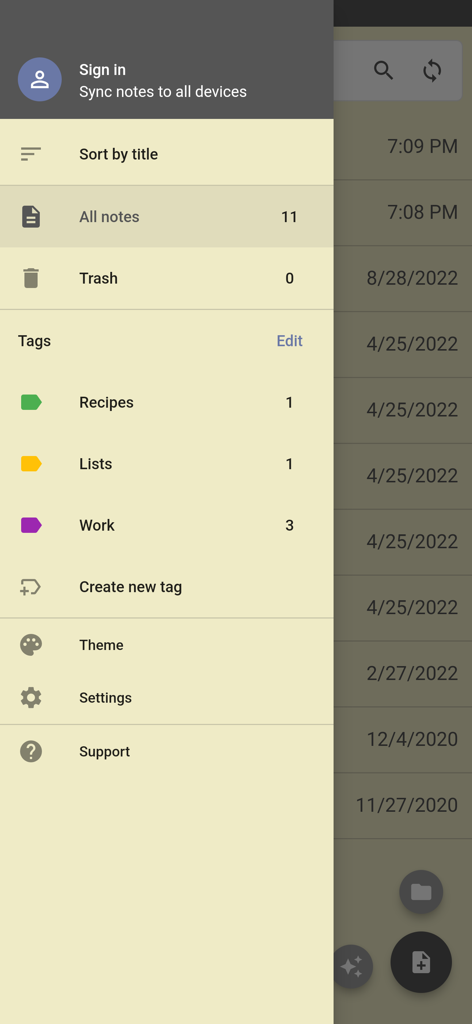
Menu de navegação lateral do Inkpad Notepad mostrando opções para tags de classificação de notas e configurações de conta
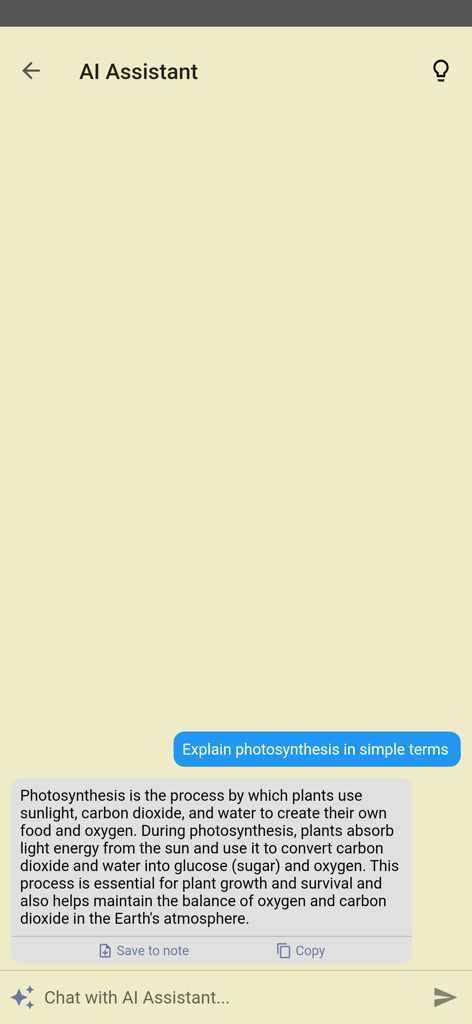
Recurso de Assistente de IA no Inkpad Notepad respondendo a uma pergunta em uma interface de bate-papo simples
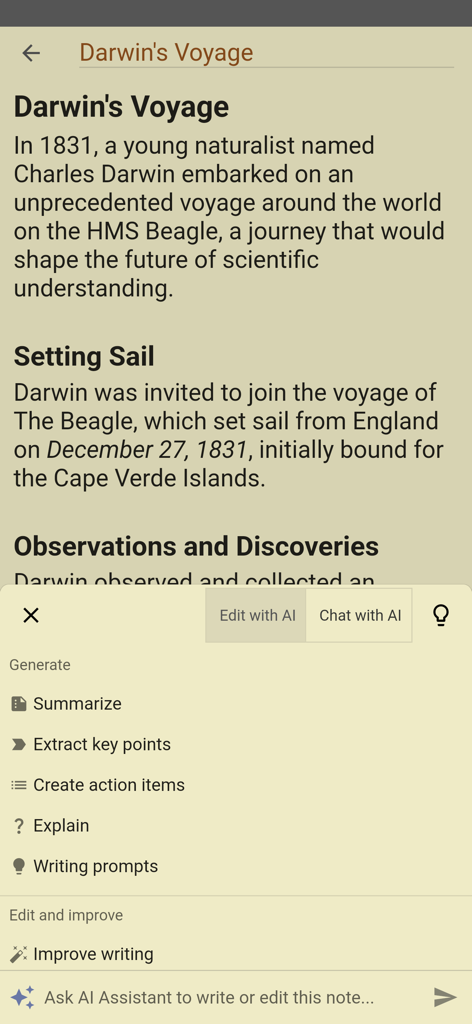
Aplicativo Inkpad Notepad mostrando o menu do assistente de IA com opções como resumir e melhorar a escrita
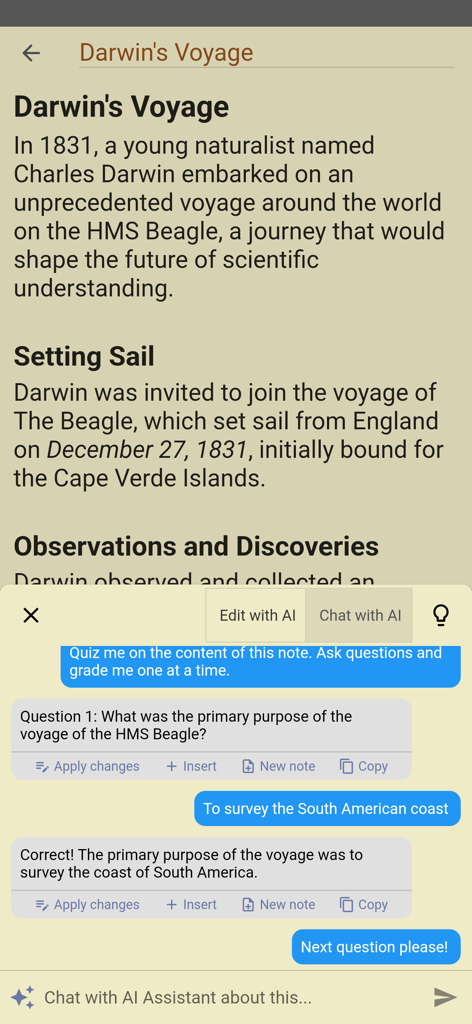
Uma interface móvel para o Inkpad Notepad mostrando um assistente de IA questionando um usuário sobre suas notas sobre a viagem de Darwin
Descrição
Download
Apps Semelhantes
Apps mais bem classificados na mesma categoria

ChatGPT
OpenAI OpCo, LLC

Google Gemini
Google LLC

Grok
X.AI Corporation

Gmail - Email by Google
Google LLC

千问 - 阿里最强大模型官方AI助手
Shanghai Zhixin Puhui Technology Co., Ltd.

Google Drive
Google LLC

Microsoft Authenticator
Microsoft Corporation

Google Sheets
Google LLC

Google Docs
Google LLC
Esta página não é uma página oficial do aplicativo ou de seu desenvolvedor, mas uma publicação editorial independente criada para fins informativos e de comentário. Salvo indicação expressa em contrário, nem o aplicativo nem seu desenvolvedor são afiliados, endossados, patrocinados, autorizados ou oficialmente conectados à MWM, Apple, Google Play, ao editor do aplicativo ou ao desenvolvedor do aplicativo, e nada nesta página implica que o aplicativo foi desenvolvido utilizando os serviços da MWM. Todas as marcas comerciais, logotipos, capturas de tela e outros conteúdos permanecem propriedade de seus respectivos proprietários.