
Esta página não é uma página oficial do aplicativo ou de seu desenvolvedor, mas uma publicação editorial independente criada para fins informativos e de comentário. Salvo indicação expressa em contrário, nem o aplicativo nem seu desenvolvedor são afiliados, endossados, patrocinados, autorizados ou oficialmente conectados à MWM, Apple, Google Play, ao editor do aplicativo ou ao desenvolvedor do aplicativo, e nada nesta página implica que o aplicativo foi desenvolvido utilizando os serviços da MWM. Todas as marcas comerciais, logotipos, capturas de tela e outros conteúdos permanecem propriedade de seus respectivos proprietários.

JotterPad - Novel, Screenplay
Concentre-se no seu ofício com um editor sem distrações em Markdown e Fountain. Esteja você elaborando um roteiro padrão da indústria ou seu próximo romance best-seller, o JotterPad cuida da formatação para que você possa manter o fluxo.
Downloads
33K+Avaliação
Total de avaliações
200Editor
Categoria
ProductivityIdiomas
15Última versão
14.3.0Tamanho
63.9 MBData de lançamento
17 de jul. de 2020Tudo Que Você Precisa Para Criar
Crie sua próxima obra-prima com ferramentas projetadas para o contador de histórias moderno — oferecendo escrita sem distrações, formatação profissional e segurança total dos dados.
Formatação Profissional, Sem Esforço
Produza roteiros e romances de nível profissional sem tocar em nenhuma configuração de margem. Use Markdown e Fountain para atender automaticamente aos padrões da indústria.
Ecossistema de Nuvem Integrado
Mantenha seu ímpeto. Transite entre iPhone, iPad e Mac sem interrupções com suporte nativo para iCloud, Google Drive e Dropbox.
Perguntas Frequentes
Tudo o que você precisa saber sobre JotterPad - Novel, Screenplay
O que é JotterPad?
JotterPad é uma ferramenta de escrita e editor WYSIWYG Markdown e Fountain para escritores, roteiristas, autores e blogueiros. Ele auxilia no planejamento, escrita, formatação e publicação de trabalhos escritos.
O JotterPad suporta Markdown e Fountain?
Sim, o JotterPad suporta ambas as sintaxes Markdown e Fountain. Os usuários escrevem o conteúdo e o aplicativo lida automaticamente com a formatação, criando documentos estruturados.
Posso exportar meu trabalho do JotterPad?
Sim, o JotterPad permite que os usuários exportem trabalhos escritos em vários formatos. Estes incluem Word, PDF, HTML, Final Draft (.fdx), Fountain e Markdown.
Com quais serviços de nuvem o JotterPad sincroniza?
O JotterPad oferece sincronização automática com iCloud, Google Drive, OneDrive e Dropbox. Ele funciona offline e sincroniza o trabalho automaticamente quando volta a ficar online.
Quais são os custos de assinatura para JotterPad Pro Cloud?
O JotterPad Pro Cloud custa US$ 6,99 por mês ou US$ 29,99 por ano. Esta é uma assinatura de renovação automática, com preços que podem variar dependendo da localização.
O JotterPad oferece modelos para escrita?
Sim, o JotterPad fornece mais de 50 modelos para orientar os usuários na formatação de seus trabalhos. Esses modelos auxiliam na criação de romances, livros, artigos, relatórios e slides de apresentação.
O JotterPad pode lidar com formatos de roteiro padrão da indústria?
Sim, o JotterPad suporta formatos de roteiro padrão da indústria usando modelos Fountain. As opções incluem Musical da Broadway, Peça de Teatro da BBC, Sitcom de Rádio e Musical do Dramatists Guild.
O JotterPad inclui controle de versão para documentos?
Sim, o JotterPad possui Controle de Versão integrado. Isso faz backup automático do trabalho enquanto o usuário escreve, permitindo a revisão e edição de versões anteriores do rascunho.
Quais plataformas o JotterPad suporta?
O JotterPad está disponível nas plataformas iOS, iPad OS e Mac, permitindo que os usuários escrevam em vários dispositivos e sistemas operacionais.
Posso publicar conteúdo diretamente do JotterPad para blogs?
Sim, o JotterPad permite que os usuários publiquem seus trabalhos escritos diretamente em plataformas de blog como Tumblr, Ghost e WordPress.
As capturas de tela e a descrição a seguir são provenientes diretamente da listagem oficial da loja do aplicativo e são propriedade do desenvolvedor.
App Store
Capturas
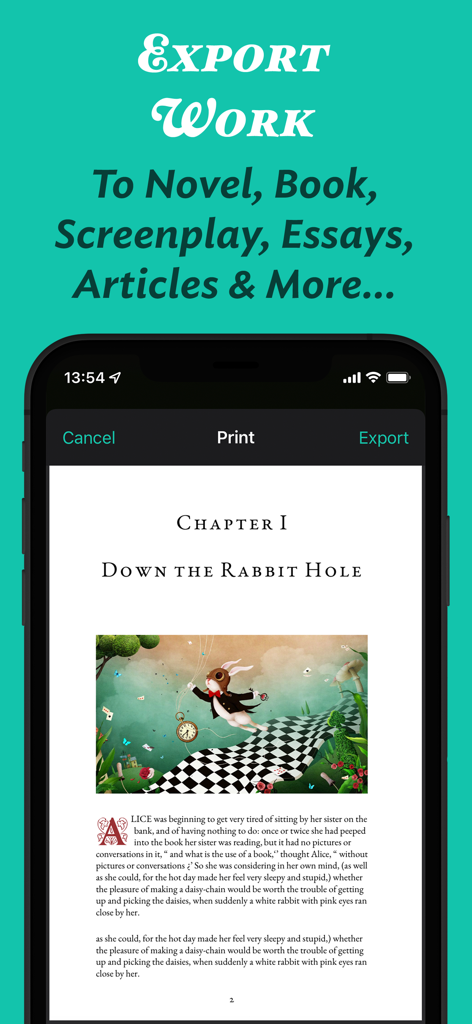
Interface do aplicativo JotterPad mostrando uma prévia de impressão e exportação de um capítulo de romance formatado com uma ilustração
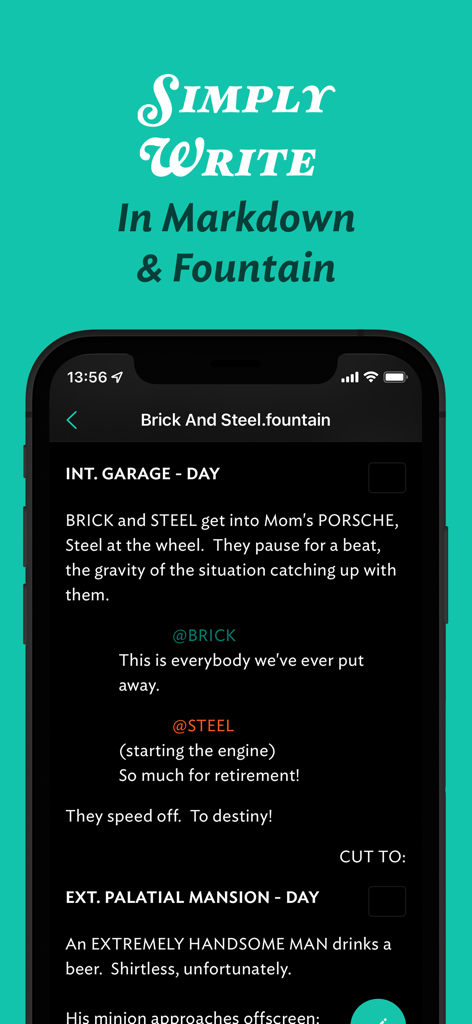
Interface do aplicativo móvel JotterPad para escrever roteiros na sintaxe Fountain
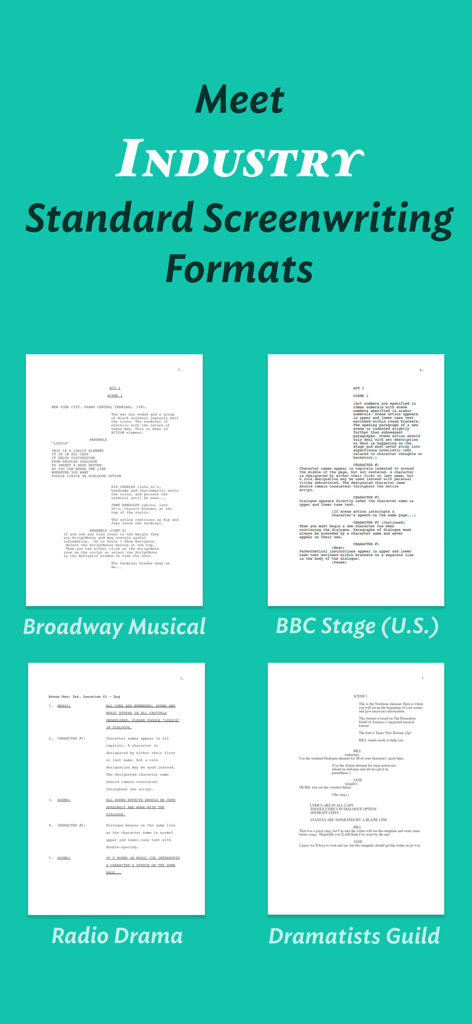
Interface do aplicativo JotterPad mostrando modelos de roteiro padrão da indústria para musicais da Broadway e peças de teatro da BBC
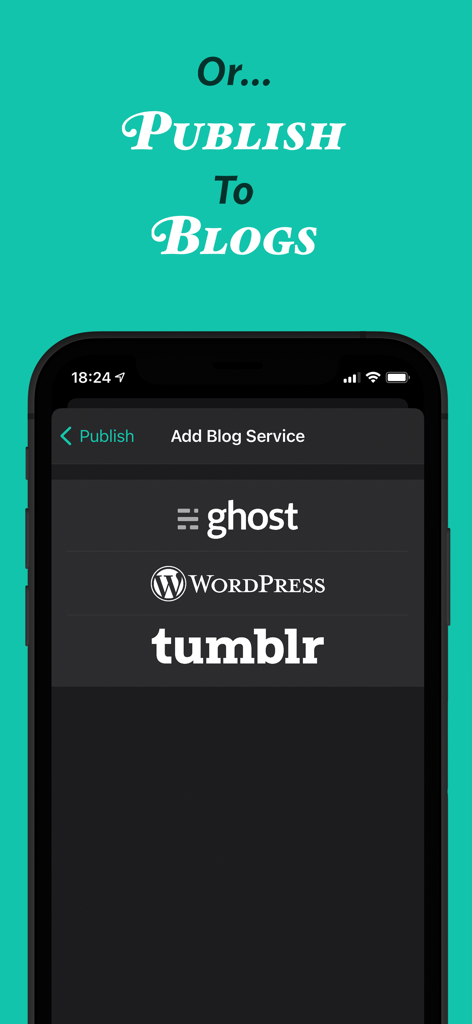
Interface do aplicativo JotterPad mostrando opções de publicação para blogs do Ghost WordPress e Tumblr
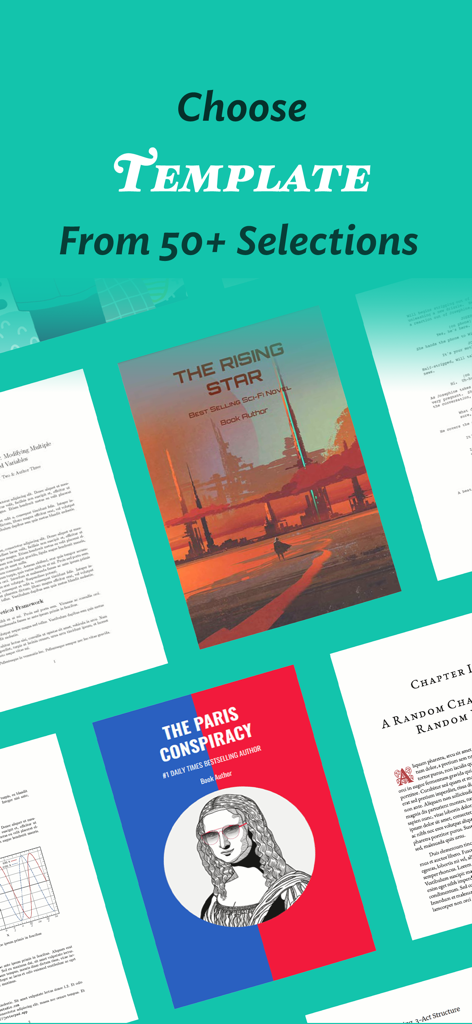
Uma variedade de mais de 50 modelos de escrita para romances, roteiros e documentos profissionais no JotterPad
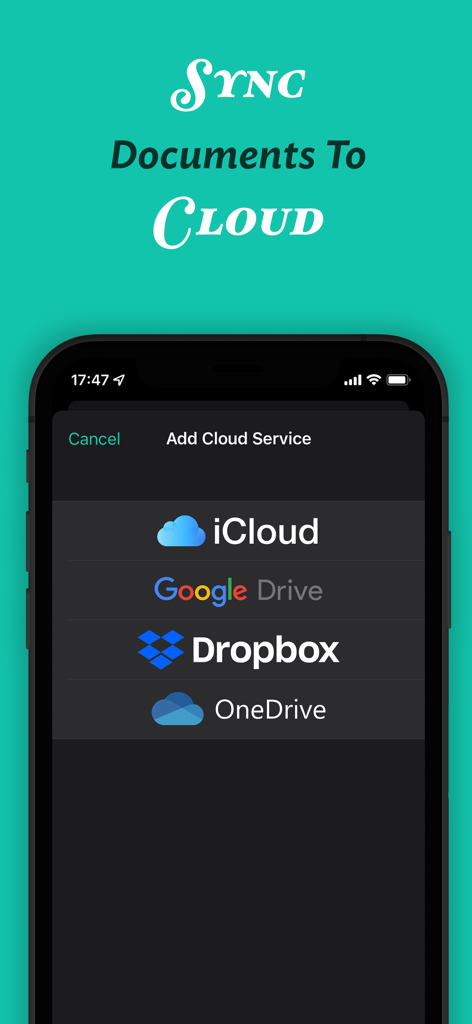
Interface do aplicativo JotterPad mostrando opções para sincronizar documentos com iCloud, Google Drive, Dropbox e OneDrive.
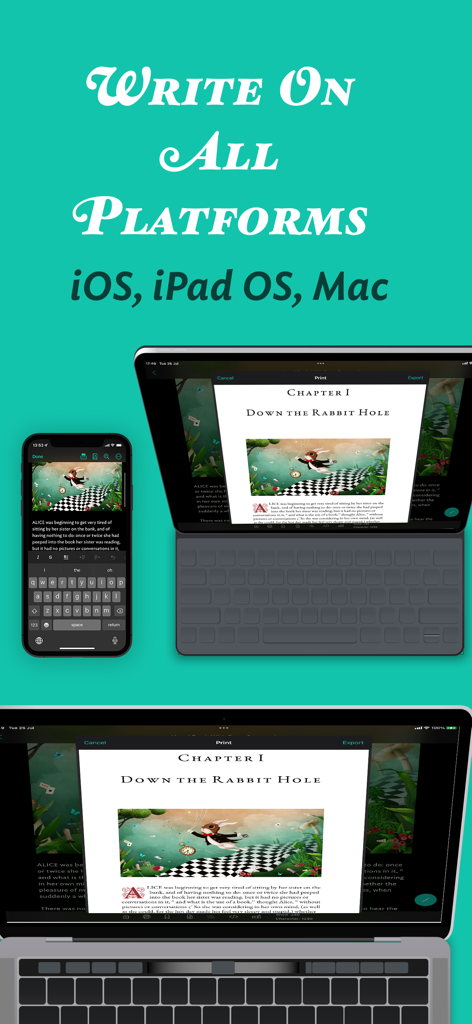
Interface do aplicativo JotterPad exibida em iPhone, iPad e Mac mostrando sincronização de documentos multiplataforma
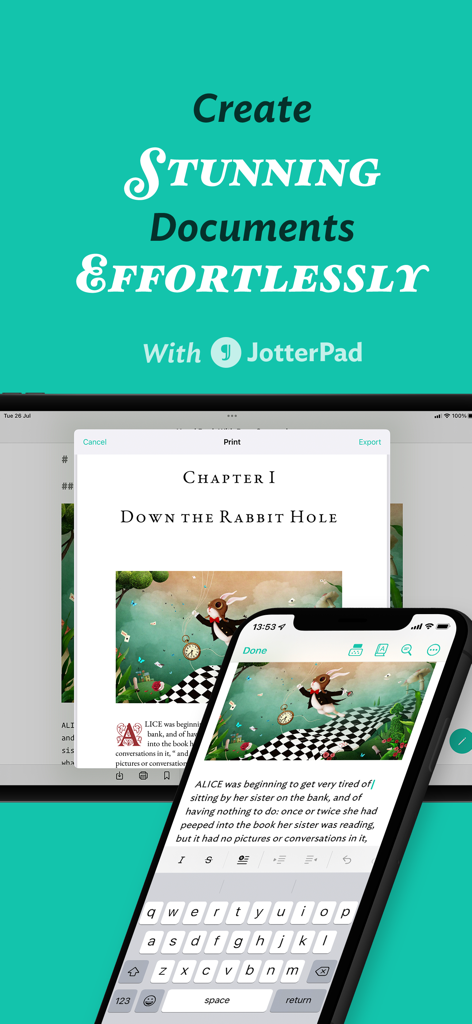
Interface do aplicativo JotterPad mostrando edição de documentos em smartphone e tablet
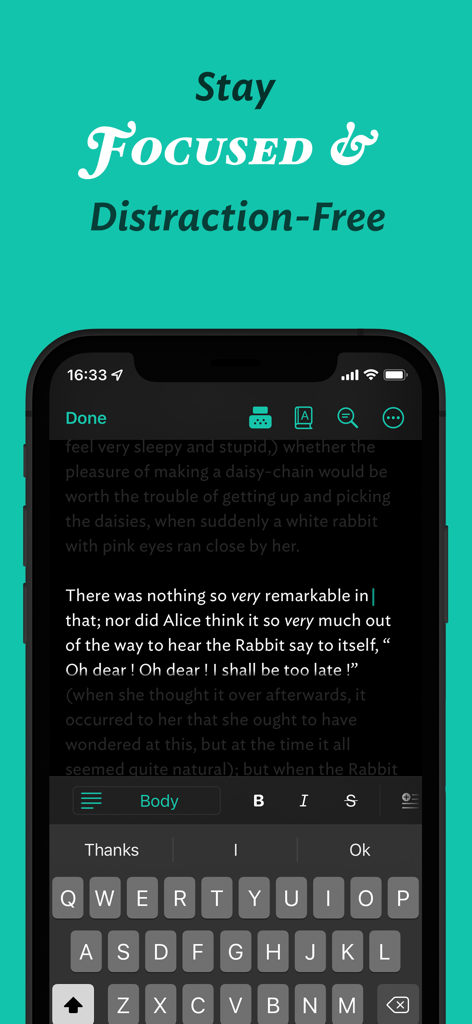
Aplicativo móvel JotterPad exibindo uma interface de escrita sem distrações em modo escuro.
Descrição
Download
Apps Semelhantes
Apps mais bem classificados na mesma categoria

ChatGPT
OpenAI OpCo, LLC

Google Gemini
Google LLC

Grok
X.AI Corporation

Gmail - Email by Google
Google LLC

千问 - 阿里最强大模型官方AI助手
Shanghai Zhixin Puhui Technology Co., Ltd.

Google Drive
Google LLC

Microsoft Authenticator
Microsoft Corporation

Google Sheets
Google LLC

Google Docs
Google LLC
Esta página não é uma página oficial do aplicativo ou de seu desenvolvedor, mas uma publicação editorial independente criada para fins informativos e de comentário. Salvo indicação expressa em contrário, nem o aplicativo nem seu desenvolvedor são afiliados, endossados, patrocinados, autorizados ou oficialmente conectados à MWM, Apple, Google Play, ao editor do aplicativo ou ao desenvolvedor do aplicativo, e nada nesta página implica que o aplicativo foi desenvolvido utilizando os serviços da MWM. Todas as marcas comerciais, logotipos, capturas de tela e outros conteúdos permanecem propriedade de seus respectivos proprietários.