
Esta página não é uma página oficial do aplicativo ou de seu desenvolvedor, mas uma publicação editorial independente criada para fins informativos e de comentário. Salvo indicação expressa em contrário, nem o aplicativo nem seu desenvolvedor são afiliados, endossados, patrocinados, autorizados ou oficialmente conectados à MWM, Apple, Google Play, ao editor do aplicativo ou ao desenvolvedor do aplicativo, e nada nesta página implica que o aplicativo foi desenvolvido utilizando os serviços da MWM. Todas as marcas comerciais, logotipos, capturas de tela e outros conteúdos permanecem propriedade de seus respectivos proprietários.


KANTAN Chord
A extensão definitiva do Safari para compositores e líderes de louvor. Converta acordes baseados na web em graus, analise tonalidades automaticamente e simplifique tablaturas complexas para se adequar ao seu alcance vocal e nível de habilidade em um clique.
Downloads
1K+Avaliação
Total de avaliações
0Editor
Categoria
MusicIdiomas
2Última versão
2025.3.6Tamanho
1.1 MBData de lançamento
23 de mar. de 2022Domine Sua Teoria Musical em Segundos
Pare de lutar com tonalidades complexas. O KANTAN Chord converte qualquer folha de acordes em um formato que você realmente pode tocar, diretamente no seu navegador Safari.
Detecção Instantânea de Tonalidade
Encontre automaticamente a "base" de qualquer música e transponha-a em um toque para combinar perfeitamente com seu alcance vocal ou instrumento.
Toque Como um Profissional de Nashville
Converta acordes padrão em Números de Nashville ou Números Romanos para dominar a teoria e a lógica por trás de suas faixas favoritas.
As capturas de tela e a descrição a seguir são provenientes diretamente da listagem oficial da loja do aplicativo e são propriedade do desenvolvedor.
App Store
Capturas
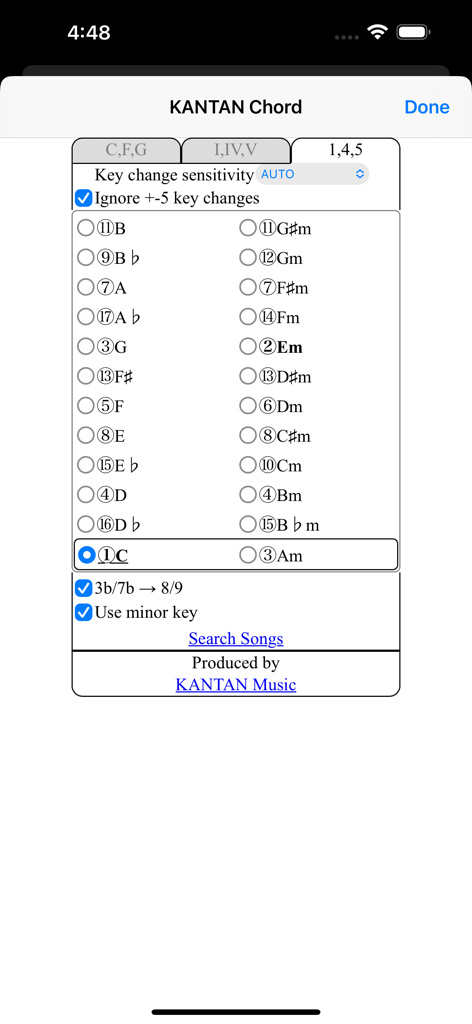
Interface do aplicativo KANTAN Chord mostrando seleção de tonalidade musical e configurações do Sistema de Números de Nashville para músicos.
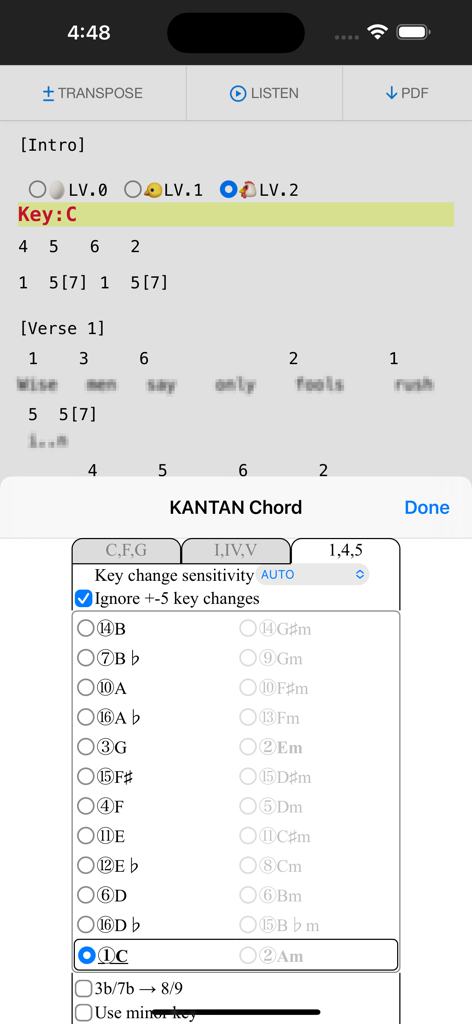
Extensão KANTAN Chord convertendo acordes de música em Números de Nashville em um navegador
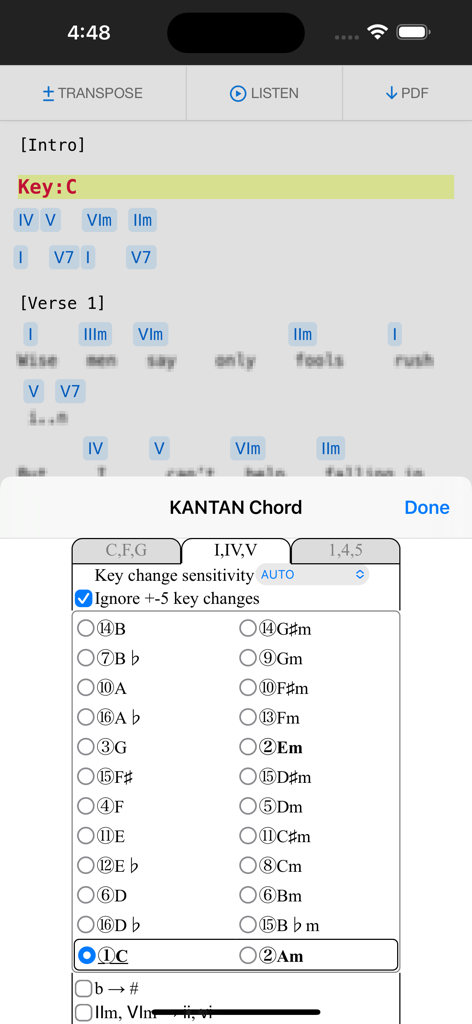
Extensão Safari KANTAN Chord convertendo acordes de música em graus de números romanos em um iPhone.
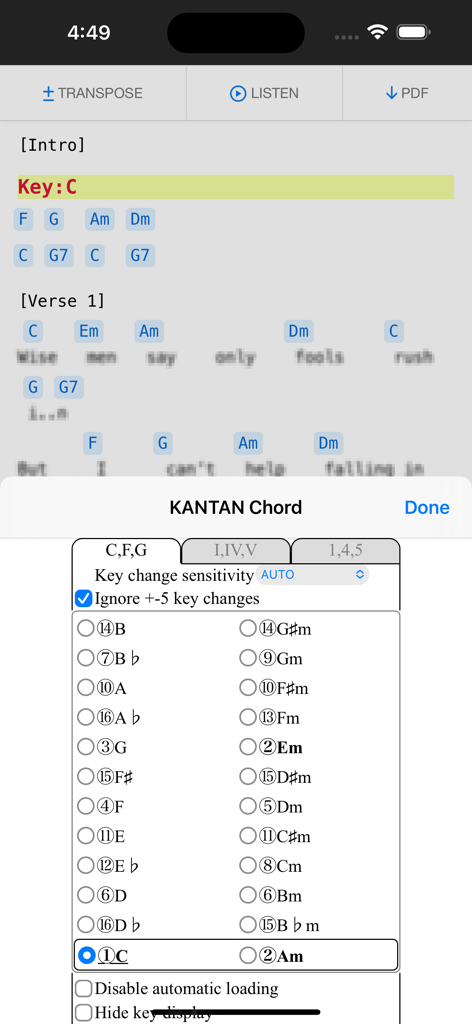
Extensão do navegador KANTAN Chord exibindo seleção de tonalidade e configurações de transposição em um dispositivo móvel
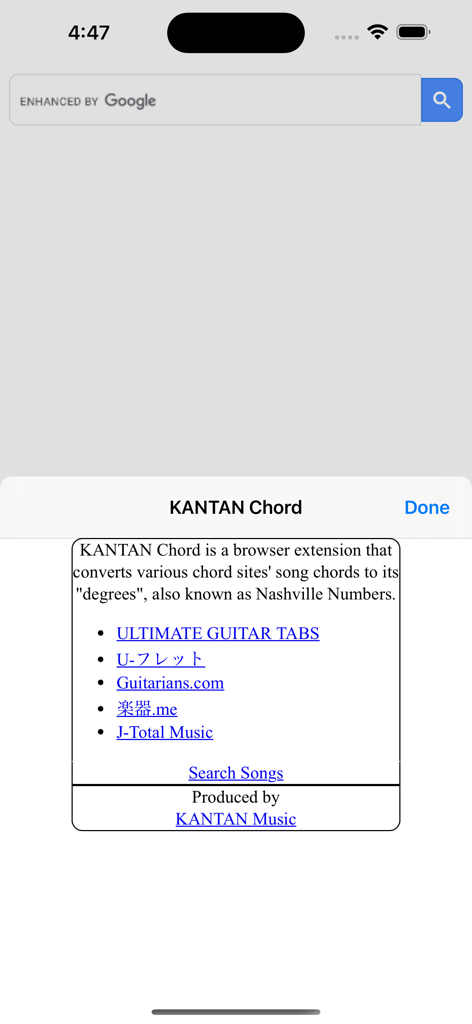
Tela introdutória da extensão KANTAN Chord mostrando uma lista de sites de música compatíveis como Ultimate Guitar e informações de conversão de Números de Nashville
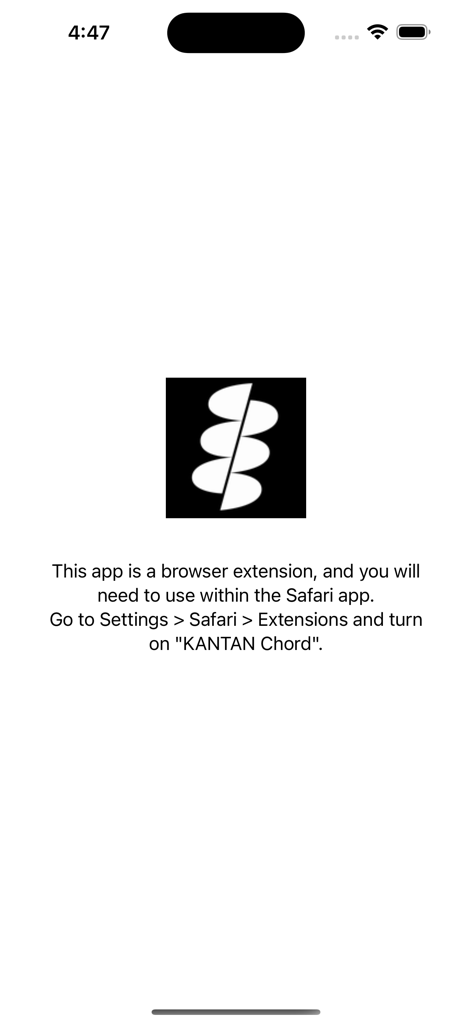
Tela de configuração com instruções para ativar a extensão Safari KANTAN Chord nas configurações do iOS.
Descrição
Download
Apps Semelhantes
Apps mais bem classificados na mesma categoria

Spotify: Music and Podcasts
Spotify

YouTube Music
Google LLC

Shazam: Find Music & Concerts
Apple Inc.

SoundCloud: The Music You Love
SoundCloud Global Limited & Co KG

Suno - AI Songs & Music
Suno Inc.

QQ音乐 - 听我想听
Tencent Technology (Shenzhen) Company Limited

Audiomack - Play Music Offline
Audiomack, Inc.

BandLab – Music Maker & Beats
BandLab Singapore Pte Ltd

GuitarTuna: Tune & Play Guitar
Yousician Ltd
Esta página não é uma página oficial do aplicativo ou de seu desenvolvedor, mas uma publicação editorial independente criada para fins informativos e de comentário. Salvo indicação expressa em contrário, nem o aplicativo nem seu desenvolvedor são afiliados, endossados, patrocinados, autorizados ou oficialmente conectados à MWM, Apple, Google Play, ao editor do aplicativo ou ao desenvolvedor do aplicativo, e nada nesta página implica que o aplicativo foi desenvolvido utilizando os serviços da MWM. Todas as marcas comerciais, logotipos, capturas de tela e outros conteúdos permanecem propriedade de seus respectivos proprietários.