Mirror for Chromecast app

Mirror for Chromecast app


Baixar no App Store
Logo de Mirror for Chromecast app

App Mirror for Chromecast: Seu iPhone e iPad na Tela Grande

A ponte inteligente para sua casa. Compartilhe fotos sem esforço, faça apresentações profissionais e transmita vídeos da web diretamente para o seu Chromecast ou Google TV — sem necessidade de Apple TV.

Editor

AirBeamTV BV

Categoria

Photo & Video

Downloads

750K+

Avaliação

3.8/5

Total de avaliações

4K+

Idiomas

17

Sua Tela, Só que Maior

Descubra a interface usada por 750K+ usuários.
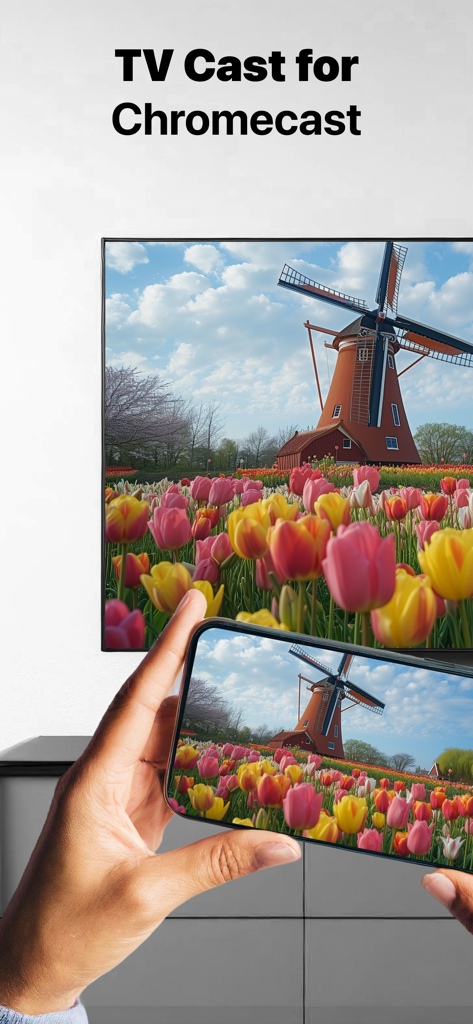
Espelhando uma foto de um moinho de vento de um iPhone para uma tela de TV grande usando o aplicativo Mirror for Chromecast.

Espelhando uma foto de um moinho de vento de um iPhone para uma tela de TV grande usando o aplicativo Mirror for Chromecast.

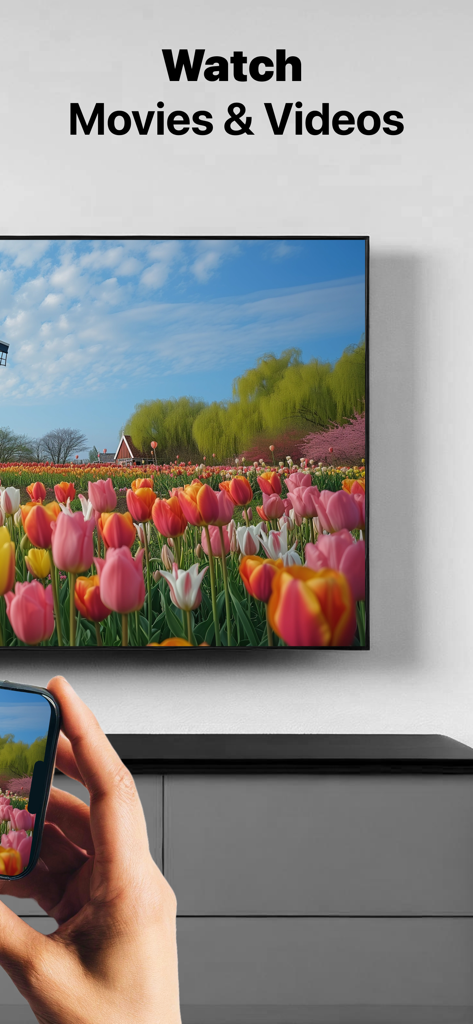
Uma pessoa usando um iPhone para espelhar um vídeo de um campo de flores em uma tela de televisão grande

Uma pessoa usando um iPhone para espelhar um vídeo de um campo de flores em uma tela de televisão grande

Uma mulher assistindo ao pôr do sol em uma tela de televisão usando o aplicativo Mirror for Chromecast

Uma mulher assistindo ao pôr do sol em uma tela de televisão usando o aplicativo Mirror for Chromecast

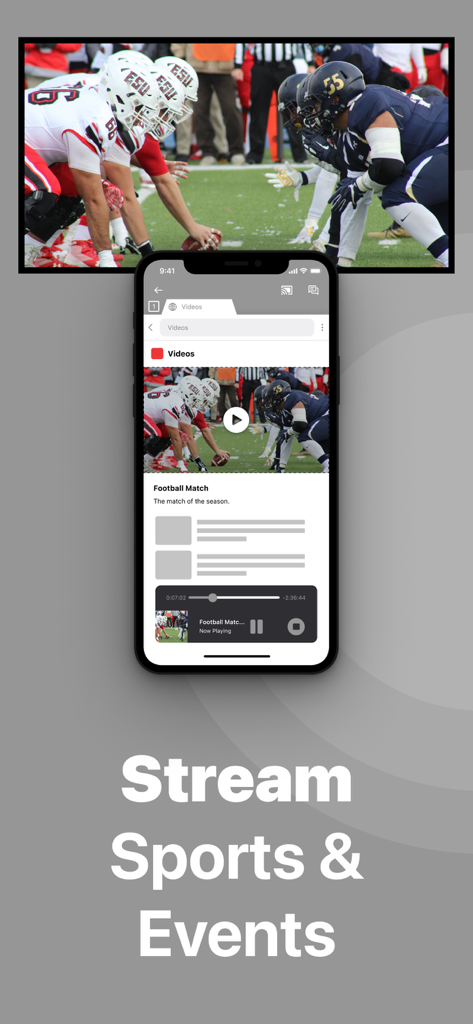
Tela do iPhone espelhando um evento esportivo para uma TV através do aplicativo Chromecast

Tela do iPhone espelhando um evento esportivo para uma TV através do aplicativo Chromecast

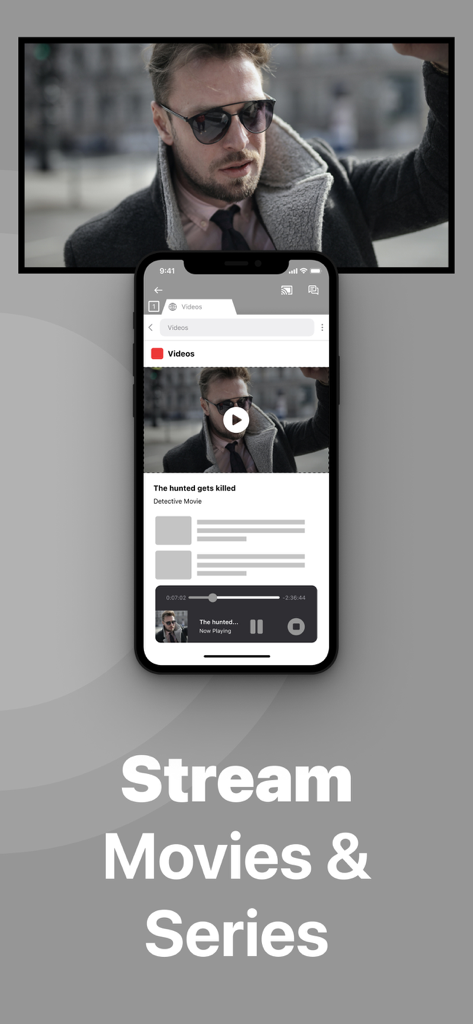
Um iPhone espelhando a reprodução de um filme em uma tela de TV grande com o texto Transmitir Filmes e Séries

Um iPhone espelhando a reprodução de um filme em uma tela de TV grande com o texto Transmitir Filmes e Séries

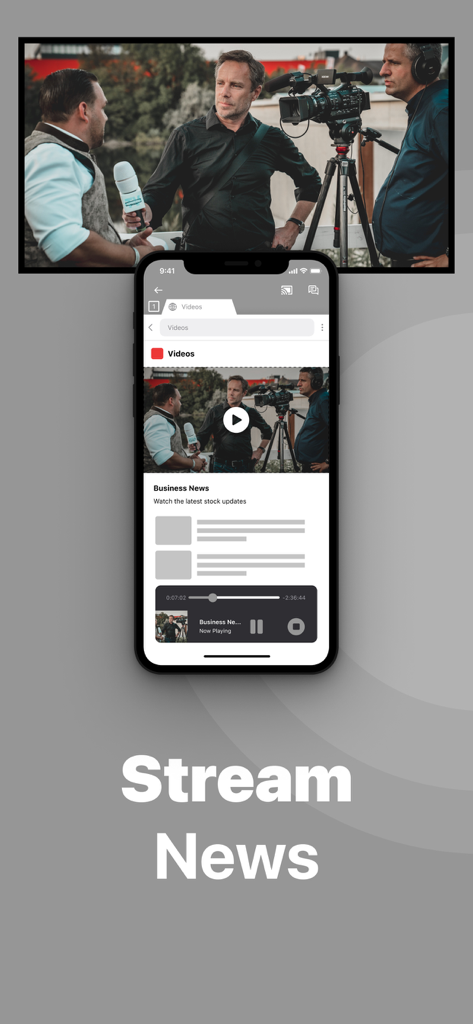
Tela do iPhone espelhando notícias de negócios para uma TV usando o aplicativo Mirror for Chromecast

Tela do iPhone espelhando notícias de negócios para uma TV usando o aplicativo Mirror for Chromecast

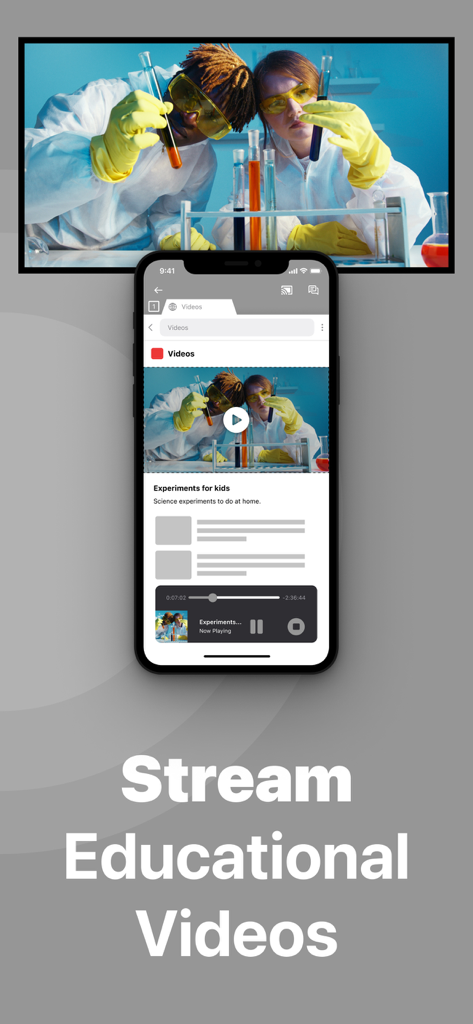
iPhone espelhando um vídeo educacional de ciência em uma tela de televisão

iPhone espelhando um vídeo educacional de ciência em uma tela de televisão

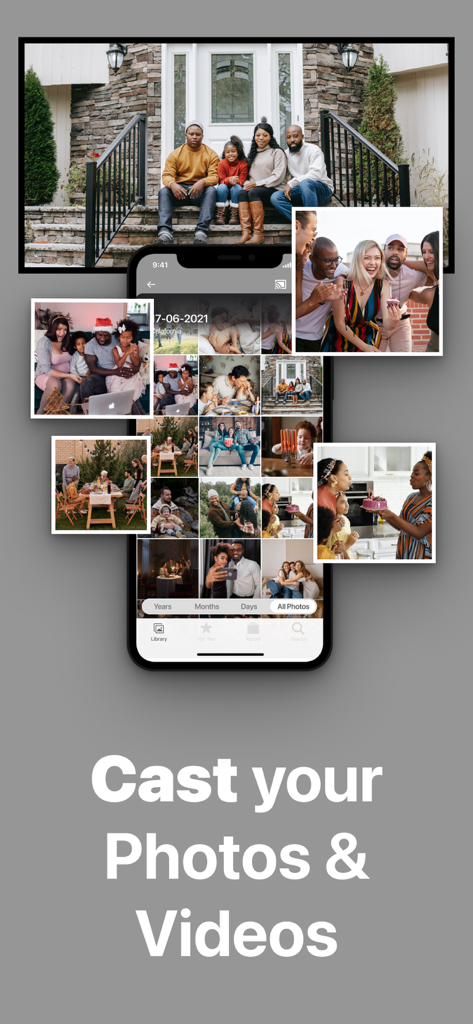
Smartphone espelhando uma galeria de fotos de família em uma tela de televisão grande

Smartphone espelhando uma galeria de fotos de família em uma tela de televisão grande

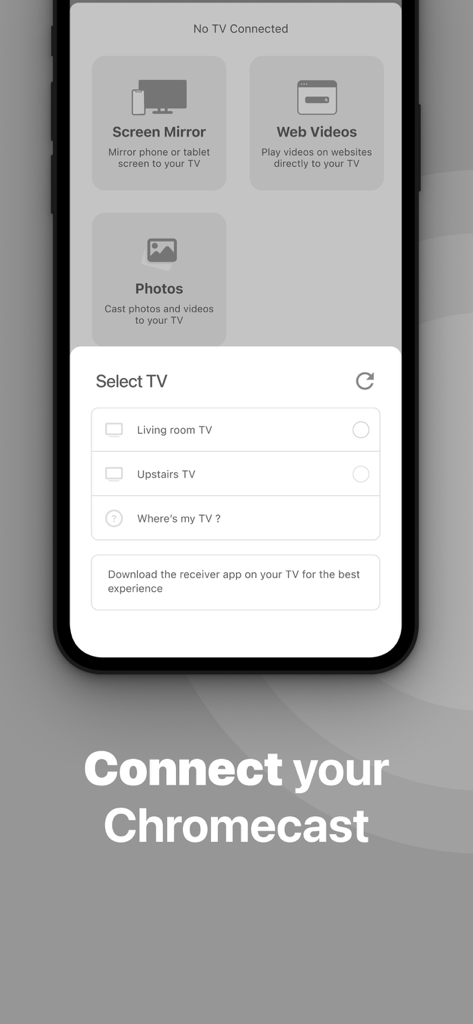
Interface de aplicativo móvel para selecionar um dispositivo Chromecast para iniciar o espelhamento de tela.

Interface de aplicativo móvel para selecionar um dispositivo Chromecast para iniciar o espelhamento de tela.

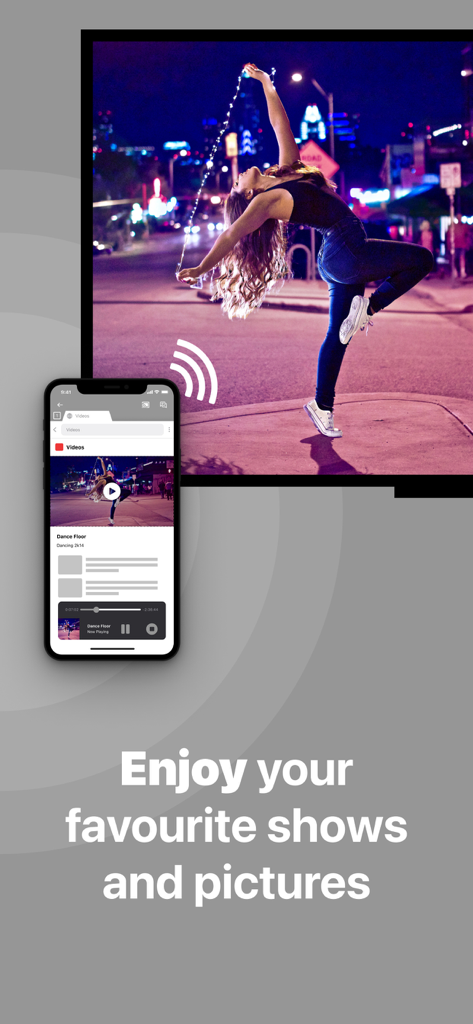
Uma tela de iPhone espelhando uma foto de um dançarino em uma televisão grande usando o aplicativo Mirror for Chromecast

Uma tela de iPhone espelhando uma foto de um dançarino em uma televisão grande usando o aplicativo Mirror for Chromecast

Tudo no Seu iPhone, Agora na Sua TV

As ferramentas que destacam este app, escolhido por 750K+ usuários.

📸

Reviva Suas Memórias

Dê vida à sua biblioteca de fotos. Compartilhe fotos de férias e vídeos pessoais com toda a família na tela grande sem precisar de uma Apple TV.

📊

Apresente com Confiança

Transforme seu iPad em uma estação de trabalho portátil. Espelhe slides, planilhas e documentos para apresentações profissionais e sem cabos em qualquer sala de reunião.

🌐

Transmita do Seu Jeito

Transmita seus conteúdos favoritos da web, apps de fitness ou transmissões esportivas de nicho. Se está na sua tela e não é protegido por DRM, está na sua TV.

Análise de avaliações

Insights das avaliações dos usuários.

Pontuação de sentimento

20%
Negativo

Resumo

This app receives predominantly negative feedback, mainly due to its high subscription costs and frequent connectivity issues. Users widely report being charged excessive fees and experiencing scams, often finding the app laggy, slow, and unreliable with constant disconnections and delays. A major limitation is its inability to mirror protected streaming content from popular services like Netflix and Apple TV+. While some users appreciate its ease of use and helpful customer support, these positive aspects are overshadowed by pervasive functional problems and cost concerns, including reports of the app failing after an iOS update.

Temas comuns

Subscription Cost(17)
Connectivity Issues(12)
App Not Working(9)
Performance & Lag(6)
Ease of Use(5)
Effective Screen Mirroring(4)
Blocked Content(3)
Customer Support(2)

Sobre o app

Tudo o que você precisa saber sobre Mirror for Chromecast app.

Descrição

Application to mirror the screen and audio of your iPhone or iPad to a Chromecast 1, 2, 3, Ultra, or Google TV. You can mirror any app on your iPhone or iPad to your Chromecast. In using the app, there will be a couple of seconds of latency (usually between 2 and 4). So this mirroring is not suitable for gaming. However, it is very suitable for watching movies, giving presentations, watching photos, and much more! How the app works: 1. Make sure that your iPhone or iPad is connected to the same local network as your Chromecast. Don't use multiple VLANs or subnets. 2. Launch the Mirror for Chromecast app. It will start looking for your Chromecast devices on your local network. When a Chromecast is found, please select it. 3. Turn on notifications for this app. We will not spam you, but we will use this to let you know if your Chromecast is working correctly or not. So please, please allow it, otherwise when things don't work as they should, you are left in the dark. 4. Click on Start Mirroring to start mirroring on the Chromecast that is currently selected. After that, you can just go to any other app on your iPhone or iPad and the mirroring just continues to run. 5. To stop mirroring, there are two options. (1) click on the red top bar that you will see on your iPhone or iPad. (2) Go to the Mirror for Chromecast app and click on Stop Mirroring. You can purchase the Mirror for Chromecast Pro Version through an in app purchase. The Pro Version has the following features: 1. Removes the watermark from the player on TV 2. Provides for free lifetime updates of the app 3. Enables sound even when the watermark is displayed on TV * Payment will be charged to iTunes Account at confirmation of purchase. * Subscription automatically renews unless auto-renew is turned off at least 24-hours before the end of the current period. * Account will be charged for renewal within 24-hours prior to the end of the current period, and identify the cost of the renewal. * Subscriptions may be managed by the user and auto-renewal may be turned off by going to the user’s Account Settings after purchase. * Any unused portion of a free trial period, if offered, will be forfeited when the user purchases a subscription to that publication, where applicable. Feel free to check: Our Terms of Use: http://bit.ly/ToU-MfC Our Privacy Policy: https://www.airbeam.tv/privacy-policy/ Limitations and known issues: DRM Some apps block Screen Mirroring. This means that application developers can choose themselves if they want to block Screen Mirroring. For instance, Netflix, Disney and AppleTV+ have decided to block this. There is a simple test that you can do to see if the app that you want to mirror has blocked Screen Mirroring: Open that particular app and slide up Control Center on your iPhone/iPad. Then, click on Screen Recording and start recording the screen to your Camera Roll. Watch the app that you want to mirror and at some point stop the screen recording. Then go to your Photos app and watch the video that was recorded. If the recorded video shows the app you want to mirror, it works fine. If the video is empty, then the app you want to mirror does not allow Screen Mirroring. About Screen Recording and Privacy Even though there are notifications about Screen Recording, we don't record your screen into files and we don't send any content to a server. We only temporarily store data in memory, before it is streamed to TV. Upon streaming, the content is removed from memory. Support: If you have questions or would like to provide feedback, please send us an e-mail or chat with us on our Facebook page. When you like the app, please don't forget to give it a positive rating! Thanks in advance from the AirBeamTV development team! Please give us feedback by mailing to support@airbeam.tv Chromecast is a trademark of Google LLC.

Última versão

6.2.14

Tamanho

168.1 MB

Data de lançamento

22 de jun. de 2018

Comece a Espelhar no Seu Chromecast Hoje

Junte-se a mais de 750.000 usuários que conectam o iOS à Google TV. Compartilhe fotos, apresentações e muito mais com apenas um toque.

Baixar no App Store

App information, icons, screenshots, and descriptions displayed on this page are sourced from the Apple App Store and are the property of their respective developers. Download estimates and rankings are based on MWM's proprietary models and may not reflect actual figures. This page is provided for informational and analytical purposes only.

Believe this page infringes your intellectual property? File a dispute