
Esta página não é uma página oficial do aplicativo ou de seu desenvolvedor, mas uma publicação editorial independente criada para fins informativos e de comentário. Salvo indicação expressa em contrário, nem o aplicativo nem seu desenvolvedor são afiliados, endossados, patrocinados, autorizados ou oficialmente conectados à MWM, Apple, Google Play, ao editor do aplicativo ou ao desenvolvedor do aplicativo, e nada nesta página implica que o aplicativo foi desenvolvido utilizando os serviços da MWM. Todas as marcas comerciais, logotipos, capturas de tela e outros conteúdos permanecem propriedade de seus respectivos proprietários.

MixEffect Pro - Paid Up-Front
Assuma o comando total das suas produções de vídeo ao vivo com layouts personalizáveis, transições SuperSource animadas e a poderosa automação de Atalhos no iPhone, iPad e Mac.
Downloads
23K+Avaliação
Total de avaliações
0Editor
Categoria
Photo & VideoIdiomas
5Última versão
2.4.0Tamanho
113.1 MBData de lançamento
17 de abr. de 2022Domine a sua Transmissão ao Vivo com Controlo de Nível Profissional
Desbloqueie o potencial oculto do seu hardware ATEM com uma interface mobile-first projetada para velocidade, automação avançada e execução impecável.
Gestão Visual de SuperSource
Crie e anime layouts complexos de múltiplas janelas sem esforço com ferramentas de arrastar e soltar que superam os limites do hardware padrão.
Automação Poderosa de Fluxo de Trabalho
Utilize os Atalhos do iOS e a Siri para acionar macros, alterar layouts e automatizar a sua produção com base nos níveis de áudio em tempo real.
As capturas de tela e a descrição a seguir são provenientes diretamente da listagem oficial da loja do aplicativo e são propriedade do desenvolvedor.
App Store
Capturas
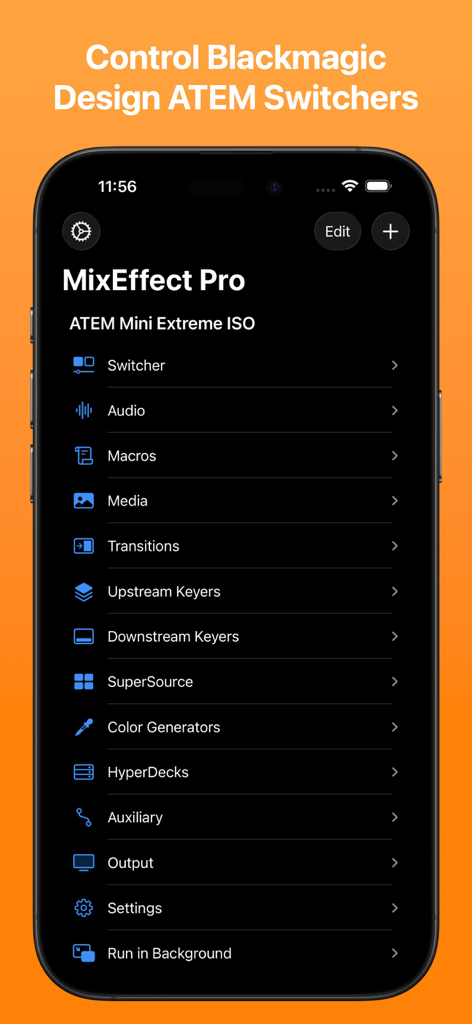
Menu principal da aplicação MixEffect Pro para iPhone mostrando opções de controlo para switchers Blackmagic Design ATEM, incluindo áudio, macros e transições
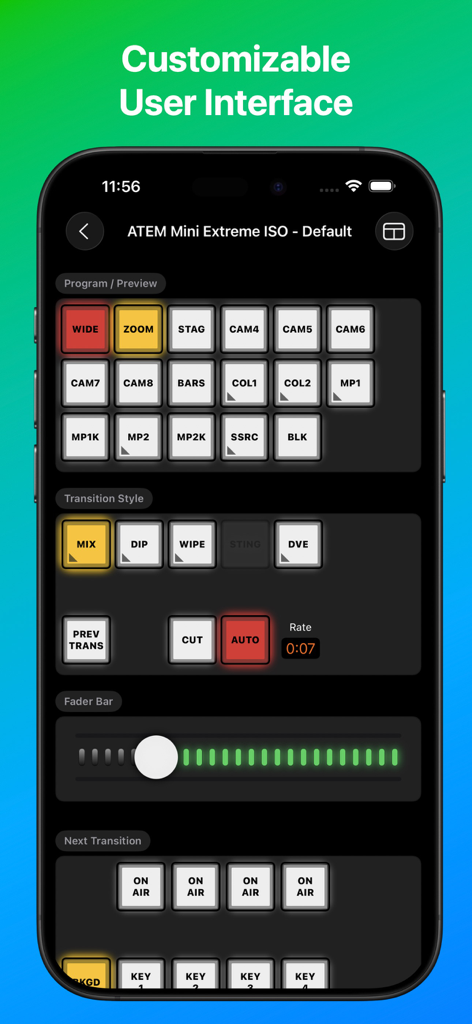
Interface da aplicação MixEffect Pro para controlo do switcher ATEM Mini Extreme ISO
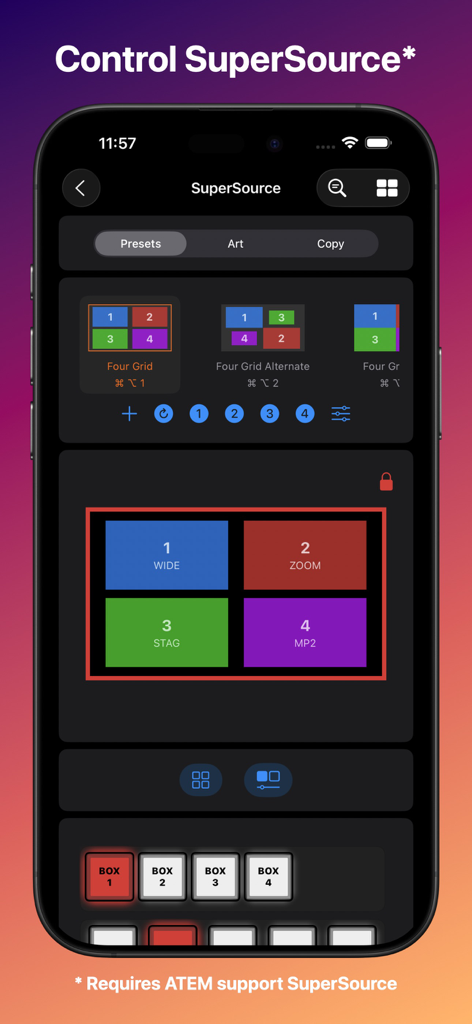
Interface do MixEffect Pro para iPhone para controlar predefinições de layout SuperSource em produções de vídeo ao vivo
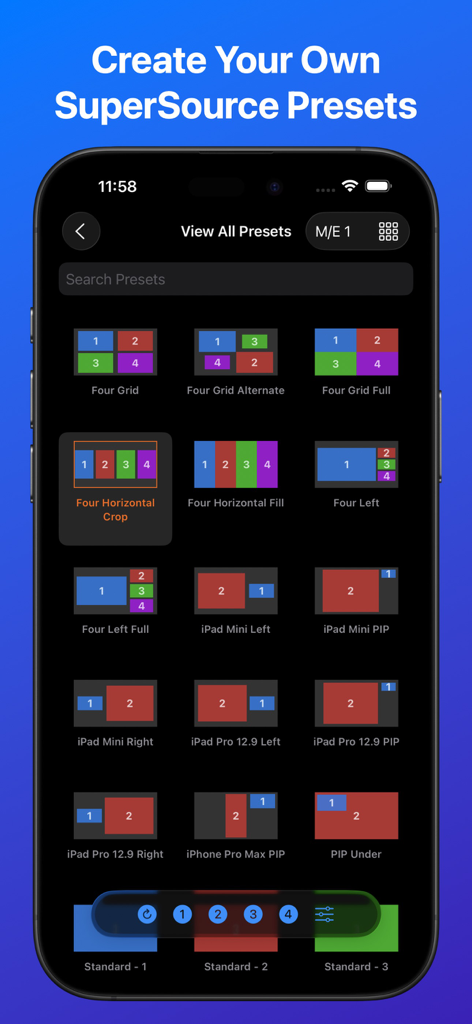
Interface da aplicação MixEffect Pro mostrando uma grelha de diferentes predefinições de layout SuperSource para switchers de vídeo ATEM
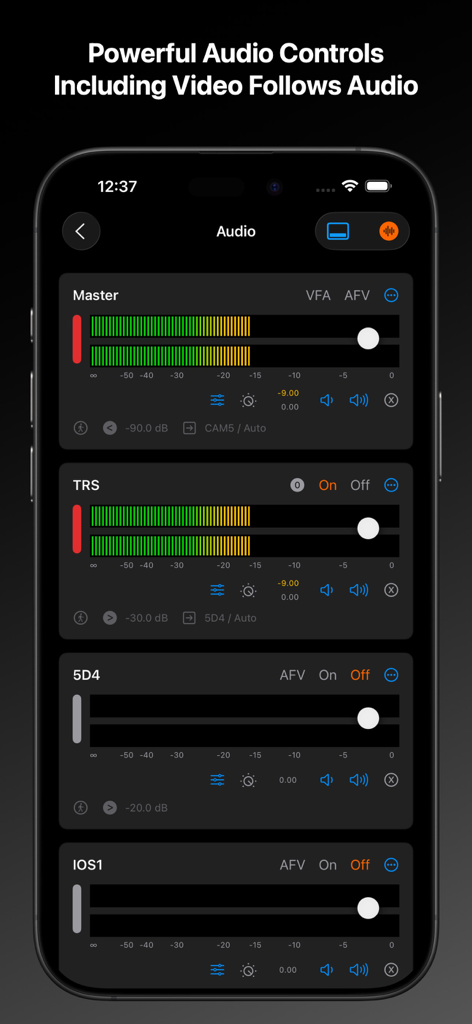
Interface do misturador de áudio da aplicação MixEffect Pro no iPhone mostrando os controlos deslizantes de nível mestre e de canais individuais
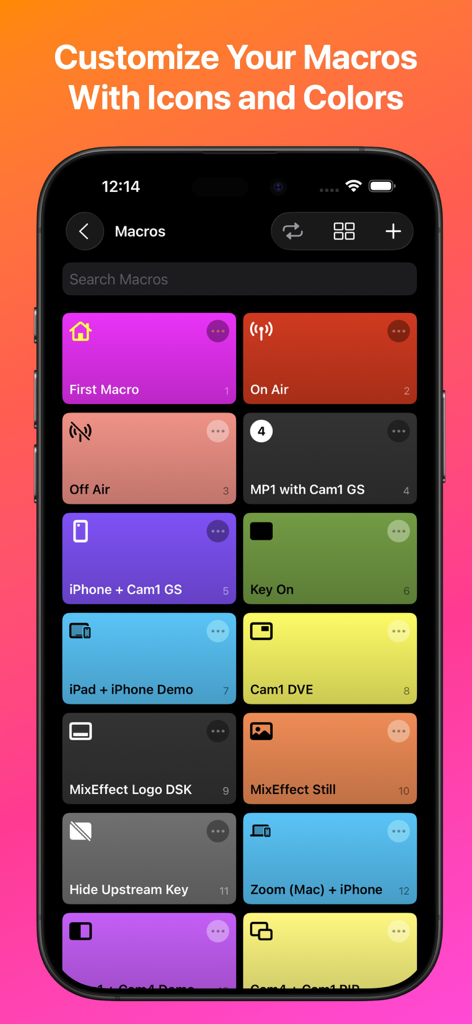
Interface da aplicação MixEffect Pro mostrando uma grelha de botões de macro coloridos com ícones personalizados num ecrã de iPhone
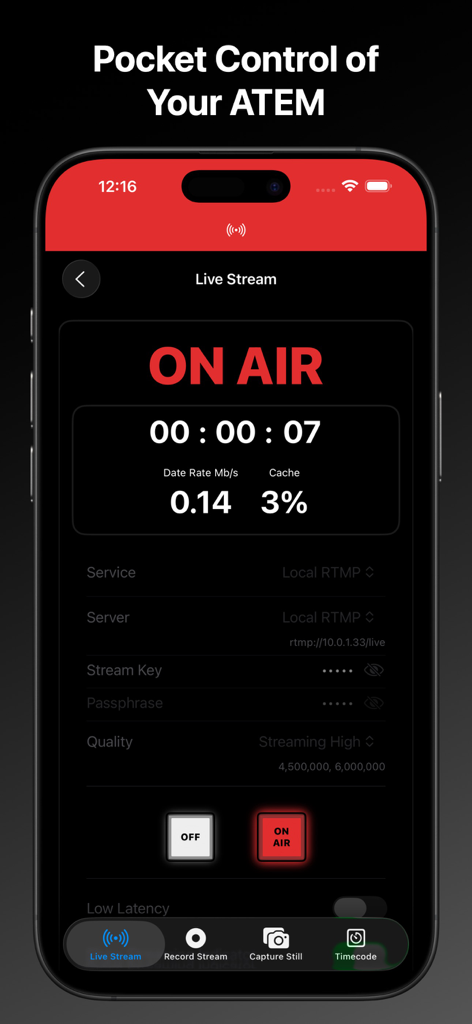
Interface da aplicação MixEffect Pro para iPhone mostrando o estado "on air" da transmissão ao vivo e dados de streaming para switchers ATEM
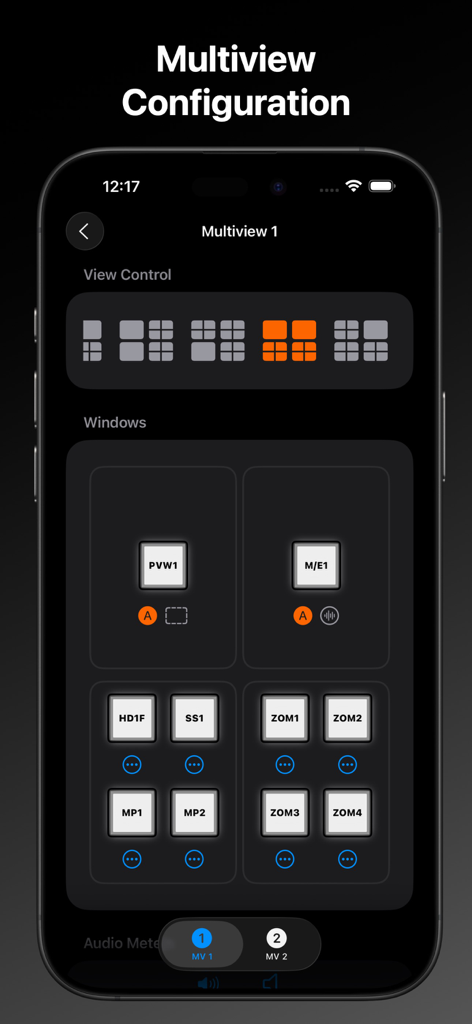
Interface do MixEffect Pro mostrando as definições de configuração de multiview para controlo de layout do switcher de vídeo
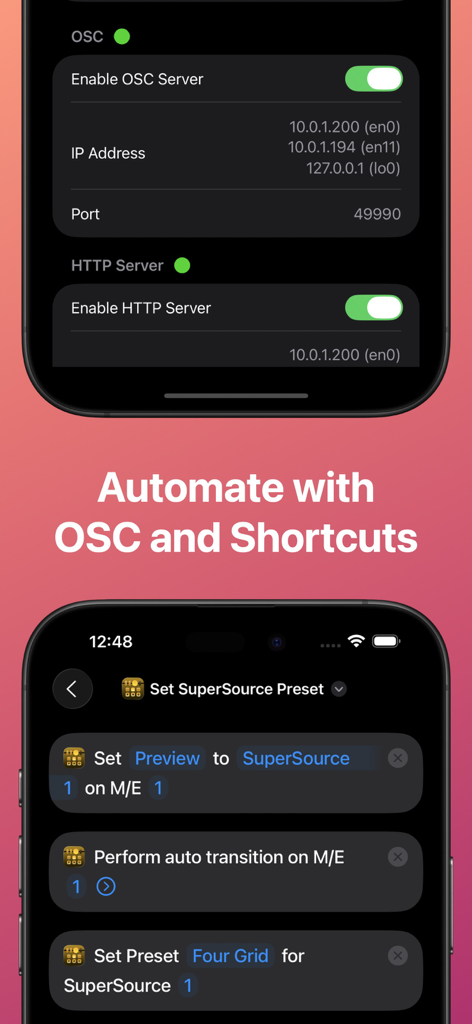
Interface da aplicação MixEffect Pro mostrando as definições do servidor OSC e Atalhos do iOS para automação de switchers ATEM.
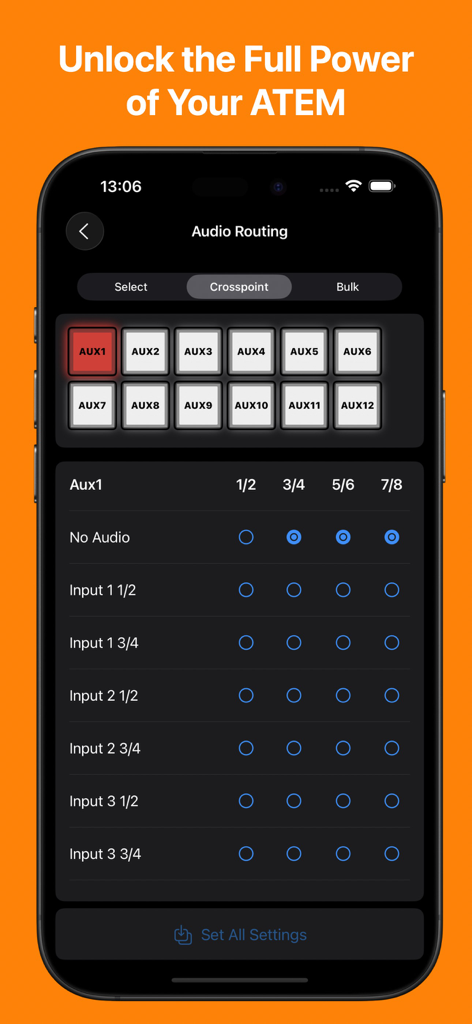
Aplicação MixEffect Pro mostrando a interface de gestão de roteamento de áudio e crosspoint para switchers ATEM num iPhone
Descrição
Download
Apps Semelhantes
Apps mais bem classificados na mesma categoria

CapCut: Photo & Video Editor
BYTEDANCE PTE. LTD.

Instagram, Inc.

YouTube
Google LLC

Canva: AI Photo & Video Editor
Canva Pty Ltd

Snapchat
Snap, Inc.

快手
Beijing Kwai Technology Co., Ltd.

Edits: Video Editor
Instagram, Inc.

Meitu- AI Photo & Video Editor
Xiamen Meitu Technology Co., Ltd.

Google Photos: Backup & Edit
Google LLC
Esta página não é uma página oficial do aplicativo ou de seu desenvolvedor, mas uma publicação editorial independente criada para fins informativos e de comentário. Salvo indicação expressa em contrário, nem o aplicativo nem seu desenvolvedor são afiliados, endossados, patrocinados, autorizados ou oficialmente conectados à MWM, Apple, Google Play, ao editor do aplicativo ou ao desenvolvedor do aplicativo, e nada nesta página implica que o aplicativo foi desenvolvido utilizando os serviços da MWM. Todas as marcas comerciais, logotipos, capturas de tela e outros conteúdos permanecem propriedade de seus respectivos proprietários.