
Esta página não é uma página oficial do aplicativo ou de seu desenvolvedor, mas uma publicação editorial independente criada para fins informativos e de comentário. Salvo indicação expressa em contrário, nem o aplicativo nem seu desenvolvedor são afiliados, endossados, patrocinados, autorizados ou oficialmente conectados à MWM, Apple, Google Play, ao editor do aplicativo ou ao desenvolvedor do aplicativo, e nada nesta página implica que o aplicativo foi desenvolvido utilizando os serviços da MWM. Todas as marcas comerciais, logotipos, capturas de tela e outros conteúdos permanecem propriedade de seus respectivos proprietários.

MixEffect (Trial & Pro Unlock)
Liberte a sua produção ao vivo com transições SuperSource animadas, Vídeo Segue Áudio e poderosa automação Shortcuts – tudo a partir de uma interface móvel concebida para profissionais.
Downloads
19K+Avaliação
Total de avaliações
200Editor
Categoria
Photo & VideoIdiomas
5Última versão
2.3.0Tamanho
108.2 MBData de lançamento
6 de mai. de 2021Controlo Avançado de Produção
Eleve as suas transmissões ao vivo com a interface mais poderosa e sem subscrições para switchers ATEM da Blackmagic, concebida para o profissional móvel.
Mobilidade Total do Estúdio
Liberte-se da sua secretária. Controle o seu switcher, níveis de áudio e pool de multimédia a partir do seu iPad ou iPhone com layouts otimizados para toque, concebidos para ambientes de alta pressão ao vivo.
SuperSource de Nível Profissional
Domine layouts complexos com facilidade. Anime automaticamente transições e utilize ferramentas intuitivas de arrastar e soltar para criar composições visuais de ponta que rivalizam com as grandes redes de TV.
As capturas de tela e a descrição a seguir são provenientes diretamente da listagem oficial da loja do aplicativo e são propriedade do desenvolvedor.
App Store
Capturas
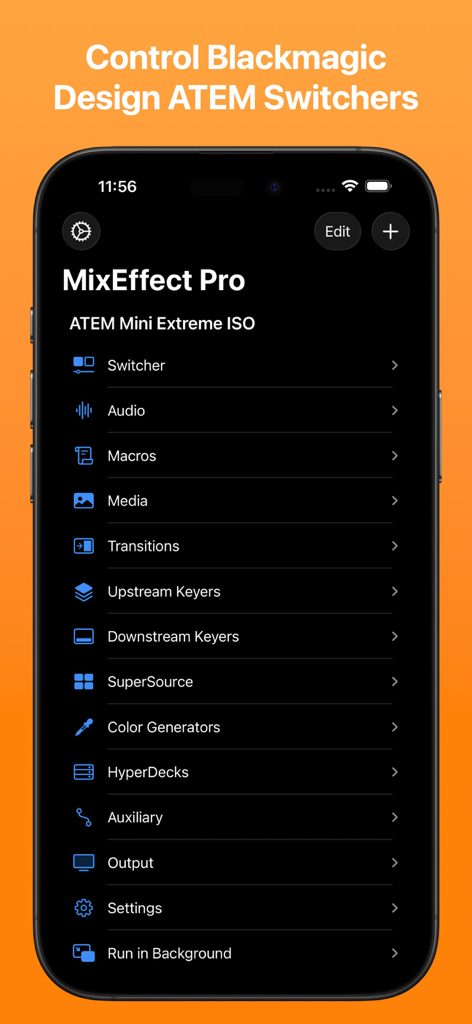
Menu da aplicação móvel MixEffect Pro mostrando opções de controlo para switchers Blackmagic Design ATEM
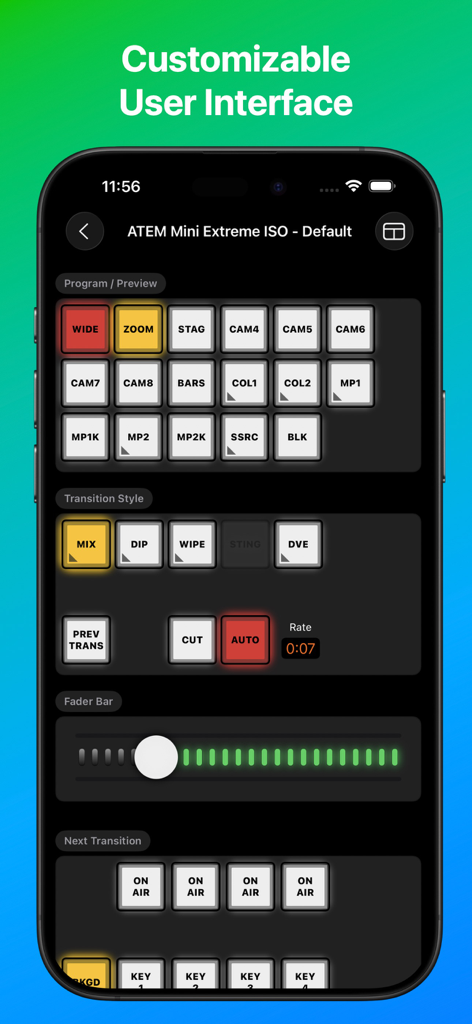
Interface da aplicação MixEffect num smartphone mostrando controlos profissionais de switcher de vídeo para ATEM Mini
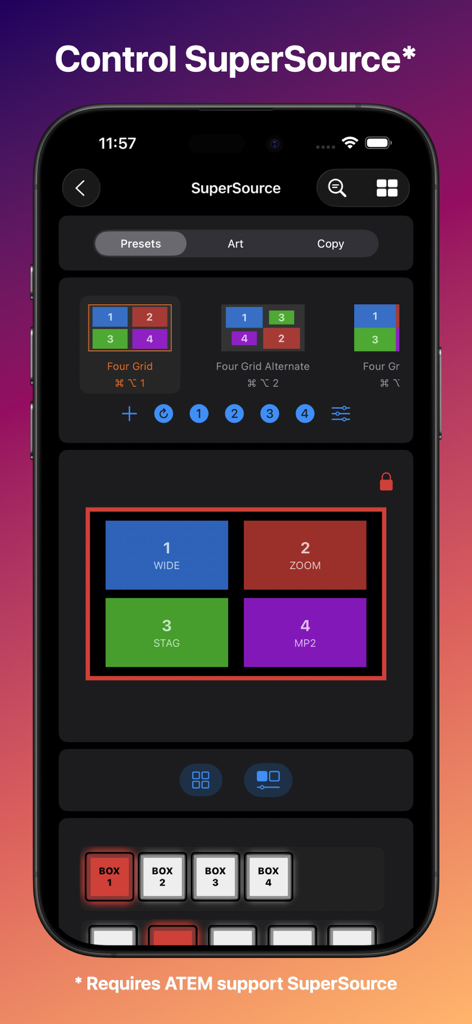
Interface da aplicação MixEffect num iPhone a exibir opções de layout SuperSource e controlos para Blackmagic ATEM switchers.
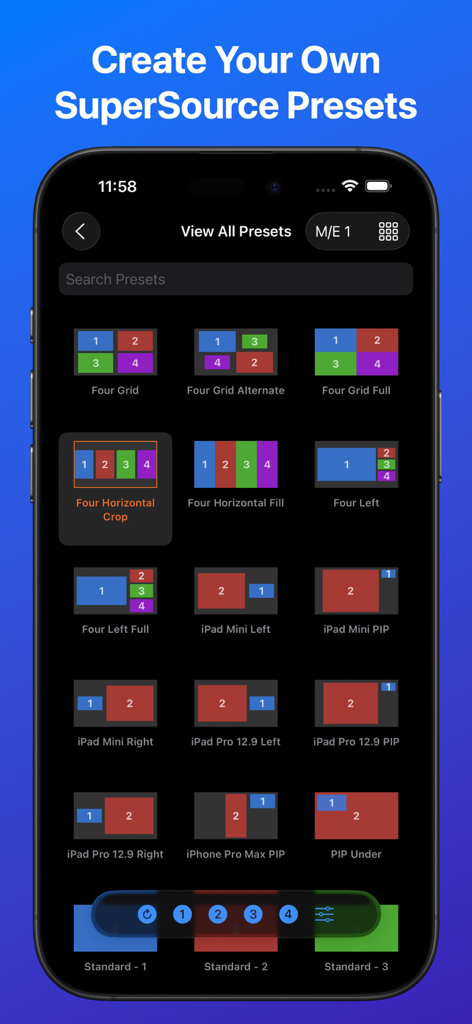
Captura de ecrã do iPhone da aplicação MixEffect mostrando uma biblioteca de predefinições de layout de vídeo SuperSource para switchers Blackmagic ATEM
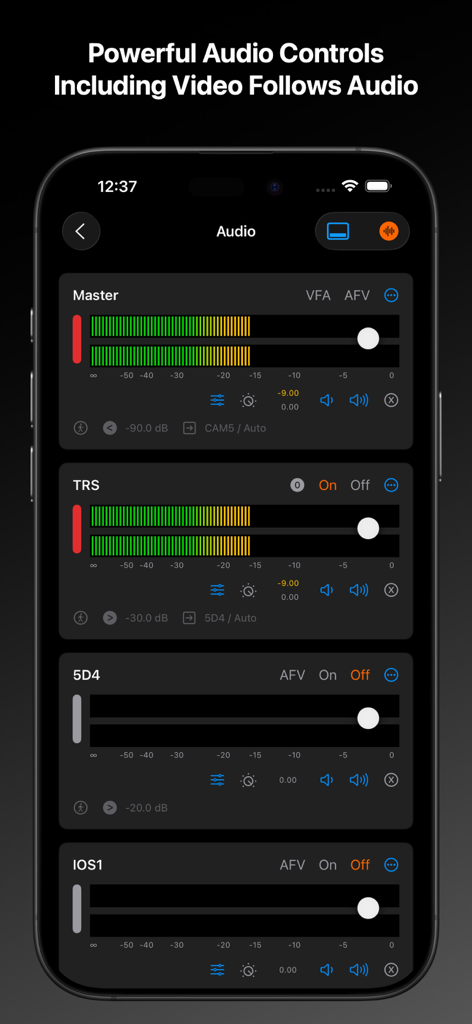
Interface da aplicação MixEffect mostrando painéis de controlo de áudio profissionais para switchers ATEM num iPhone
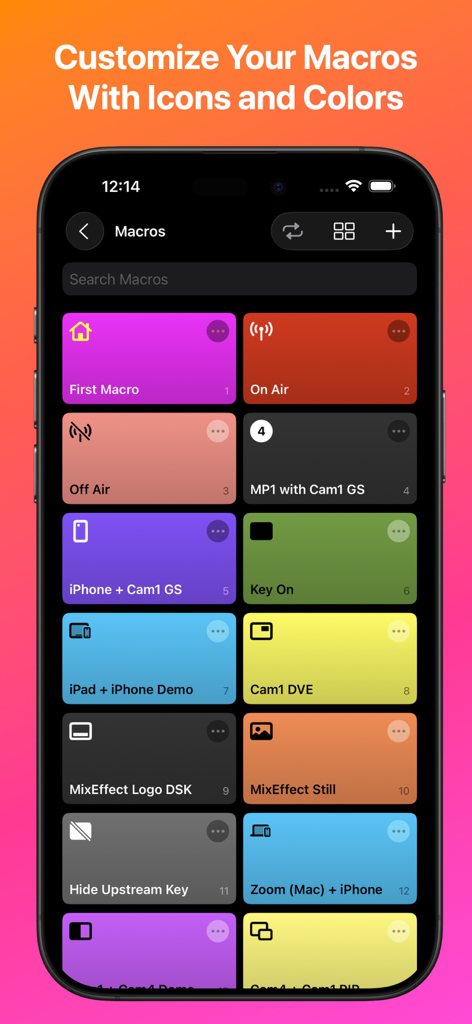
Aplicação móvel MixEffect mostrando uma grelha personalizável de botões macro com cores e ícones distintos
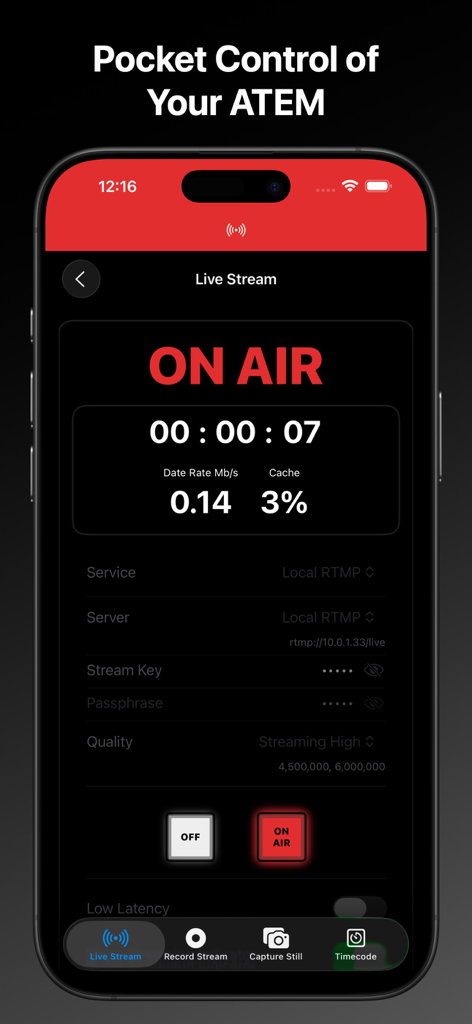
Interface da aplicação móvel MixEffect mostrando um estado de transmissão ao vivo no ar com dados técnicos e controlos do switcher
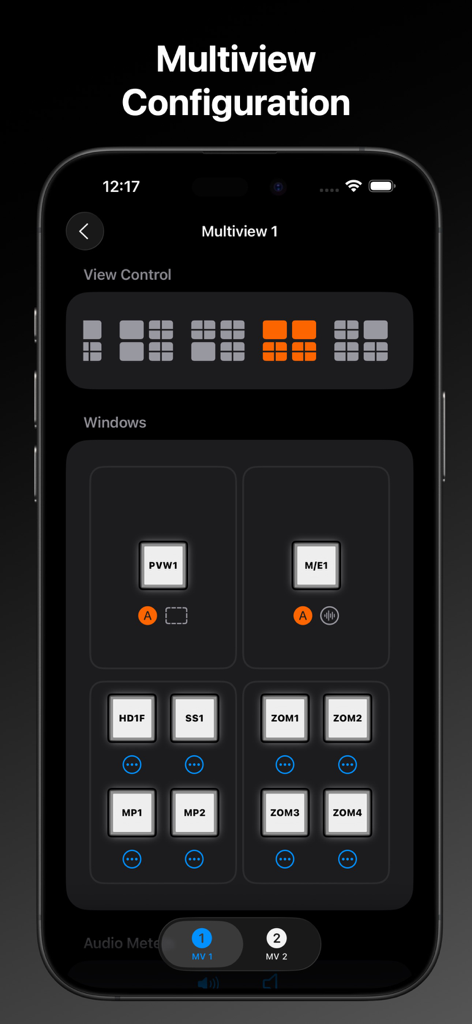
Aplicação MixEffect no iPhone mostrando o ecrã de configuração do multiview com grelhas de layout selecionáveis e atribuições de fontes de vídeo.
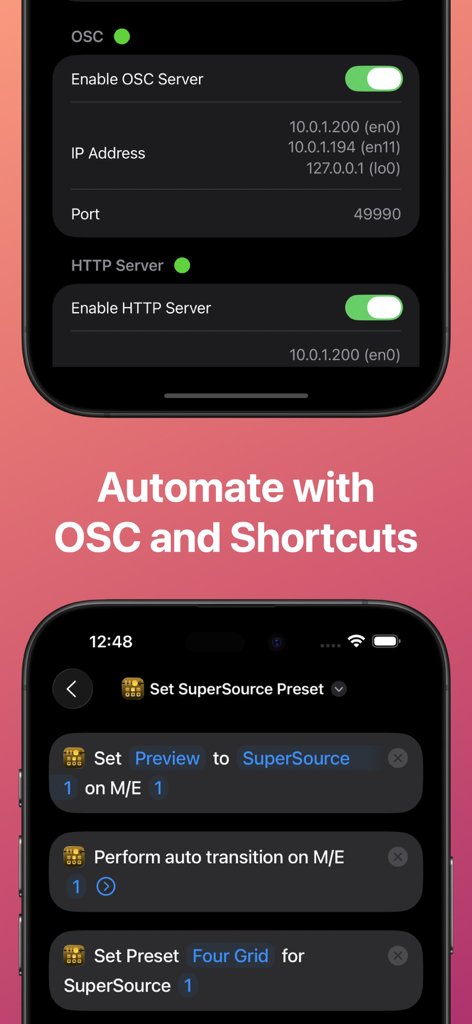
Interface da aplicação MixEffect mostrando configurações de servidor OSC e HTTP e integração com iOS Shortcuts para automatizar fluxos de trabalho de produção de vídeo.
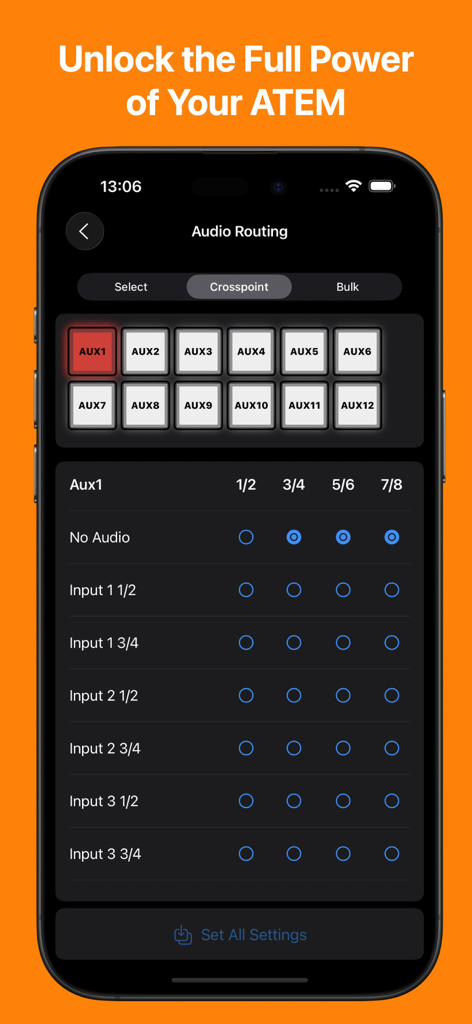
Interface da aplicação MixEffect num iPhone mostrando a matriz de roteamento de áudio para um switcher Blackmagic ATEM
Descrição
Download
Apps Semelhantes
Apps com recursos e experiência semelhantes

TouchOSC
Hexler LLC

Blackout Lighting Console
Blackout Lighting Console LLC

Logic Remote
Apple Inc.

LK - Ableton & Midi Controller
Imaginando Lda

Eos Remote
Trent Barclay

Mixing Station
Mixing Station GmbH

TouchOSC Mk1
Hexler LLC

MIDI Guitar
Jam Origin ApS

QLab Remote
Figure 53, LLC
Esta página não é uma página oficial do aplicativo ou de seu desenvolvedor, mas uma publicação editorial independente criada para fins informativos e de comentário. Salvo indicação expressa em contrário, nem o aplicativo nem seu desenvolvedor são afiliados, endossados, patrocinados, autorizados ou oficialmente conectados à MWM, Apple, Google Play, ao editor do aplicativo ou ao desenvolvedor do aplicativo, e nada nesta página implica que o aplicativo foi desenvolvido utilizando os serviços da MWM. Todas as marcas comerciais, logotipos, capturas de tela e outros conteúdos permanecem propriedade de seus respectivos proprietários.