
Esta página não é uma página oficial do aplicativo ou de seu desenvolvedor, mas uma publicação editorial independente criada para fins informativos e de comentário. Salvo indicação expressa em contrário, nem o aplicativo nem seu desenvolvedor são afiliados, endossados, patrocinados, autorizados ou oficialmente conectados à MWM, Apple, Google Play, ao editor do aplicativo ou ao desenvolvedor do aplicativo, e nada nesta página implica que o aplicativo foi desenvolvido utilizando os serviços da MWM. Todas as marcas comerciais, logotipos, capturas de tela e outros conteúdos permanecem propriedade de seus respectivos proprietários.


Nano Hotel Booking
Assuma o controle do seu pequeno negócio com um calendário profissional para quartos, veículos e ativos. Gerencie a disponibilidade, automatize preços sazonais e sincronize em todos os seus dispositivos Apple com facilidade.
Downloads
222K+Avaliação
Total de avaliações
0Editor
Categoria
BusinessIdiomas
2Última versão
10.7Tamanho
18.1 MBData de lançamento
27 de ago. de 2014Um Centro de Comando para Todos os Seus Ativos
Pare de usar vários aplicativos. A Reserva de Hotéis Nano oferece aos gerentes independentes as ferramentas profissionais para rastrear reservas, ajustar tarifas sazonais e aumentar a receita em qualquer tipo de aluguel.
Modos Flexíveis de Aluguel
Seja um quarto por dia, um carro por hora ou um escritório por mês, gerencie qualquer duração de ativo em um sistema unificado.
Disponibilidade Visual de Relance
Nosso calendário intuitivo com código de cores permite que você identifique vagas e confirme reservas em segundos, mantendo seu negócio organizado e eficiente.
As capturas de tela e a descrição a seguir são provenientes diretamente da listagem oficial da loja do aplicativo e são propriedade do desenvolvedor.
App Store
Capturas
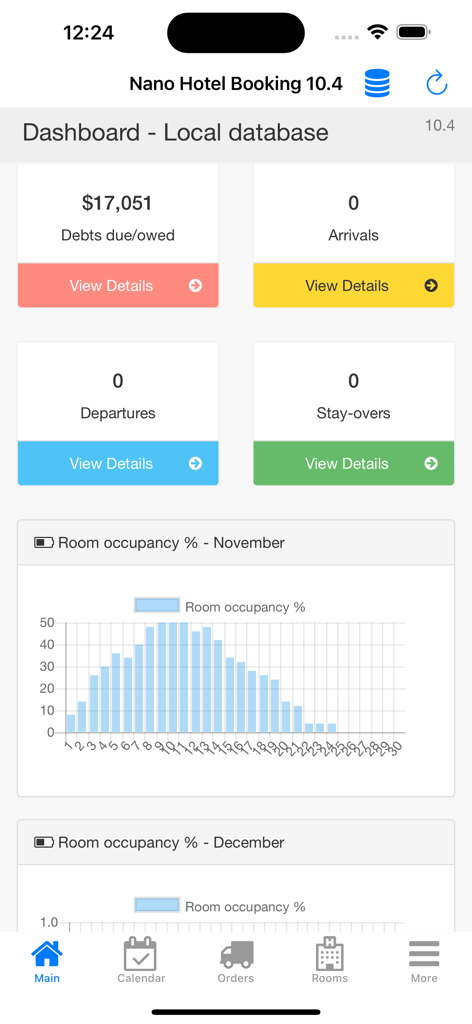
Painel da Reserva de Hotéis Nano mostrando estatísticas financeiras e um gráfico de ocupação de quartos.
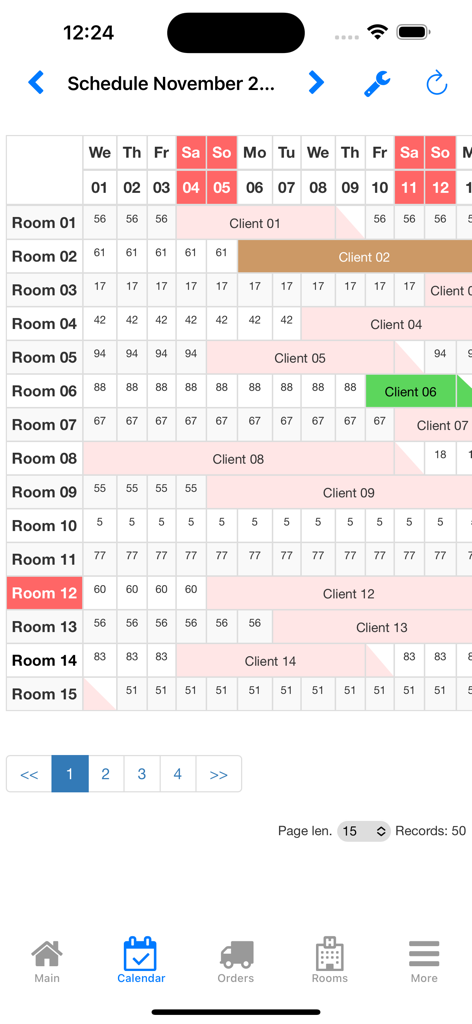
Interface de calendário de gerenciamento de propriedades com código de cores para o aplicativo Reserva de Hotéis Nano
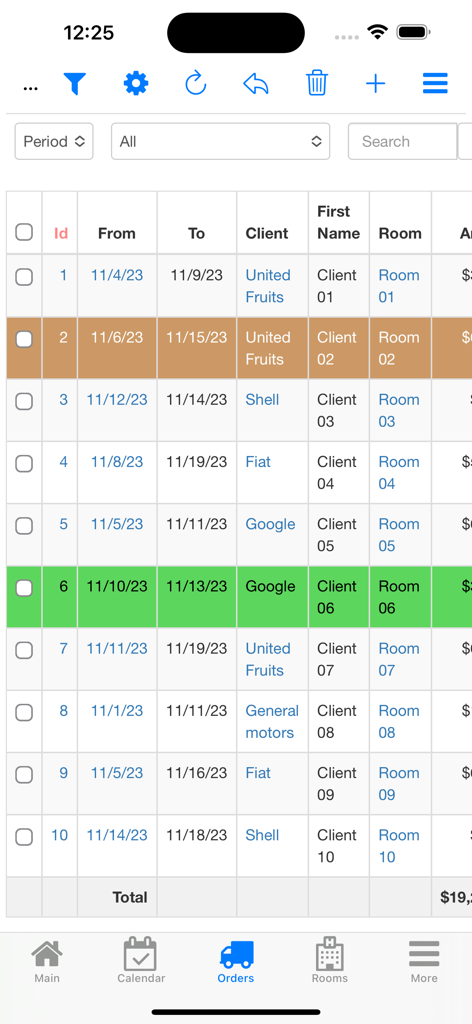
Uma lista de reservas de hóspedes e pedidos de aluguel na interface do aplicativo Reserva de Hotéis Nano.
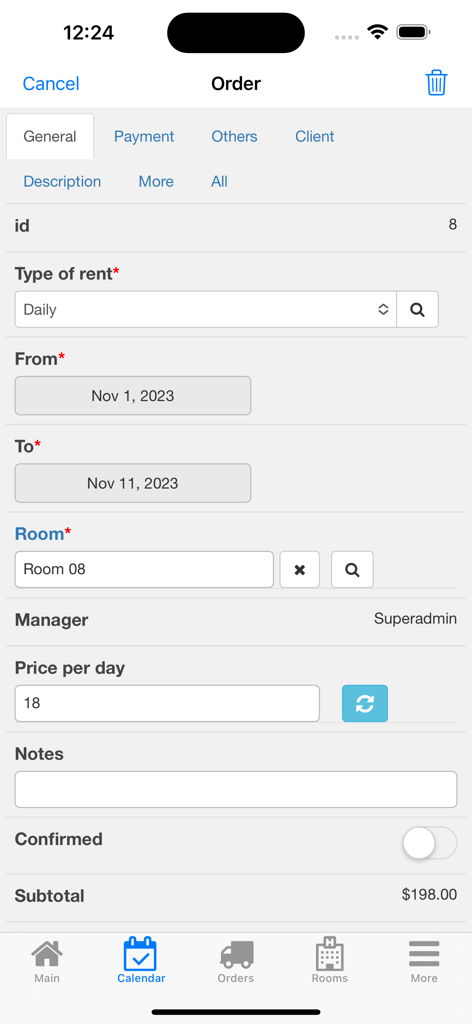
Interface móvel do aplicativo Reserva de Hotéis Nano exibindo um formulário de pedido detalhado com datas de aluguel, número do quarto e cálculo do subtotal
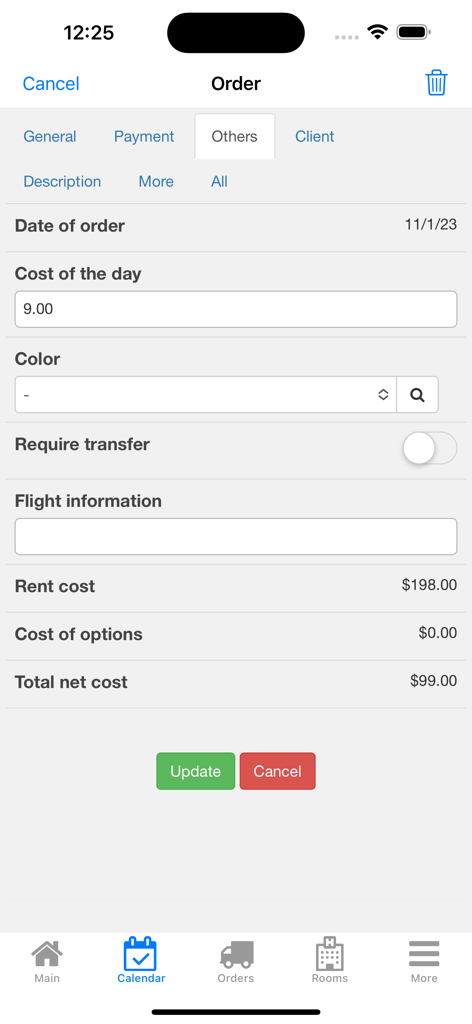
A tela de gerenciamento de pedidos do aplicativo Reserva de Hotéis Nano mostrando custos de aluguel e opções de serviços adicionais.
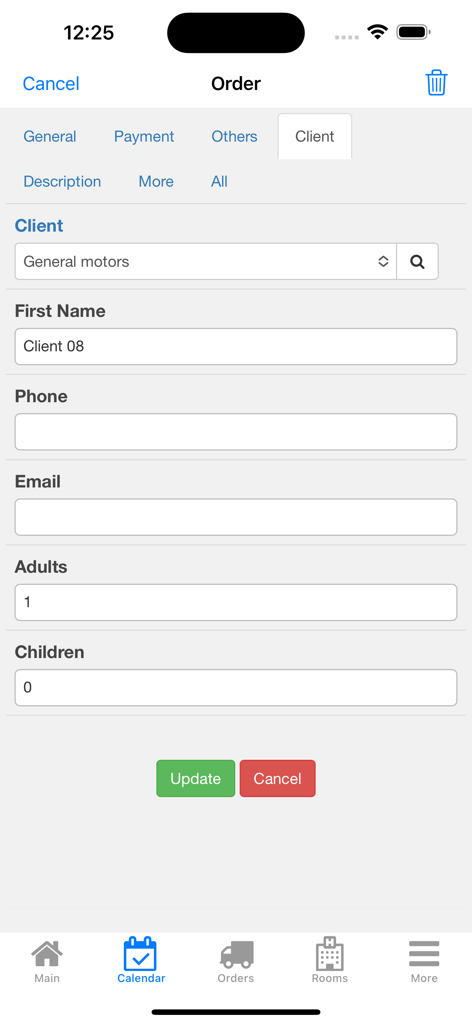
Tela de detalhes do pedido no aplicativo Reserva de Hotéis Nano mostrando campos de informações do cliente, incluindo nome, detalhes de contato e contagem de hóspedes
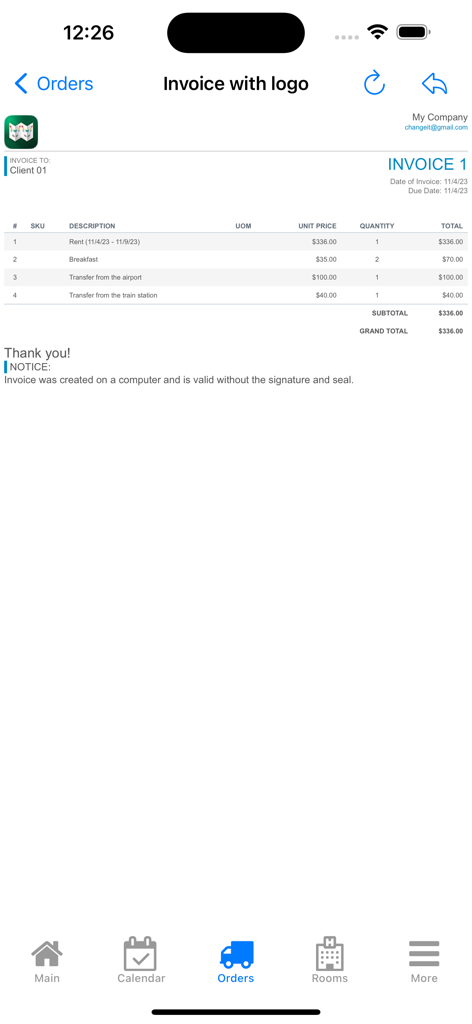
Uma tela de fatura profissional no aplicativo Reserva de Hotéis Nano listando aluguel, café da manhã e taxas de serviço de transferência para um cliente de pequena empresa.
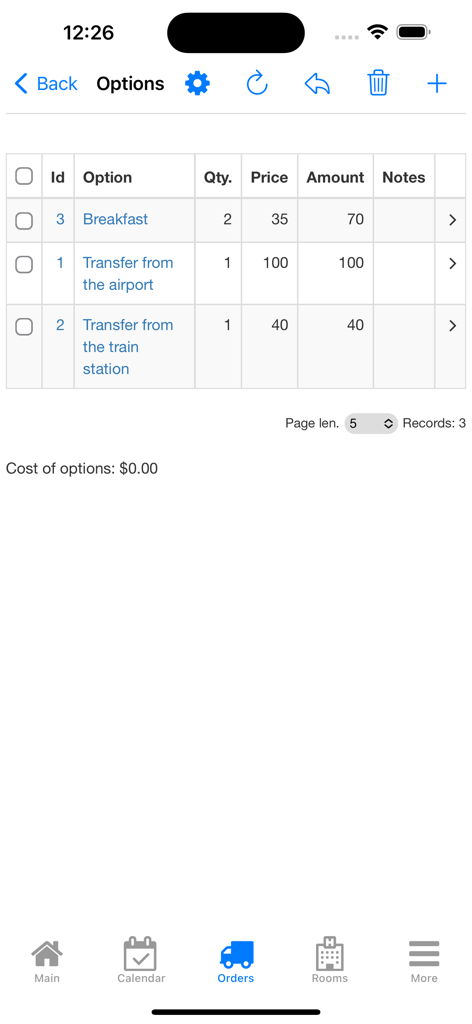
Lista de serviços de reserva adicionais como café da manhã e transferências na interface do aplicativo Reserva de Hotéis Nano.
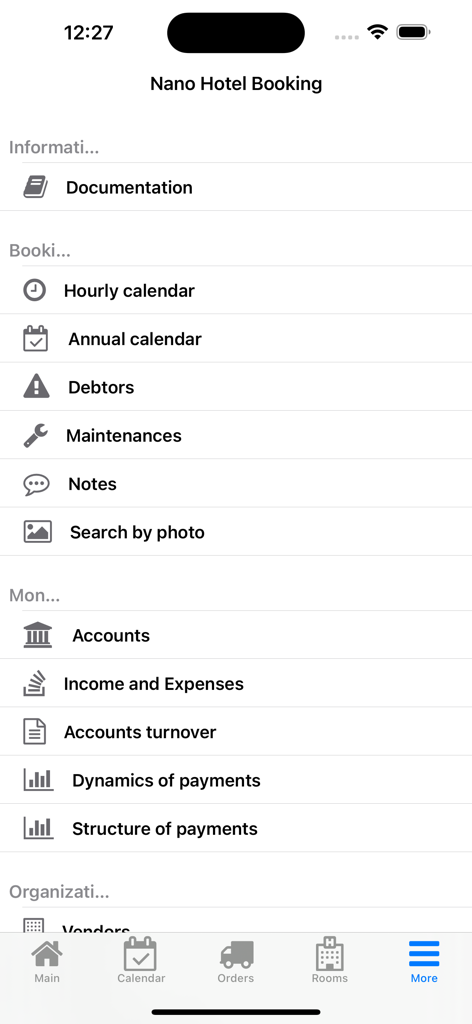
Tela de menu do aplicativo Reserva de Hotéis Nano mostrando ferramentas de gerenciamento para proprietários de pequenas empresas
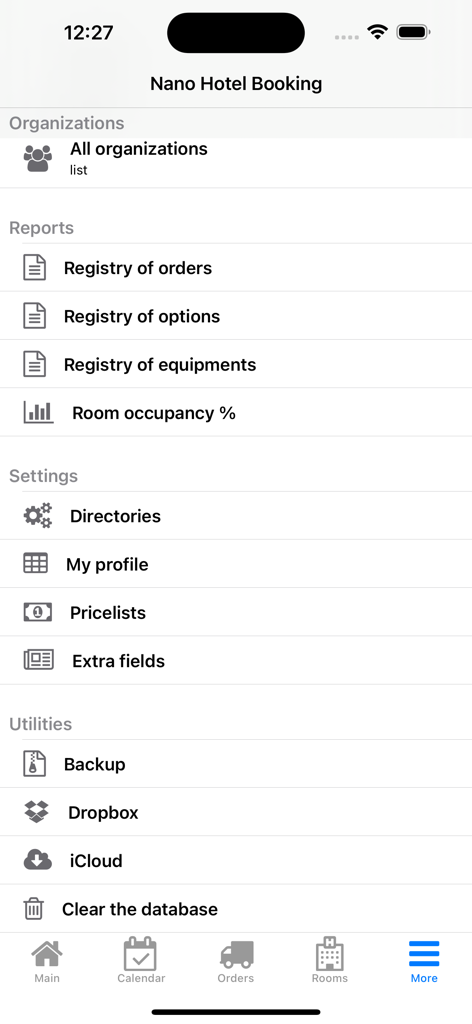
Menu de configurações e relatórios no aplicativo Reserva de Hotéis Nano mostrando utilitários de negócios
Descrição
Download
Apps Semelhantes
Apps mais bem classificados na mesma categoria

Microsoft Teams
Microsoft Corporation

Zoom Workplace
Zoom Communications, Inc.

WhatsApp Business
WhatsApp Inc.

Indeed Job Search
Indeed Inc.

LinkedIn: Network & Job Finder
LinkedIn Corporation

Adobe Acrobat Reader: Sign PDF
Adobe Inc.

WeCom-Work Communication&Tools
Tencent Technology (Shenzhen) Company Limited

BOSS直聘-招聘求职找工作神器
Beijing China Product Bo Farce Network Technology Co., Ltd.

DingDing - Redefine Work in AI
DingTalk Technology Co., Ltd.
Esta página não é uma página oficial do aplicativo ou de seu desenvolvedor, mas uma publicação editorial independente criada para fins informativos e de comentário. Salvo indicação expressa em contrário, nem o aplicativo nem seu desenvolvedor são afiliados, endossados, patrocinados, autorizados ou oficialmente conectados à MWM, Apple, Google Play, ao editor do aplicativo ou ao desenvolvedor do aplicativo, e nada nesta página implica que o aplicativo foi desenvolvido utilizando os serviços da MWM. Todas as marcas comerciais, logotipos, capturas de tela e outros conteúdos permanecem propriedade de seus respectivos proprietários.