OPlayer: O Reprodutor de Mídia Universal Que Reproduz Tudo
Pare de converter arquivos e recupere sua liberdade de mídia. Reproduza qualquer formato de vídeo, transmita do seu NAS ou PC e aproveite a qualidade 4K com o player mais confiável do mundo há mais de 12 anos.
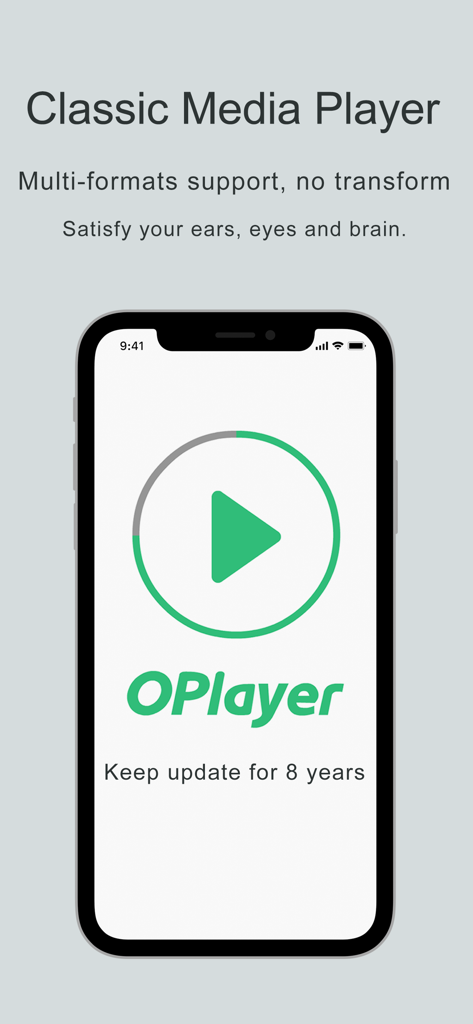
Interface do aplicativo OPlayer no iPhone destacando suporte a vídeo multiformato e longevidade
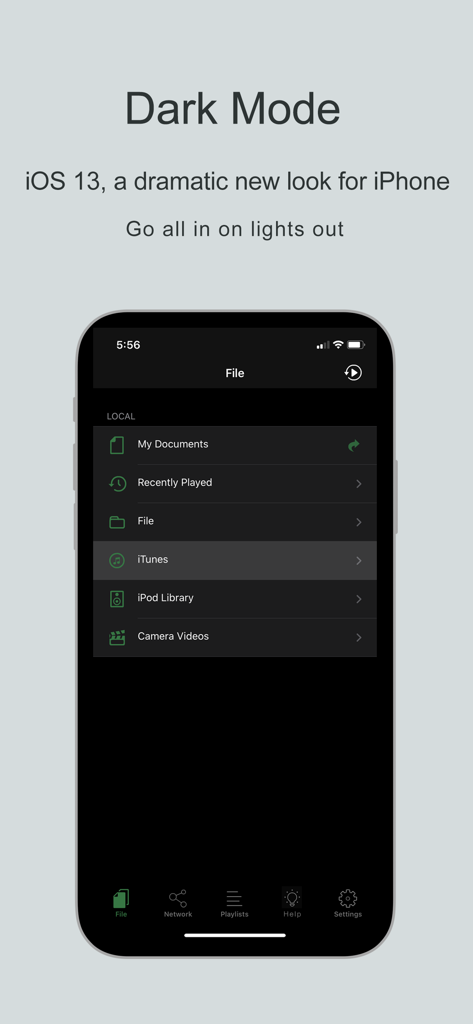
Interface do aplicativo reprodutor de vídeo OPlayer em modo escuro mostrando categorias de arquivos locais
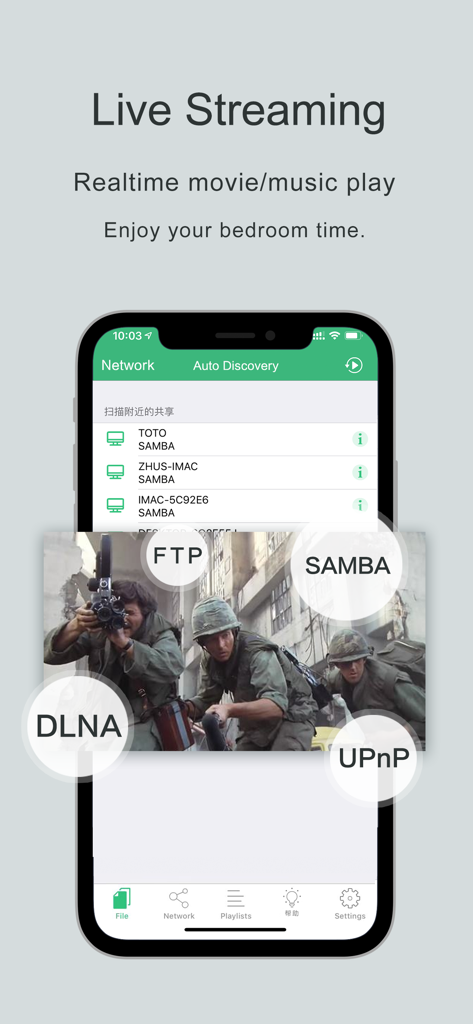
Tela do aplicativo OPlayer mostrando streaming ao vivo de servidores de rede usando protocolos FTP SAMBA DLNA e UPnP
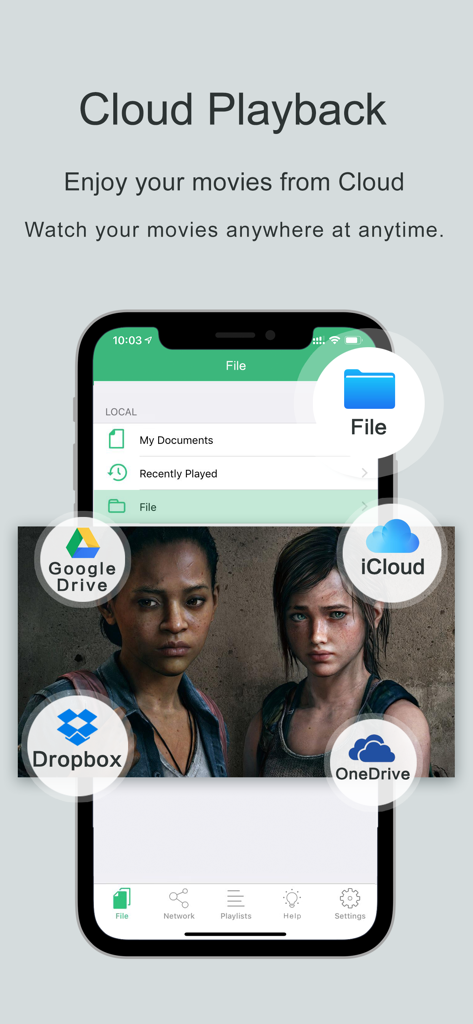
Interface do OPlayer mostrando reprodução de vídeo integrada com Google Drive Dropbox iCloud e OneDrive
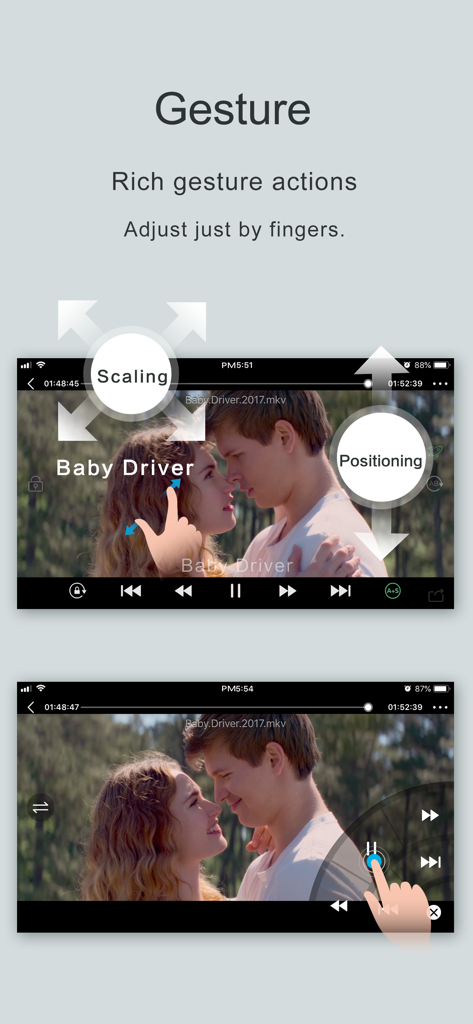
Interface do aplicativo OPlayer mostrando controles de gestos de toque para dimensionar e posicionar vídeos em uma tela móvel
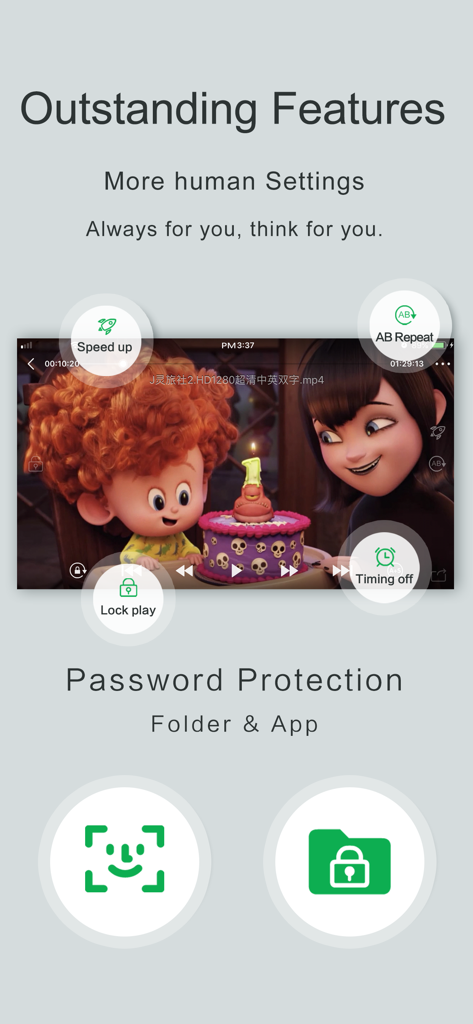
Interface do reprodutor de vídeo OPlayer mostrando controles de reprodução e proteção por senha de pasta.
Domine Sua Biblioteca de Mídia
As ferramentas que destacam este app, escolhido por 374K+ usuários.
🎞️
Reproduza Todos os Formatos, Sem Conversão
Esqueça o erro 'Formato Não Suportado'. Reproduza tudo, de MKV 4K e AVI a áudio DTS especializado e legendas personalizadas nativamente, sem perder tempo com conversões.
🌐
Streaming de Rede Perfeito
Acesse toda a sua coleção de home theater sem usar armazenamento local. Transmita diretamente do seu PC, NAS ou servidor FTP usando suporte integrado SAMBA, DLNA e UPnP.
⚙️
Controles de Reprodução para Usuários Avançados
Assuma o controle total com velocidade variável (0,1x a 4,0x), suporte avançado a gestos e pastas seguras com proteção por senha para manter sua coleção privada verdadeiramente privada.
Sobre o app
Tudo o que você precisa saber sobre OPlayer - video player.
Descrição
Play all your videos directly without having to convert them! OPlayer supports almost every format for video/audio playback. It gives you the flexibility to be able to download your files to your device, or browse a SAMBA/FTP/UPnP/DLNA share over the network.
"Best video player on the App Store"
OPlayer has been rated as "iPhone Apps Plus Best"!
OPlayer has been around for 12 years, continuous improvement in video playback and feature enhancements, has made it the first choice for millions of the users. With positive endorsements and feedback from our users we endeavor to make it even better with each upgrade.
========================================
Support Dolby Digital Audio (AC3)
Official AVI/DivX license (In App Purchase)
Official DTS license (In App Purchase)
========================================
【Supported Formats】
- Video: mkv, wmv, avi, divx, xvid, rmvb, rm, flv, mp4, 4k, mov, 3gp, m4v, blu-ray, ts, m2ts, swf, asf, vob, h265 (hevc), webm...almost all movie file formats.
- Audio: mp3, wma, wav, dts, ac3, eac3, aac, flac, ape, cue, amr, ogg vorbis, lossless music...almost all audio file formats.
- Subtitle: srt, ass, smi, sub...almost all subtitle file formats.
- Stream: http, ftp, samba, rtp, rtsp, mms...
- Widely devices support: Optimized for all iPhones running iOS 6.0 and later, including iPhone 6s (Plus).
【Key features】
• Adjust playback speed: 0.1x ~ 4.0x
• A-B repeat: play from start point (A) to end point (B) repeatedly
• Background play: continue playing videos when app enters background
• Landscape play: useful when iPhone turned on 'Portrait Orientation Lock'
- SAMBA/FTP/HTTP/UPnP/DLNA client
- Multiple transfer ways: 1. USB transfer (support folder) 2. Wi-Fi transfer
- Play files in PC remotely without downloading
Share folders on PC, then you can stream files by OPlayer.
- Privacy protect: support password for app and folders, hide password-protected folders, Touch ID
- Excellent performance: support 1080P HD video on iPhone 5 and newer devices
- Less battery consumption: hardware decoding mp4/mp3 files by default
- Single hand mode: you can control playback with one hand
【Basic functions】
- File Manager: new folder/rename/move/delete/search/sort/open in with
- Built in web browser
- Support NAS, Router, Dropbox...network storage
- Support text file: TXT, WORD, EXCEL, PPT, PDF...
- Compress/Decompress (In App Purchase): support zip, rar, 7z (with password)
- Playlist: enjoy music by our powerful playlist functions
- Gesture: seek (forward, backward), brightness, volume, pause/resume, subtitle position and size
- Repeat/Loop mode: repeat all, repeat once, shuffle...
- Remember playback time: resume from last played position
- Render on TV (TV Out): support AirPlay, mirror, HDMI wire...
- Lock playing window: avoid unintended touch when watching movies
- Timing off: stop playing after the specified time
- Adjust aspect ratio: you can set any aspect ratio, for example 16:9
- Play 3d movies in 2d mode
- Deinterlace
- Flip horizontal and vertical
- Use headphones to control playback
- Audio boost
- Photo viewer (In App Purchase): 1. Support gif animation,png,jpg,bmp... 2. Slide show photos 3. Import from Photos
【Audio Features】
- Support left and right channel switch
- Audio tracks switch and save your settings
- Adjust audio delay
【Subtitle Features】
- Support embedded subtitles in movies
- Auto load the subtitle whose name is the same with the movie
- Select subtitle files manually
- Auto detect the encode of subtitle files
- Gesture: single touch and move to adjust position, pinch to adjust size
- Customizable subtitle font, colors
- Adjust subtitle delay
【Support】
- We will check reviews on App Store frequently
- Skype: oplayer_help@outlook.com
- Mail: olimsoft@gmail.com
- Twitter: @OLIMSOFT
- Website: www.edavs.com
Última versão
4.8
Tamanho
93.0 MB
Data de lançamento
14 de jan. de 2010
Toda a Sua Biblioteca de Mídia, Sem Limites
Junte-se a milhões de usuários avançados que confiam no OPlayer para uma reprodução impecável e sem conversão. De MKVs 4K a streaming de NAS, experimente a Canivete Suíço dos players de vídeo hoje mesmo.
App information, icons, screenshots, and descriptions displayed on this page are sourced from the Apple App Store and are the property of their respective developers. Download estimates and rankings are based on MWM's proprietary models and may not reflect actual figures. This page is provided for informational and analytical purposes only.
Believe this page infringes your intellectual property? File a dispute