
Esta página não é uma página oficial do aplicativo ou de seu desenvolvedor, mas uma publicação editorial independente criada para fins informativos e de comentário. Salvo indicação expressa em contrário, nem o aplicativo nem seu desenvolvedor são afiliados, endossados, patrocinados, autorizados ou oficialmente conectados à MWM, Apple, Google Play, ao editor do aplicativo ou ao desenvolvedor do aplicativo, e nada nesta página implica que o aplicativo foi desenvolvido utilizando os serviços da MWM. Todas as marcas comerciais, logotipos, capturas de tela e outros conteúdos permanecem propriedade de seus respectivos proprietários.

PDF Editor, Edit PDF Documents
Pare de esperar pelo seu computador. Assine contratos, edite texto e organize páginas em qualquer lugar com a solução de PDF mais intuitiva para iPhone e iPad.
Downloads
6K+Avaliação
Total de avaliações
100Editor
Categoria
BusinessIdiomas
16Última versão
1.1.9Tamanho
37.2 MBData de lançamento
3 de fev. de 2025Seu Escritório Móvel Completo para Tarefas de PDF
Pare de usar vários aplicativos. Gerencie documentos, contratos e anotações de estudo com o poder de nível desktop, projetado especificamente para o seu iPhone e iPad.
Assine e Preencha em Qualquer Lugar
Finalize contratos e formulários legais em segundos. Crie, salve e reutilize sua assinatura eletrônica segura sem precisar de impressora ou scanner.
Edite Texto Como um Profissional
Modifique o conteúdo diretamente no seu dispositivo. Altere fontes, corrija erros de digitação e atualize layouts sem nunca abrir um laptop.
As capturas de tela e a descrição a seguir são provenientes diretamente da listagem oficial da loja do aplicativo e são propriedade do desenvolvedor.
App Store
Capturas
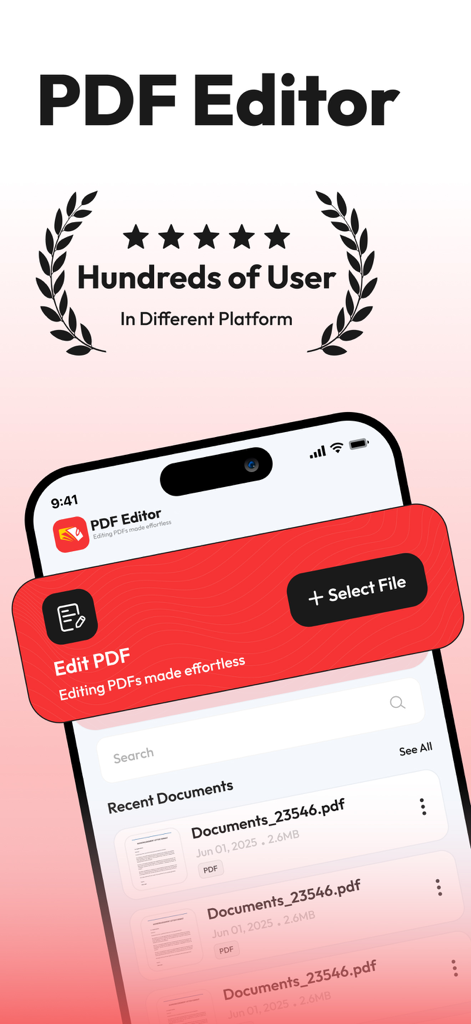
Tela principal do aplicativo Editor de PDF em um iPhone mostrando documentos recentes e opções de edição
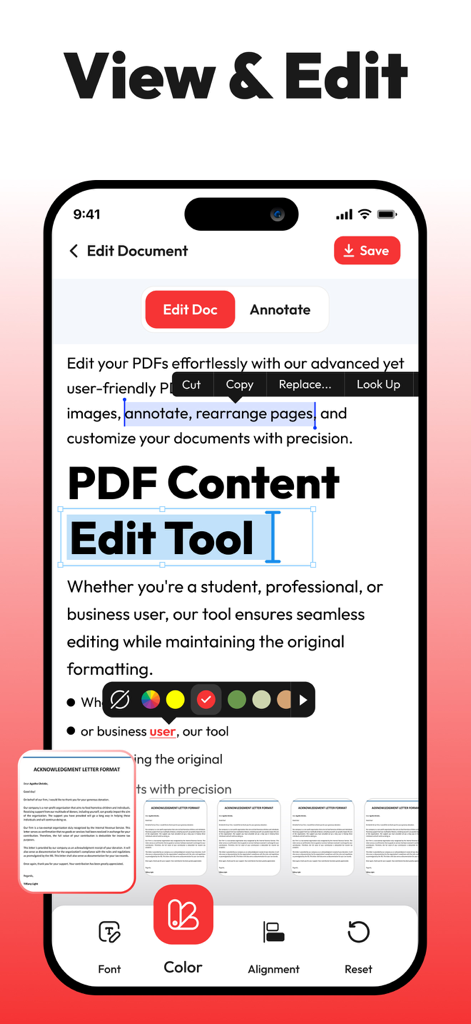
Interface do aplicativo móvel para visualização e edição de texto de documentos PDF em um iPhone.
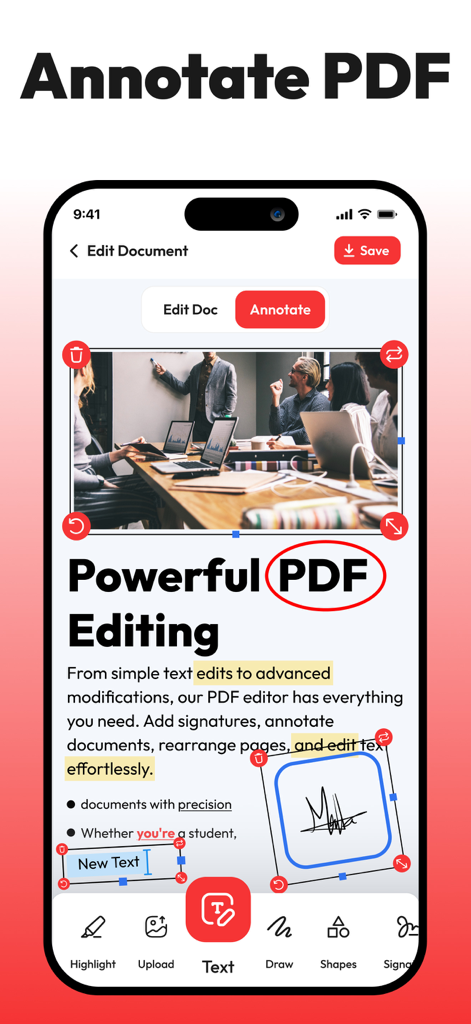
Captura de tela do iPhone de um aplicativo editor de PDF mostrando ferramentas de anotação como realçar texto, circular palavras e adicionar assinaturas eletrônicas a um documento.
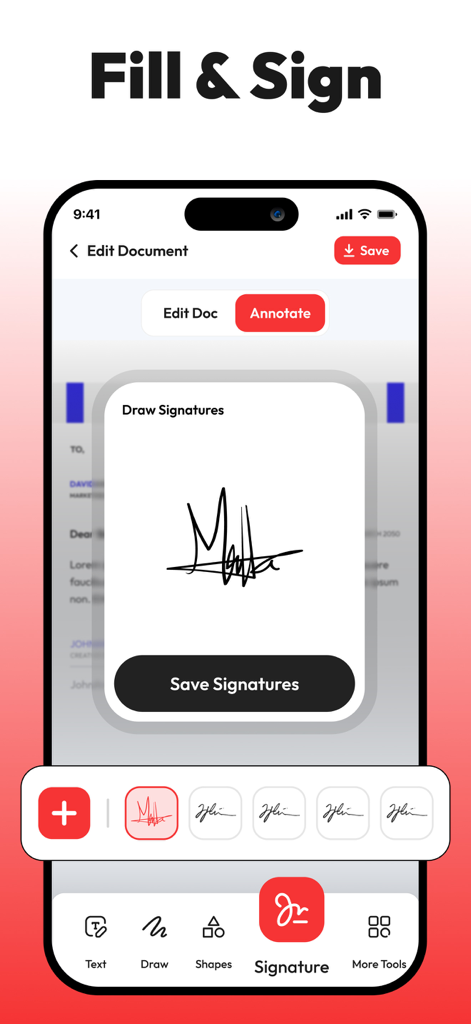
Interface do aplicativo do iPhone mostrando a ferramenta de assinatura eletrônica para documentos PDF
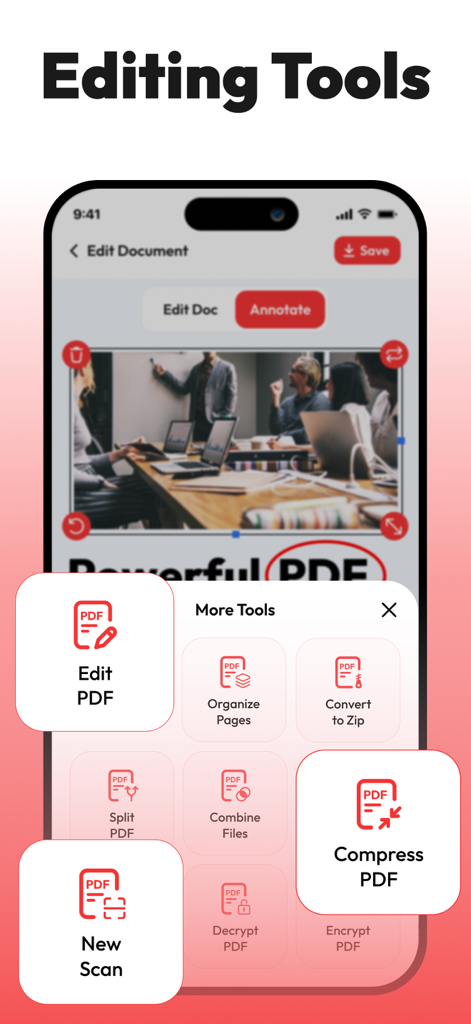
Interface móvel de um editor de PDF mostrando um menu de ferramentas de gerenciamento de documentos como compactar e editar
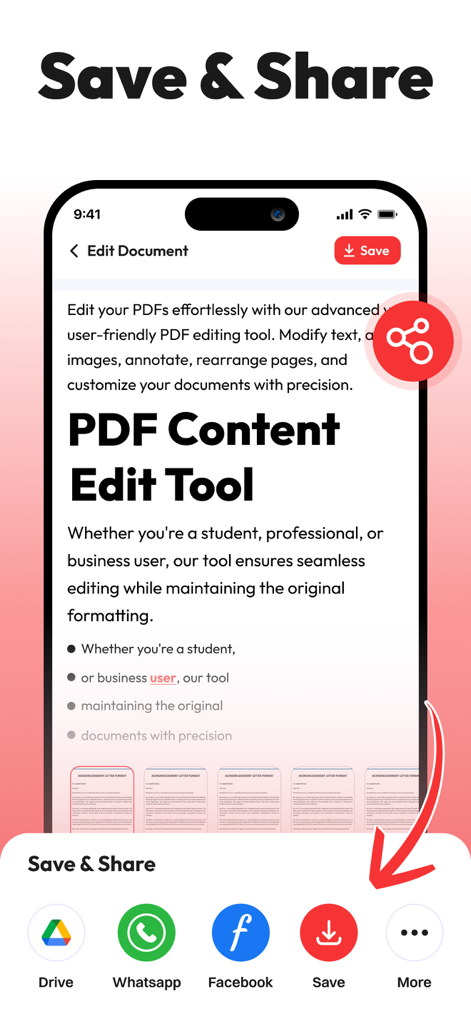
Tela Salvar e compartilhar do aplicativo Editor de PDF no iPhone com ícones para Google Drive e mídias sociais
Descrição
Download
Apps Semelhantes
Apps mais bem classificados na mesma categoria

Microsoft Teams
Microsoft Corporation

Zoom Workplace
Zoom Communications, Inc.

WhatsApp Business
WhatsApp Inc.

Indeed Job Search
Indeed Inc.

LinkedIn: Network & Job Finder
LinkedIn Corporation

Adobe Acrobat Reader: Sign PDF
Adobe Inc.

WeCom-Work Communication&Tools
Tencent Technology (Shenzhen) Company Limited

BOSS直聘-招聘求职找工作神器
Beijing China Product Bo Farce Network Technology Co., Ltd.

DingDing - Redefine Work in AI
DingTalk Technology Co., Ltd.
Esta página não é uma página oficial do aplicativo ou de seu desenvolvedor, mas uma publicação editorial independente criada para fins informativos e de comentário. Salvo indicação expressa em contrário, nem o aplicativo nem seu desenvolvedor são afiliados, endossados, patrocinados, autorizados ou oficialmente conectados à MWM, Apple, Google Play, ao editor do aplicativo ou ao desenvolvedor do aplicativo, e nada nesta página implica que o aplicativo foi desenvolvido utilizando os serviços da MWM. Todas as marcas comerciais, logotipos, capturas de tela e outros conteúdos permanecem propriedade de seus respectivos proprietários.