
Esta página não é uma página oficial do aplicativo ou de seu desenvolvedor, mas uma publicação editorial independente criada para fins informativos e de comentário. Salvo indicação expressa em contrário, nem o aplicativo nem seu desenvolvedor são afiliados, endossados, patrocinados, autorizados ou oficialmente conectados à MWM, Apple, Google Play, ao editor do aplicativo ou ao desenvolvedor do aplicativo, e nada nesta página implica que o aplicativo foi desenvolvido utilizando os serviços da MWM. Todas as marcas comerciais, logotipos, capturas de tela e outros conteúdos permanecem propriedade de seus respectivos proprietários.

PDF Editor : PDF Reader,Signer
Junte-se a milhares de profissionais e estudantes que abandonaram assinaturas caras. Assine, anote e mescle arquivos sem esforço, ou use nosso Chat Avançado de PDF para resumir e aprimorar texto em segundos — tudo do seu iPhone ou iPad.
Downloads
4K+Avaliação
Total de avaliações
200Editor
Categoria
ProductivityIdiomas
27Última versão
1.4.4Tamanho
22.2 MBData de lançamento
5 de nov. de 2023Domine Seu Fluxo de Trabalho com Ferramentas Profissionais de PDF
Pare de pagar caro por software de desktop. Obtenha todos os recursos que você precisa para editar, assinar e organizar seus documentos em qualquer lugar com uma experiência poderosa e impulsionada por IA.
Chat IA de PDF
Otimize sua pesquisa usando IA para resumir documentos complexos, aprimorar sua escrita ou traduzir texto instantaneamente dentro do aplicativo.
Assine e Carimbe em Segundos
Feche negócios mais rápido com assinaturas digitais profissionais e carimbos personalizados como 'Confidencial' ou 'Final' para seus contratos legais e comerciais.
As capturas de tela e a descrição a seguir são provenientes diretamente da listagem oficial da loja do aplicativo e são propriedade do desenvolvedor.
App Store
Capturas
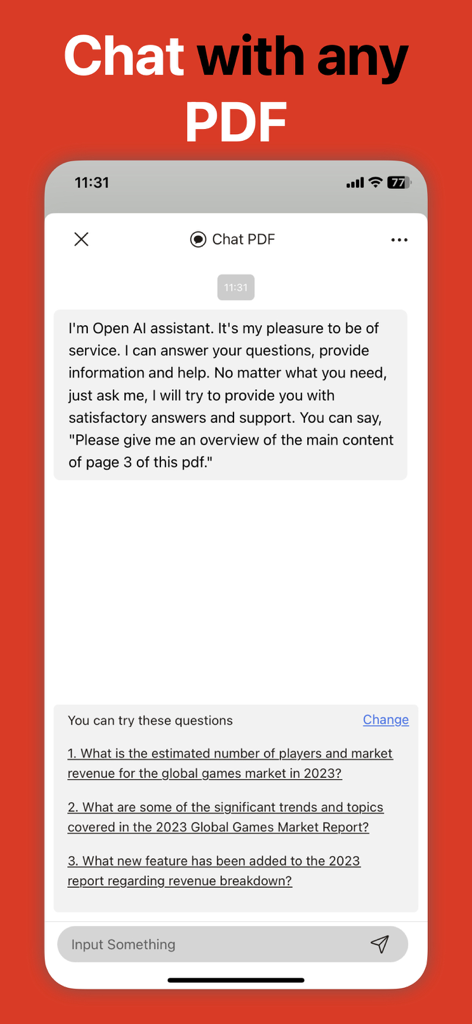
Interface do recurso de chat IA no aplicativo Editor de PDF para resumir documentos
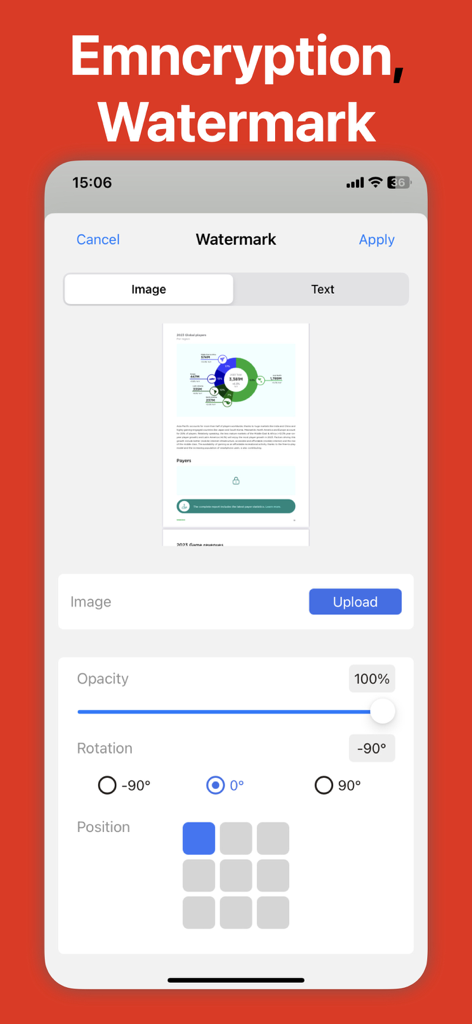
Tela de smartphone mostrando o recurso de marca d'água de um aplicativo editor de PDF com opções para fazer upload de uma imagem e ajustar a opacidade
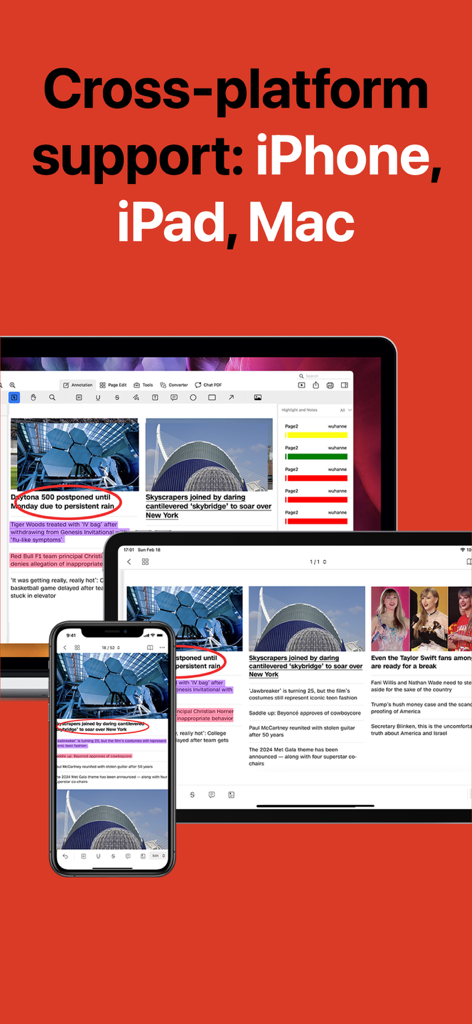
Aplicativo Editor de PDF mostrando compatibilidade multiplataforma em iPhone, iPad e Mac
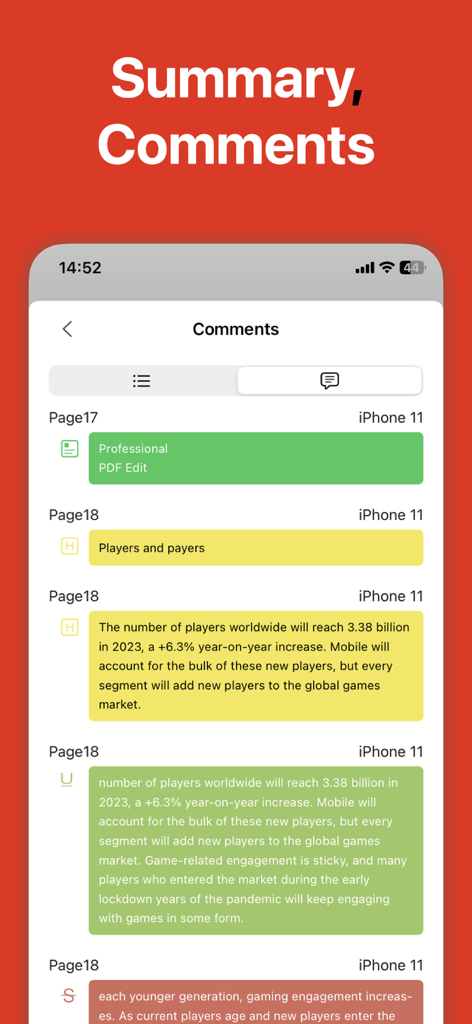
Uma tela móvel mostrando um resumo de comentários codificados por cores e destaques dentro de um documento PDF.
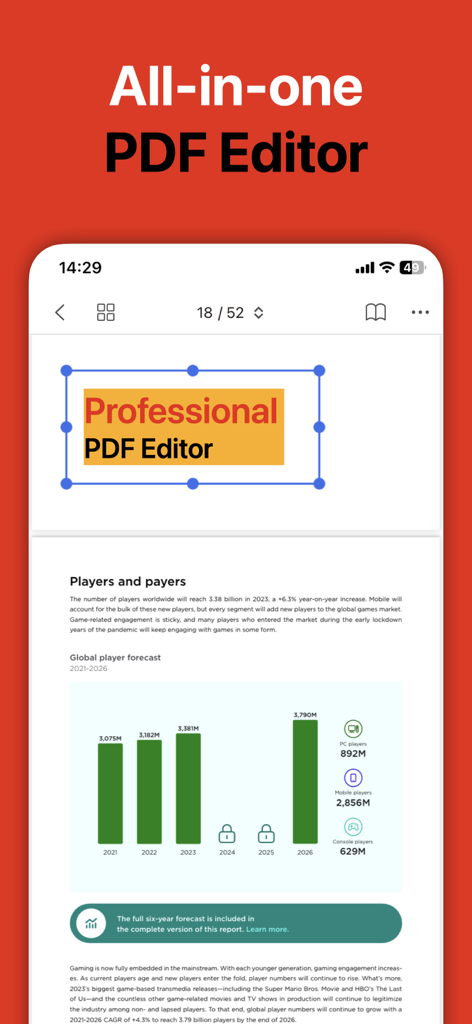
Interface de aplicativo móvel para um editor de PDF tudo-em-um mostrando edição de documentos e relatórios
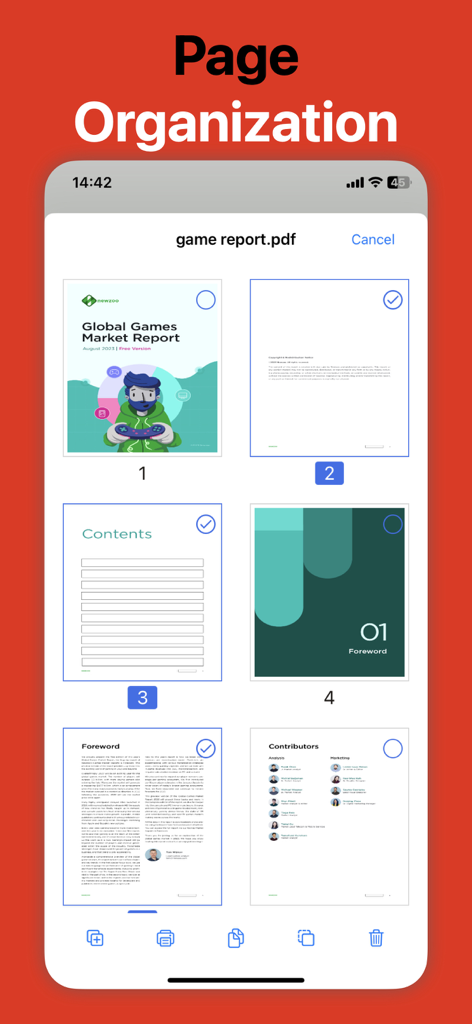
Aplicativo Editor de PDF exibindo a ferramenta de organização de páginas para selecionar e editar páginas de documentos
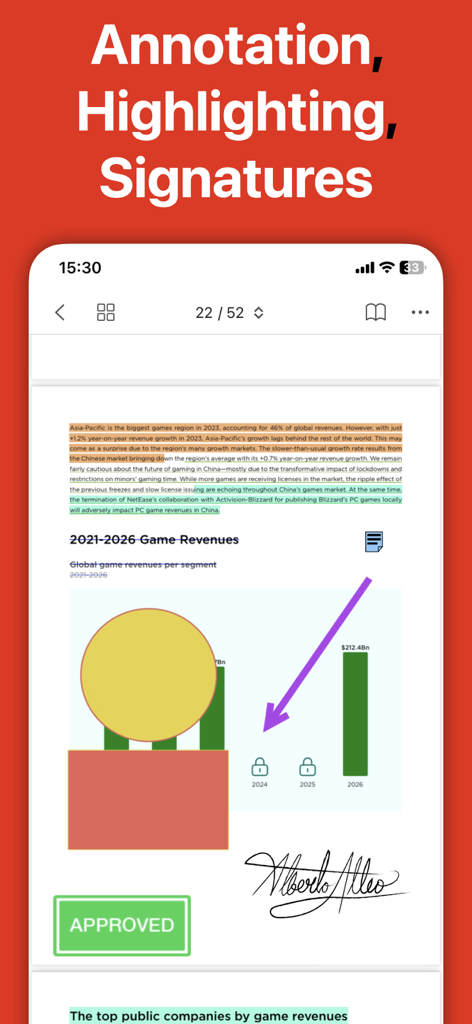
Uma interface móvel de um editor de PDF mostrando um documento com destaque de texto, uma assinatura manuscrita e um carimbo de aprovado.
Descrição
Download
Apps Semelhantes
Apps com recursos e experiência semelhantes

PDF PRO Scan Image & Documents
Balzo srl

The PDF Scanner, PDF editor HQ
NEXT K.U.M. LTD

CamScanner - PDF Scanner App
INTSIG Information Co., Ltd

Adobe Scan: PDF & OCR Scanner
Adobe Inc.

WPS Office: PDF, Docs, Sheets
KINGSOFT OFFICE SOFTWARE CORPORATION LIMITED

iLovePDF - PDF Editor & Scan
ILOVEPDF S.L.

Scanner App: Genius Scan
The Grizzly Labs

Microsoft Lens: PDF Scanner
Microsoft Corporation

Clear Scan: Doc Scanner App
INDY MOBILE APP COMPANY LIMITED
Esta página não é uma página oficial do aplicativo ou de seu desenvolvedor, mas uma publicação editorial independente criada para fins informativos e de comentário. Salvo indicação expressa em contrário, nem o aplicativo nem seu desenvolvedor são afiliados, endossados, patrocinados, autorizados ou oficialmente conectados à MWM, Apple, Google Play, ao editor do aplicativo ou ao desenvolvedor do aplicativo, e nada nesta página implica que o aplicativo foi desenvolvido utilizando os serviços da MWM. Todas as marcas comerciais, logotipos, capturas de tela e outros conteúdos permanecem propriedade de seus respectivos proprietários.