
Esta página não é uma página oficial do aplicativo ou de seu desenvolvedor, mas uma publicação editorial independente criada para fins informativos e de comentário. Salvo indicação expressa em contrário, nem o aplicativo nem seu desenvolvedor são afiliados, endossados, patrocinados, autorizados ou oficialmente conectados à MWM, Apple, Google Play, ao editor do aplicativo ou ao desenvolvedor do aplicativo, e nada nesta página implica que o aplicativo foi desenvolvido utilizando os serviços da MWM. Todas as marcas comerciais, logotipos, capturas de tela e outros conteúdos permanecem propriedade de seus respectivos proprietários.


PDF Reader Auto Scroll
Uma ferramenta minimalista e focada na privacidade, projetada para foco profundo. Leia livros e documentos sem esforço com rolagem automática ajustável, bloqueio horizontal e zero distrações ou anúncios.
Downloads
400Avaliação
Total de avaliações
0Editor
Categoria
UtilitiesIdiomas
1Última versão
1.2Tamanho
0.8 MBData de lançamento
14 de out. de 2024Domine Seu Fluxo de Trabalho de Leitura
O leitor de PDF minimalista projetado para eficiência com as mãos livres, privacidade absoluta e uma experiência sem distrações.
Rolagem Adaptativa com Mãos Livres
Leia no seu próprio ritmo com velocidades de rolagem automática ajustáveis. Perfeito para estudar artigos técnicos, partituras ou receitas sem mover um dedo.
Bloqueio Horizontal de Precisão
Evite o incômodo de deslizar para os lados. Bloqueie sua visualização horizontalmente para que você possa dar zoom para clareza e rolar verticalmente com alinhamento perfeito.
As capturas de tela e a descrição a seguir são provenientes diretamente da listagem oficial da loja do aplicativo e são propriedade do desenvolvedor.
App Store
Capturas
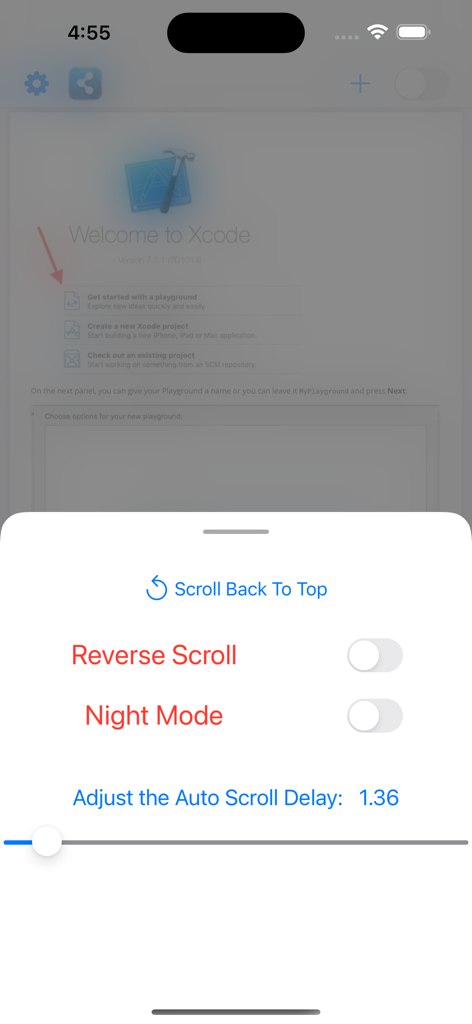
Menu de configurações no aplicativo Leitor de PDF com Rolagem Automática mostrando controles para rolagem reversa, modo noturno e velocidade de atraso da rolagem automática.
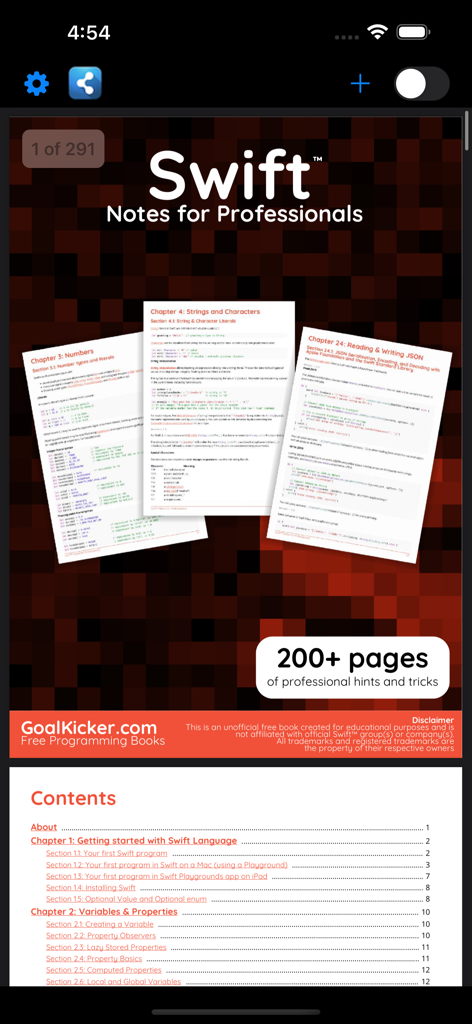
Captura de tela da interface do aplicativo Leitor de PDF com Rolagem Automática mostrando um livro de programação Swift e seu índice
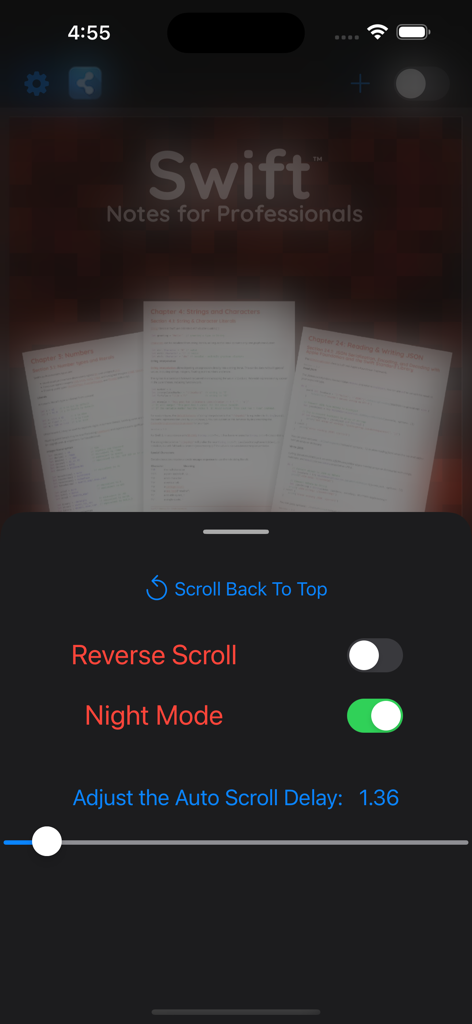
Interface do aplicativo leitor de PDF mostrando configurações de rolagem automática e modo noturno ativados para leitura de documentos técnicos.
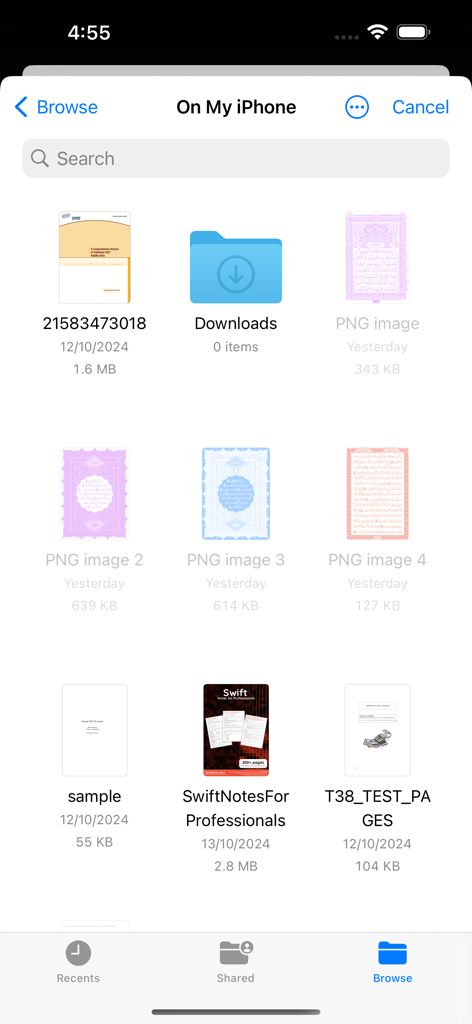
Interface do gerenciador de arquivos do iOS mostrando uma lista de documentos PDF e pastas disponíveis para leitura.
Descrição
Download
Apps Semelhantes
Apps mais bem classificados na mesma categoria

Google LLC

Google Chrome
Google LLC

中国移动(手机营业厅)
China Mobile Online Services Co., Ltd.

Google Authenticator
Google LLC

CNH do Brasil
Servicos e Informacoes do Brasil

Cleanup: Phone Storage Cleaner
DEEP FLOW SOFTWARE SERVICES - FZCO

gov.br
Servicos e Informacoes do Brasil

中国电信-全国统一官方服务平台
CHINA TELECOM Corporation Ltd.

Microsoft Edge: AI Browser
Microsoft Corporation
Esta página não é uma página oficial do aplicativo ou de seu desenvolvedor, mas uma publicação editorial independente criada para fins informativos e de comentário. Salvo indicação expressa em contrário, nem o aplicativo nem seu desenvolvedor são afiliados, endossados, patrocinados, autorizados ou oficialmente conectados à MWM, Apple, Google Play, ao editor do aplicativo ou ao desenvolvedor do aplicativo, e nada nesta página implica que o aplicativo foi desenvolvido utilizando os serviços da MWM. Todas as marcas comerciais, logotipos, capturas de tela e outros conteúdos permanecem propriedade de seus respectivos proprietários.