
Esta página não é uma página oficial do aplicativo ou de seu desenvolvedor, mas uma publicação editorial independente criada para fins informativos e de comentário. Salvo indicação expressa em contrário, nem o aplicativo nem seu desenvolvedor são afiliados, endossados, patrocinados, autorizados ou oficialmente conectados à MWM, Apple, Google Play, ao editor do aplicativo ou ao desenvolvedor do aplicativo, e nada nesta página implica que o aplicativo foi desenvolvido utilizando os serviços da MWM. Todas as marcas comerciais, logotipos, capturas de tela e outros conteúdos permanecem propriedade de seus respectivos proprietários.

PDF to JPEG - Flyingbee
A ponte definitiva para seu fluxo de trabalho móvel. Converta instantaneamente PDFs em imagens de alta resolução ou extraia ativos originais para redes sociais, apresentações e compartilhamento profissional.
Downloads
290K+Avaliação
Total de avaliações
200Editor
Categoria
BusinessIdiomas
12Última versão
8.8.7Tamanho
79.8 MBData de lançamento
22 de out. de 2011Converta, Extraia e Compartilhe com Precisão
A ponte essencial entre seus documentos profissionais e seu espaço de trabalho visual. Transforme qualquer PDF em imagens de alta resolução prontas para redes sociais, apresentações e comunicação profissional.
Pronto para Redes Sociais
Contorne as limitações do iOS convertendo PDFs em JPEGs que você pode compartilhar diretamente no Instagram, Facebook ou LinkedIn sem nunca abrir um laptop.
Resolução Profissional
Capture cada detalhe com configurações de resolução ajustáveis. Extraia elementos de fotos originais de alta qualidade de documentos para uso em apresentações e materiais de marketing.
As capturas de tela e a descrição a seguir são provenientes diretamente da listagem oficial da loja do aplicativo e são propriedade do desenvolvedor.
App Store
Capturas
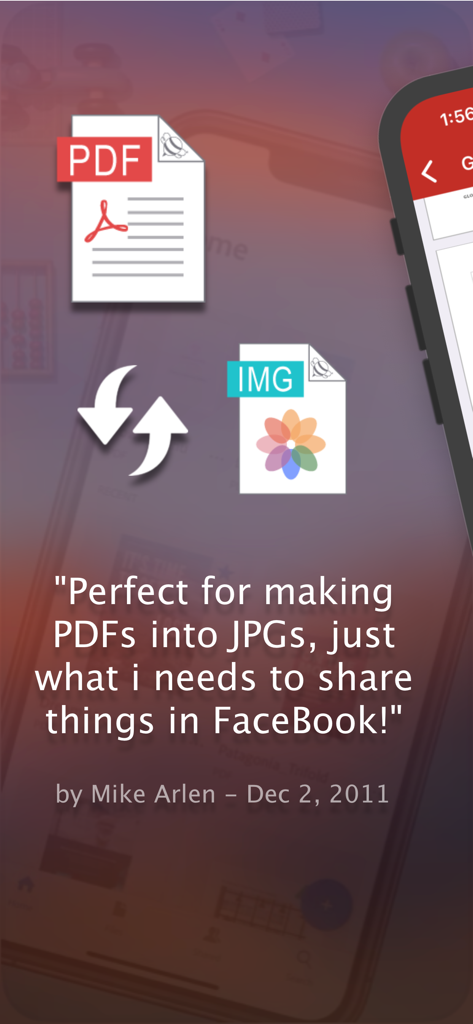
Depoimento de usuário para o aplicativo de conversão de PDF para JPEG para compartilhamento no Facebook
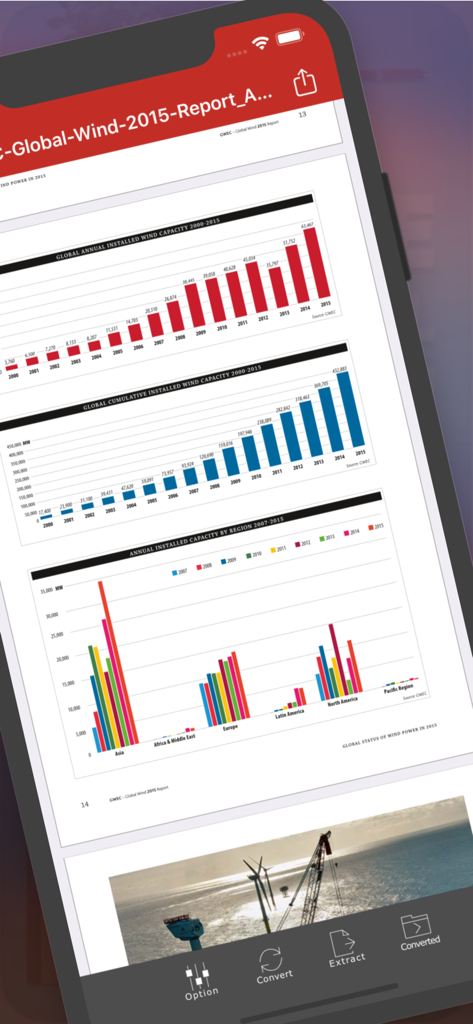
Interface do aplicativo PDF para JPEG Flyingbee mostrando um relatório PDF com gráficos em uma tela de iPhone
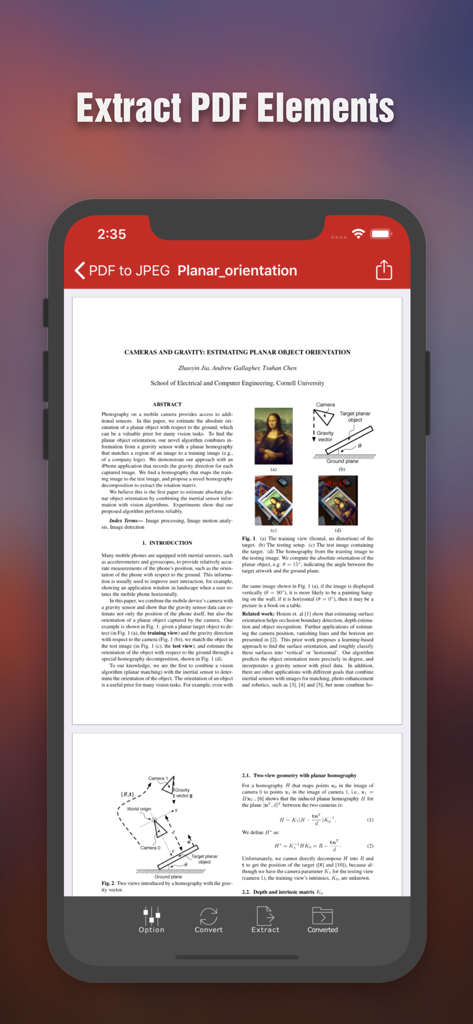
Tela do iPhone exibindo a interface do aplicativo PDF para JPEG Flyingbee mostrando um documento científico com opções para extrair elementos do PDF
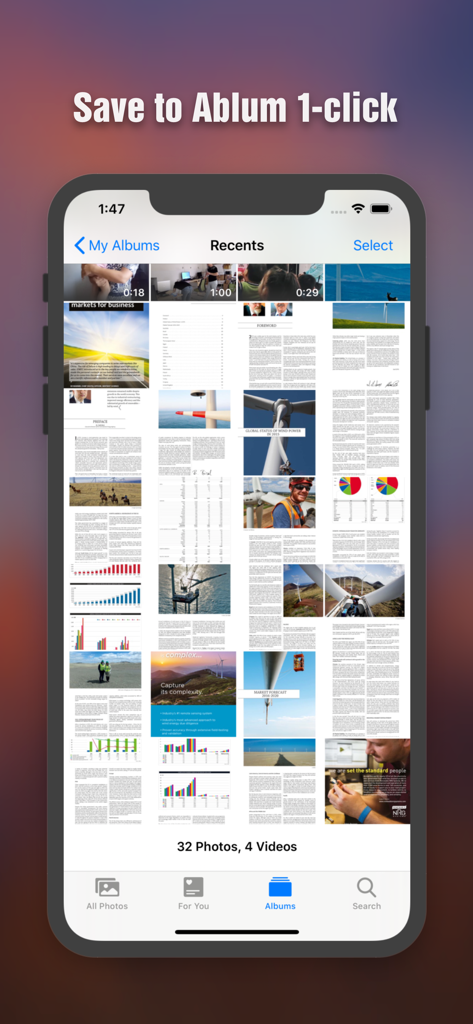
Páginas de PDF convertidas salvas como imagens na galeria de fotos do iPhone
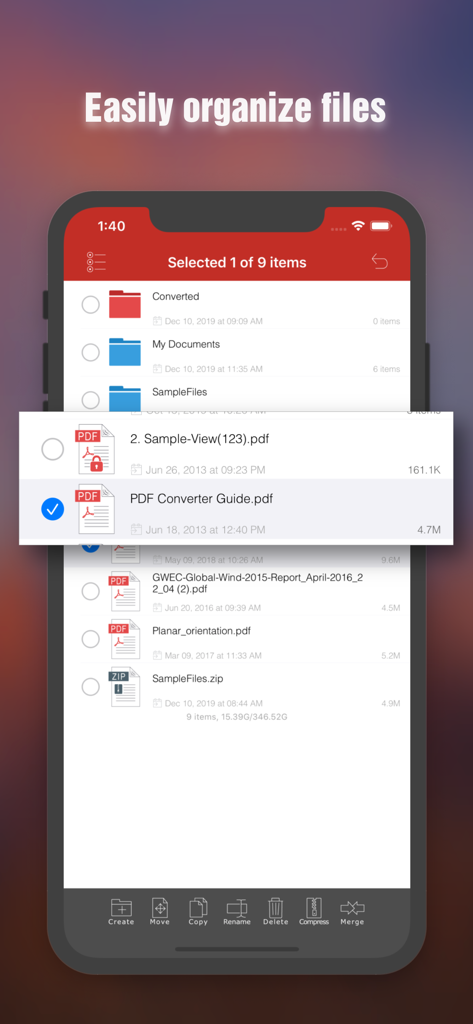
Interface de gerenciamento de arquivos no aplicativo Flyingbee PDF para JPEG mostrando recursos de organização de documentos em um iPhone
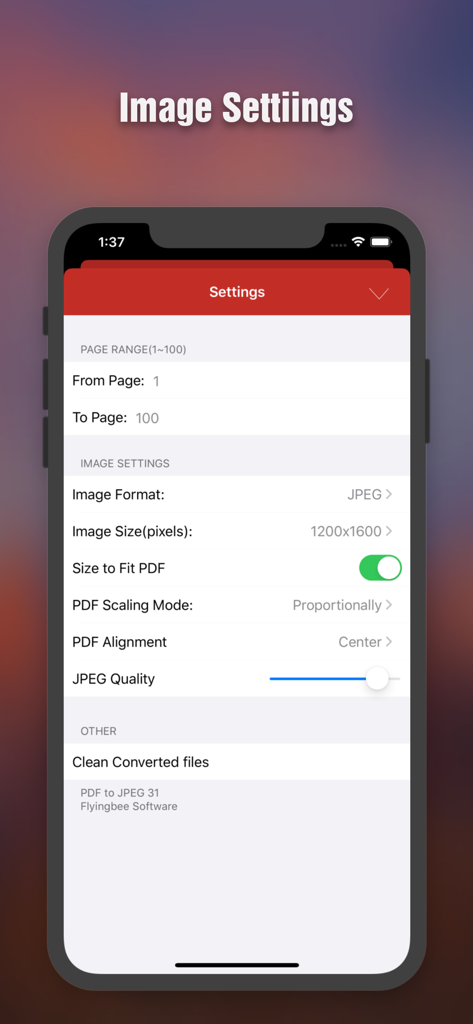
Tela de configurações de conversão de PDF para JPEG mostrando opções de intervalo de páginas, resolução de imagem e ajuste de qualidade
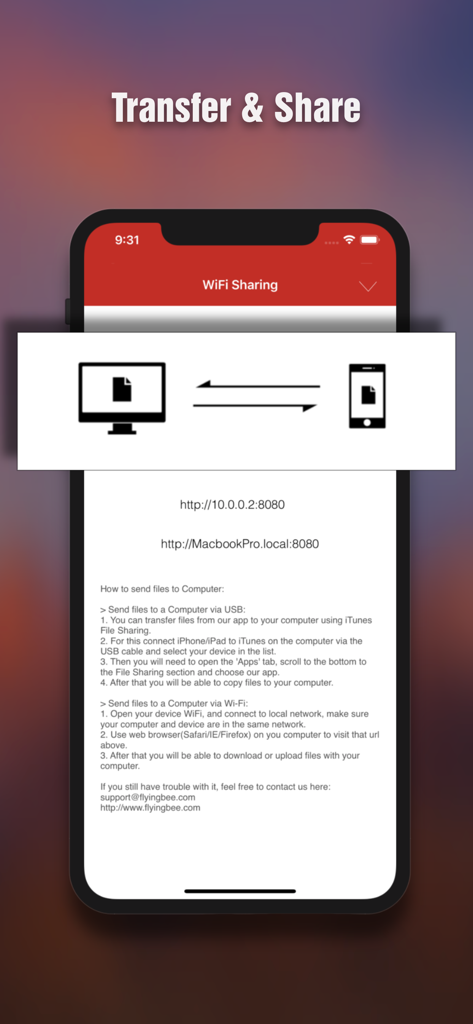
Interface para transferência e compartilhamento de arquivos sem fio entre iPhone e computador
Descrição
Download
Apps Semelhantes
Apps com recursos e experiência semelhantes

iConv - Video & PDF Converter
琛 王

Convert PDF to Word OCR
Tu Phan

PDF Converter – Photos to PDF
SMDA GROUP SP. Z OO

Toolbox by Paperclip
WuHan Paperclip Technology Co., Ltd.

Video Converter and Compressor
Inverse.AI

Video Converter & Compressor
WEBDIA INC.

全能格式转换王-视频音频转换图片文件格式处理
大为 方

PDF Converter: Convert to PDFㅤ
Roberto Hayes

The Document Converter
Float Tech, LLC
Esta página não é uma página oficial do aplicativo ou de seu desenvolvedor, mas uma publicação editorial independente criada para fins informativos e de comentário. Salvo indicação expressa em contrário, nem o aplicativo nem seu desenvolvedor são afiliados, endossados, patrocinados, autorizados ou oficialmente conectados à MWM, Apple, Google Play, ao editor do aplicativo ou ao desenvolvedor do aplicativo, e nada nesta página implica que o aplicativo foi desenvolvido utilizando os serviços da MWM. Todas as marcas comerciais, logotipos, capturas de tela e outros conteúdos permanecem propriedade de seus respectivos proprietários.