Projector: TV Screen Mirroring

Projector: TV Screen Mirroring

Baixar no App Store
Logo de Projector: TV Screen Mirroring

Projetor: Espelhamento de Tela de TV – A Solução Definitiva de Controle Remoto Universal e Transmissão HD

Conecte instantaneamente seu iPhone a qualquer Smart TV. Transmita vídeos de alta definição, compartilhe fotos de família e assuma o controle total do seu entretenimento com um controle remoto universal – tudo isso enquanto usa seu telefone normalmente.

Baixar no App Store

Editor

Arpana Singh

Categoria

Utilities

Downloads

2K+

Avaliação

4.2/5

Total de avaliações

0

Idiomas

14

Veja em Ação

Descubra a interface usada por 2K+ usuários.

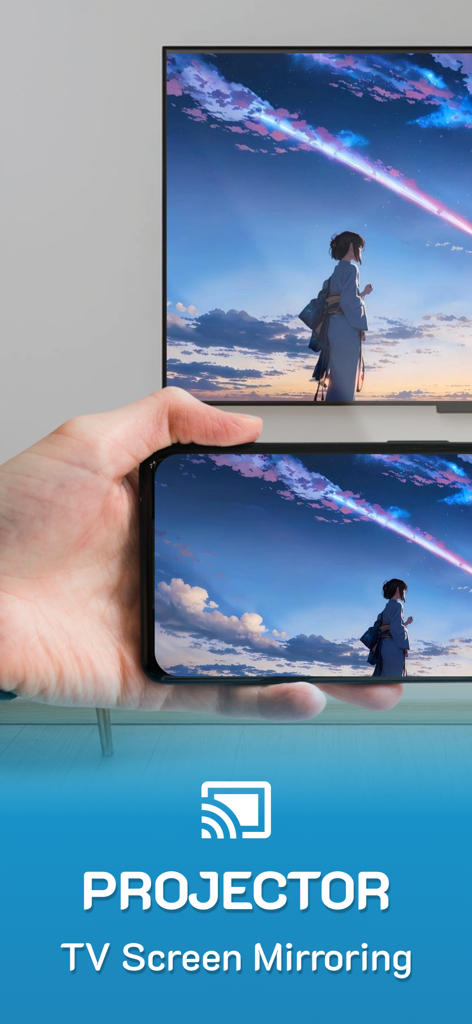
Tela do iPhone espelhando uma paisagem de anime colorida para uma TV inteligente grande
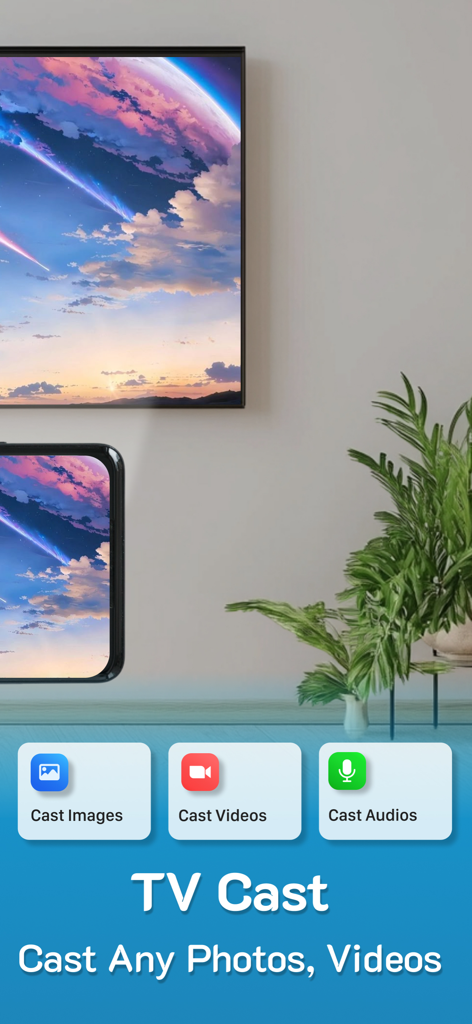
Tela do iPhone espelhando uma paisagem de anime colorida para uma TV inteligente grande

Um iPhone espelhando uma paisagem cênica para uma TV inteligente grande usando o aplicativo Projetor
Um iPhone espelhando uma paisagem cênica para uma TV inteligente grande usando o aplicativo Projetor

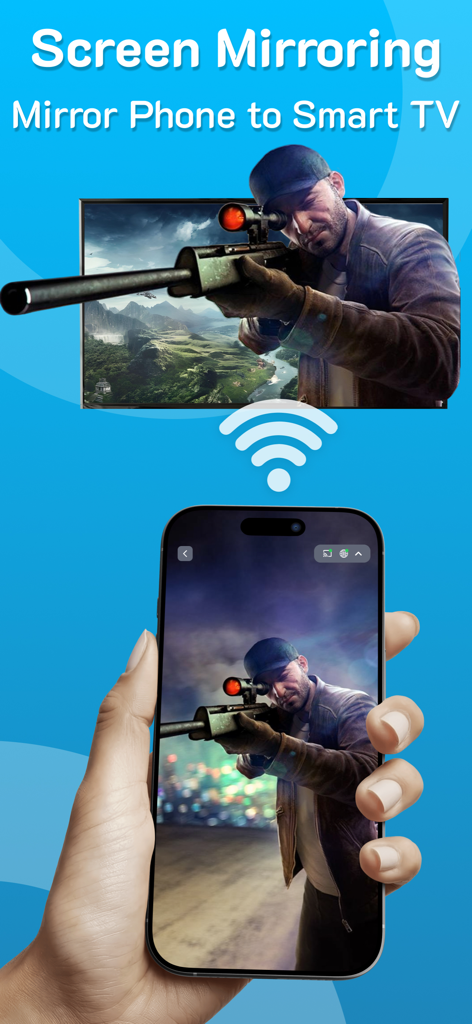
Mão segurando um iPhone espelhando um jogo de sniper para uma tela grande de TV inteligente via Wi-Fi
Mão segurando um iPhone espelhando um jogo de sniper para uma tela grande de TV inteligente via Wi-Fi

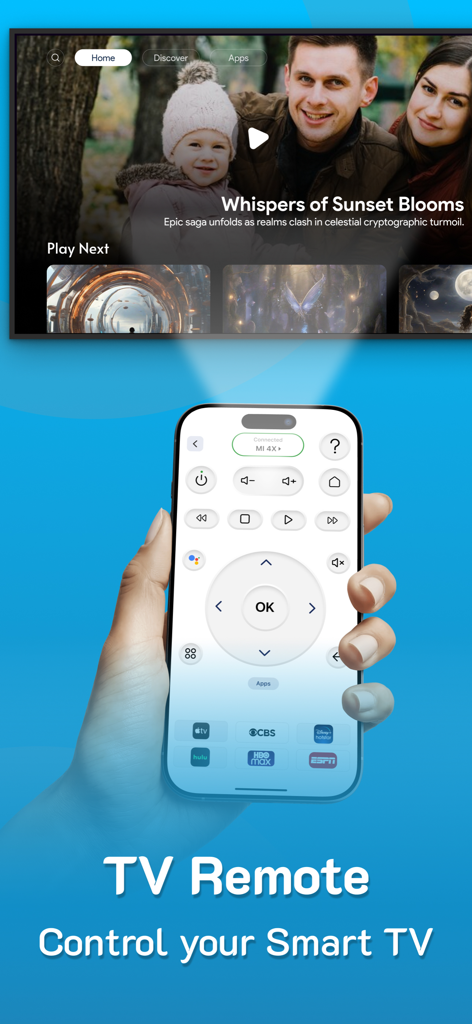
Um iPhone exibindo uma interface de controle remoto universal de TV usada para controlar uma televisão inteligente
Um iPhone exibindo uma interface de controle remoto universal de TV usada para controlar uma televisão inteligente

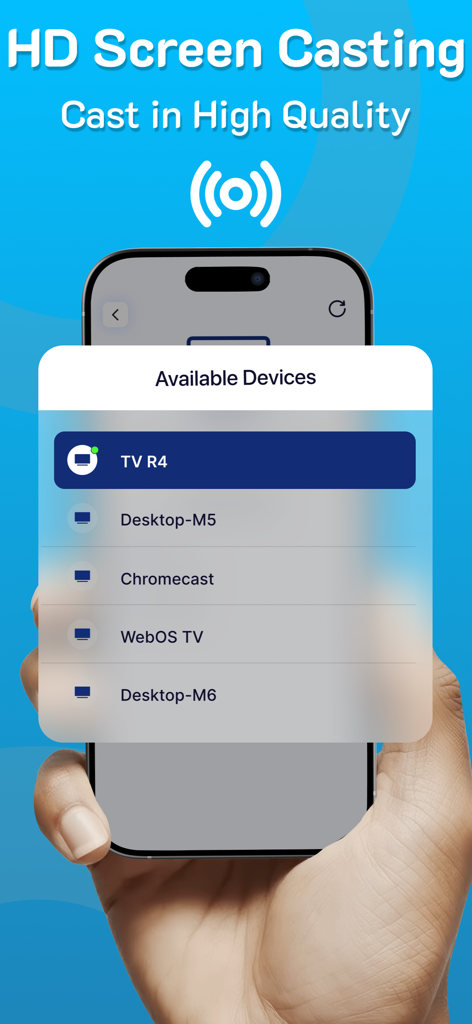
Mão segurando um iPhone mostrando uma lista de dispositivos disponíveis para transmissão de tela HD
Mão segurando um iPhone mostrando uma lista de dispositivos disponíveis para transmissão de tela HD

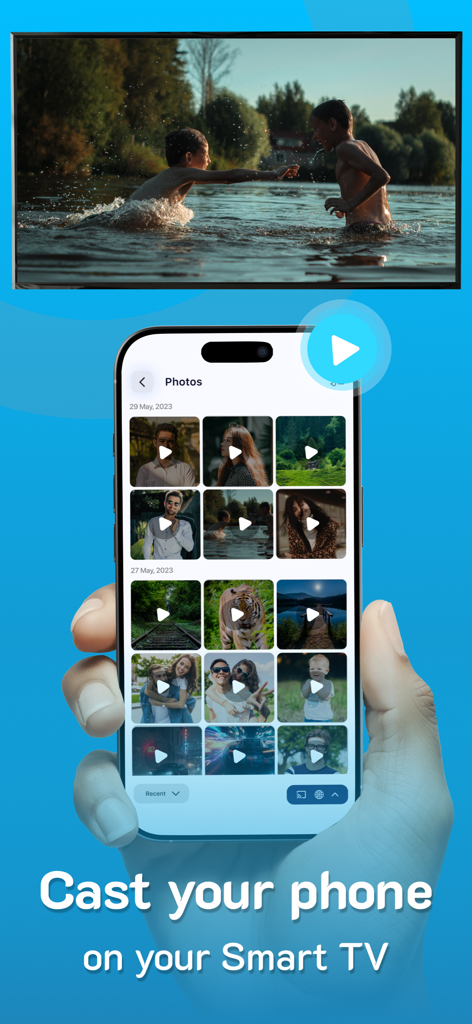
Um iPhone transmitindo um vídeo de sua galeria de fotos para a tela de uma TV inteligente grande

Um iPhone transmitindo um vídeo de sua galeria de fotos para a tela de uma TV inteligente grande

Recursos Inteligentes para Entretenimento Contínuo

As ferramentas que destacam este app, escolhido por 2K+ usuários.

📺

Espelhamento Universal HD

Compartilhe suas fotos, vídeos e aplicativos na tela grande em deslumbrante alta definição, sem complicações de cabos e com configuração instantânea.

📱

Controle Remoto Inteligente Tudo-em-Um

Nunca mais procure um controle remoto perdido. Controle qualquer marca de TV diretamente do seu telefone e acesse seus canais favoritos com um único toque.

🚀

Liberdade Multitarefa

Transmita seu conteúdo favorito para qualquer TV, monitor ou laptop enquanto continua usando seu telefone para mensagens e navegação em segundo plano.

Sobre o app

Tudo o que você precisa saber sobre Projector: TV Screen Mirroring.

Descrição

PROJECTOR TO Control your TV, CAST to TV, SCREEN MIRRORING, Universal TV REMOTE, SCREEN CASTING, Supports ALL TVs With PROJECTOR enjoy Casting to TV, screen mirroring & Universal remote control, All in one for helping you project on your screen. Projector, Screen mirroring revolutionizes the way you experience entertainment by facilitating a seamless transition of your cherished videos, photos, and even apps from your mobile directly onto your smart TV. From reminiscing on precious moments with loved ones to immersing yourself in a movie night marathon, this feature stands as your passport to a captivating world of entertainment. Ensure both devices are connected to the same WiFi network to utilize this casting function effortlessly. Moreover, you can continue utilizing your phone as usual while the casting continues in the background. Key Features of PROJECTOR: Screen Mirroring - Projector - Screen mirroring & screen casting - High-Quality Screen Projection - Facilitates casting of photos, videos, and audio - Swift & User-Friendly Interface - Universal TV remote Highlights of Screen Casting HD: - TV Casting: Dive into the spectacular world of TV casting. Effortlessly project your favorite videos, photos, and apps onto your smart TV, Roku TV and Miracast with a simple tap, bringing them to life in vibrant high resolution. - Support for MULTIPLE TVs: This app introduces an innovative feature allowing you to cast onto any TV, enhancing your viewing experience. Supports all TVs. - CAST on any devices: Cast your screen on tablets, monitors, laptops and even on other phones etc. Simple copy the unique IP Address and paste it in Google Chrome. The special part of this feature is that you can continue using the phone normally while you cast. - SCREEN CASTING HD: Redefine your Screen Casting HD adventures with our application. Project your smartphone screen onto your TV effortlessly, offering a mesmerizing and expansive visual experience. - UNIVERSAL COMPATIBILITY: Screen Casting HD extends its compatibility across a vast range of smart TVs, ensuring a hassle-free connection, irrespective of the make of your smart TV. - SIMPLE SETUP: Connecting is a breeze; just ensure both devices are on the same WiFi network. Choose your TV from the device list displayed within the app for a quick and easy pairing. - This app also has a UNIVERSAL REMOTE CONTROL for TV, users can easily access their favorite shows and movies at the touch of a button. This remote allows users to personalize their experience by setting up apps and creating a convenient list of their preferred channels and programs. Screencast Highlights: - Universal TV Casting: Cast to any model of smart TV. - High-Quality Display: Ensure clarity with high-definition casting. - Diverse Media Casting: Share photos, videos, and audio files effortlessly. - User-Friendly Interface: Quick and straightforward operations. Premium plans Monthly - $6.99 Yearly - $24.99 Subscription Info - The yearly subscription plan comes with a 3 day trial period. The user can cancel their subscription anytime during the trial period without being billed. They will be billed automatically after the trial period ends. - The user can cancel his/her subscription at any time by going into iTunes and App Store Apple ID Settings. - All prices include applicable local sales taxes. - Payment will be charged to your iTunes Account after confirmation of purchase. - Subscription automatically renews at least 24-hours before the end of the current period. - The user's account will be charged for renewal within 24-hours before the end of the current period. Privacy policy: https://www.q4umobileapps.com/web/screencastingios/privacy-policy Terms & conditions: https://www.q4umobileapps.com/web/screencastingios/tandc EULA: https://www.q4umobileapps.com/web/screencastingios/eula

Última versão

4.0

Tamanho

76.7 MB

Data de lançamento

13 de set. de 2023

Pronto para Assumir o Controle Total de Cada Tela em Sua Casa?

Junte-se a milhares de usuários que abandonaram seus controles remotos perdidos por um espelhamento de tela HD perfeito. Comece hoje seu teste gratuito de 3 dias e experimente a ponte definitiva entre seu iPhone e qualquer Smart TV.

Baixar no App Store

App information, icons, screenshots, and descriptions displayed on this page are sourced from the Apple App Store and are the property of their respective developers. Download estimates and rankings are based on MWM's proprietary models and may not reflect actual figures. This page is provided for informational and analytical purposes only.

Believe this page infringes your intellectual property? File a dispute