
Esta página não é uma página oficial do aplicativo ou de seu desenvolvedor, mas uma publicação editorial independente criada para fins informativos e de comentário. Salvo indicação expressa em contrário, nem o aplicativo nem seu desenvolvedor são afiliados, endossados, patrocinados, autorizados ou oficialmente conectados à MWM, Apple, Google Play, ao editor do aplicativo ou ao desenvolvedor do aplicativo, e nada nesta página implica que o aplicativo foi desenvolvido utilizando os serviços da MWM. Todas as marcas comerciais, logotipos, capturas de tela e outros conteúdos permanecem propriedade de seus respectivos proprietários.

ProShot
Desbloqueie todo o potencial do seu iPhone com o aplicativo de câmera manual projetado para puristas. Capture impressionantes fotos ProRAW e vídeos ProRes com controle total sobre ISO, velocidade do obturador e balanço de branco — sem filtros de IA, sem coleta de dados, apenas fotografia pura.
Downloads
554K+Avaliação
Total de avaliações
7K+Editor
Categoria
Photo & VideoIdiomas
13Última versão
9.6.3Tamanho
19.0 MBData de lançamento
7 de out. de 2014Poder Profissional, Sem Compromissos
Pare de deixar a IA decidir sua foto. O ProShot desbloqueia todo o potencial técnico do seu hardware, colocando precisão de nível DSLR e dados brutos ao seu alcance.
Controle Manual Intuitivo
Domine suas configurações com nosso sistema de Duplo Dial. Ajuste facilmente a exposição, ISO e velocidade do obturador para a foto perfeita, sempre.
ProRAW e Processamento Zero
Capture imagens brutas sem interferência de IA. Mantenha autonomia criativa completa para pós-produção e edição de nível profissional.
As capturas de tela e a descrição a seguir são provenientes diretamente da listagem oficial da loja do aplicativo e são propriedade do desenvolvedor.
App Store
Capturas
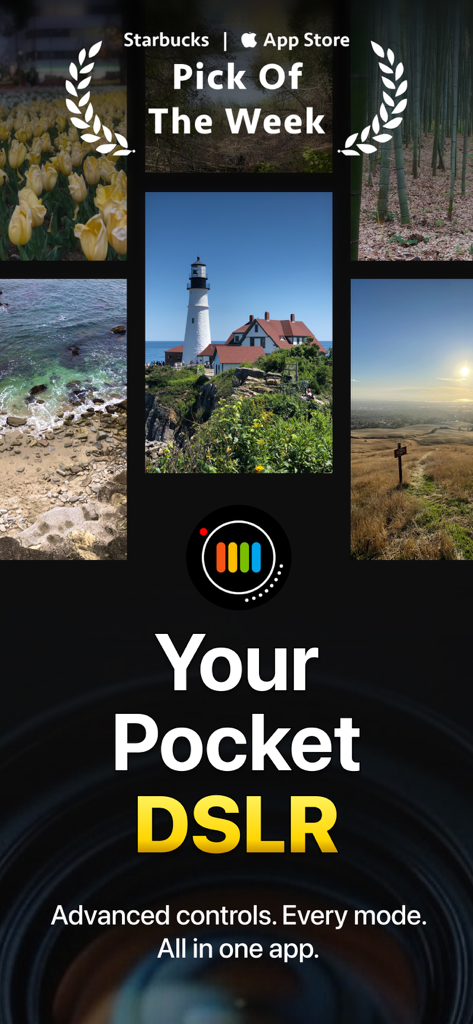
Imagem promocional do aplicativo de câmera ProShot com fotografia de paisagem e o título Sua DSLR de Bolso
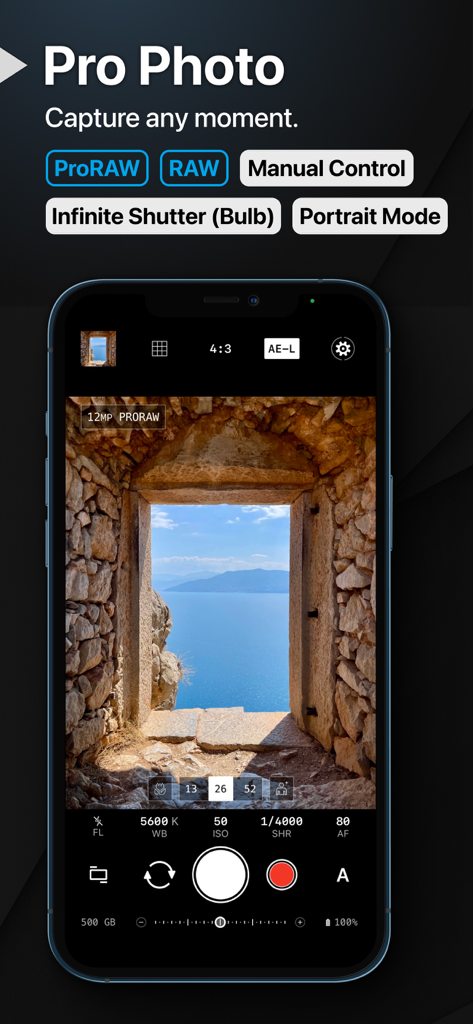
Interface do aplicativo ProShot mostrando controles de câmera manual e suporte ProRAW em uma tela de iPhone.
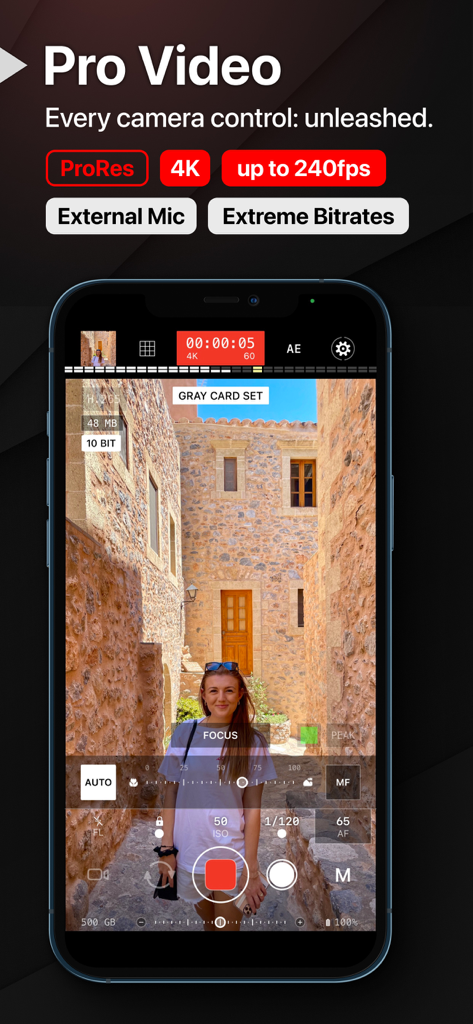
Interface de gravação de vídeo profissional do aplicativo móvel ProShot com configurações de câmera manual
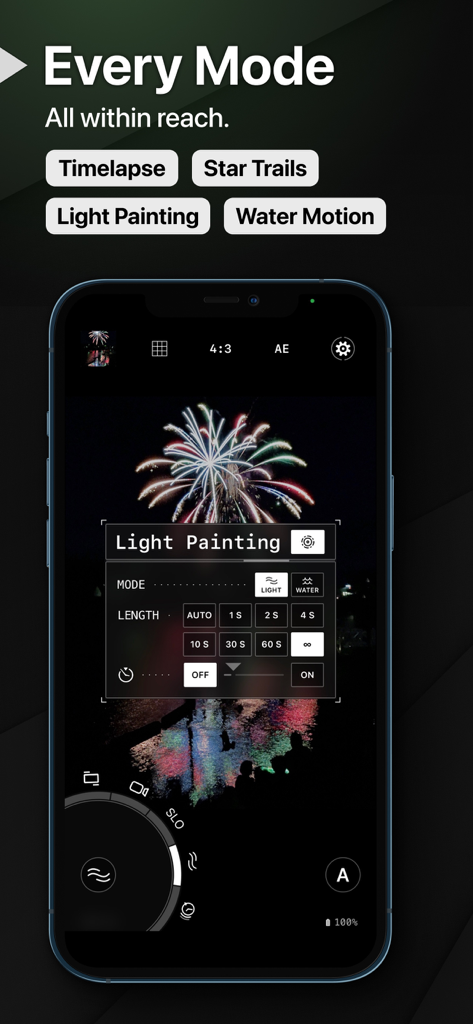
Interface do aplicativo ProShot mostrando configurações de Light Painting e fotografia de fogos de artifício em um iPhone
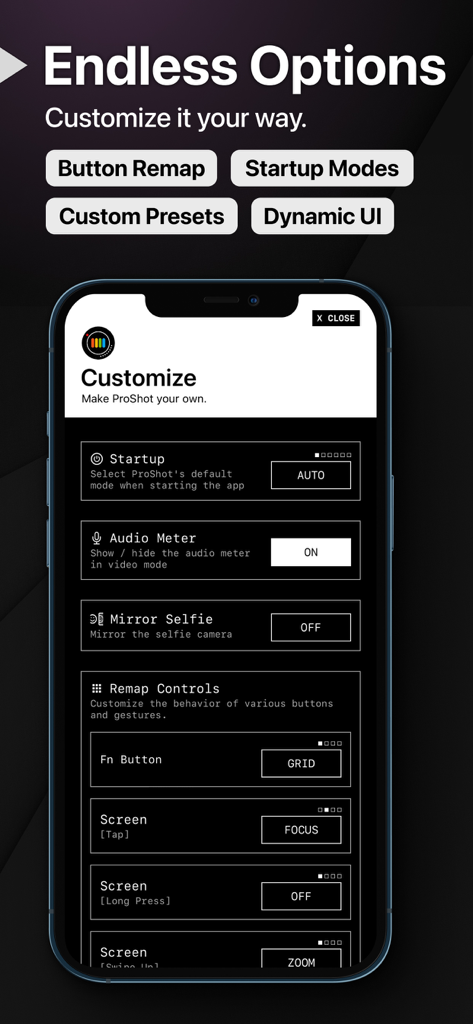
Menu de configurações do aplicativo ProShot para remapear botões e personalizar modos de inicialização da câmera
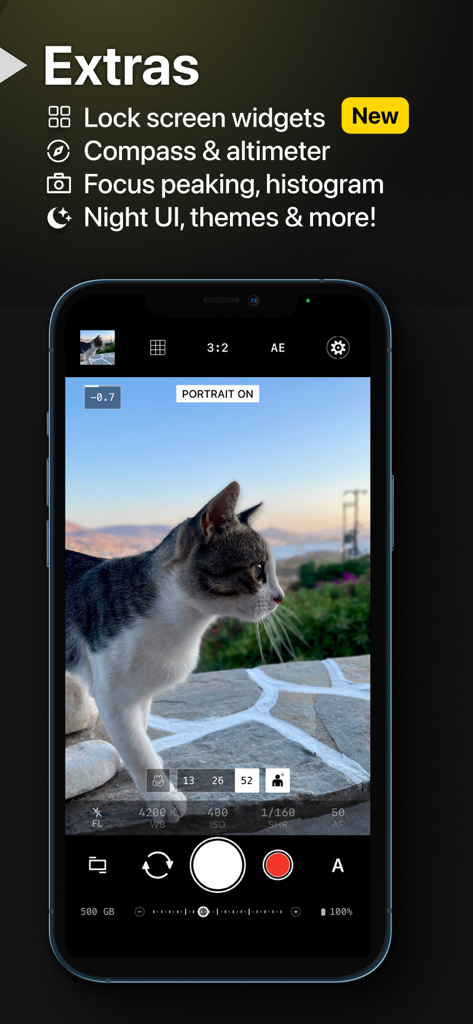
Interface do aplicativo ProShot mostrando um gato em modo retrato com controles de câmera manual em um iPhone
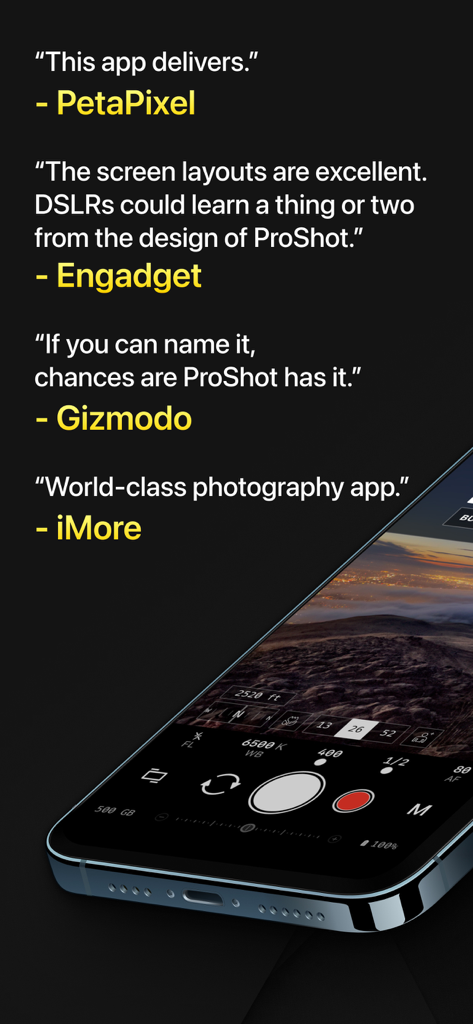
Críticas da mídia profissional do aplicativo ProShot ao lado de um smartphone exibindo a interface da câmera manual
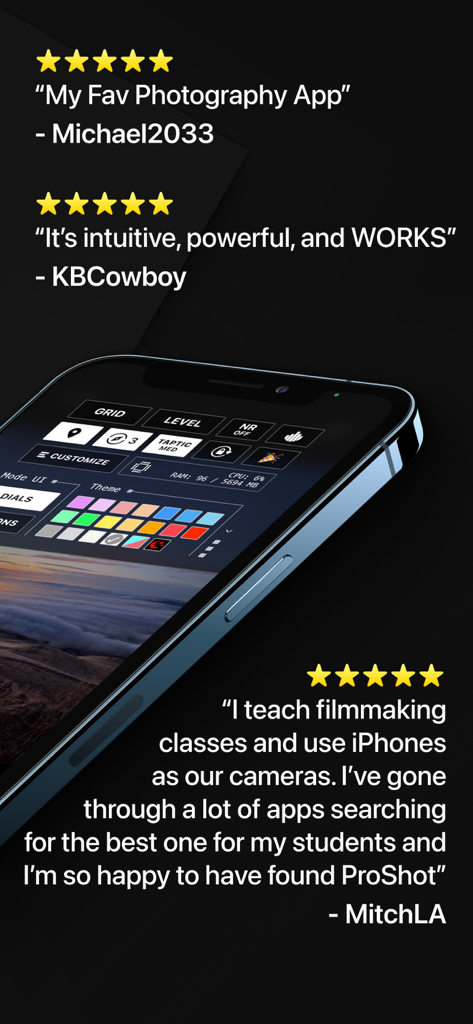
Tela de smartphone mostrando a interface de personalização do aplicativo ProShot ao lado de depoimentos de usuários com cinco estrelas
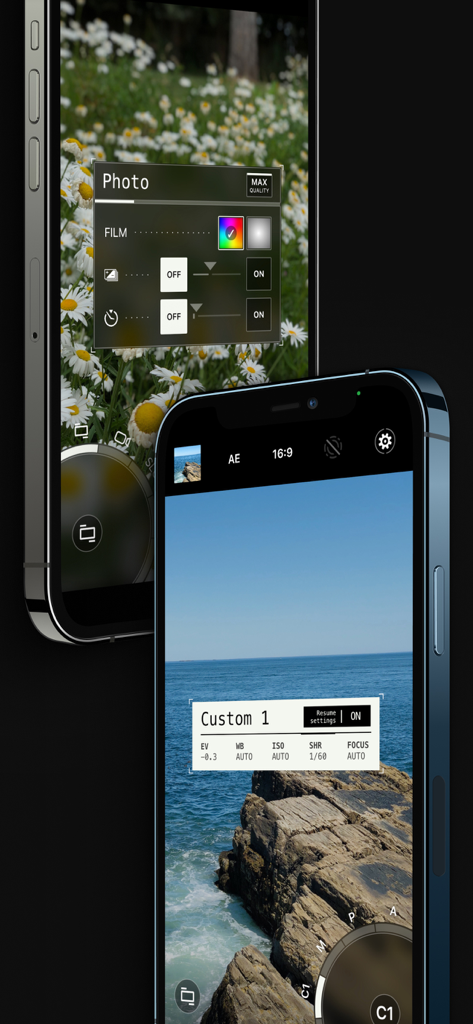
Interface do aplicativo móvel ProShot com controles de câmera manual profissionais e configurações de fotografia personalizadas.
Descrição
Download
Apps Semelhantes
Apps com recursos e experiência semelhantes

Blackmagic Camera
Blackmagic Design Inc

飓风相机
Hangzhou Ostar Media Co.,Ltd.

ProMovie Recorder
Panda Apps Limited

ReLens Camera-DSLR Portrait
Pixl Concerto Technology Limited

Leica LUX - Pro Manual Camera
Leica Camera AG

FotorGear - Camera in Pocket
Shenzhen Fotorgear Technology Co., Ltd.

Unsharp
北北 宋

ProCam:Professional RAW Camera
BRAND CELLAR HOLDINGS PTE LTD

Vibe Cam - Moments Never Fade
森 林
Esta página não é uma página oficial do aplicativo ou de seu desenvolvedor, mas uma publicação editorial independente criada para fins informativos e de comentário. Salvo indicação expressa em contrário, nem o aplicativo nem seu desenvolvedor são afiliados, endossados, patrocinados, autorizados ou oficialmente conectados à MWM, Apple, Google Play, ao editor do aplicativo ou ao desenvolvedor do aplicativo, e nada nesta página implica que o aplicativo foi desenvolvido utilizando os serviços da MWM. Todas as marcas comerciais, logotipos, capturas de tela e outros conteúdos permanecem propriedade de seus respectivos proprietários.