QR Code Reader: Scanner

QR Code Reader: Scanner

Baixar no App Store
Logo de QR Code Reader: Scanner

Leitor de QR Code: Scanner - Digitalize, Salve e Organize Seu Mundo Digital

Vá além da câmera básica com um scanner de nível profissional construído para eficiência. Acompanhe seu histórico de digitalização, decodifique formatos de código de barras industriais e desbloqueie as melhores ofertas — tudo com total privacidade e suporte offline.

Baixar no App Store

Editor

Astrum Computing, LLC

Categoria

Utilities

Downloads

30K+

Avaliação

4.6/5

Total de avaliações

500

Idiomas

5

Precisão em um Relance

Descubra a interface usada por 30K+ usuários.
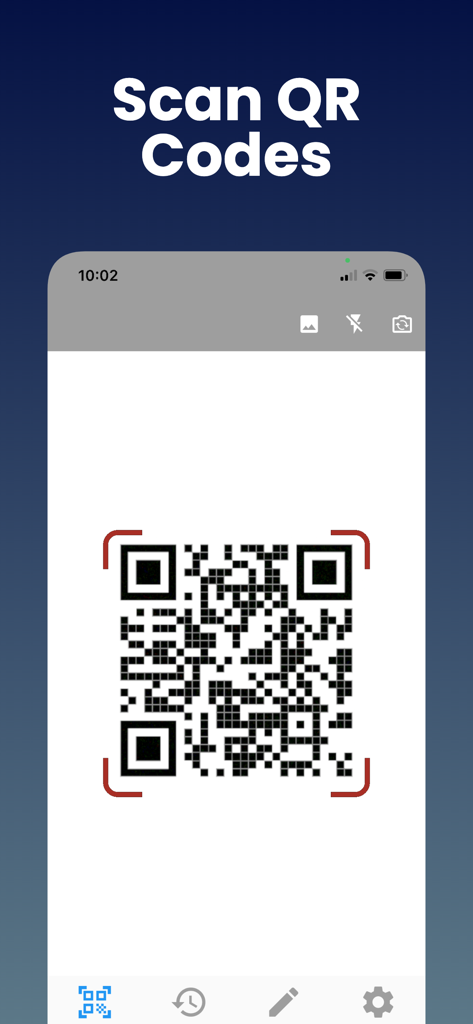
Uma tela de smartphone mostrando o recurso de digitalização de códigos QR do aplicativo Leitor de QR Code.

Uma tela de smartphone mostrando o recurso de digitalização de códigos QR do aplicativo Leitor de QR Code.

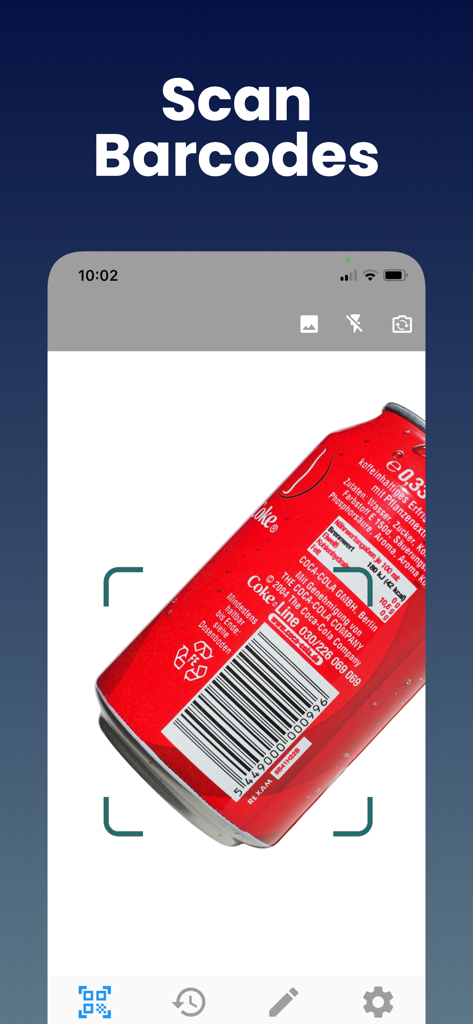
Interface de aplicativo móvel mostrando o recurso de digitalização de código de barras em uma lata de alumínio vermelha.

Interface de aplicativo móvel mostrando o recurso de digitalização de código de barras em uma lata de alumínio vermelha.

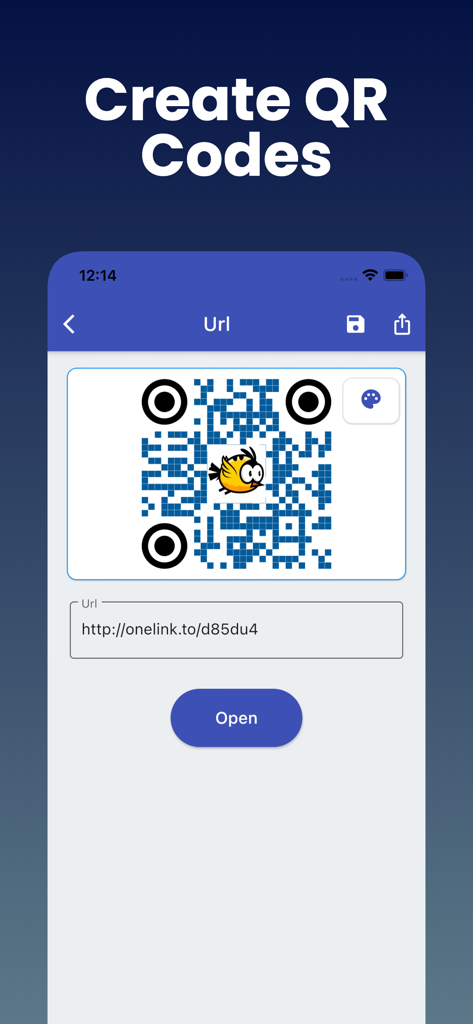
Interface de aplicativo móvel mostrando como criar um QR code personalizado a partir de um link de URL

Interface de aplicativo móvel mostrando como criar um QR code personalizado a partir de um link de URL

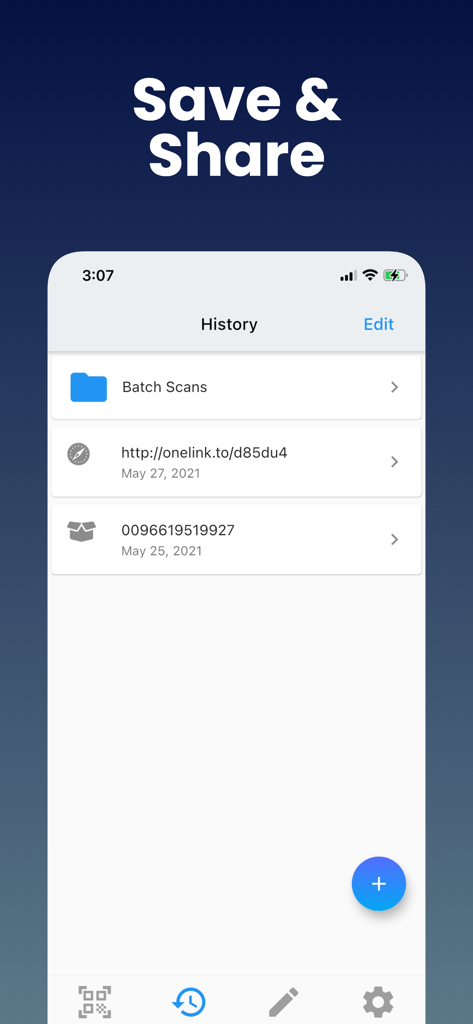
Interface de histórico de digitalização mostrando links QR salvos e dados de código de barras

Interface de histórico de digitalização mostrando links QR salvos e dados de código de barras

Domine Suas Digitalizações Diárias

As ferramentas que destacam este app, escolhido por 30K+ usuários.

📑

Histórico de Digitalização Organizado

Pare de perder links importantes. Cada QR e código de barras que você digitaliza é salvo instantaneamente, para que você possa encontrar detalhes de produtos ou cupons dias após a digitalização.

📦

Decodificação Universal de Formatos

Vá além dos links básicos. Digitalize UPC para comparações de preços, ISBN para livros ou códigos industriais como Data Matrix para logística profissional em um único aplicativo.

🔒

Privacidade e Pronto para Uso Offline

Digitalize com segurança em 'zonas mortas' de varejo ou armazéns sem precisar de conexão com a internet. Respeitamos seus dados com requisitos mínimos de permissão.

Sobre o app

Tudo o que você precisa saber sobre QR Code Reader: Scanner.

Descrição

QR code Scanner & Barcode Reader app offers the most powerful free tools for scanning QR codes on your iPhone. With this barcode reader, you can scan and recognize all types of codes using your smartphone's camera. Our fast barcode Reader for iPhone, iPad, lets you read barcodes and scan barcodes to share with your friends. This free Barcode scanner app can save QR codes in history. Just scan any QR code or Barcode. QR Reader is the best QR code reader that supports all types of QR code formats, including UPC, ISBN, and more. Why Should You Use Free QR Code Scanner & Barcode Reader? - QR Code App supports all QR and barcode formats - Zoom in and out automatically - Scan history for QR Codes and Barcodes will be saved - Scan QR / barcodes from the gallery - Use a flashlight to scan QR Codes and Barcodes in a dark environment - There is no need for an internet connection - Scan promotion and coupon codes - QR Code Scanner respects your privacy and only asks for the minimal permissions needed to scan your barcodes. Unique Features of Free QR Code & Barcode Scanner App: This Barcode scanner can scan a wide variety of barcodes, like QR codes, Aztecs, Code 39s, Code93, Code128, EAN13, EAN8, PDF417, Data Matrix, and ITF. You can also copy the information from your barcode reader to your clipboard, then paste it into your other applications. Share the QR Code or other barcode via messaging, SMS, or other means. Find the QR Code product online or search the web for the QR Code. It is possible to subscribe to an auto-renewing subscription. When you confirm the purchase, a subscription will be automatically charged to your iTunes account and renewed (for the chosen period of time) unless auto-renew is turned off at least 24 hours before the end of the current period. During the active subscription period, a subscription cannot be canceled; however, after a purchase, you can manage your subscription and/or disable auto-renewal through your iTunes Account Settings. How to use Free QR Code & Barcode Scanner Apps? 1. Download the free QR code scanner and QR barcode scanner app from the App Store. 2. After you have downloaded the free QR code scanner, you need to open the app on your device. 3. Point the camera at the QR code scanner or barcode reader. 4. The QR code scan app will automatically recognize the code and can decode the result after scanning it. 5. Scanner app after scanning QR code, results are displayed with options based on the suggestions. Note: As much as possible, we're working to make it better by adding advanced and exciting features. In order to succeed, we need your constant support. Please feel free to send us your queries/suggestions/feedback at support@astrumcomputing.com. We are always interested in hearing from you. Download the QR Code Scanner, Barcode Reader app and enjoy the best scanning that you deserve. Privacy Policy: https://www.astrumcomputing.com/home/privacylegal Terms of Use: https://www.astrumcomputing.com/home/termsofservice

Última versão

1.01.69

Tamanho

57.3 MB

Data de lançamento

3 de set. de 2019

Otimize Suas Digitalizações e Salve Cada Detalhe

Junte-se a milhares de usuários que confiam na ferramenta mais poderosa para compras inteligentes e organização profissional. Mantenha seu histórico, digitalize qualquer formato e permaneça produtivo — mesmo offline.

Baixar no App Store

App information, icons, screenshots, and descriptions displayed on this page are sourced from the Apple App Store and are the property of their respective developers. Download estimates and rankings are based on MWM's proprietary models and may not reflect actual figures. This page is provided for informational and analytical purposes only.

Believe this page infringes your intellectual property? File a dispute