Screen Mirroring+ for Roku

Screen Mirroring+ for Roku


Baixar no App StoreBaixar no Google Play
Logo de Screen Mirroring+ for Roku
Espelhamento de Tela+ para Roku: Compartilhamento de iPhone para TV de Alta Qualidade com Atraso Zero

A maneira mais fácil de espelhar suas fotos, vídeos, apps e apresentações para sua Roku TV ou Streaming Stick. Experimente um desempenho contínuo na tela grande sem custos ocultos.

Editor

Kraus und Karnath GbR 2Kit Consulting

Categoria

Productivity

Downloads

676K+

Avaliação

3.5/5

Total de avaliações

24K+

Idiomas

1

Experimente a Tela Grande

Descubra a interface usada por 676K+ usuários.
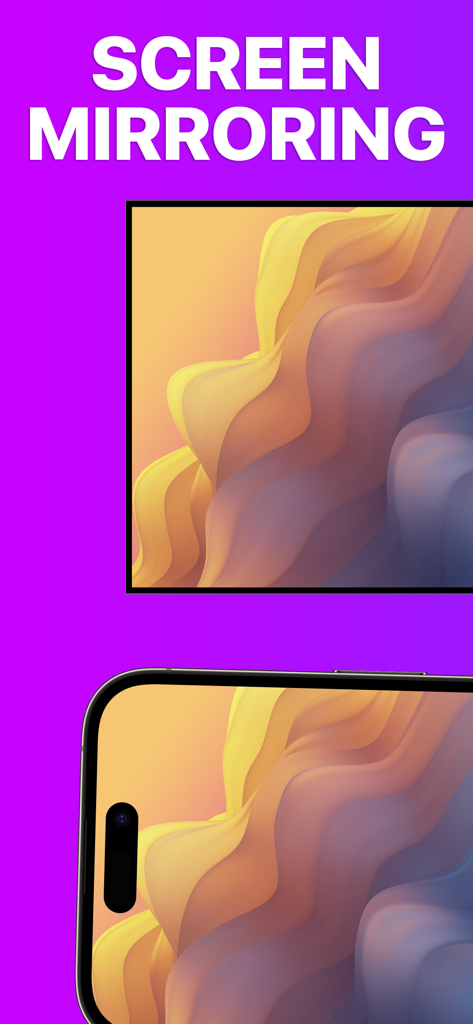
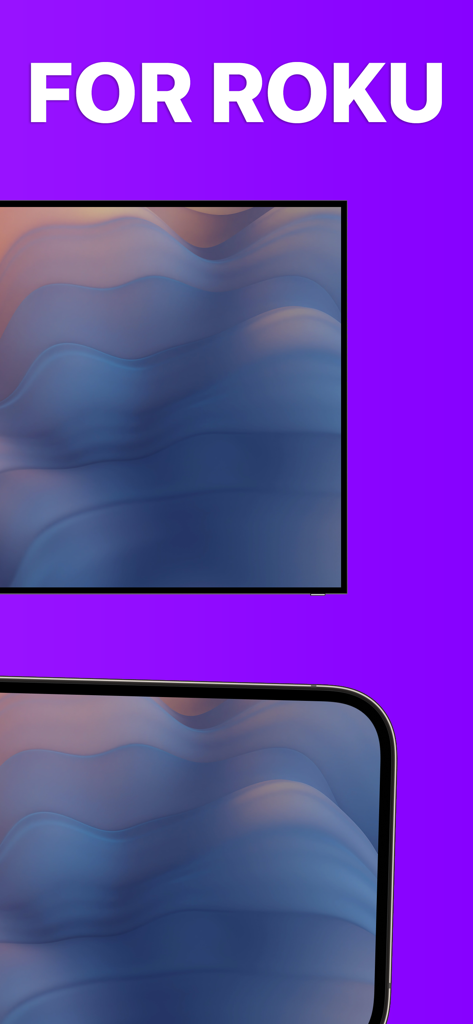
Um iPhone e uma tela de TV exibindo o mesmo padrão ondulado colorido para demonstrar o recurso de espelhamento de tela

Um iPhone e uma tela de TV exibindo o mesmo padrão ondulado colorido para demonstrar o recurso de espelhamento de tela

Uma tela de iPhone espelhada em uma Roku TV exibindo arte abstrata de alta qualidade

Uma tela de iPhone espelhada em uma Roku TV exibindo arte abstrata de alta qualidade

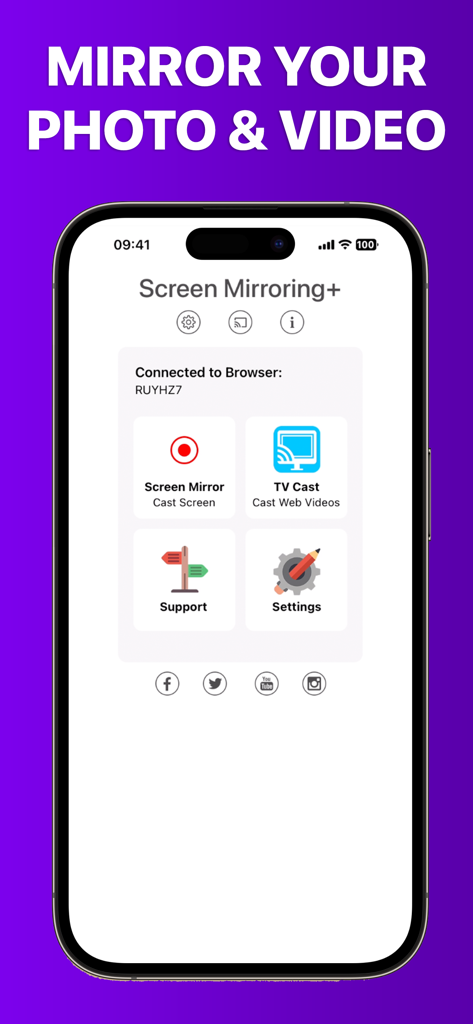
Tela inicial do app Screen Mirroring plus para transmissão de mídia do iPhone para o Roku

Tela inicial do app Screen Mirroring plus para transmissão de mídia do iPhone para o Roku

Seu Conteúdo do iPhone, Maior que a Vida

As ferramentas que destacam este app, escolhido por 676K+ usuários.

Espelhamento Sem Atraso

Experimente um desempenho líder na indústria com menos de um segundo de latência. Perfeito para rolar redes sociais, navegar na web ou jogar jogos móveis na tela grande.

📺

Transmissão para Toda a Família

Compartilhe instantaneamente fotos de férias, vídeos caseiros e apresentações do seu iPhone ou iPad. Reúna todos sem precisar se amontoar em volta de uma tela pequena.

💎

Sem Assinaturas Ocultas

Pare de pagar taxas semanais ou hardware Apple TV caro. Desfrute de um utilitário profissional projetado para usuários que valorizam a transparência e o desempenho de alta qualidade.

Análise de avaliações

Insights das avaliações dos usuários.

Pontuação de sentimento

9%
Negativo

Resumo

This mobile app receives overwhelmingly negative feedback, with most users reporting that the core screen mirroring functionality simply 'doesn't work' or is plagued by significant performance issues such as extreme lag, low resolution, and choppiness. Many reviewers express frustration over having paid for the app only to find it unusable, leading to frequent requests for refunds and complaints about wasted money. Users also highlighted difficulties with initial setup, a lack of intuitive instructions, and non-existent customer support. Specific version-related issues include Netflix content restrictions and incompatibility with iOS 18, overshadowing the few positive experiences with basic screen mirroring or services like Hulu.

Temas comuns

Connectivity & Reliability(28)
Payment & Value(18)
Performance & Quality(11)
Ease of Use & Setup(5)
Customer Support(4)
Positive Screen Mirroring Experiences(3)

Sobre o app

Tudo o que você precisa saber sobre Screen Mirroring+ for Roku.

Descrição

Screen Mirroring+ for Roku is the easy mirror app to share your iPhone or iPad screen on your Roku Streaming Player, Roku Stick or Roku TV. It's the most advanced screen mirroring solution with zero delay and the highest screen quality. Mirror photos, videos, games, websites, apps, presentations, documents and spreadsheets on Roku. * SUPPORTED Roku Players: Roku TV, Roku Streaming Stick, Roku Express, Roku Premiere, Roku Ultra, Roku 2, Roku 3, Roku 4, Roku HD (2500), Roku LT (2400+2450) Player. Please make sure that firmware 5.1 or later is installed. * SUPPORTED Roku TVs: Hisense, Sharp, TCL, Insignia, Hitachi, Philips, Element, JVC, Metz, Coocaa, Westinghouse, Onn * NOT SUPPORTED Roku Players: Roku classic models (N1000, N1050, N1100, N1101), Roku 2000, 2050, 2100, Telstra TV, NOW TV Stick & Box, Sky Ticket (WOW TV). * Your iPhone/iPad and your Roku must be connected to the same wifi to enable screen mirroring. Please do not use VPN, Proxy, VLANS and Subnets. * Latency is supreme (below 1 second) when you have good wifi network conditions * No hidden subscriptions or costs * Black screen issues: Some third party apps prevent screen mirroring. When you try to mirror them, you will just see a black screen on your TV, for example with Netflix and Disney+. This is a restriction chosen by Netflix and others, so we cannot fix it at the moment. If you like the app and our constant work on it, please give the app a positive rating on the App Store. Many thanks in advance from the development & support team. Disclaimer: This app is not affiliated with Roku or any other trademark mentioned here. ROKU, the ROKU Logo, STREAMING STICK, ROKU TV, ROKU POWERED, the ROKU POWERED Logo, ROKU READY, the ROKU READY Logo, the purple fabric tag design, the purple d-pad design, "STOP DREAMING. START STREAMING.", "HAPPY STREAMING", "THERE'S A TON OF ENTERTAINMENT IN THIS LITTLE BOX," and "NOW THIS IS TV" are trademarks and/or registered trademarks of Roku, Inc. in the United States and other countries.

Última versão

3.6

Tamanho

21.4 MB

Data de lançamento

24 de fev. de 2019

Experimente o Espelhamento com Atraso Zero Hoje

Junte-se a mais de 676.000 usuários que conectam o iPhone ao Roku. Sem assinaturas ocultas, sem atrasos — apenas seu conteúdo favorito na tela grande.

Baixar no App StoreBaixar no Google Play

App information, icons, screenshots, and descriptions displayed on this page are sourced from the Apple App Store and are the property of their respective developers. Download estimates and rankings are based on MWM's proprietary models and may not reflect actual figures. This page is provided for informational and analytical purposes only.

Believe this page infringes your intellectual property? File a dispute