Esta página não é uma página oficial do aplicativo ou de seu desenvolvedor, mas uma publicação editorial independente criada para fins informativos e de comentário. Salvo indicação expressa em contrário, nem o aplicativo nem seu desenvolvedor são afiliados, endossados, patrocinados, autorizados ou oficialmente conectados à MWM, Apple, Google Play, ao editor do aplicativo ou ao desenvolvedor do aplicativo, e nada nesta página implica que o aplicativo foi desenvolvido utilizando os serviços da MWM. Todas as marcas comerciais, logotipos, capturas de tela e outros conteúdos permanecem propriedade de seus respectivos proprietários.

Smart Printer : Scanner App
A maneira mais fácil de imprimir documentos, fotos e páginas da web do seu iPhone para qualquer impressora sem fio. Digitalize, assine e compartilhe arquivos instantaneamente — perfeito para profissionais remotos e lares ocupados.
Números Chave
Downloads
1K+
Avaliação
4.0/5
Total de avaliações
0
Editor
Muhammad Umar Farooq
Categoria
Business
Idiomas
15
Última versão
2.2
Tamanho
4.0 MB
Data de lançamento
28 de jan. de 2025
Recursos
Seu Escritório Móvel Completo em Um App
Potencialize seu fluxo de trabalho híbrido com a maneira mais intuitiva de digitalizar, gerenciar e imprimir documentos diretamente do seu iPhone ou iPad sem a necessidade de cabos ou configurações complexas.
Impressão Sem Fio Universal
Esqueça drivers complicados. Detecte automaticamente qualquer impressora Wi-Fi ou Bluetooth na sua rede e imprima documentos, fotos ou páginas da web em segundos com alguns toques.
Scanner de Documentos de Alta Definição
Transforme seu dispositivo em um scanner portátil. Digitalize contratos, recibos e formulários instantaneamente, com ferramentas integradas para cortar, girar e aprimorar suas digitalizações antes de imprimir.
As capturas de tela e a descrição a seguir são provenientes diretamente da listagem oficial da loja do aplicativo e são propriedade do desenvolvedor.
App Store
Capturas
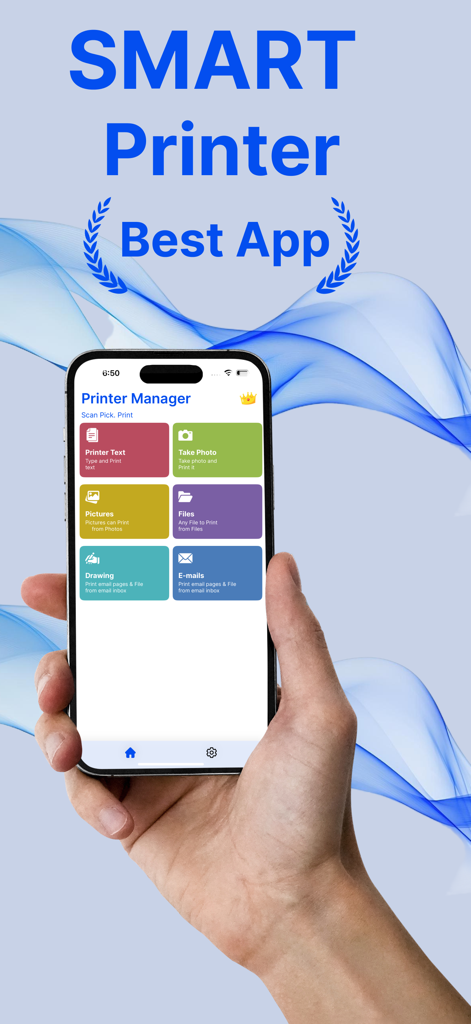
Uma mão segurando um iPhone exibindo o painel do aplicativo Impressora Inteligente com opções para imprimir texto, fotos, arquivos e e-mails.
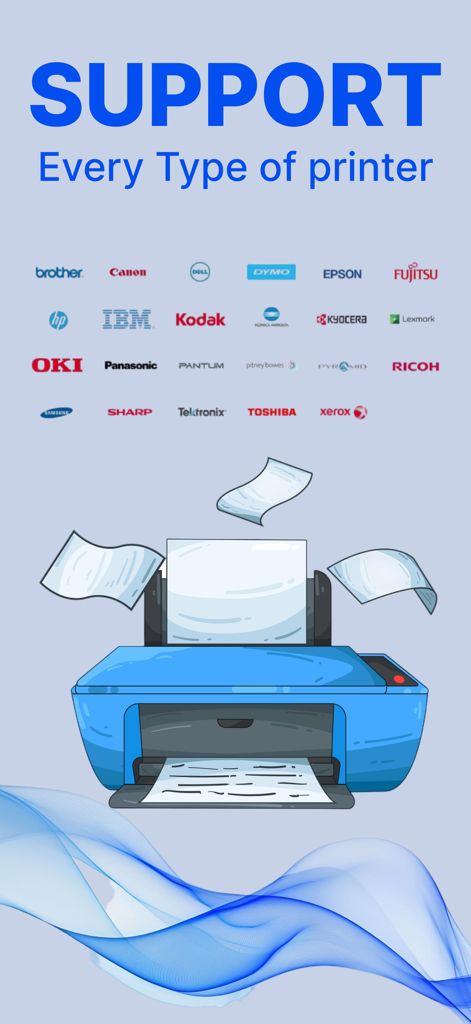
Uma ilustração de uma impressora azul com vários logotipos de marcas como HP, Canon e Epson, mostrando a compatibilidade universal de impressoras.
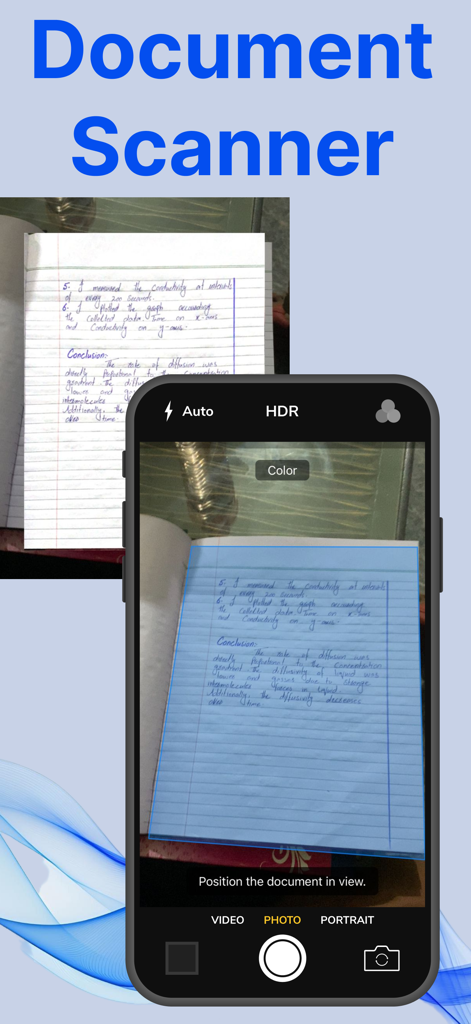
Interface do iPhone mostrando o recurso de scanner de documentos capturando uma página de caderno escrita à mão.
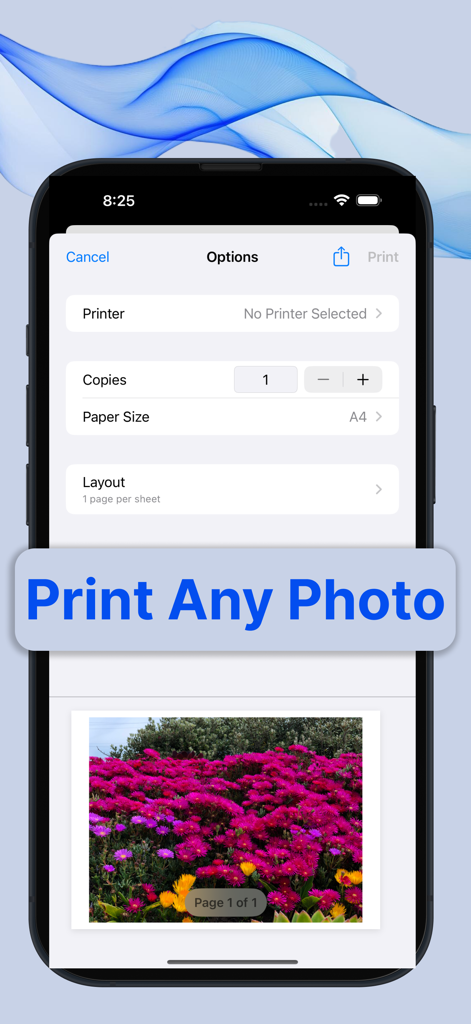
Um smartphone mostrando a interface de visualização e configurações de impressão de fotos do aplicativo Impressora Inteligente.
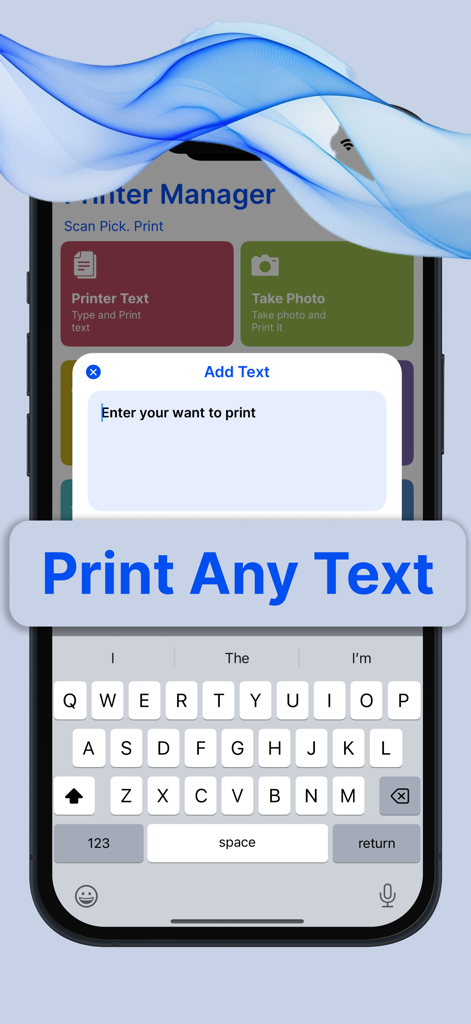
Tela do iPhone exibindo a interface do aplicativo Impressora Inteligente para inserir e imprimir texto personalizado.
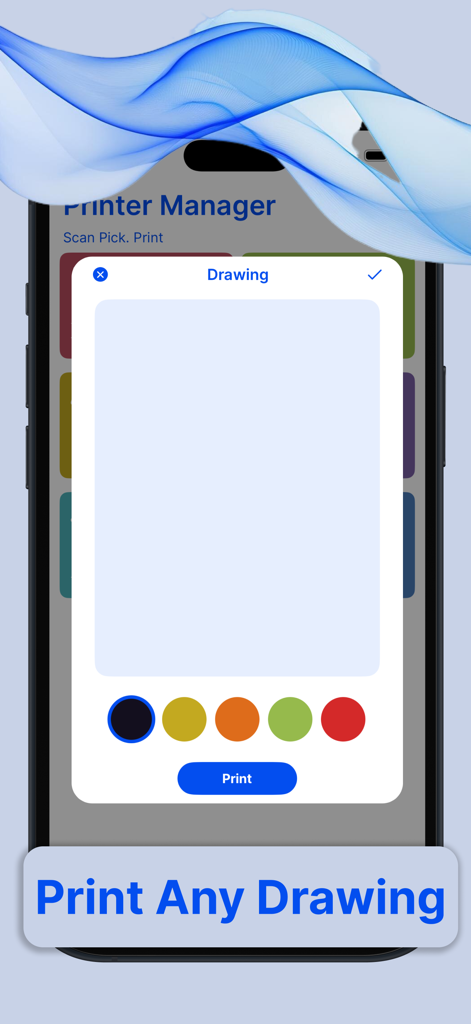
Interface do aplicativo Impressora Inteligente mostrando uma ferramenta de desenho com seleção de cores e um botão de impressão.
Descrição
Printer App: The Ultimate Wireless Printing Solution
In today’s fast-paced, mobile-driven world, convenience and accessibility are paramount. With the rise of smartphones, tablets, and other mobile devices, the need for seamless integration between these devices and traditional technologies like printers has become more important than ever. The Printer App is a game-changer in this regard. It is a robust, easy-to-use application designed to wirelessly connect users to any compatible printer, enabling them to print anything, anytime, from their mobile device without the need for cables or complicated setups.
A Seamless Experience
The primary goal of the Printer App is to eliminate the friction that often comes with traditional printing. In the past, users needed to deal with clunky drivers, complex configurations, and cables. This app streamlines the entire process, ensuring that users can print documents, photos, and even web pages with just a few taps, making the experience feel effortless.
Wireless Connectivity
The core feature of the Printer App is its ability to connect wirelessly to any printer that supports Wi-Fi, Bluetooth, or other wireless printing protocols. Whether you're at home, in the office, or on the go, the app makes it easy to find and connect to any nearby printer. Whether you have an inkjet, laser, or photo printer, the app ensures compatibility with most modern printer models, regardless of the manufacturer.
The app automatically detects available printers on the same Wi-Fi network, eliminating the need to manually search for or configure devices. It can also pair with printers using Bluetooth, making it an excellent solution for users who want to print directly from their phones without the need for a Wi-Fi connection.
Easy-to-Use Interface
The Printer App is designed with user experience in mind. Its interface is clean, intuitive, and highly responsive, making it easy for even the least tech-savvy individuals to navigate. Upon opening the app, users are greeted with a simple dashboard that displays options to print documents, images, or even web pages directly from their browser.
To print a document, users simply select the file they wish to print, choose the printer from a list of available devices, and hit the print button. The app even allows users to adjust print settings, such as paper size, print quality, and the number of copies, all from within the app. If you’re printing a photo, the app offers built-in options to crop, rotate, or enhance images before printing.
Versatility: Print from Anywhere
One of the standout features of the Printer App is its ability to print from virtually any location. As long as your mobile device and the printer are connected to the same wireless network, you can print documents from the comfort of your home or office. Even if you're on the go, the app allows you to send print jobs to remote printers via cloud printing services, meaning you can print from a cafe, library, or even while traveling.
The app supports printing from a variety of sources, including documents stored on your mobile device, cloud storage platforms like Google Drive and Dropbox, or even email attachments. For those who frequently need to print from web pages, the app also includes a web browser integration that lets users print directly from websites without having to download or transfer files.
https://farooqdevs.wordpress.com/2024/06/22/term-of-use/
https://farooqdevs.wordpress.com/2024/06/22/privacy-policy/
Esta página não é uma página oficial do aplicativo ou de seu desenvolvedor, mas uma publicação editorial independente criada para fins informativos e de comentário. Salvo indicação expressa em contrário, nem o aplicativo nem seu desenvolvedor são afiliados, endossados, patrocinados, autorizados ou oficialmente conectados à MWM, Apple, Google Play, ao editor do aplicativo ou ao desenvolvedor do aplicativo, e nada nesta página implica que o aplicativo foi desenvolvido utilizando os serviços da MWM. Todas as marcas comerciais, logotipos, capturas de tela e outros conteúdos permanecem propriedade de seus respectivos proprietários.