
Esta página não é uma página oficial do aplicativo ou de seu desenvolvedor, mas uma publicação editorial independente criada para fins informativos e de comentário. Salvo indicação expressa em contrário, nem o aplicativo nem seu desenvolvedor são afiliados, endossados, patrocinados, autorizados ou oficialmente conectados à MWM, Apple, Google Play, ao editor do aplicativo ou ao desenvolvedor do aplicativo, e nada nesta página implica que o aplicativo foi desenvolvido utilizando os serviços da MWM. Todas as marcas comerciais, logotipos, capturas de tela e outros conteúdos permanecem propriedade de seus respectivos proprietários.


Speak News - RSS news reader
Transforme qualquer feed RSS, página web ou consulta do Google News em uma experiência de áudio livre de distrações. Mantenha-se informado enquanto viaja, se exercita ou trabalha com conversão de texto em fala integrada à Siri e vozes internacionais naturais.
Downloads
31K+Avaliação
Total de avaliações
0Editor
Categoria
NewsIdiomas
1Última versão
2.26.0Tamanho
10.5 MBData de lançamento
10 de set. de 2016Informação Sem Esforço, Sem Olhar para a Tela
O Speak News transforma seus feeds RSS e páginas web selecionados em um fluxo de áudio de alta qualidade, projetado para profissionais focados em produtividade e usuários que dependem de acessibilidade.
Produtividade Ativada por Voz
Mantenha seus olhos na estrada ou em suas tarefas. Use comandos da Siri e controles remotos de fones de ouvido para ouvir suas notícias sem as mãos durante deslocamentos ou treinos.
Curadoria Livre de Algoritmos
Retome o controle de sua mídia. Importe sua biblioteca do Feedly ou arquivos OPML para ouvir apenas as fontes em que confia, completamente livre de filtros de redes sociais.
As capturas de tela e a descrição a seguir são provenientes diretamente da listagem oficial da loja do aplicativo e são propriedade do desenvolvedor.
App Store
Capturas
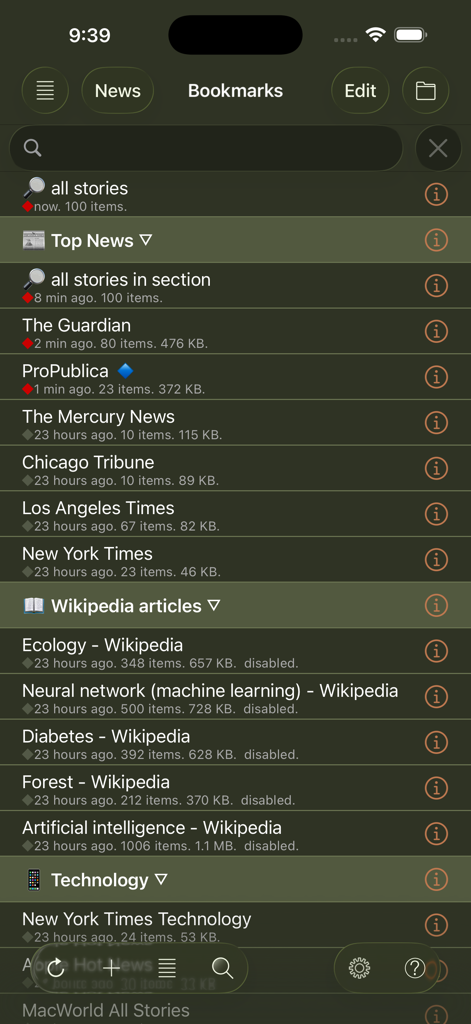
Uma lista de favoritos de feeds de notícias e artigos da Wikipédia na interface do aplicativo Speak News.
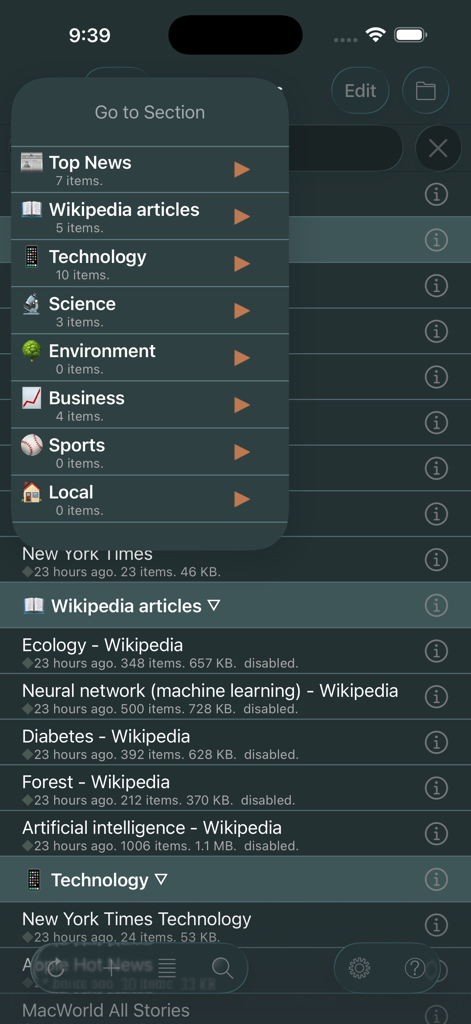
Interface do aplicativo Speak News mostrando o menu de navegação Ir para Seção com categorias de notícias como Principais Notícias e Tecnologia no modo escuro

Interface do aplicativo Speak News exibindo uma lista de manchetes de notícias em um tema de modo escuro de alto contraste com controles de reprodução de áudio.
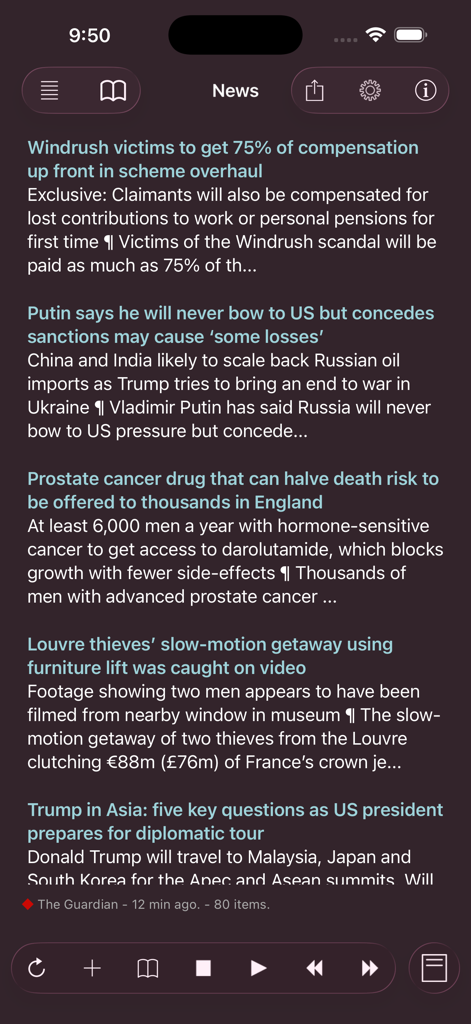
Uma captura de tela do leitor de RSS Speak News mostrando uma lista de manchetes de notícias em uma interface de modo escuro com controles de reprodução.
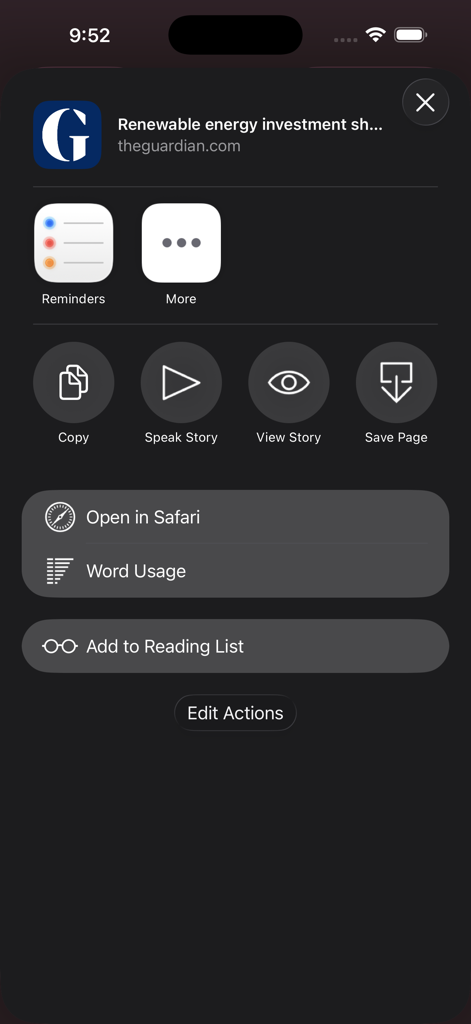
Uma captura de tela do menu de ações do aplicativo Speak News no iOS mostrando opções como Falar História e Uso de Palavras para um artigo de notícias
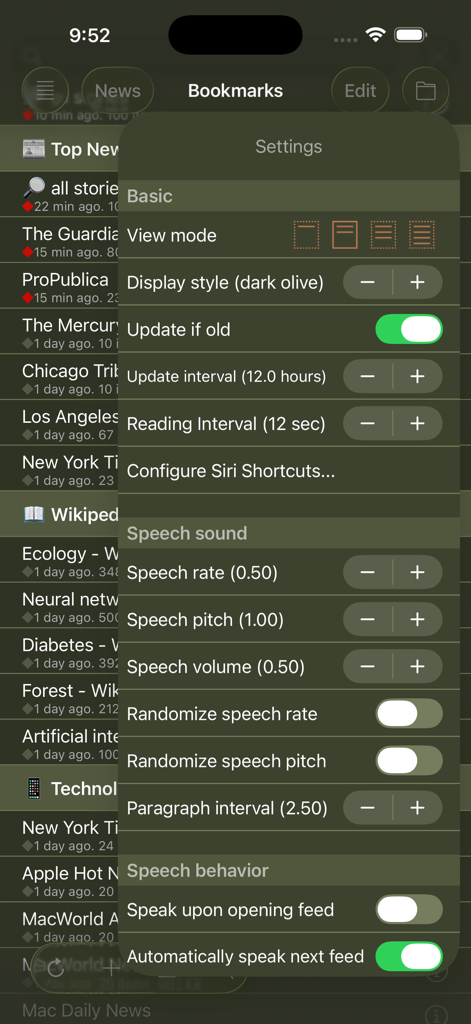
Configurações do aplicativo Speak News mostrando opções de conversão de texto em fala e exibição
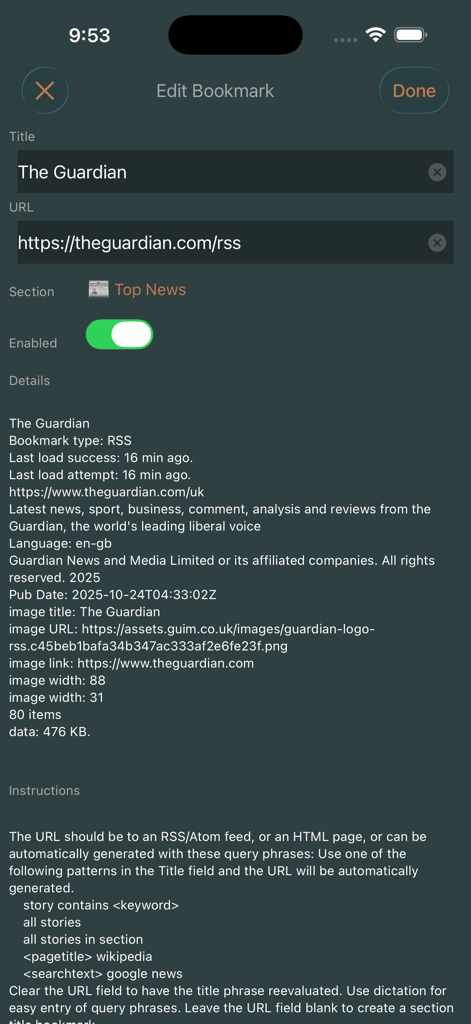
Tela Editar Favorito no aplicativo Speak News mostrando detalhes do feed RSS e configurações para o The Guardian.
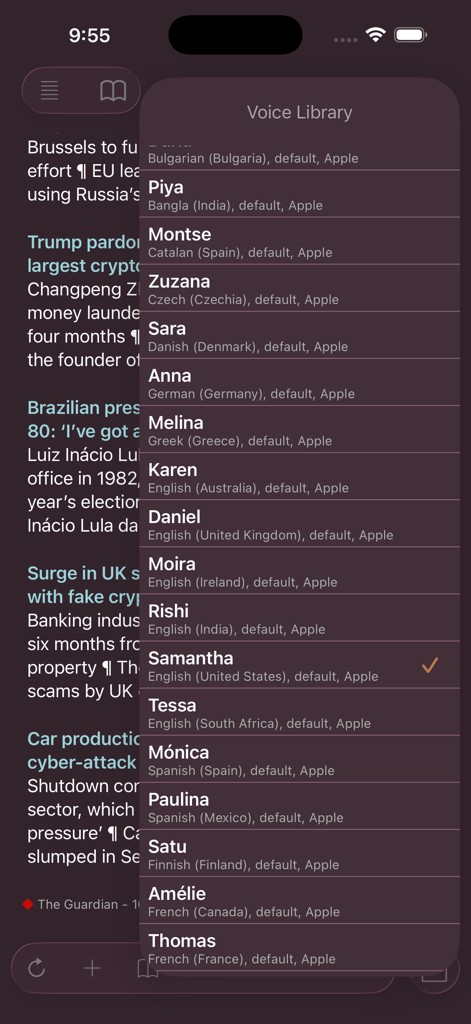
Menu da Biblioteca de Voz no Speak News mostrando opções internacionais de conversão de texto em fala
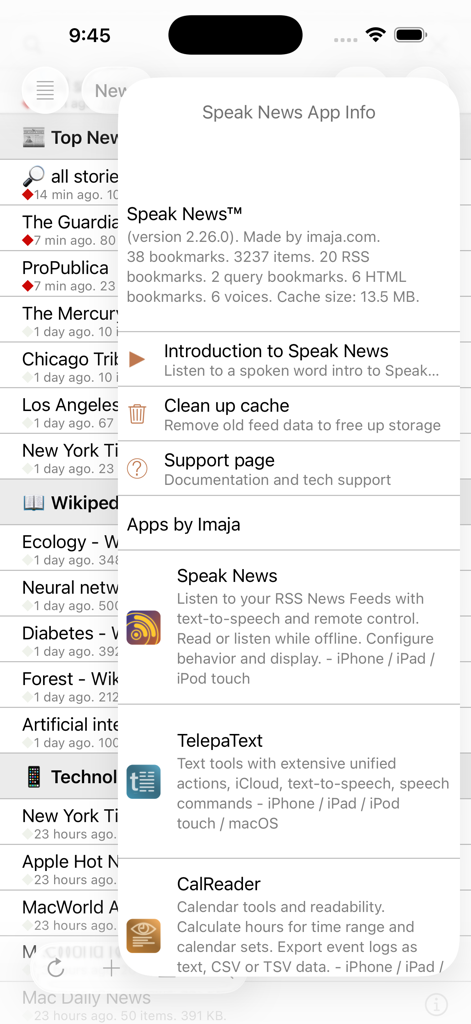
Modal de informações do aplicativo Speak News mostrando detalhes da versão e estatísticas
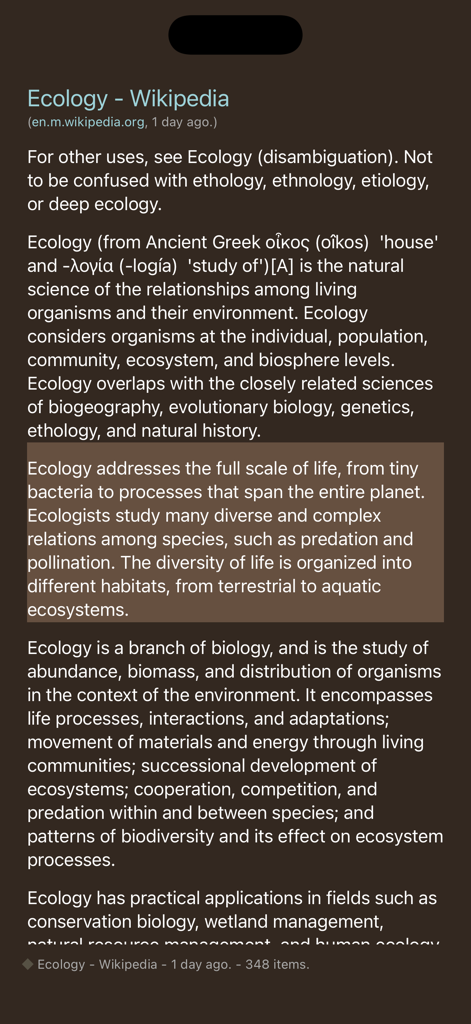
Interface do aplicativo Speak News mostrando um artigo da Wikipédia sobre ecologia na visualização de texto em modo escuro
Descrição
Download
Apps Semelhantes
Apps mais bem classificados na mesma categoria

X
X Corp.

REDDIT, INC.

Substack
Substack Inc.

NYTimes: US and Global News
The New York Times Company

Nextdoor: Neighborhood Network
Nextdoor.com, Inc.

CrimeRadar Dispatch Audio
Scoopz Inc.

NewsBreak: Local News & Alerts
Particle Media Inc.

Ground News
Snapwise Inc.

Google News
Google LLC
Esta página não é uma página oficial do aplicativo ou de seu desenvolvedor, mas uma publicação editorial independente criada para fins informativos e de comentário. Salvo indicação expressa em contrário, nem o aplicativo nem seu desenvolvedor são afiliados, endossados, patrocinados, autorizados ou oficialmente conectados à MWM, Apple, Google Play, ao editor do aplicativo ou ao desenvolvedor do aplicativo, e nada nesta página implica que o aplicativo foi desenvolvido utilizando os serviços da MWM. Todas as marcas comerciais, logotipos, capturas de tela e outros conteúdos permanecem propriedade de seus respectivos proprietários.